1. Uvod
The SMALLRIG Wireless Mic S70 is a compact and versatile wireless microphone system designed for high-quality audio recording. It features two transmitters (TX) and one receiver (RX) along with a portable charging case, offering extensive compatibility with various devices including Android smartphones, tablets, action cameras, and traditional cameras. This manual provides detailed instructions for setting up, operating, and maintaining your Wireless Mic S70 to ensure optimal performance.
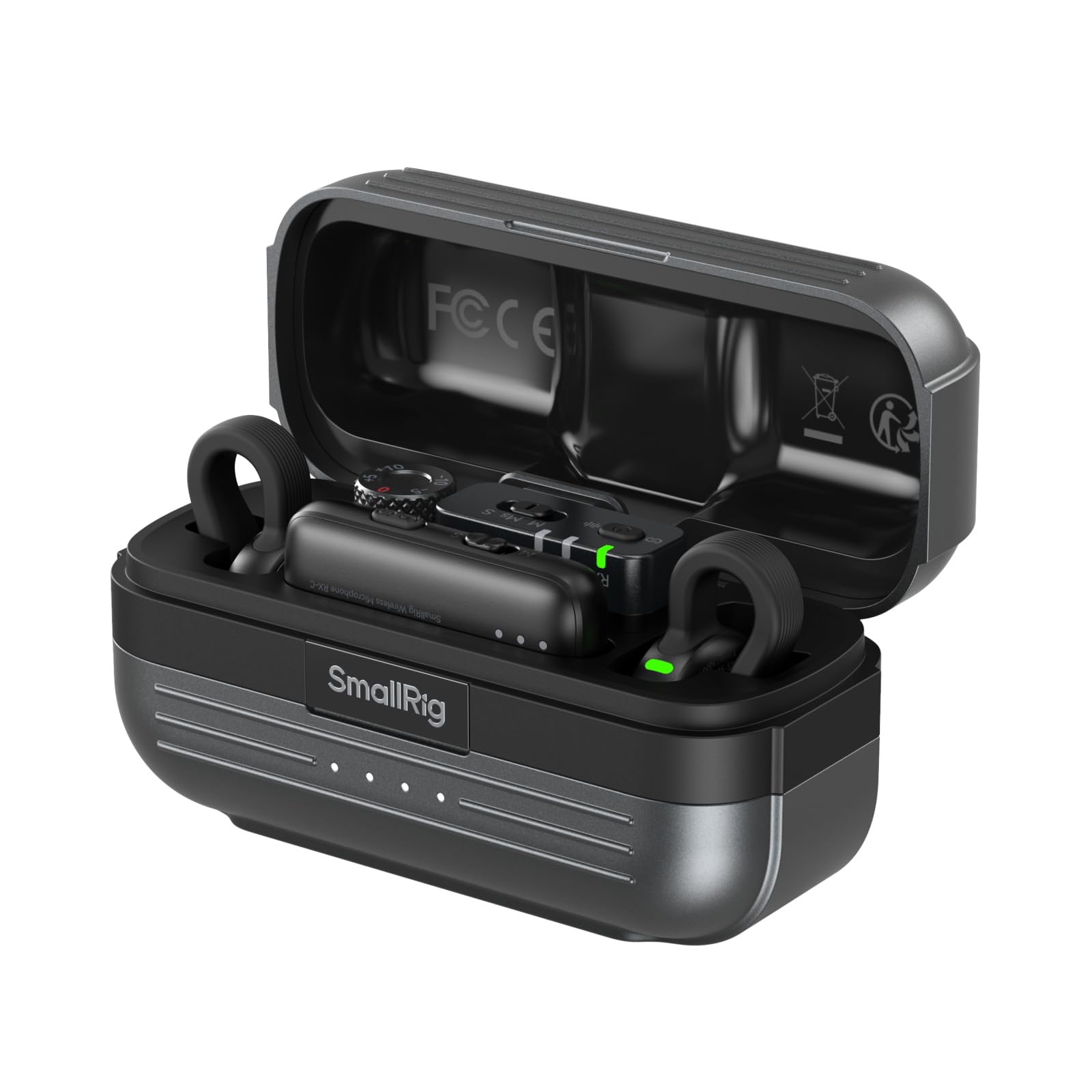
Figure 1: The SMALLRIG Wireless Mic S70 system, including the charging case and two transmitters.
2. Vključene komponente
The SMALLRIG Wireless Mic S70 package includes the following items:
- Polnilna torbica: 1 unit. Used for charging and storing the transmitters and receiver.
- TX Transmitters: 2 units. These are the microphones that capture audio.
- Smartphone RX Receiver: 1 unit. Connects to smartphones and tablets via USB-C.
- Camera RX Receiver: 1 unit. Connects to cameras via 3.5mm audio jack.
- Kosmata vetrobranska stekla: 2 units. For reducing wind noise during outdoor recordings.
- Polnilni kabel USB-C: 1 unit. For charging the case and devices.
- 3.5mm Audio Adapter Cable: 1 unit. For connecting the receiver to cameras.
- Torba za prenašanje: 1 unit. For convenient transport and protection.
- Uporabniški priročnik: 1 unit. This document.
Slika 2: Konecview of all items included in the SMALLRIG Wireless Mic S70 package.
3. Navodila za namestitev
3.1 Začetno polnjenje
- Place both TX transmitters and the RX receiver into the charging case.
- Polnilni kabel USB-C priključite na polnilno vtičnico na ohišju in na vir napajanja.
- The indicator lights on the case and devices will show charging status. Ensure all devices are fully charged before first use.
3.2 Pairing the Devices
The transmitters and receiver are pre-paired at the factory. If re-pairing is needed:
- Turn on the TX transmitters and RX receiver.
- On the RX receiver, navigate to the pairing menu.
- Follow the on-screen instructions to initiate pairing. The devices will automatically connect.
3.3 Povezovanje s snemalno napravo
The S70 offers wide compatibility with various recording devices:
- Za pametne telefone/tablice (USB-C): Attach the Smartphone RX Receiver directly to your device's USB-C port.
- For Cameras (3.5mm Jack): Connect the Camera RX Receiver to your camera's 3.5mm audio input using the provided 3.5mm audio adapter cable.
- For Action Cameras (USB-C): For compatible Insta360 and DJI Osmo models, attach the Smartphone RX Receiver directly to the camera's USB-C port.

Figure 3: Connecting the S70 receiver to a smartphone for mobile recording.

Figure 4: Attaching the S70 receiver to a camera for professional audio capture.
4. Navodila za uporabo
4.1 Nošenje oddajnika
The TX transmitters are designed to be discreet and lightweight (8.6g, 8.8 x 29mm). Clip them onto clothing near the speaker's mouth for optimal sound capture. For outdoor use, attach the furry windscreens to minimize wind noise.

Figure 5: The compact design of the S70 transmitter allows for discreet placement on clothing.
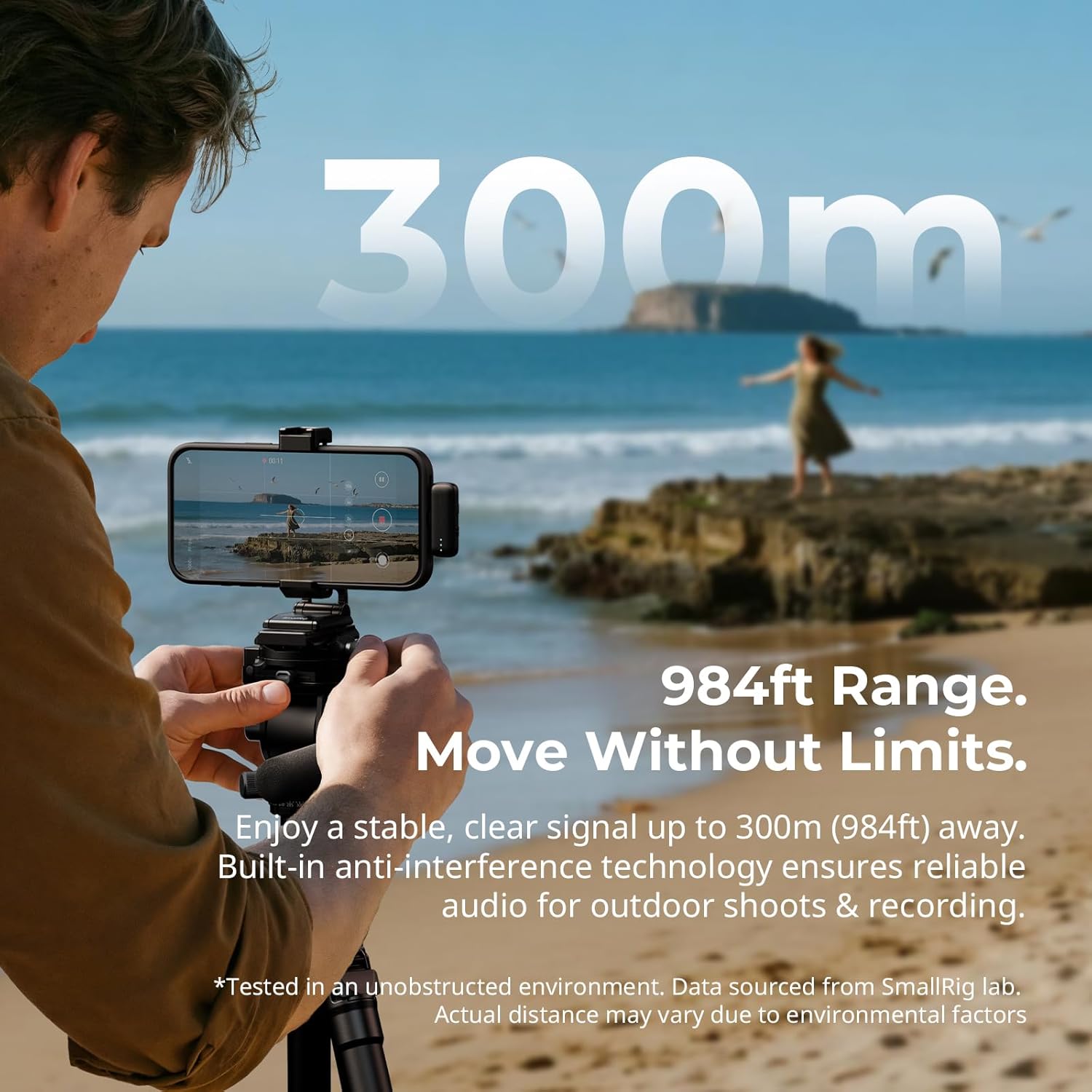
Figure 6: Attaching the furry windscreen to the transmitter for improved audio in windy conditions.
4.2 Adjusting Gain Levels
The RX receiver allows for precise audio tuning. Adjust the gain levels to match your recording device and environment:
- Kamere: 5-level gain adjustment.
- Telefoni: 3-level gain adjustment.

Figure 7: The gain adjustment dial on the receiver for fine-tuning audio input levels.
4.3 Recording Modes and Noise Reduction
The S70 features multiple modes for various recording scenarios:
- 3 Noise Reduction Modes: Adjust to suit ambient noise levels.
- 3 Mixing Modes: Choose between Mono, Safety Track, or Stereo. Safety Track records a lower-volume backup to prevent clipping (available when connected to a camera).
- 9 Preset EQ Equalizers: Tuned by Grammy-winning sound engineer Luca Bignardi for clearer and purer recordings.

Figure 8: Selectable recording modes for diverse audio capture needs.
5. Vzdrževanje
5.1 Čiščenje
- Oddajnike, sprejemnik in polnilno ohišje obrišite z mehko, suho krpo.
- Ne uporabljajte tekočih čistil ali topil.
- Clean the furry windscreens gently by hand if necessary, and allow them to air dry completely.
5.2 Shranjevanje
- Store all components in the provided charging case and carrying bag when not in use.
- Keep the devices in a cool, dry place away from direct sunlight and extreme temperatures.
5.3 Skrb za baterije
- For optimal battery life, fully charge the devices and charging case at least once every three months if not used regularly.
- Izogibajte se pogostemu popolnemu praznjenju baterije.
6. Odpravljanje težav
| Težava | Možen vzrok | rešitev |
|---|---|---|
| Brez zvočnega posnetka | Devices not powered on or paired. Incorrect connection to recording device. | Ensure all devices are powered on and paired. Verify the receiver is correctly connected to your recording device. Check recording device's audio input settings. |
| Slaba kakovost zvoka / šum | Interference. Gain levels too high/low. Noisy environment. | Move away from sources of interference. Adjust gain levels on the receiver. Use furry windscreens outdoors. Activate noise reduction modes. |
| Naprave se ne polnijo | Charging cable or power source issue. Devices not properly seated in case. | Check USB-C cable and power adapter. Ensure devices are correctly placed in the charging case. |
| Omejen obseg | Obstructions or strong interference. | Ensure a clear line of sight between transmitter and receiver. Avoid environments with heavy wireless traffic. |
7. Specifikacije
| Funkcija | Podrobnost |
|---|---|
| Ime modela | 13246 |
| Tehnologija povezljivosti | USB, brezžično |
| Vrsta priključka | 3.5 mm vtičnica, USB-C |
| Faktor oblike mikrofona | Lavalier |
| Kakovost zvoka | 48 kHz/24-bit |
| Razmerje signal / šum (SNR) | 70 dB |
| Audio Občutljivost | 70 decibelov |
| Življenjska doba baterije (neprekinjena uporaba) | Do 8 ur |
| Življenjska doba baterije (s polnilnim ohišjem) | Več kot 40 ur |
| Brezžično Domet | Up to 300m (984ft) in unobstructed environments |
| Teža | 157 Grams (Total package) |
| Dimenzije oddajnika | 8.8 x 29mm (approximate, invisible design) |
| Načini zmanjševanja šuma | 3 ravni |
| Prilagoditve ojačanja | 5 levels for cameras, 3 levels for phones |
| Načini mešanja | Mono, Safety Track, Stereo |
| Prednastavitve EQ | 9 preset equalizers |

Figure 9: Key audio specifications for professional sound quality.

Figure 10: The extensive wireless range of the S70 for flexible recording.

Figure 11: Battery performance details for the S70 system.
8. Garancija in podpora
8.1 Informacije o garanciji
SMALLRIG products typically come with a limited manufacturer's warranty. Please refer to the warranty card included in your product packaging or visit the official SMALLRIG website for specific warranty terms and conditions, including coverage duration and claim procedures.
8.2 Podpora strankam
For technical assistance, troubleshooting, or any inquiries regarding your SMALLRIG Wireless Mic S70, please contact SMALLRIG customer support through their official website or the contact information provided in your product documentation. Online resources, FAQs, and firmware updates may also be available on the SMALLRIG support page.


