Uvod
This manual provides essential information for the safe and efficient operation of your Blaupunkt 32HCE4000S LED TV. Please read these instructions thoroughly before use and retain them for future reference.
Varnostne informacije
Pomembna varnostna navodila:
- Televizorja ne izpostavljajte dežju ali vlagi.
- Ne blokirajte prezračevalnih odprtin.
- Poskrbite za pravilno ozemljitev.
- Odklopite med nevihtami ali ko ga dlje časa ne uporabljate.
- Za vse servise se obrnite na usposobljeno servisno osebje.
Nastavitev
1. Razpakiranje televizorja
Carefully remove the TV from its packaging. Ensure all components are present: TV unit, remote control, power cable, and stand components.
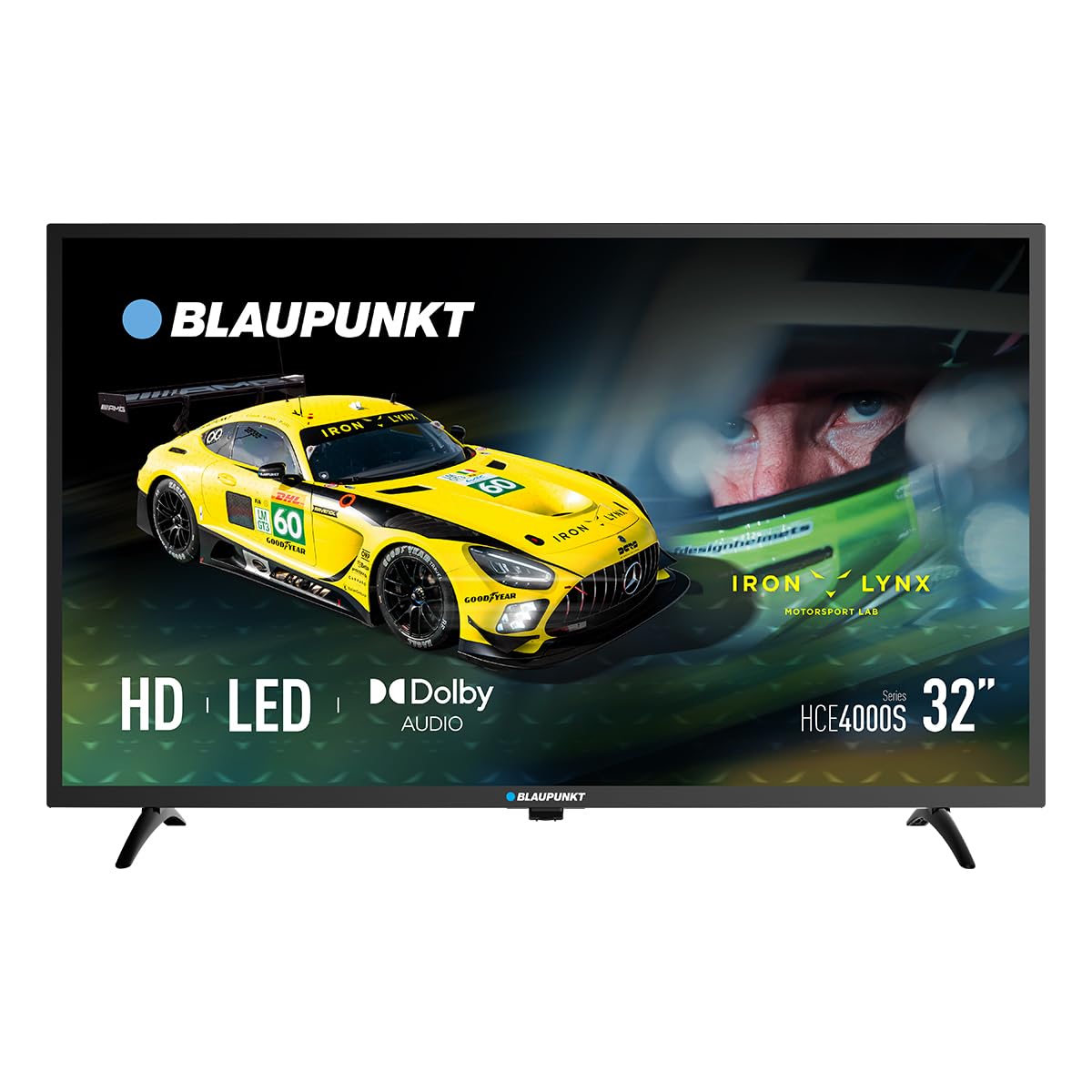
Slika: spredaj view of the Blaupunkt 32HCE4000S LED TV with its stand.
2. Pritrditev stojala
Place the TV screen-down on a soft, flat surface. Align the stand components with the mounting holes on the bottom of the TV. Secure with the provided screws. Ensure the stand is firmly attached before placing the TV upright.
Slika: Zadaj view of the Blaupunkt 32HCE4000S LED TV, highlighting the VESA mounting points and various input/output ports.
Alternatively, for wall mounting, use a VESA-compatible wall mount (not included) and follow the mount's instructions. The TV supports VESA mounting.
3. Priključitev zunanjih naprav
Televizor ima več možnosti povezovanja:
- Vrata HDMI: Priključite predvajalnike Blu-ray, igralne konzole ali druge naprave, ki podpirajo HDMI.
- Vrata USB: Za predvajanje medijev iz pomnilniških naprav USB.
- DVB-T2 / DVB-S2 Tuners: For terrestrial and satellite digital television reception.
- YPbPr Input: For older analog video devices.
- SPDIF Optical Output: Za digitalni avdio izhod na zvočne module ali sisteme za domači kino.
- Reža za CI: Za module pogojnega dostopa (CAM) za šifrirane kanale.

Slika: Stran view of the Blaupunkt 32HCE4000S LED TV, illustrating the accessible side ports.

Slika: Druga stran view of the Blaupunkt 32HCE4000S LED TV, showing additional side ports for connectivity.
4. Napajalni priključek
Connect the power cable to the TV and then to a suitable power outlet (220 Volts). The TV consumes 33 watts during operation.
Navodila za uporabo
1. Daljinski upravljalnikview
The remote control allows full functionality of your TV. Insert two AAA batteries (not included) into the remote control, observing polarity.

Image: Blaupunkt TV remote control, displaying buttons for power, navigation, volume, channel selection, and media playback functions.
Key functions include power on/off, channel selection, volume control, source input selection, and menu navigation.
2. Začetna nastavitev in iskanje kanalov
Upon first power-on, the TV will guide you through an initial setup process. This includes language selection, country, and channel scanning for DVB-T2 (terrestrial) and DVB-S2 (satellite) signals. Follow the on-screen prompts.
3. Predvajanje medijev prek USB-ja
Insert a USB storage device into the USB port. The TV's media player will typically launch automatically or can be accessed via the 'Source' menu. Navigate to your desired media files (photos, music, videos) and select to play.
4. Electronic Program Guide (EPG)
Press the 'EPG' button on your remote control to access the Electronic Program Guide. This displays program schedules for digital channels, allowing you to view upcoming shows and set reminders.
5. Zvočne funkcije
The TV supports Dolby Audio, providing clear and sufficient sound for various content. Adjust volume using the 'VOL +/-' buttons on the remote.

Image: The TV screen shows the Dolby Audio logo, indicating enhanced sound quality, while a family enjoys watching content.
Vzdrževanje
Čiščenje televizorja:
- Pred čiščenjem vedno izključite televizor iz električnega omrežja.
- Zaslon in ohišje obrišite z mehko, suho krpo.
- Do not use liquid cleaners or aerosol sprays directly on the TV.
Shranjevanje:
- If storing the TV for an extended period, ensure it is in a cool, dry place, protected from dust and extreme temperatures.
Odpravljanje težav
| Težava | Možen vzrok | rešitev |
|---|---|---|
| Brez moči | Power cable disconnected; power outlet faulty | Preverite priklop napajalnega kabla; poskusite z drugo vtičnico. |
| Ni slike, vendar je zvok prisoten | Izbran napačen vhodni vir; težava z zunanjo napravo | Press 'Source' button on remote to select correct input; check external device connections. |
| Ni zvoka, vendar je slika prisotna | Volume muted or too low; external audio system issue | Unmute or increase volume; check external audio connections if applicable. |
| Daljinski upravljalnik ne deluje | Prazne ali nepravilno vstavljene baterije; ovira med daljinskim upravljalnikom in televizorjem | Zamenjajte baterije; zagotovite neoviran pogled na IR senzor televizorja. |
Specifikacije
- Znamka: Blaupunkt
- Model: 32HCE4000S
- Velikost zaslona: 32 palcev
- Tehnologija zaslona: LED
- Resolucija: HD/Full HD (1366x768 / 1920x1080 pixels) - Note: Product data contains conflicting resolution information (1080p, 800x480, and 1366x768 on energy label). We refer to the product title's 'HD/Full HD' claim.
- Razmerje stranic: 16:9
- Hitrost osveževanja: 60 Hz
- Avdio: Dolby Audio, 2.0-kanalni prostorski zvok
- Povezljivost: HDMI, USB, YPbPr, SPDIF Optical, CI Slot
- Uglaševalci: DVB-T2 / DVB-S2
- Poraba energije: 33 Watts (Operating) / 26 kWh/1000h (Energy Label)
- voltage: 220 volta
- Združljivost montaže: Wall mount, Table stand (VESA compatible)
- Dimenzije izdelka: 1 x 1 x 1 cm (približno, glede na podatke o izdelku)
- Teža izdelka: 88.2 kg (Note: This weight appears unusually high for a 32-inch TV and may be an error in the source data.)
- Modelno leto: 2024

Image: Energy efficiency label for the Blaupunkt 32HCE4000S TV, indicating an energy class F rating and 26 kWh/1000h energy consumption. A QR code is also visible for more information.
For more detailed energy information, scan the QR code or visit: https://eprel.ec.europa.eu/qr/238597900
Garancija in podpora
Your Blaupunkt 32HCE4000S TV comes with a standard manufacturer's warranty. Please refer to the warranty card included in your packaging for specific terms and conditions.
For technical support, service, or inquiries, please contact Blaupunkt customer service. Contact details can typically be found on the manufacturer's official webspletnem mestu ali v garancijski dokumentaciji.
The product includes a user manual. Software updates are guaranteed until an unknown date, as per product information.


