Uvod
This manual provides detailed instructions for the setup, operation, and maintenance of your AGPTEK M3 64GB MP3 Player. Featuring Bluetooth 5.3, a 2.4-inch TFT color screen, built-in speaker, and FM radio, this device is designed for portable audio enjoyment. It supports expandable storage up to 128GB via a Micro SD card.
Kaj je v škatli
- MP3 predvajalnik AGPTEK M3
- USB polnilni kabel
- Žične slušalke
- Uporabniški priročnik
Lastnosti izdelka
- Shranjevanje: 64GB built-in internal storage, expandable up to 128GB with a Micro SD card (total up to 192GB).
- Bluetooth: Bluetooth 5.3 for stable connection, better compatibility, and lower power consumption. Supports automatic reconnection to the last paired device.
- Kakovost zvoka: HiFi lossless sound with a professional audio decoding chip and smart noise reduction.
- Podprti zvočni formati: MP3, APE, FLAC, WMA, WAV, AAC. (Note: Does not directly support Audiobook and iTunes formats).
- Zaslon: 2.4-inch TFT color screen for clear visuals.
- Življenjska doba baterije: Built-in 500mAh battery, 2.5 hours for full charge, offering long music playback.
- Večnamensko: Music Play, Video, Recording, FM Radio, Pictures, E-Books, Pedometer, A-B repeat, Stopwatch, Alarm Clock.
- Line-in funkcija: Supports Line-in recording and playback for connecting with other devices.
- Vgrajeni zvočnik: Omogoča predvajanje zvoka brez slušalk.
Nastavitev
1. Polnjenje naprave
Connect the included USB-C charging cable to the MP3 player and a power source (e.g., computer USB port, USB wall adapter). The device takes approximately 2.5 hours for a full charge.
2. Prenos glasbe in Files
Za prenos glasbe, videoposnetkov ali drugih files to your AGPTEK M3 MP3 player:
- Povežite predvajalnik MP3 z računalnikom s priloženim kablom USB.
- On the MP3 player screen, select "Charge & Transfer" if prompted.
- Your computer should recognize the device as a removable disk. Open the device folder.
- Manually create a folder (e.g., "Music") on the device.
- Copy and paste your desired music files (MP3, APE, FLAC, WMA, WAV, AAC) into the created folder. For optimal sorting, it is suggested to rename songs with a numerical prefix (e.g., "001-SongTitle.mp3").
- Po prenosu varno izvrzite napravo iz računalnika.
- On the MP3 player, navigate to the "Music" menu and select "Update Playlist" to scan for new songs.
Video: Demonstrates how to transfer files from a PC to the AGPTEK M3 MP3 Player, including connecting the device, creating a music folder, copying filein posodabljanje seznama predvajanja.
Opomba: The file size of a single transfer should not exceed 3GB to ensure transfer speed and stability.
3. Razširitev shrambe
The AGPTEK M3 supports Micro SD cards up to 128GB. Insert the Micro SD card into the designated slot on the device to expand your storage capacity.
4. Bluetooth seznanjanje
To connect your MP3 player to Bluetooth headphones or speakers:
- Prepričajte se, da so vaše slušalke ali zvočnik Bluetooth v načinu seznanjanja.
- Na predvajalniku MP3 pojdite na meni »Bluetooth«.
- Izberite "Iskanje devices" and choose your device from the list.
- The player will automatically connect to the last paired Bluetooth device upon activation.
Opomba: Bluetooth is not compatible with phones or car Bluetooth systems. For car use, connect via an AUX audio cable.
Navodila za uporabo
1. Osnovna navigacija
The AGPTEK M3 features touch buttons for navigation. Use the directional touch buttons to move through menus and select options. The 'M' button typically accesses menu options, and the back arrow button returns to the previous screen.

Slika: Podrobna view of the AGPTEK M3 MP3 Player, highlighting its 2.4-inch screen, USB-C charging port, Micro SD port, 3.5mm jack, speaker, ON/OFF button, volume controls, and touch buttons with backlight.
2. Predvajanje glasbe
From the main menu, select "Music" to access your audio library. You can browse by all songs, artists, albums, genres, or playlists. Use the playback controls (play/pause, next/previous track) located on the device's touch panel.
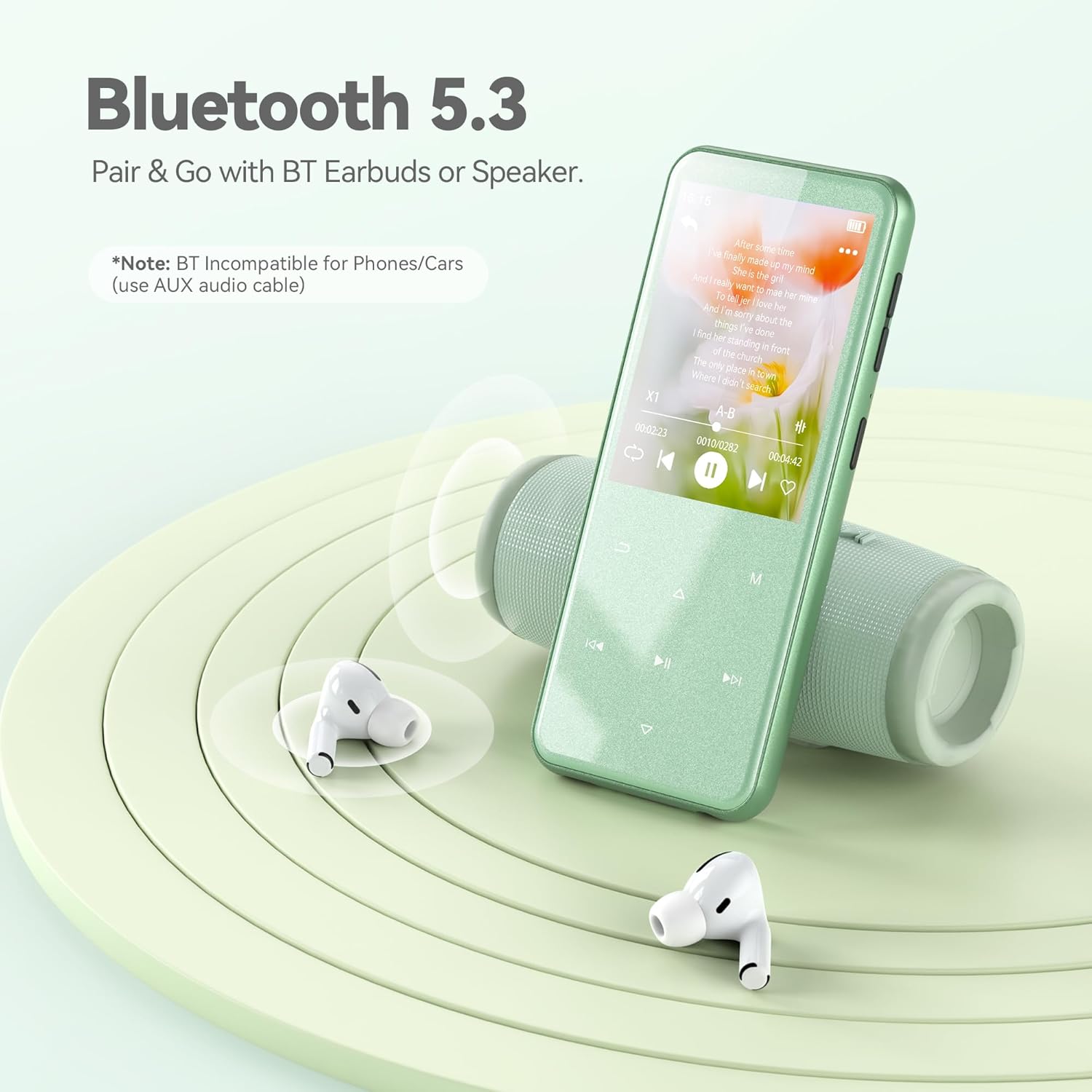
Image: The AGPTEK M3 MP3 Player showing a song playing on its screen, with Bluetooth headphones and a speaker nearby, illustrating its Bluetooth 5.3 connectivity.
3. FM radio
To use the FM radio function, connect wired headphones to the 3.5mm jack, as they act as the antenna. Navigate to the "Radio" menu to scan for stations and enjoy broadcasts.
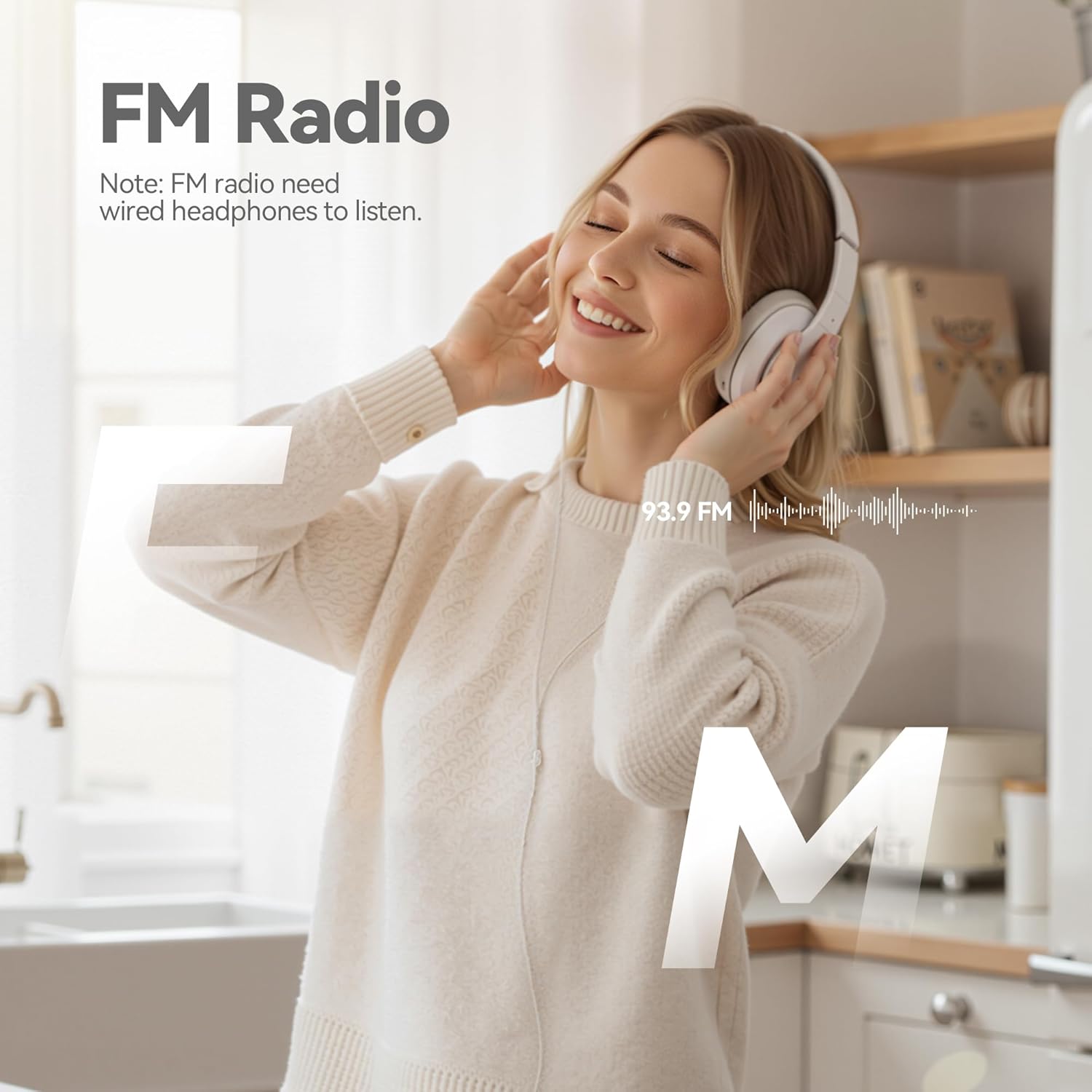
Image: A woman enjoying FM radio using the AGPTEK M3 MP3 Player with wired headphones, emphasizing the radio function.
4. Snemanje
The device supports voice recording and FM radio recording. Access the "Record" menu to start a new recording. Recordings can be saved in WAV or MP3 formats.
5. Predvajanje videa
The AGPTEK M3 supports AMV/AVI video formats. For other video formats, use the provided AMV video conversion tool on your computer to convert files before transferring them to the player.
6. Druge funkcije
Explore other features such as viewing pictures, reading e-books, using the pedometer, stopwatch, alarm clock, and A-B repeat function for specific audio segments.
Vzdrževanje
- Napravo hranite čisto in suho. Izogibajte se izpostavljanju ekstremnim temperaturam ali neposredni sončni svetlobi.
- Use only the provided charging cable to prevent damage to the battery or device.
- Izogibajte se padcem naprave in je ne izpostavljajte močnim udarcem.
- Redno varnostno kopirajte pomembne filev računalnik, da preprečite izgubo podatkov.
Odpravljanje težav
If you encounter issues such as a black screen, flower screen, or device freezing, a force restart or force flash may resolve the problem.
1. Force Restart
Locate the reset hole on the device (usually on the side or bottom). Use a small tool (like a paperclip or SIM card ejector) to gently press the reset button inside the hole. The device will then restart.
Video: Provides instructions on how to fix screen anomalies (black screen, flower screen, freeze) on AGPTEK MP3 players, demonstrating a force restart using a reset hole.
2. Force Flash (Firmware Upgrade)
If a force restart does not resolve the issue, a firmware upgrade (force flash) may be necessary. This process involves updating the device's software.
- Obiščite uradno spletno stran AGPTEK webspletno mesto (www.agptek.com).
- Iskanje your MP3 model (M3) in the upper right corner.
- Download the latest firmware package for your model.
- Unzip and install the provided software (usually in English).
- Open the software and select the downloaded firmware file.
- Connect the MP3 player to your computer using the charging cable while holding down the power button (10-15 seconds) until the device is recognized by the software.
- Select "Charge & Transfer" on the device.
- In the software, ensure "PRODUCTION" is selected and click "Replace" or "Start" to begin the flashing process.
- Wait for the progress bar to reach 100%, indicating a successful flash.
Pomembno: Follow the on-screen instructions carefully during the firmware upgrade process. Incorrect steps may damage the device.
Specifikacije
| Funkcija | Podrobnost |
|---|---|
| Znamka | AGPTEK |
| Ime modela | M3 |
| Zmogljivost pomnilnika | 64 GB (razširljiv do 128 GB) |
| Tehnologija povezljivosti | Bluetooth 5.3 |
| Velikost zaslona | 2.4 palcev |
| Tehnologija zaslona | TFT |
| Podprta vrsta medija | Micro SD |
| Podprti zvočni formati | MP3, APE, FLAC, WMA, WAV, AAC |
| Povprečna življenjska doba baterije | 2.5 Hours (full charge time) |
| Posebna funkcija | Built-In Speaker, FM Radio, Touch Buttons |
Garancija in podpora
The AGPTEK M3 MP3 Player comes with a 1-letna garancija. For any technical assistance or inquiries, AGPTEK offers lifetime technical support and 7x24 online service. Please refer to the official AGPTEK website or contact customer service for further details.
AGPTEK is committed to providing quality products and excellent customer service. Your feedback drives innovation and product improvement.


