1. Uvod
The CarpodGo T3 Pro is a portable 8.9-inch wireless CarPlay and Android Auto display designed to enhance your in-car entertainment and navigation experience. Featuring a fully laminated 1920x720 IPS touch screen, it offers seamless integration with your smartphone, supporting both wireless CarPlay and Android Auto functionalities. Its innovative design includes a magnetic base for flexible mounting and a Display-Only Bluetooth Mode for optimized audio routing through your vehicle's existing sound system.

Figure 1.1: CarpodGo T3 Pro Portable Display with CarPlay Interface.
2. Varnostne informacije
- Always ensure the device is securely mounted and does not obstruct your view ali motijo krmiljenje vozila.
- Do not attempt to disassemble or modify the device. This may void the warranty and pose a safety risk.
- Naprave ne izpostavljajte ekstremnim temperaturam, neposredni sončni svetlobi dlje časa ali prekomerni vlagi.
- Uporabljajte samo priloženi napajalnik in kable, da preprečite poškodbe ali nevarnost požara.
- Operate the device responsibly. Distracted driving can lead to accidents.
3. Kaj je v škatli
Previdno razpakirajte škatlo in se prepričajte, da so vsi predmeti prisotni in v dobrem stanju. Če kateri koli predmet manjka ali je poškodovan, se obrnite na podporo strankam.

Figure 3.1: Package Contents of CarpodGo T3 Pro.
- CarpodGo T3 Pro Portable Display Unit
- Magnetna baza
- Fixed Console Mount
- 9V Power Cord (Car Charger)
- OTG adapter
- Uporabniški priročnik
- Central Control Seamless Mounts (complementary)
- Suction Cup Mount (for glass)
- Dodatna oprema (lahko se prodaja ločeno): Backup Camera, Bluetooth Aux Receiver
4. Nastavitev
4.1 Namestitev naprave
The CarpodGo T3 Pro features a strong magnetic base for secure attachment. It is compatible with a 17mm ball head mount and includes complementary central control seamless mounts and a suction cup mount for glass surfaces.
- Izberite mesto namestitve: Select a location on your dashboard or windshield that does not obstruct your view of the road, airbags, or vehicle controls.
- Pritrdite nosilec:
- For Dashboard (Seamless Mounts): Clean the dashboard surface thoroughly. Attach the central control seamless mount to the desired location.
- For Windshield (Suction Cup Mount): Clean the windshield surface. Press the suction cup firmly against the glass and engage the lever to secure it.
- For Fixed Console Mount: Secure the fixed console mount to a suitable flat surface using adhesive or screws (if applicable and safe).
- Pritrdite magnetno podlago: Connect the magnetic base to the chosen mount (e.g., 17mm ball head).
- Secure the T3 Pro Display: Align the back of the T3 Pro display with the magnetic base. The strong magnets will firmly hold the display in place. Ensure it is stable and does not wobble.

Figure 4.1: Magnetic Base and Mount.
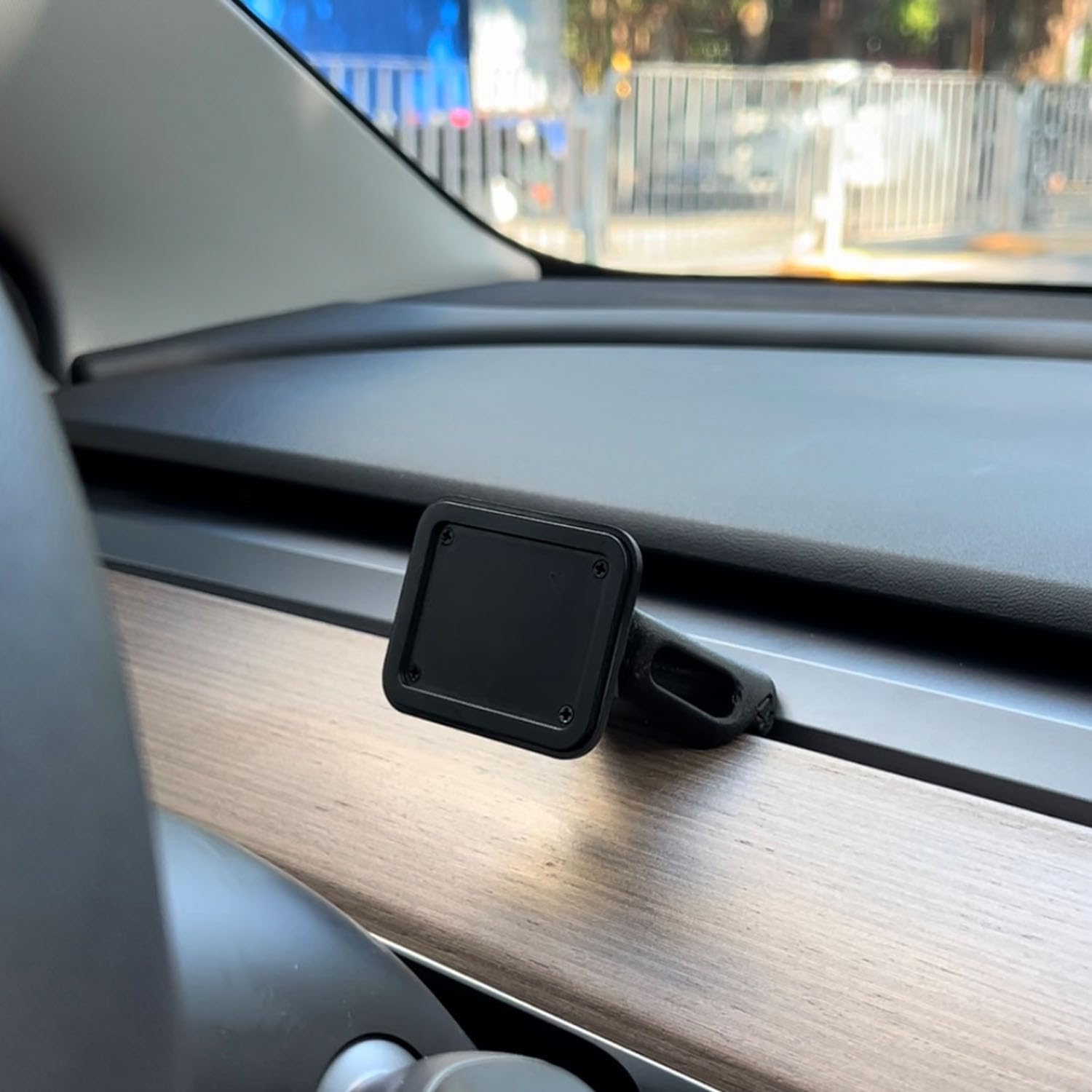
Figure 4.2: Magnetic Base Installed on Dashboard.
4.2 Napajalni priključek
Connect the provided 9V power cord to the "Power" port on the side of the T3 Pro unit and plug the other end into your vehicle's 12V accessory outlet (cigarette lighter socket).
4.3 Začetni zagon
Once powered, the device will automatically boot up. The multi-core Linux system is designed for fast startup, typically displaying the CarPlay interface within 12 seconds.

Figure 4.3: Fast Boot-Up and Connectivity.
5. Navodila za uporabo
5.1 Brezžična povezava CarPlay / Android Auto
The T3 Pro supports wireless CarPlay and Android Auto for seamless smartphone integration.
- On the T3 Pro, navigate to the CarPlay or Android Auto icon on the main screen.
- Na pametnem telefonu omogočite Bluetooth in Wi-Fi.
- Iskanje the T3 Pro's Bluetooth name (usually "CarpodGo T3 Pro" or similar) on your phone and pair with it.
- Once paired via Bluetooth, your phone will automatically establish a Wi-Fi connection for CarPlay/Android Auto.
- The T3 Pro supports 60fps wireless CarPlay for smoother scrolling and responsiveness. This can typically be adjusted in the device settings if needed.
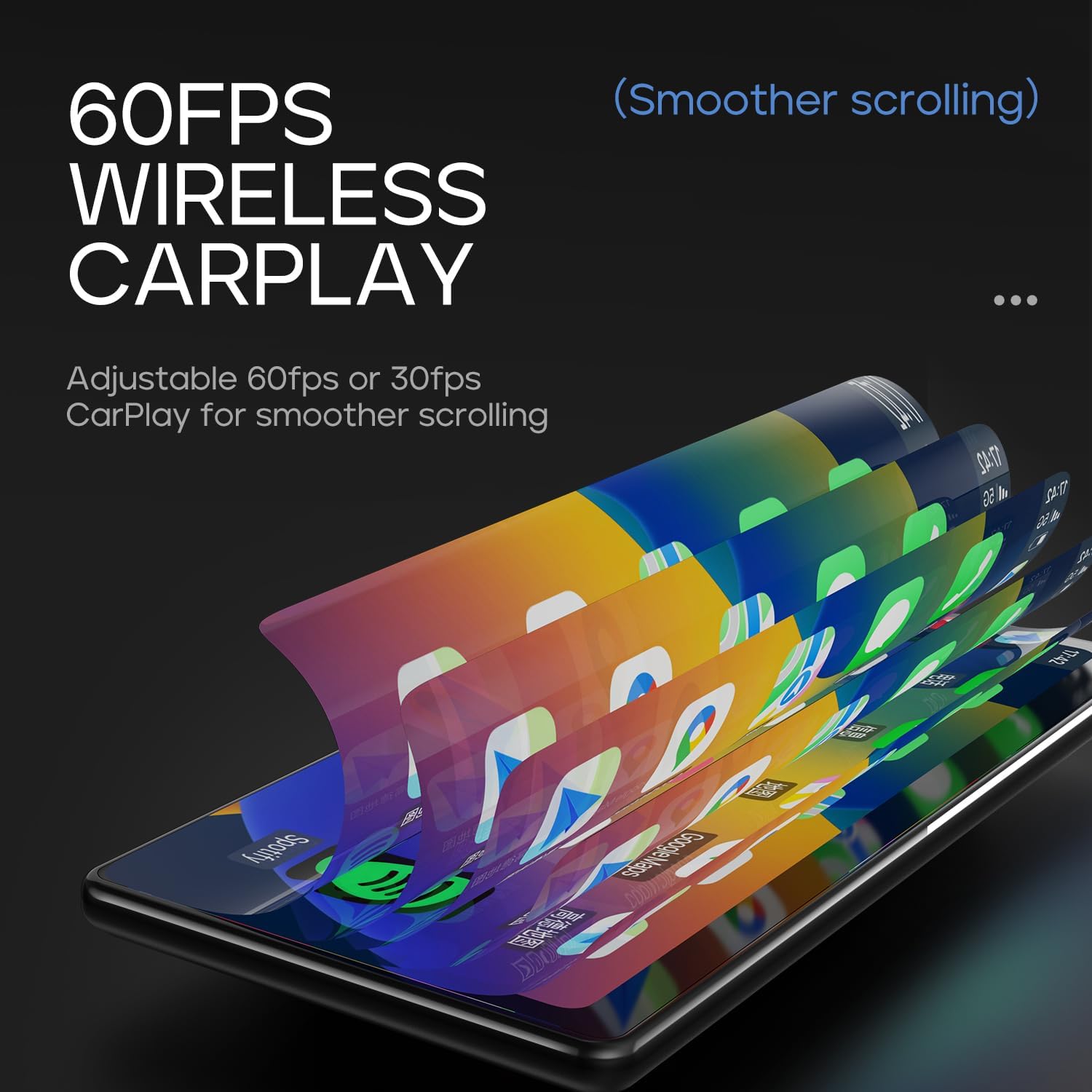
Figure 5.1: 60fps Wireless CarPlay for Smooth Operation.
5.2 Display-Only Bluetooth Mode
This mode allows you to route audio (maps, music, calls) through your car's existing Bluetooth system, utilizing your car's speakers and microphone, while the T3 Pro handles the display.
- On the T3 Pro, activate "Display-Only Bluetooth Mode" in the settings. Refer to the on-screen interface for the exact location of this setting.
- Connect your smartphone directly to your car's Bluetooth system.
- The T3 Pro will continue to display CarPlay/Android Auto, but all audio will be managed by your car's Bluetooth connection. This mode also supports steering wheel controls for audio and calls, provided your car's Bluetooth system is compatible.

Figure 5.2: Display-Only Bluetooth Mode Configuration.
5.3 User Interface (UI) Navigation
The T3 Pro features a new Carpod interface UI with a line neomorphism style, designed for intuitive use. Navigate through menus and applications using the touch screen. Swipe gestures and taps are used for interaction.

Figure 5.3: CarpodGo T3 Pro User Interface Examples.
6. Vzdrževanje
- Čiščenje: Use a soft, lint-free cloth to clean the screen and body of the device. Do not use abrasive cleaners, alcohol, or solvents.
- Shranjevanje: Če napravo shranjujete dalj časa, jo izključite iz električnega omrežja in jo shranite na hladnem in suhem mestu, stran od neposredne sončne svetlobe.
- Posodobitve programske opreme: Občasno preverite proizvajalčeve website or the device settings for available firmware updates to ensure optimal performance and new features.
7. Odpravljanje težav
| Težava | Možen vzrok | rešitev |
|---|---|---|
| Naprava se ne vklopi. | Ni priključka za napajanje ali pa je napajalni kabel pokvarjen. | Ensure the 9V power cord is securely plugged into the device and the car's 12V outlet. Check if the car's outlet is functioning. |
| Brezžična povezava CarPlay/Android Auto se ne vzpostavi. | Bluetooth/Wi-Fi issues, phone settings. |
|
| Ni zvoka ali slaba kakovost zvoka. | Audio routing issue, volume settings. |
|
| Zaslon se ne odziva ali zamrzne. | Začasna programska napaka. | Perform a soft reset by disconnecting and reconnecting the power. If the issue persists, contact customer support. |
8. Specifikacije
| Funkcija | Podrobnost |
|---|---|
| Številka modela | T3 Pro |
| Velikost zaslona | 8.9 palcev |
| Ločljivost zaslona | 1920 x 720 IPS |
| Tehnologija zaslona | Fully Laminated Screen, 16.7 million colors, 700nit highlight |
| Brezžična povezljivost | Wireless CarPlay, Wireless Android Auto, Wi-Fi, Bluetooth |
| Način Bluetooth | Način Bluetooth samo za prikaz |
| Hitrost sličic | Supports 60fps Wireless CarPlay |
| Montaža | Magnetic design, compatible with 17mm ball head mount, central control seamless mounts, suction cup mount |
| Vrsta krmilnika | Push Button, Steering Wheel Controls (via Display-Only BT Mode) |
| Način avdio izhoda | Stereo |
| Vrsta priključka | 3.5 mm priključek, HDMI, USB |
9. Garancija in podpora
CarpodGo products are designed for reliability and performance. For warranty information, technical support, or service inquiries, please refer to the warranty card included in your package or visit the official CarpodGo webspletnega mesta. Račun shranite kot dokazilo o nakupu za uveljavljanje garancije.
Kontaktni podatki: Please refer to the contact details provided in your product packaging or on the official CarpodGo webspletno mesto za najnovejše informacije o podpori.


