1. Izdelek je končanview
The HP OmniDesk M02 Tower Desktop is a high-performance personal computer designed for business and productivity. It features an AMD Ryzen 7 8700G processor, ample DDR5 RAM, and fast SSD storage, running on Windows 11 Home. This manual provides essential information for setting up, operating, maintaining, and troubleshooting your device.
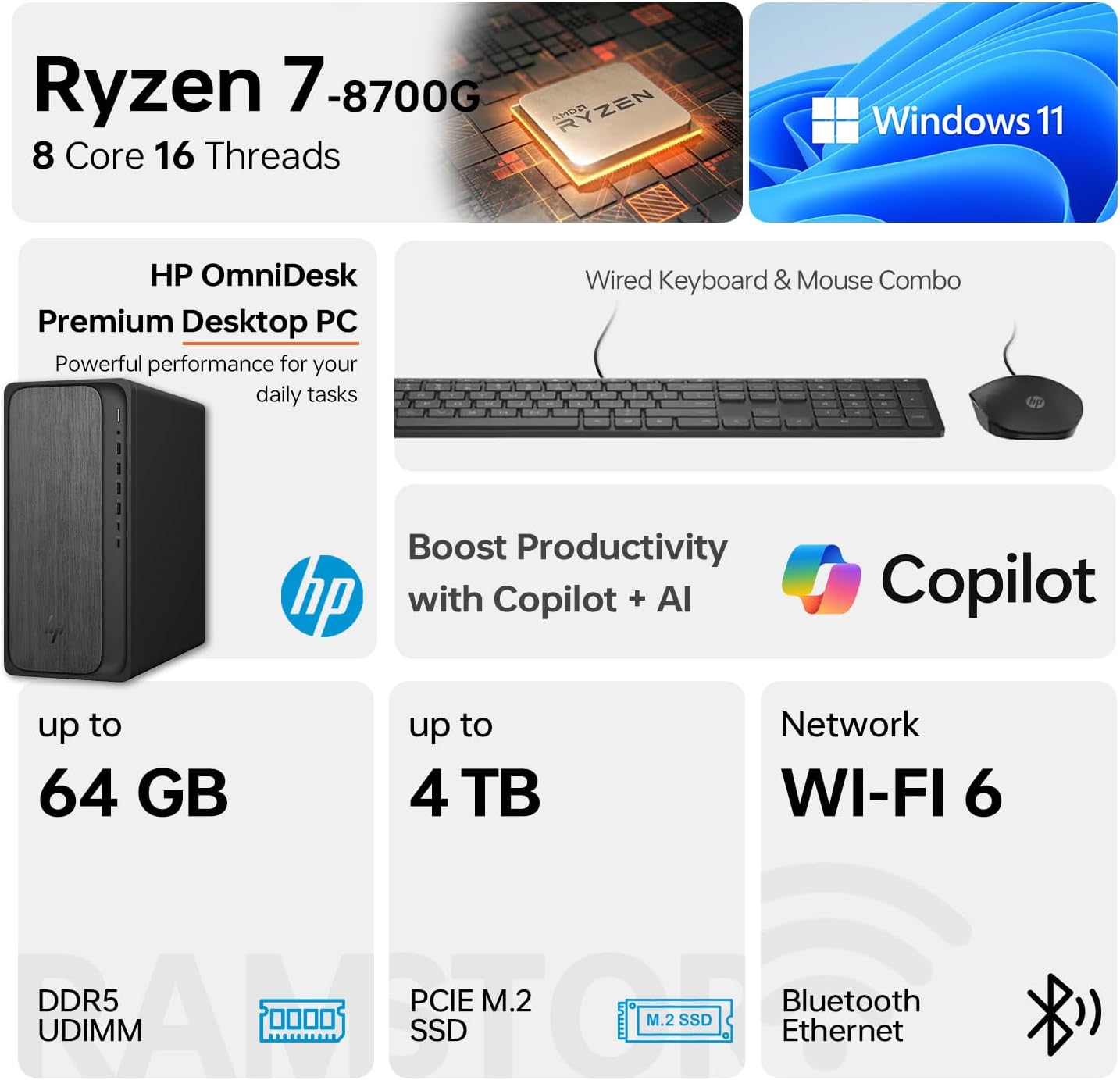
Image 1.1: HP OmniDesk M02 Tower Desktop highlighting its AMD Ryzen 7 8700G processor, Windows 11 operating system, Wi-Fi 6 connectivity, and memory/storage capabilities.
Ključne značilnosti:
- Procesor: AMD Ryzen 7 8700G (8 Cores, 16 Threads, up to 5.1GHz Max Boost)
- Pomnilnik: 16 GB DDR5 RAM-a (razširljivo do 64 GB)
- Shranjevanje: 1TB PCIe M.2 SSD, bundled with ADATA 512GB External SSD
- Operacijski sistem: Windows 11 Home
- Grafika: Integrirana grafika AMD Radeon
- Povezljivost: Wi-Fi 6, Bluetooth, Ethernet (RJ-45)
- Pristanišča: Multiple USB Type-A and Type-C ports, HDMI, DisplayPort, audio jacks
- Vključene periferne naprave: Žična tipkovnica in miška
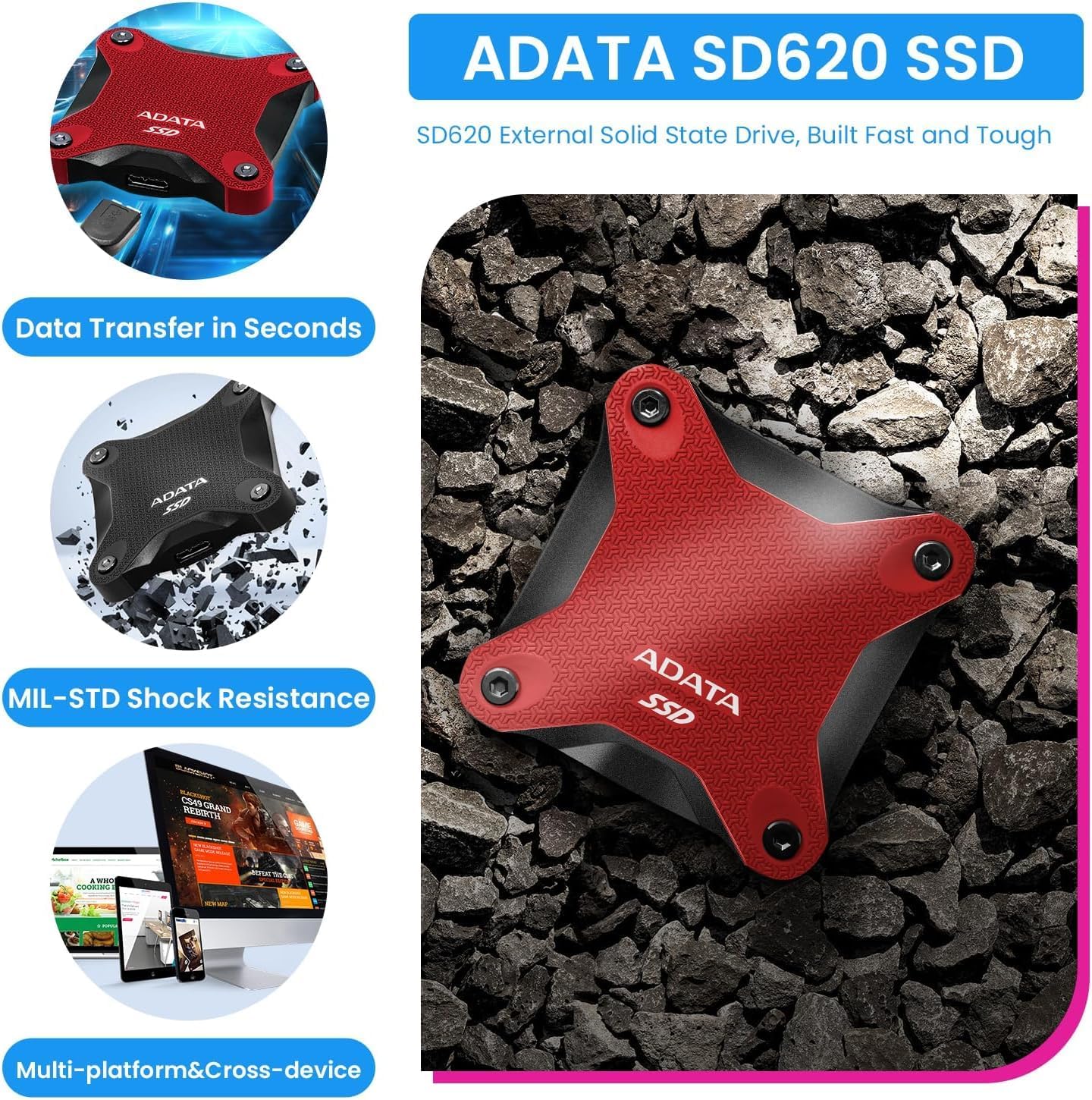
Image 1.2: The ADATA SD620 External SSD, included with the HP OmniDesk M02, highlighting its data transfer speed and MIL-STD shock resistance.
2. Navodila za nastavitev
Follow these steps to set up your HP OmniDesk M02 Tower Desktop.
2.1 Razpakiranje
- Previdno odstranite vse komponente iz embalaže.
- Verify that all items are present: HP OmniDesk M02 Tower Desktop, Wired Keyboard, Wired Mouse, Power Cable, and ADATA 512GB External SSD.
- Retain packaging materials for future transport or service.
2.2 Priključitev zunanjih naprav
Priključite monitor, tipkovnico, miško in druge naprave na ustrezna vrata na namiznem računalniku.

Slika 2.1: Podrobno view of the front and rear ports on the HP OmniDesk M02 Tower Desktop, indicating their types and functions.
- Monitor: Connect your monitor to either the HDMI or DisplayPort on the rear of the desktop.
- Tipkovnica in miška: Connect the wired keyboard and mouse to any available USB Type-A ports.
- moč: Connect the power cable to the desktop's power input and then to a wall outlet.
- External SSD: Connect the ADATA 512GB External SSD to an available USB port.
- Omrežje (neobvezno): Za žično internetno povezavo priključite ethernetni kabel na vrata RJ-45.
2.3 Začetni zagon
- Pritisnite gumb za vklop na sprednji strani namizja.
- Follow the on-screen instructions to complete the Windows 11 Home setup. This typically involves selecting your region, language, and creating a user account.
- Ensure an internet connection is established during setup for updates and account synchronization.
3. Navodila za uporabo
This section covers basic operation of your HP OmniDesk M02.
3.1 Vklop/izklop in ponovni zagon
- Vklop: Pritisnite gumb za vklop na sprednji strani namizja.
- Izklopi: V sistemu Windows 11 kliknite gumb Start in nato izberite Napajanje > Zaustavitev sistema.
- Ponovni zagon: Kliknite gumb Start in nato izberite Napajanje > Ponovni zagon.
3.2 Povezovanje z omrežjem Wi-Fi in Bluetooth
- Wi-Fi: Click the Network icon in the taskbar, select your desired Wi-Fi network, enter the password, and click Connect.
- Bluetooth: Go to Settings > Bluetooth & devices, ensure Bluetooth is turned on, and then click "Add device" to pair new Bluetooth devices.
3.3 Using Windows 11 and AI Features
Your HP OmniDesk M02 comes with Windows 11 Home, offering a modern interface and integrated AI capabilities through Copilot.
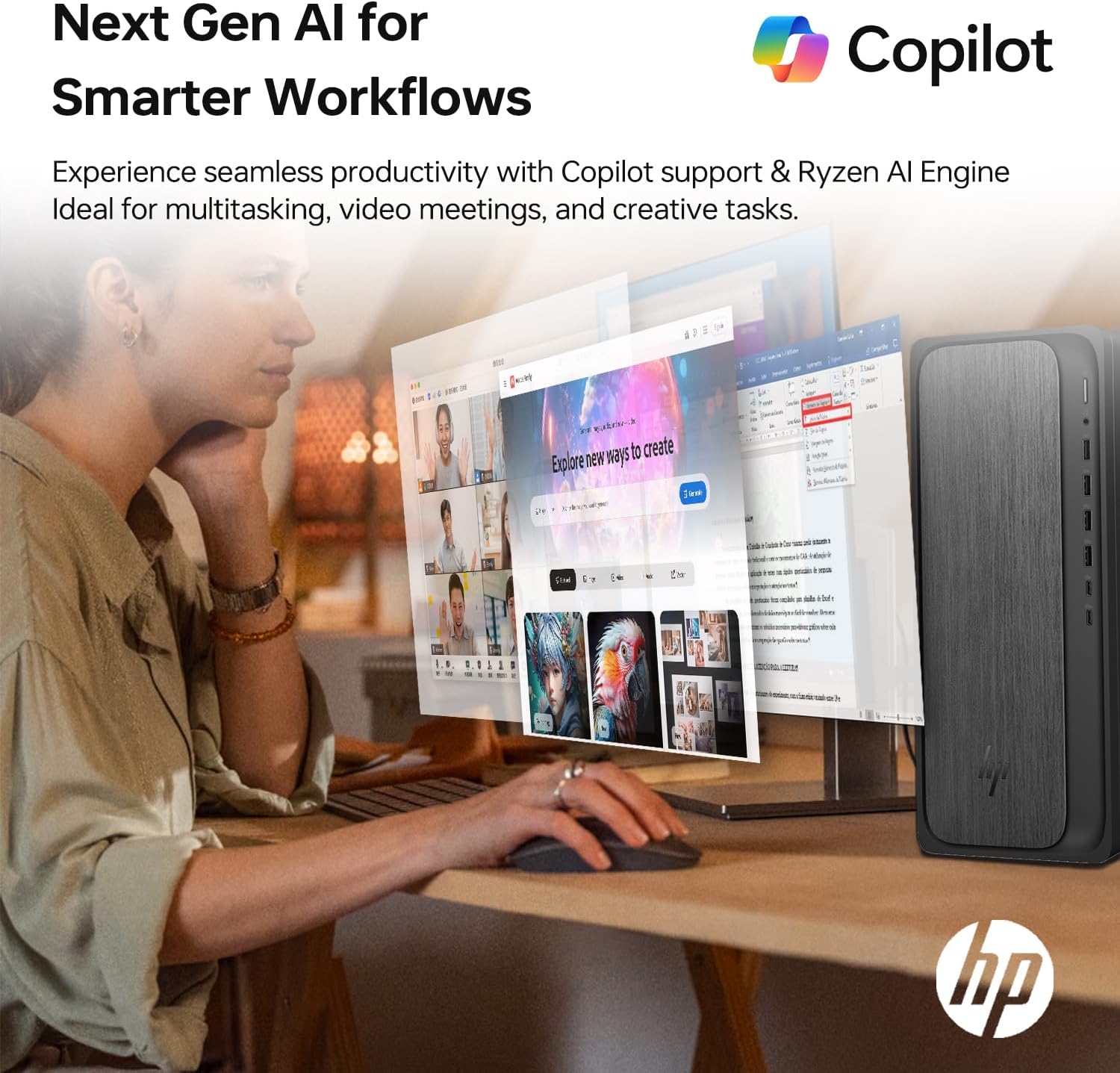
Image 3.1: A user interacting with the HP OmniDesk M02, demonstrating the integration of Copilot for enhanced productivity and AI-driven workflows.
- Meni Start: Access applications, settings, and power options from the centered Start menu.
- Pripomočki: Personalize your desktop with widgets for news, weather, and more.
- Kopilot: Utilize the integrated Copilot AI for assistance with tasks, content creation, and system navigation. Access it via the taskbar icon.
4. Vzdrževanje
Proper maintenance ensures the longevity and optimal performance of your desktop.
4.1 Čiščenje
- Zunanjost: Uporabite mehko krpo, ki ne pušča vlaken, dampz vodo ali blago čistilno raztopino. Izogibajte se agresivnim kemikalijam.
- zračniki: Periodically clean dust from the ventilation grilles using compressed air to prevent overheating. Ensure the desktop is powered off before cleaning vents.
4.2 Posodobitve programske opreme
Regularly update your operating system and drivers to ensure security and performance.
- Posodobitve sistema Windows: Go to Settings > Windows Update and check for available updates.
- Posodobitve gonilnikov: Obiščite uradno HP-jevo podporo website for your model to download the latest drivers for components like graphics and chipset.
4.3 Nadgradnje strojne opreme
The HP OmniDesk M02 supports upgrades for RAM and internal storage.
- RAM: The system supports up to 64GB DDR5 UDIMM RAM.
- Notranji SSD: The system supports up to 4TB PCIe M.2 SSD.
- Pomembno: Opening the chassis for upgrades may affect the original manufacturer's warranty. Consult the warranty section for details.
5. Odpravljanje težav
Ta razdelek obravnava pogoste težave, na katere lahko naletite.
5.1 Brez napajanja
- Ensure the power cable is securely connected to both the desktop and a working power outlet.
- Preverite, ali vtičnica deluje, tako da vanjo priključite drugo napravo.
- Verify the power supply unit (PSU) switch (if present) is in the ON position.
5.2 Ni prikaza na monitorju
- Confirm the monitor is powered on and its input source is correctly selected (HDMI/DisplayPort).
- Check that the video cable is securely connected to both the desktop and the monitor.
- Try connecting the monitor to a different video port on the desktop if available.
5.3 Težave z omrežno povezljivostjo
- Žično: Prepričajte se, da je ethernetni kabel pravilno priključen in da vaš usmerjevalnik/modem deluje.
- Wi-Fi: Verify Wi-Fi is enabled in Windows settings and you are connected to the correct network with the correct password. Restart your router/modem.
6. Specifikacije
Detailed technical specifications for the HP OmniDesk M02 Tower Desktop.

Slika 6.1: Bližnji posnetek view of the AMD Ryzen 7 8700G processor, highlighting its core count, thread count, clock speed, and L3 cache.
| Komponenta | Specifikacija |
|---|---|
| Številka modela | TPC-F134-MT |
| Procesor | AMD Ryzen 7 8700G (8 Cores, 16 Threads, 4.2GHz base, up to 5.1GHz max turbo) |
| RAM | 16GB DDR5 UDIMM (4800 MHz), expandable to 64GB |
| Notranji pomnilnik | 1TB PCIe M.2 SSD, expandable to 4TB |
| Zunanji pomnilnik | ADATA 512GB External SSD (bundled) |
| Grafika | Integrirana grafika AMD Radeon |
| Operacijski sistem | Windows 11 Home |
| Brezžična povezljivost | Wi-Fi 6 (802.11ax), Bluetooth |
| Sprednja vrata | 1x USB tipa C 10 Gbps, 1x USB tipa C 5 Gbps, 2x USB tipa A 10 Gbps, 2x USB tipa A 5 Gbps, 1x kombinirani priključek za slušalke/mikrofon |
| Zadnja vrata | 4x USB 2.0 tipa A, 1x RJ-45 (Ethernet), 3x kombinirani 3.5 mm avdio priključek, 1x HDMI, 1x DisplayPort |
| Dimenzije (DxŠxV) | 15.5 x 33.7 x 31.5 cm (6.10 x 13.27 x 12.40) |
| Teža | 12.72 lbs (5.77 kg) |
| barva | siva |
7. Garancija in podpora
7.1 Informacije o garanciji
The HP OmniDesk M02 Tower Desktop comes with a manufacturer's warranty. For this specific configuration, a 1-year warranty on the upgraded RAM and SSD is provided by PCOnline US. All other original components retain the standard 1-year manufacturer's warranty from HP.
Za garancijske zahtevke shranite dokazilo o nakupu.
7.2 Tehnična podpora
Za tehnično pomoč se obrnite na uradno podporo HP. website or contact their customer service. For issues related to the upgraded RAM or SSD, please contact PCOnline US directly.
HP-jeva podpora: www.hp.com/support