1. Getting Started: Unboxing and Components
This section details the contents of your TABWEE T80 package and provides an overview of the tablet's physical features.
1.1 Vsebina paketa
Preverite, ali so v vašem paketu prisotni vsi spodaj navedeni elementi:
- TABWEE T80 Android Tablet
- Bluetooth tipkovnica
- Brezžična miška
- Pisalo
- Zaščitna torbica
- Zaščitna folija za zaslon (predhodno nanesena ali ločena)
- Stojalo za tablične računalnike
- Charger and USB-C Cable

1.2 izdelkov konecview
Familiarize yourself with the tablet's buttons, ports, and camera locations.
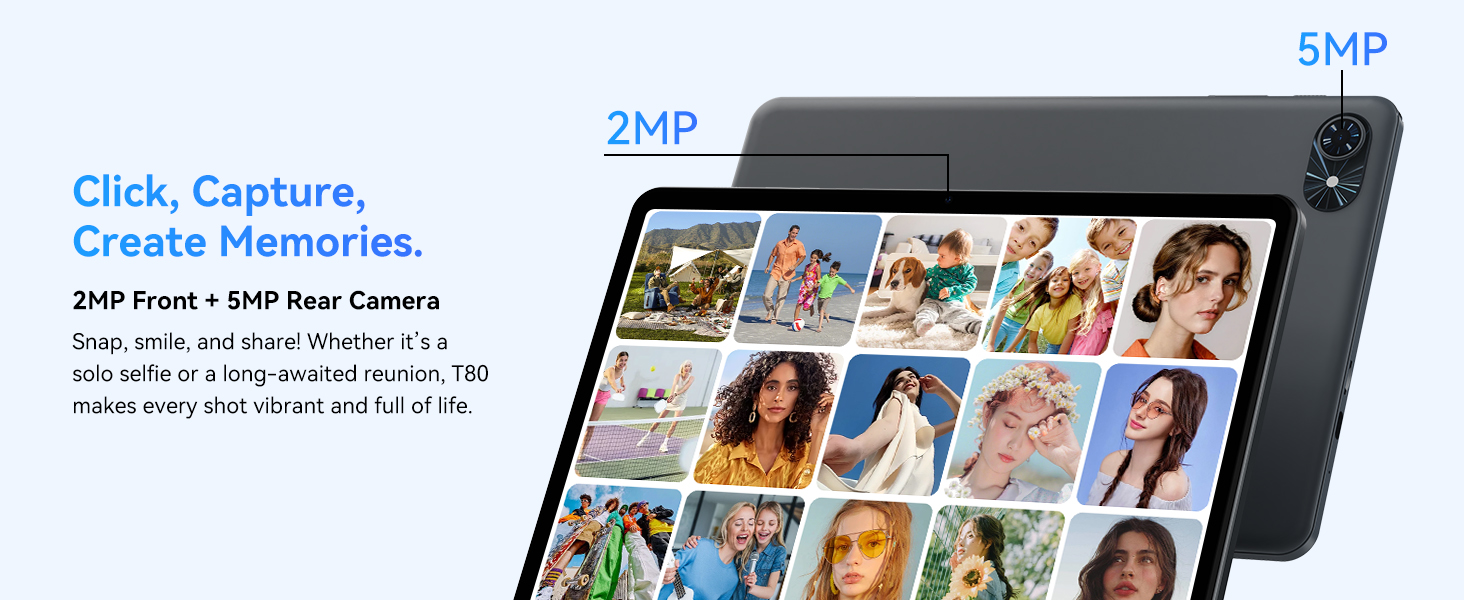
- Sprednja kamera: Located at the top center when held in landscape orientation. (2MP)
- Zadnja kamera: Located on the back panel, typically in the upper left corner. (5MP)
- Gumb za vklop: Used to turn the tablet on/off or wake/sleep the screen.
- Gumbi za glasnost: Prilagodite raven zvočnega izhoda.
- Vrata USB-C: Za polnjenje in prenos podatkov.
- Reža za kartico MicroSD: Za razširitev pomnilnika do 2 TB.
- Govorci: Dvojni zvočniki za avdio izhod.
2. Navodila za nastavitev
Follow these steps to set up your TABWEE T80 tablet for first-time use.
2.1 Začetni vklop in osnovna konfiguracija
- Napolnite tablico: Connect the provided USB-C cable and charger to the tablet and a power outlet. Allow the tablet to charge for at least 30 minutes before first use.
- Vklop: Press and hold the Power button until the TABWEE logo appears on the screen.
- Jezik in regija: Sledite navodilom na zaslonu, da izberete želeni jezik in regijo.
- Povežite se z Wi-Fi: Select your Wi-Fi network from the list and enter the password. A stable internet connection is required for initial setup and updates.
- Google račun: Prijavite se s svojim Google Računom ali ustvarite novega. To je potrebno za prenos aplikacij iz trgovine Google Play.
- Datum in čas: Confirm the date and time settings.
- Varnost: Set up a screen lock (PIN, pattern, or password) for security.
2.2 Priključitev dodatne opreme
The TABWEE T80 comes with several accessories to enhance its functionality.
- Bluetooth Keyboard and Mouse:
- Ensure the keyboard and mouse are charged and powered on.
- Na tabličnem računalniku pojdite na Nastavitve > Povezane naprave > Bluetooth.
- Omogočite Bluetooth in poiščite nove naprave.
- Select the keyboard and mouse from the list to pair them. Follow any on-screen prompts.
- Pisalo: The stylus pen can be used directly on the screen for navigation, drawing, or writing. No pairing is typically required for basic capacitive styluses.
- Zaščitno ohišje in stojalo: Attach the protective case to the tablet. The case often includes a foldable stand for hands-free viewing.
3. Navodila za uporabo
This section covers the daily operation of your TABWEE T80 tablet.
3.1 Basic Navigation and Android 15 Features
- Domači zaslon: Swipe left or right to access different home screens. Tap and hold an empty space to customize widgets, wallpaper, and settings.
- Obvestila in hitre nastavitve: Povlecite navzdol z vrha zaslona do view notifications and access quick settings like Wi-Fi, Bluetooth, and brightness.
- Predal za aplikacije: Za dostop do vseh nameščenih aplikacij povlecite navzgor od spodnjega dela zaslona.
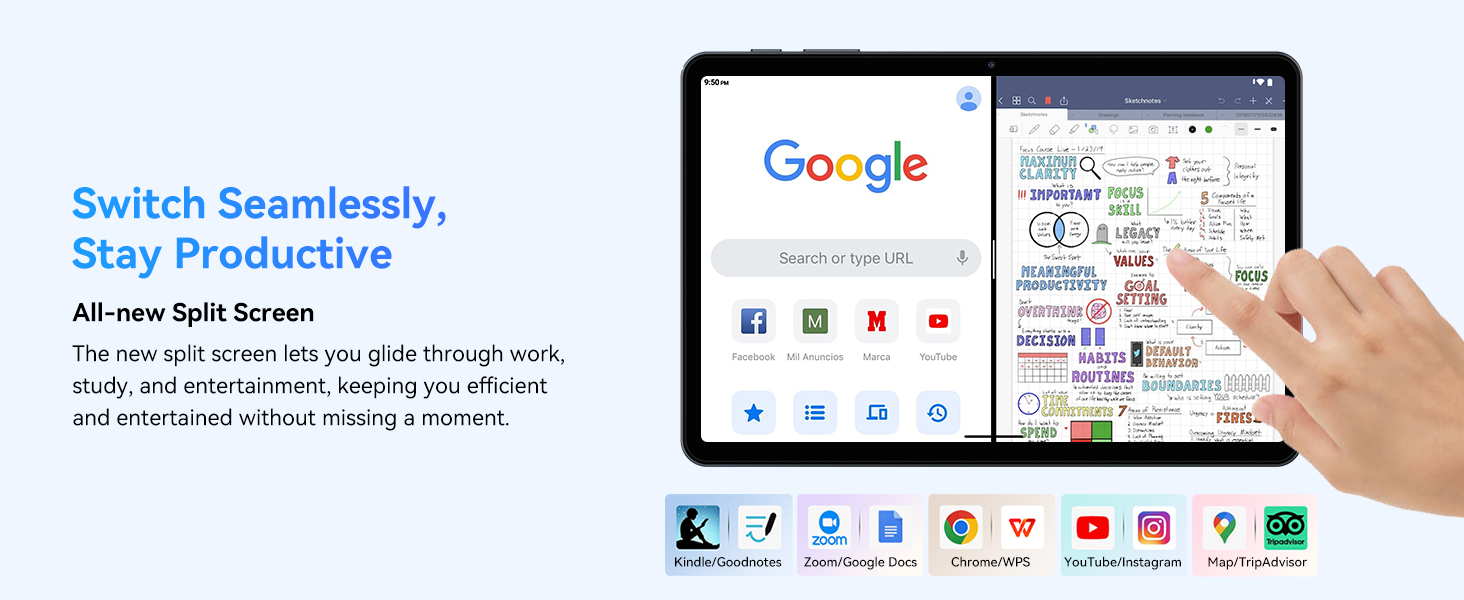
- Multitasking (Split Screen): Android 15 supports enhanced split-screen functionality. To use, open an app, then swipe up from the bottom, hold, and drag another app icon to either side of the screen.
- Dvojna umetna inteligenca 2.0: Your tablet integrates Gemini AI 2.0 for enhanced task management, smart chats, text-to-image generation, voice-enabled Q&A, and real-time conversations. Access AI features through compatible apps or dedicated AI interfaces.
- Zasebnost in varnost: Android 15 offers improved privacy controls. Review and adjust app permissions in Nastavitve > Zasebnost.
3.2 Povezljivost
- Wi-Fi: Supports 802.11a/b/g/n/ac for fast 5G Wi-Fi connectivity. Manage Wi-Fi connections in Nastavitve > Omrežje in internet > Wi-Fi.
- Bluetooth 5.0: For connecting wireless headphones, speakers, keyboards, and mice. Manage Bluetooth devices in Nastavitve > Povezane naprave > Bluetooth.
- GPS: The tablet includes GPS functionality for location services and navigation apps.
- OTG (na poti): Supports OTG, allowing you to connect USB devices like flash drives or external hard drives using an appropriate adapter.
3.3 Uporaba kamere
The TABWEE T80 features a 2MP front camera and a 5MP rear camera.
- Odprite aplikacijo Kamera na začetnem zaslonu ali v predalu aplikacij.
- Za fotografiranje se dotaknite gumba sprožilca.
- Med sprednjo in zadnjo kamero preklapljajte z ikono za preklop kamere.
- Explore different modes such as video recording or panorama if available.

3.4 Shranjevanje in zmogljivost
- RAM: The tablet comes with 6GB of physical RAM, expandable virtually to 18GB for smooth multitasking. Adjust RAM settings in nastavitve če je potrebno.
- Notranji pomnilnik: 128GB ROM is provided for apps and files.
- Razširljiv prostor za shranjevanje: A MicroSD card slot allows for storage expansion up to 2TB. Insert a compatible MicroSD card into the designated slot.
- Procesor: Powered by a Quad-Core Unisoc T310 processor (1x A75 2.0GHz, 3x A55 1.8GHz) and GE8300 GPU for efficient performance.
3.5 Baterija in polnjenje
- Kapaciteta baterije: Equipped with a 6000mAh battery, providing over 10 hours of typical usage.
- Polnjenje: Use the provided 10W fast charger and USB-C cable. Connect the cable to the tablet's USB-C port and the charger to a power outlet.
- Optimizacija baterije: Android 15 includes AI Super Power Saving Algorithms to extend battery life. Monitor battery usage in Nastavitve > Baterija.

3.6 Display and Entertainment
- Zaslon: 10-inch IPS display with a resolution of 1280 x 800 pixels.
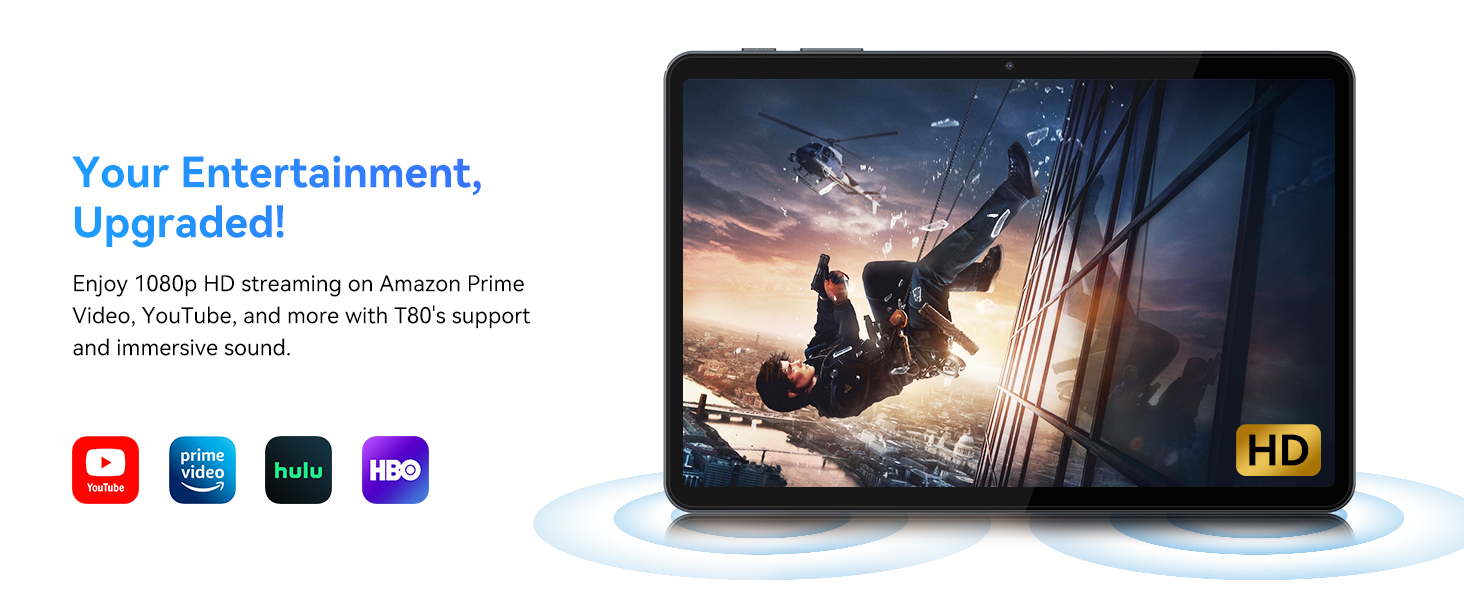
- Predvajanje videa: Supports 1080P video playback for streaming services like Amazon Prime Video, YouTube, Hulu, and HBO.
- Avdio: Dual speakers provide clear audio for media consumption.
4. Vzdrževanje
Pravilno vzdrževanje zagotavlja dolgo življenjsko dobo in optimalno delovanje vašega tabličnega računalnika.
4.1 Skrb za baterije
- Izogibajte se ekstremnim temperaturam, saj lahko skrajšajo življenjsko dobo baterije.
- Ne dovolite, da se baterija pogosto popolnoma izprazni. Napolnite jo, preden doseže 0 %.
- Uporabljajte samo priloženi polnilnik in kabel, da preprečite poškodbe.
4.2 Čiščenje
- Za čiščenje zaslona in ohišja tabličnega računalnika uporabite mehko krpo, ki ne pušča vlaken.
- Za trdovratne madeže rahlo dampKrpo sperite z vodo ali raztopino za čiščenje zaslona. Izogibajte se agresivnim kemikalijam.
- Prepričajte se, da so vsa vrata brez prahu in umazanije.
4.3 Posodobitve programske opreme
- Regularly check for and install system updates. These updates often include performance improvements, security patches, and new features.
- Pojdi na Nastavitve > Sistem > Posodobitev sistema da preverite, ali so na voljo posodobitve.
5. Odpravljanje težav
This section addresses common issues you might encounter with your TABWEE T80 tablet.
5.1 Tablični računalnik se ne vklopi
- Prepričajte se, da je tablični računalnik dovolj napolnjen. Priključite ga na polnilnik in počakajte nekaj minut, preden ga poskusite znova vklopiti.
- Za ponovni zagon poskusite pritisniti gumb za vklop 10–15 sekund.
5.2 Težave z brezžično povezljivostjo
- V hitrih nastavitvah vklopite in izklopite Wi-Fi.
- Znova zaženite usmerjevalnik Wi-Fi.
- Pozabite na omrežje v Nastavitve > Omrežje in internet > Wi-Fi in se ponovno povežite.
5.3 Počasno delovanje
- Zaprite nepotrebne aplikacije v ozadju.
- Clear cache for frequently used apps in Nastavitve > Aplikacije > [Ime aplikacije] > Pomnilnik in predpomnilnik > Počisti predpomnilnik.
- Ensure you have sufficient free storage space. Delete old files or move them to expandable storage.
- Občasno znova zaženite tablični računalnik.
5.4 Dodatki se ne povezujejo
- For Bluetooth accessories, ensure they are charged, powered on, and in pairing mode.
- Verify Bluetooth is enabled on the tablet and try re-pairing the device.
- Check the battery level of the accessories.
6. Specifikacije
Detailed technical specifications for the TABWEE T80 Android 15 Tablet.
| Funkcija | Specifikacija |
|---|---|
| Ime modela | T80(6+128) |
| Operacijski sistem | Android 15 |
| Velikost zaslona | 10 palcev |
| Največja ločljivost zaslona | 1280 x 800 slikovnih pik |
| Procesor | Unisoc T310 Quad-Core (1x A75 2.0GHz, 3x A55 1.8GHz) |
| RAM | 18 GB (6 GB fizičnega + 12 GB virtualnega) |
| Flash Memory Size (ROM) | 128 GB |
| Razširljiv prostor za shranjevanje | Do 2 TB prek kartice MicroSD |
| Brezžična vrsta | 802.11a, 802.11ac, 802.11b, 802.11g, 802.11n (5G WiFi) |
| Bluetooth | Bluetooth 5.0 |
| Kapaciteta baterije | 6000 mAh |
| Povprečna življenjska doba baterije | 480 Hours (Standby) / 10+ Hours (Usage) |
| Sprednja kamera | 2 MP |
| Zadnja kamera | 5 MP |
| Teža predmeta | 1.1 funtov |
| Dimenzije izdelka | 9.5 x 6.3 x 0.3 palcev |
| barva | Srebrno siva |
7. Garancija in podpora
Information regarding your product warranty and how to obtain customer support.
7.1 Garancija izdelka
The TABWEE T80 tablet comes with a 2-letna garancija, covering manufacturing defects and ensuring product reliability. This warranty provides peace of mind and support for your device.
7.2 Podpora strankam
For any technical assistance, inquiries, or warranty claims, please contact TABWEE customer support:
- E-pošta: serviceplus.linda@gmail.com
- Telefon (ZDA): +1 (717) 896-6060
- Telefon (Združeno kraljestvo): +44 7700 156388
- Phone (CA): +1 (587) 841-0500
- Telefon (DE): +49 157 3598 0115
TABWEE offers 24/7 customer support and lifetime technical assistance to ensure you have the best experience with your product.