1. Uvod
This manual provides essential instructions for the safe and efficient operation of your artfone CF241A GSM Flip Phone. Please read this manual thoroughly before using the device and keep it for future reference.
The artfone CF241A is designed with user-friendliness in mind, featuring large buttons, a clear display, and essential functions for reliable communication.

Slika 1.1: The artfone CF241A Flip Phone, showcasing its design with large buttons and a clear display, suitable for easy use.
2. Izdelek je končanview
The artfone CF241A is a compact and robust flip phone, specifically designed for ease of use. Key features include:
- Uporabniku prijazen dizajn: Features a 2.4-inch color screen, extra-large backlit keys, and clear menu icons for enhanced visibility and intuitive operation.
- Gumb za SOS v sili: A dedicated button allows for quick dialing of up to 5 pre-set emergency contacts and sending predefined SMS messages.
- Dolgotrajna baterija: Equipped with a 1300 mAh Lithium-ion battery, providing extended talk time and standby duration.
- Essential Daily Functions: Includes a flashlight, FM radio, basic camera, Bluetooth connectivity, alarm clock, and calculator.
- Podpora za dve kartici SIM: Allows for the use of two SIM cards simultaneously.
- Voice Number Broadcast: Announces dialed numbers to prevent errors, beneficial for users with visual impairments.
- Zvočnik: Zagotavlja jasne pogovore tudi v hrupnem okolju.

Slika 2.1: Detail of the large, easy-to-read buttons and clear display of the artfone CF241A.

Slika 2.2: konecview of the artfone CF241A's features, including battery, flashlight, and user-centric design.
3. Nastavitev
3.1. Namestitev kartice SIM in kartice MicroSD
The phone supports Dual SIM cards and a MicroSD card for expanded storage (up to 32GB).
- Odprite zadnji pokrov telefona.
- Odstranite baterijo.
- Carefully insert your SIM card(s) into the designated slot(s). Ensure the gold contacts face downwards.
- If using a MicroSD card, insert it into its dedicated slot.
- Zamenjajte baterijo in nato zadnji pokrov.

Slika 3.1: Illustration of SIM and MicroSD card insertion points.
3.2. Namestitev in polnjenje baterije
- Ensure the battery is correctly placed in its compartment with the contacts aligned.
- Connect the charger cable to the USB Type C port on the phone.
- Plug the charger into a power outlet. The phone will indicate charging status.
- Allow the phone to charge fully before first use.
3.3. Začetni vklop
Press and hold the Power/End Call button (red button) until the screen lights up. Follow any on-screen prompts for initial setup, such as language selection.
4. Navodila za uporabo
4.1. Osnovne funkcije
- Klicanje: Vnesite telefonsko številko s tipkovnico in pritisnite zeleni gumb za klic.
- Sprejem klica: Press the Green Call button to answer an incoming call.
- Končanje klica: Pritisnite rdeč gumb za končanje klica.
- Pošiljanje SMS-a: Navigate to the 'Messages' menu, select 'Write message', enter your text, and choose a recipient from your contacts or enter a number.
4.2 Funkcija klica v sili SOS
The SOS button is located on the back of the phone. To activate:
- Go to 'Settings' > 'SOS Settings' to program up to 5 emergency contact numbers.
- V nujnih primerih pritisnite in držite gumb SOS 3 sekund.
- The phone will automatically call the programmed numbers in sequence until one is answered. It will also send a predefined emergency SMS to these contacts.

Slika 4.1: Using the one-button SOS emergency call feature.
4.3. Imenik
You can store up to 250 contacts. To add a contact:
- Go to 'Menu' > 'Phonebook' > 'Add New Contact'.
- Vnesite ime in telefonsko številko.
- Shranite stik.
Hitro klicanje: Assign frequently called numbers to M1, M2, and keys 2-9 for quick dialing. Access this feature via 'Menu' > 'Settings' > 'Speed Dial'.

Slika 4.2: Features like Speed Dial, Backlit Keyboard, and Voice Dialing for ease of use.
4.4. Večpredstavnostne funkcije
- Kamera: Access the camera from the main menu to take photos. Photos are saved to the phone's memory or MicroSD card.
- FM radio: Plug in headphones (acting as an antenna) and select 'FM Radio' from the menu.
- Svetilka: Activate the flashlight via a dedicated side button or through the menu.

Slika 4.3: The integrated flashlight feature in use.
4.5. Nastavitve
- jezik: Change the phone's language (German, English, French, Spanish, Italian are supported).
- Čas in datum: Adjust these settings manually or set to automatic update.
- obseg: Adjust ringtone, call, and media volumes.
- Osvetlitev ozadja: Adjust screen brightness and keypad backlight duration.
- Glasovno oddajanje: Enable or disable the feature that announces dialed numbers.
- Letalski način: Deactivates all wireless functions.

Slika 4.4: The voice number broadcast feature in action.
5. Vzdrževanje
5.1. Skrb za baterijo
- Izogibajte se ekstremnim temperaturam, ki lahko skrajšajo življenjsko dobo baterije.
- Baterije ne izpostavljajte vodi ali ognju.
- Uporabljajte samo originalni ali odobreni polnilnik.
- Če telefona ne boste uporabljali dlje časa, ga napolnite do približno 50 % in shranite na hladnem in suhem mestu.
5.2. Čiščenje
- Wipe the phone with a soft, dry cloth.
- Ne uporabljajte ostrih kemikalij ali abrazivnih čistil.
5.3. Shranjevanje in odstranjevanje
- Store the phone in a dry place away from direct sunlight.
- Dispose of the phone and battery according to local regulations for electronic waste. Do not dispose of in household waste.

Slika 5.1: Recycling information for the product and its components.
6. Odpravljanje težav
If you encounter issues with your artfone CF241A, please refer to the following common problems and solutions:
| Težava | Možen vzrok | rešitev |
|---|---|---|
| Telefon se ne vklopi | Prazna baterija; Baterija ni pravilno vstavljena | Charge the battery; Reinstall the battery ensuring correct alignment. |
| Ne morem klicati ali sprejemati klicev | No SIM card; SIM card not installed correctly; No network signal | Install SIM card; Reinstall SIM card; Move to an area with better network coverage. |
| Slaba kakovost klica | Weak network signal; Obstructions | Move to an open area; Ensure no physical obstructions are blocking the signal. |
| Baterija se hitro izprazni | Frequent use; Background applications; Old battery | Zmanjšajte svetlost zaslona; Zaprite neuporabljene aplikacije; Razmislite o zamenjavi baterije, če je stara. |
| Gumb SOS ne deluje | Emergency numbers not set; Button not pressed long enough | Program emergency numbers in settings; Press and hold the SOS button for 3 seconds. |
Če težava ne izgine, se obrnite na podporo strankam.
7. Specifikacije
Detailed technical specifications for the artfone CF241A:
| Funkcija | Podrobnost |
|---|---|
| Znamka | artfone |
| Ime modela | CF241A |
| Vrsta izdelka | Preklopni telefon |
| Operacijski sistem | artfone OS |
| Velikost zaslona | 2.4 palcev |
| Povezave | Bluetooth, 3.5 mm Jack, USB Type C |
| Effective Fixed Resolution (Camera) | 1.0 MP |
| Posebne lastnosti | Dual SIM, Basic Phone, SOS Button, Large Keys, Backlit Keyboard, Voice Dialing, FM Radio, Flashlight |
| Sestava baterije | Litij-ionski (1300 mAh) |
| Velikost RAM-a | 32 MB |
| Model procesorja | Cortex A13 1.2 GHz Processor |
| Hitrost procesorja | 1000 MHz |
| Zmogljivost pomnilnika | 128 MB (expandable up to 32GB with MicroSD) |
| Celična tehnologija | 2G (850/900/1800/1900 MHz) |

Slika 7.1: Physical dimensions of the artfone CF241A.
8. Informacije o garanciji
Podrobnosti o garanciji so običajno navedene v dokumentaciji o nakupu ali na uradni strani proizvajalca. webspletno mesto. Za najnatančnejše in najnovejše garancijske pogoje si oglejte te vire.
9. Podpora in kontaktni podatki
For further assistance, technical support, or inquiries, please refer to the contact information provided with your product packaging or visit the official artfone webmesto.
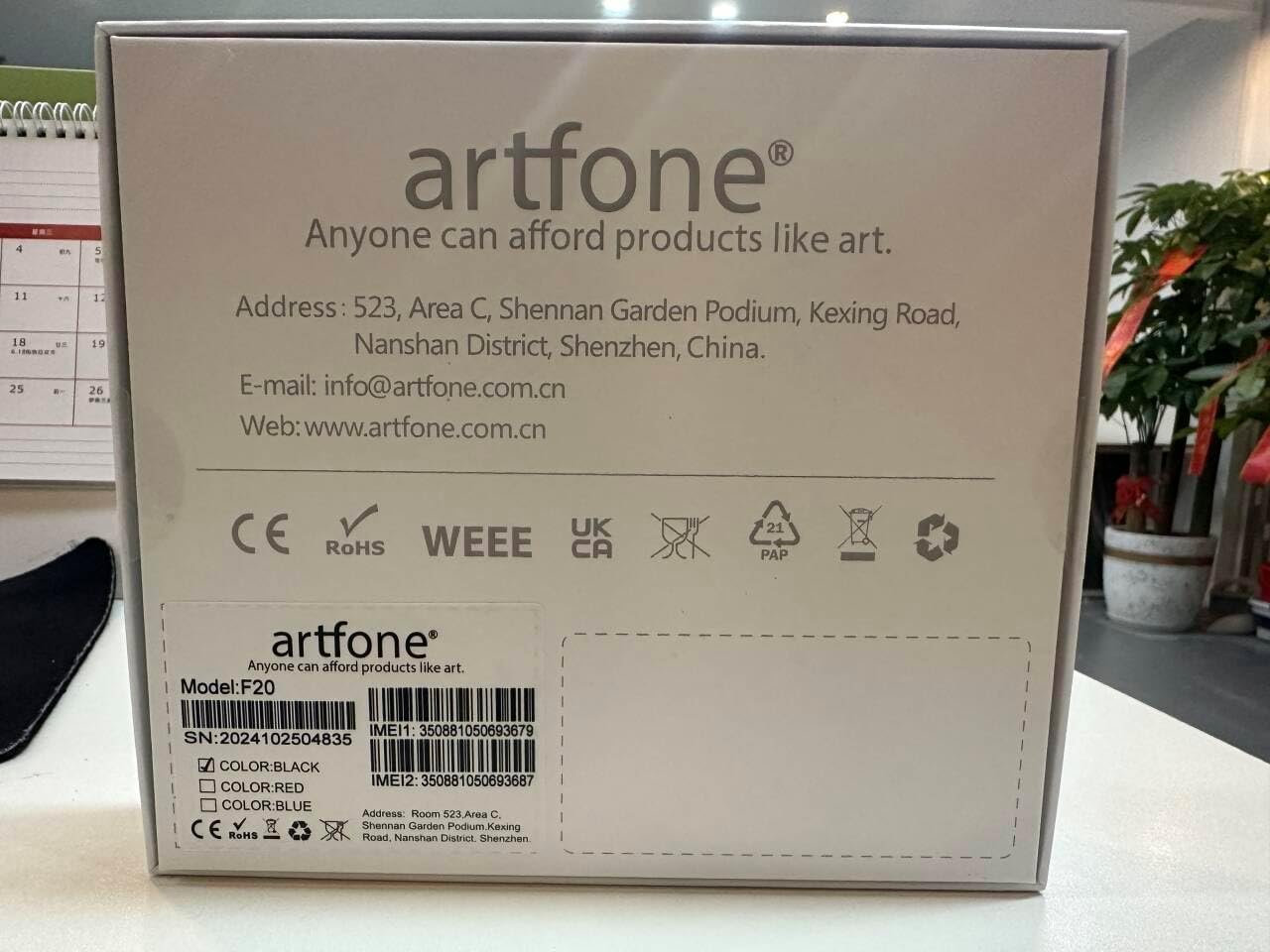
Slika 9.1: Manufacturer contact details from product packaging.
Proizvajalec: artfone
Webspletno mesto: www.artfone.com.cn
E-pošta: info@artfone.com.cn


