1. Izdelek je končanview
The Roku Plus Series 55-inch 4K QLED Mini-LED Smart TV is designed to provide a high-quality viewing experience with intuitive smart features. This television integrates advanced display technologies and a user-friendly operating system for seamless entertainment access.

Figure 1.1: Roku Smart TV Home Screen
2. Kaj je v škatli
Upon unboxing your Roku Plus Series 55-inch 4K QLED Mini-LED Smart TV, ensure all the following components are present:
- Roku Plus Series 55" 4K QLED Mini-LED TV
- Stands and screws for TV base installation
- Roku Enhanced Voice Remote with batteries
- Vodnik za hiter začetek

Slika 2.1: Vključene komponente
3. Nastavitev
3.1 Pritrditev stojal za televizor
- Televizor previdno položite z zaslonom navzdol na mehko, čisto površino, da preprečite praske.
- Vsako stojalo poravnajte z ustreznimi luknjami za vijake na spodnji strani televizorja.
- Vsako stojalo pritrdite s priloženimi vijaki. Ne privijte jih preveč.
3.2 Stenska montaža (neobvezno)
If you choose to wall mount your TV, refer to the instructions provided with your wall mount kit. Ensure the mount is compatible with VESA standards for your TV size and weight. Professional installation is recommended for wall mounting.
3.3 Priključitev zunanjih naprav
The Roku TV offers multiple connectivity options for external devices. Refer to the port diagram below for connection points.

Figure 3.1: TV Input/Output Ports
- HDMI: Connect up to four HDMI devices (e.g., cable box, gaming console, Blu-ray player).
- USB-C: For compatible USB-C devices.
- Lokalno omrežje (Ethernet): Za žično internetno povezavo.
- Slušalke: Za zasebno poslušanje z žičnimi slušalkami.
- Optični: For digital audio output to a soundbar or receiver.
- Antena/kabel: Za priklop antene ali kabelske televizije.
3.4 Začetni vklop in omrežna povezava
- Napajalni kabel priključite na televizor in nato v stensko vtičnico.
- Insert the included AAA batteries into the Enhanced Voice Remote.
- Follow the on-screen instructions to select your language, connect to your Wi-Fi network (or use Ethernet), and activate your Roku account.
4. Upravljanje televizorja
4.1 Enhanced Voice Remote
The Roku Enhanced Voice Remote provides intuitive control over your TV and streaming experience. Key features include:
- Glasovni nadzor: Press the microphone button to search for content, launch apps, or control playback using voice commands.
- Prilagodljive bližnjice: Set personal shortcuts for your favorite apps or functions.
- Izgubljeni iskalnik na daljavo: Use the button on the TV or the Roku Mobile app to locate a misplaced remote.
- Bližnjice aplikacij: Dedicated buttons for popular streaming services for quick access.

Figure 4.1: Roku Enhanced Voice Remote Layout
4.2 Navigating the Home Screen
The Roku Home Screen provides quick access to your streaming channels, live TV, and inputs. You can customize the order of your channels for personalized access.
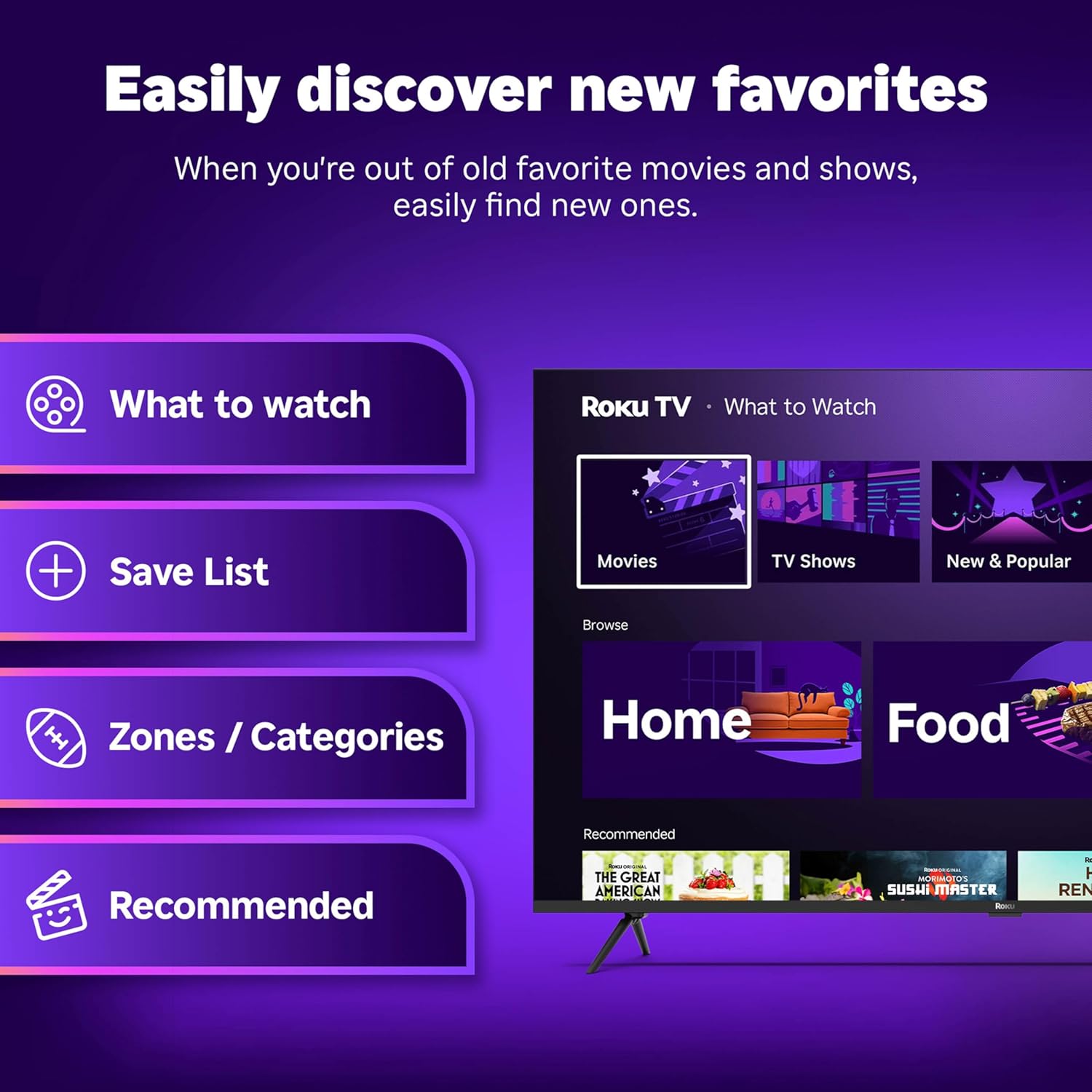
Figure 4.2: Roku Home Screen Interface
4.3 Streaming and Live TV
Access a wide range of streaming services and live TV channels directly from your home screen. The Roku platform offers over 500 free TV channels, including live in-season shows, movies, weather, and local news.

Figure 4.3: Live TV Guide
5. Kakovost slike in zvoka
The Roku Plus Series TV features advanced technologies for an immersive audio-visual experience:
- 4K QLED Mini-LED Display: Mini-LED backlighting enhances detail, while QLED and Dolby Vision technology deliver accurate colors and vivid highlights.
- Roku Smart Picture Max: AI-powered optimization refines color and sharpness for various content types, including sports and movies.
- Zvok Dolby Atmos: Designed for clear speech and enhanced sound, with a built-in subwoofer for a cinematic experience.
- Bluetooth Headphone Mode: Allows private listening using wireless headphones without disturbing others.
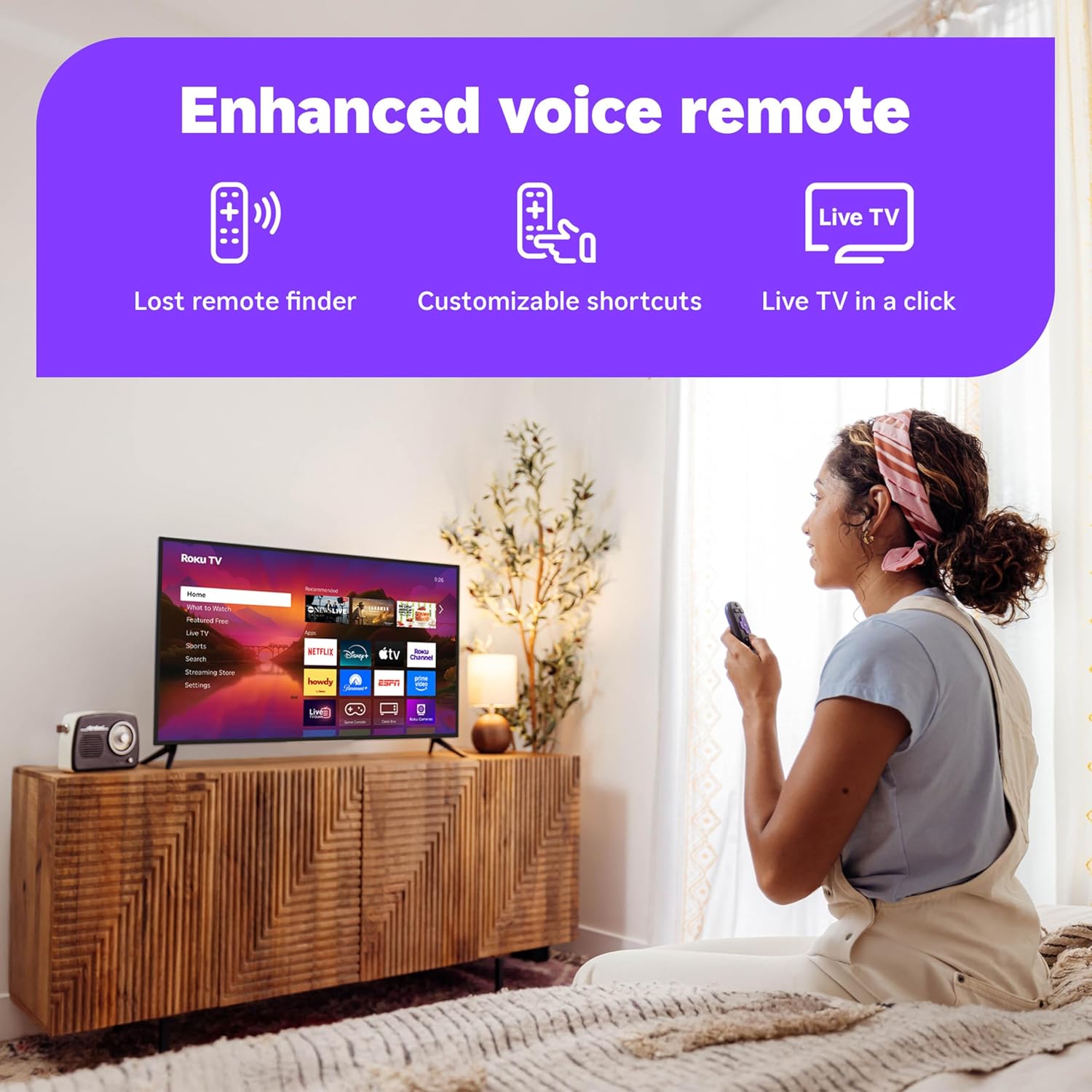
Figure 5.1: Roku Smart Picture Max Settings

Figure 5.2: Bluetooth Headphone Mode in Use
6. Povezljivost in integracija pametnega doma
The Roku TV is designed for seamless integration into your digital lifestyle:
- Povezljivost Wi-Fi: Built-in Wi-Fi ensures fast and reliable streaming.
- Glasovni pomočniki: Compatible with Roku Voice, Siri, Alexa, and Google Assistant for convenient voice control.
- Apple AirPlay: Effortlessly share videos, photos, and music from your Apple devices to the TV.
- Samodejne posodobitve programske opreme: Ensures you always have the latest features and security enhancements.
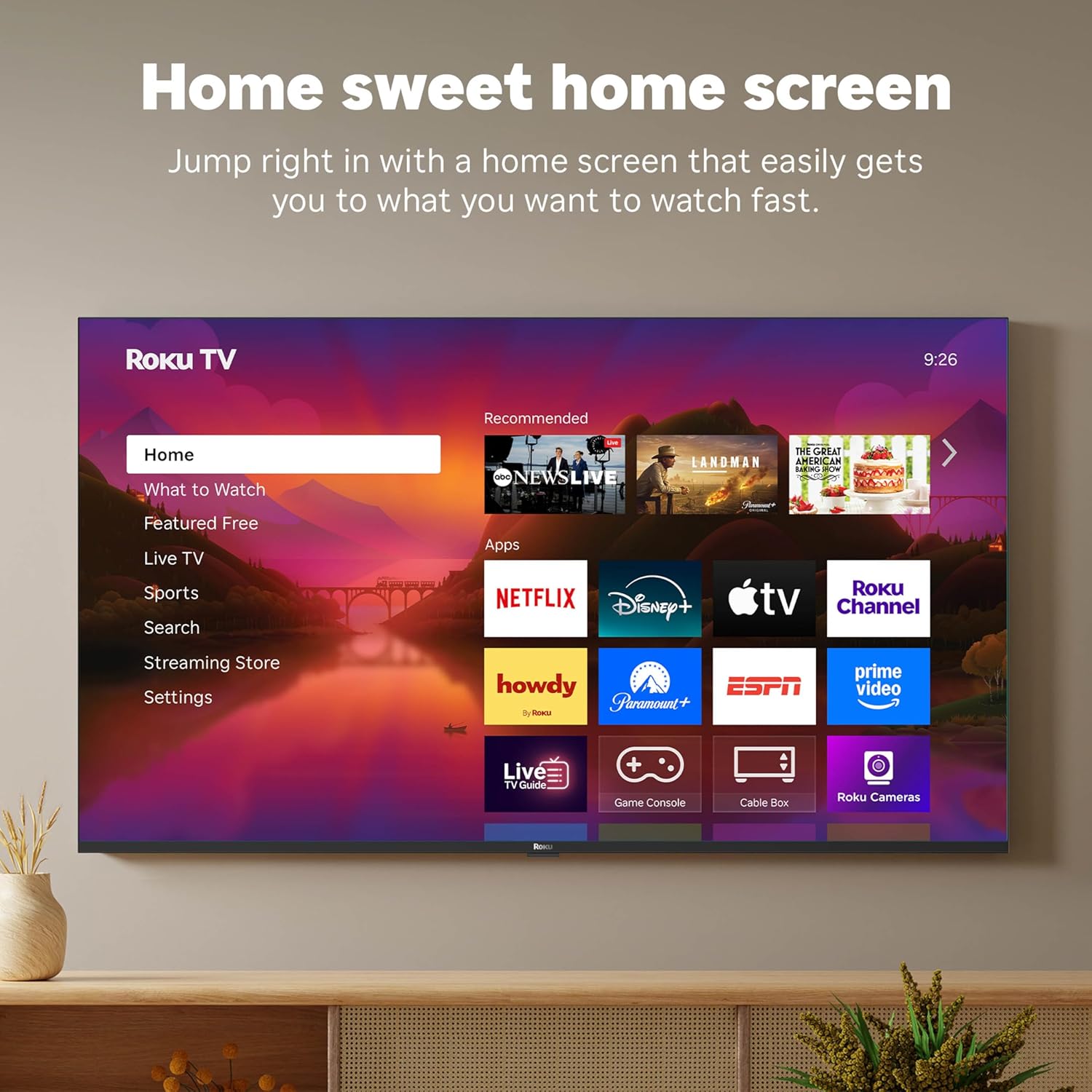
Figure 6.1: Smart Home Integration with Voice Assistants
7. Vzdrževanje
To ensure the longevity and optimal performance of your Roku TV, follow these maintenance guidelines:
- Čiščenje zaslona: Uporabite mehko krpo, ki ne pušča vlaken in je posebej zasnovana za elektroniko. Ne uporabljajte agresivnih kemikalij ali abrazivnih čistil. Rahlo obrišiteampPo potrebi krpo navlažite z vodo in nežno obrišite.
- Čiščenje daljinskega upravljalnika: Wipe the remote with a dry, soft cloth. If necessary, use a slightly damp cloth. Avoid getting moisture into the remote's openings.
- Prezračevanje: Zagotovite zadosten pretok zraka okoli televizorja. Ne blokirajte prezračevalnih odprtin.
- Upravljanje porabe: Med nevihtami ali če bo dalj časa brez nadzora, izključite televizor iz električne vtičnice.
8. Odpravljanje težav
If you encounter issues with your Roku TV, try the following common troubleshooting steps:
- Brez napajanja: Prepričajte se, da je napajalni kabel varno priključen tako v televizor kot v delujočo električno vtičnico. Poskusite z drugo vtičnico.
- Brez slike/zvoka: Verify that the correct input source is selected. Check all cable connections (HDMI, optical, etc.) for secure fit.
- Daljinski upravljalnik se ne odziva: Replace the batteries in the remote. Ensure there are no obstructions between the remote and the TV. For the Enhanced Voice Remote, try using the lost remote finder feature.
- Težave z omrežno povezavo: Restart your Wi-Fi router and modem. On the TV, go to Settings > Network > Check connection.
- Aplikacija se ne nalaga: Restart the app. If the issue persists, remove the app and reinstall it from the Streaming Store.
- Težave s posodobitvijo programske opreme: Ensure your internet connection is stable. Go to Settings > System > Software update to manually check for updates.
For more detailed troubleshooting or persistent issues, visit the official Roku support webspletno mesto ali se obrnite na službo za stranke.
9. Specifikacije
| Funkcija | Specifikacija |
|---|---|
| Znamka | Roku |
| Številka modela | 55R6C7 |
| Velikost zaslona | 55 palcev |
| Tehnologija zaslona | 4K UHD, LED, Mini LED, QLED |
| Resolucija | 4K |
| Hitrost osveževanja | 60 Hz |
| Dimenzije izdelka | 11.7"D x 48.3"Š x 30.5"V |
| Teža predmeta | 27.4 funta |
| Tehnologija povezljivosti | Bluetooth, Ethernet, USB-C, Wi-Fi |
| Posebne lastnosti | Bluetooth Headphone Mode, Dolby Vision, Game Mode, Art Mode, Voice Remote, Variable Refresh Rate (VRR), Flat |
| Vključene komponente | Roku Plus Series 55" 4K QLED Mini-LED TV, Stands and screws, Roku Enhanced Voice Remote with batteries, Quick Start Guide |
10. Garancija in podpora
Za informacije o garanciji vašega izdelka glejte garancijski list, ki je priložen embalaži izdelka, ali obiščite uradno podporo Roku. website. Roku provides customer support for technical assistance and service inquiries.
Spletna podpora: support.roku.com


