1. Uvod
This manual provides essential information for the safe and efficient operation of your Anern 4200W Hybrid Solar Inverter. Please read this manual thoroughly before installation and use. Keep it for future reference.
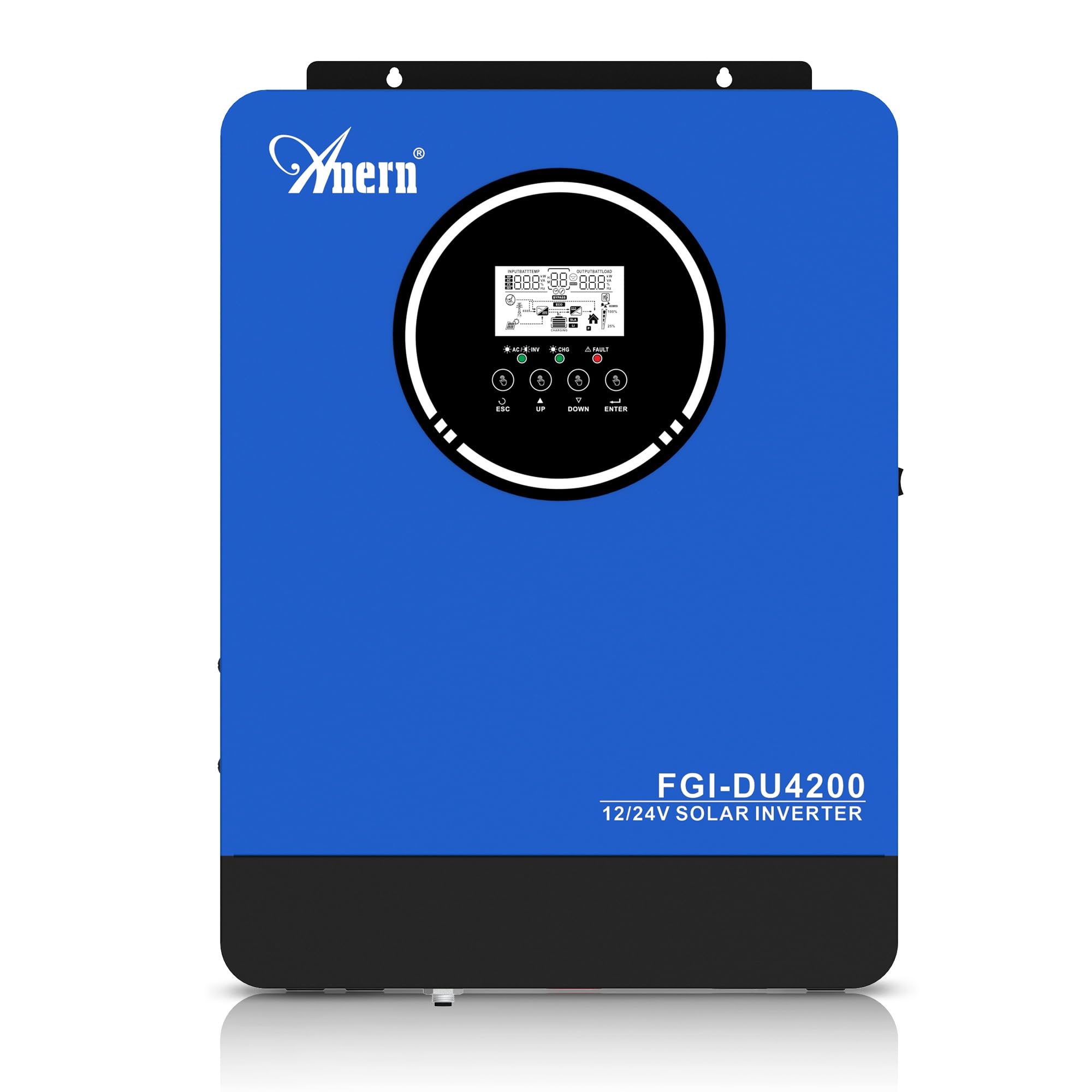
Figure 1: Anern 4200W Hybrid Solar Inverter. This image displays the main unit of the inverter, highlighting its key specifications such as 100A AC charging current, 4200W rated output power, and 500 VDC maximum PV array voltage.
2. Varnostna navodila
Za zmanjšanje tveganja električnega udara, požara ali poškodb vedno upoštevajte naslednje varnostne ukrepe:
- Namestitev mora opraviti usposobljeno osebje.
- Ensure all wiring is correctly connected and equipped with appropriate protective switches.
- Ne razstavljajte pretvornika. V notranjosti ni delov, ki bi jih lahko uporabnik popravil.
- Izogibajte se izpostavljanju pretvornika dežju, snegu, pršenju ali katerim koli tekočinam.
- Zagotovite zadostno prezračevanje okoli razsmernika, da preprečite pregrevanje.
- Pred kakršnim koli vzdrževanjem ali ožičenjem odklopite vse vire napajanja (fotonapetost, baterijo, električno omrežje).
3. Izdelek je končanview
The Anern 4200W Hybrid Solar Inverter is designed to convert DC power from solar panels and batteries into AC power for household use. It features an integrated 100A MPPT solar charge controller and supports both 12V and 24V battery systems with automatic detection.
Ključne značilnosti:
- 4200 W čistega sinusnega izhoda: Zagotavlja stabilno in čisto napajanje za občutljivo elektroniko.
- 100A MPPT Solar Charge Controller: Maksimizira pridobivanje energije iz sončnih panelov.
- 12V/24V Battery Auto-Detection: Automatically adjusts output based on connected battery voltage.
- BMS Interface: Supports communication with lithium batteries for enhanced monitoring and protection.
- LED-zaslon v realnem času: Shows system status, operating data, and error codes.
- Configurable Charging & Output Modes: Offers flexibility for various application needs.
- Optional WiFi/GPRS Monitoring: Remote monitoring capability (module sold separately).

Figure 2: Inverter Display and Controls. This image illustrates the inverter's LCD display, function buttons for configuration, and the optional WiFi module for remote monitoring.
4. Nastavitev in namestitev
4.1 Shema ožičenja
Refer to the electrical schematic for proper system wiring. Ensure all connections are secure and correctly polarized.

Figure 3: Electrical Schematic. This diagram shows the complete wiring for a solar inverter system, including solar panels, combiner box, DC/AC breakers, inverter, utility grid connection, and loads.
4.2 Priključitev baterije
The inverter supports 12V and 24V battery configurations. It automatically detects the battery voltage and adjusts its output accordingly (2300W for 12V, 4200W for 24V). For 24V systems, connect two 12V batteries in series. For 12V systems, connect batteries in parallel if increasinzmogljivost g.

Figure 4: Battery Connection Options. This image illustrates how to connect batteries for 12V (parallel connection for 2300W output) and 24V (series connection for 4200W output) systems.
The inverter also supports lithium batteries and includes a BMS (Battery Management System) interface for monitoring and protection. Ensure the BMS is properly connected if using lithium batteries.

Figure 5: Communication Interfaces. This image highlights the dual communication interfaces for BMS (Battery Management System) and optional WiFi module, enabling remote monitoring and battery communication.
4.3 Startup and Shutdown Sequence
Zagonsko zaporedje:
- Priključite baterijo.
- Vklopite pretvornik.
- Activate the protective switches for PV, Utility, and Loads.
Zaporedje zaustavitve:
- Deactivate the protective switches for Loads, Utility, and PV.
- Izklopite pretvornik.
- Odklopite baterijo.
Important Note: Inductive loads (e.g., motors, refrigerators) may require up to 3 times their rated power for startup. Ensure the inverter's capacity is sufficient to handle these surge loads. Exceeding the inverter's surge capacity can cause damage.
5. Delovanje
5.1 LCD-zaslon in nastavitve
The inverter features an LED display that provides real-time system data and operating status. Use the function buttons below the display to navigate menus and configure settings. Settings include battery charging current, AC/solar charging priority, and charging current priority.
5.2 načini polnjenja
Razsmernik ponuja štiri nastavljive načine polnjenja:
- Prioriteta sončne energije: Solar power is prioritized for charging.
- Samo sončna energija: Za polnjenje se uporablja samo sončna energija.
- Prioriteta komunalnih storitev: Utility grid power is prioritized for charging.
- Solar + Utility Hybrid: Combines solar and utility power for charging.
5.3 Izhodni načini
Three output modes are available to adapt to various application needs:
- Solar Priority (SUB): Solar power is prioritized for loads.
- Utility Priority (USB): Utility grid power is prioritized for loads.
- SBU: Solar, Battery, Utility priority.

Figure 6: Charging and Output Modes. This diagram visually explains the four available charging modes (Solar Charge, Utility Priority, Solar Priority, Hybrid Charge) and three load output modes (PV Priority, Utility Priority, SBU Priority).
5.4 Oddaljeno spremljanje
The inverter supports remote monitoring via an optional WiFi/GPRS module (sold separately). This allows users to monitor system performance and status from a distance.
6. Vzdrževanje
Redno vzdrževanje zagotavlja optimalno delovanje in dolgo življenjsko dobo vašega pretvornika:
- Razsmernik naj bo čist in brez prahu. Za čiščenje uporabljajte suho krpo.
- Prepričajte se, da prezračevalne odprtine niso blokirane.
- Občasno preverite vse ožičene povezave glede tesnosti in znakov korozije.
- Monitor the battery status, especially if using lithium batteries with the BMS interface, to prevent overcharge or deep discharge.
- Inspect solar panels for dirt or damage that could reduce efficiency.
7. Odpravljanje težav
The LED display will show error codes if issues arise. Refer to the inverter's display for specific error codes to diagnose and resolve problems. Common issues and their potential solutions include:
- Brez izhodne moči: Check battery connections, DC/AC breakers, and inverter power switch.
- Nizka baterija Voltage: Ensure batteries are adequately charged. Check charging sources (solar, utility).
- Opozorilo o preobremenitvi: Reduce the connected load. Inductive loads may cause temporary overloads during startup.
- Pregrevanje: Ensure proper ventilation. Clean any dust from the inverter's vents.
- Napaka PV vhoda: Check solar panel connections and voltage. Ensure PV array voltage je v določenem območju (55–500 V DC).
Za vztrajne težave ali kode napak, ki niso navedene, se obrnite na podporo strankam.
8. Tehnične specifikacije
| Funkcija | Specifikacija |
|---|---|
| Znamka | Anern |
| Številka modela | AN-FGI-DU 4200 |
| Električna energija | 4200 vatov |
| Izhodna moč | 4500 vatov |
| Max. Output Power (Watts) | 4200 |
| Izhodna valovna oblika | Čisti sinusni val |
| Vir napajanja | Napajanje na sončno energijo, na baterije |
| Priporočena uporaba izdelka | domov |
| Vključene komponente | Navodila za uporabo |
| Skladnost | CE |
| Dimenzije izdelka | 30 x 10 x 40 cm; 8.86 kg |
9. Garancija in podpora
For warranty information and technical support, please refer to the documentation provided with your purchase or contact Anern customer service. Keep your purchase receipt as proof of purchase.


