1. Uvod
Welcome to the GOBOULT Pyro Smartwatch user manual. This guide provides essential information for setting up, operating, and maintaining your new smartwatch. The GOBOULT Pyro combines advanced technology with a sleek design, offering features such as a vibrant AMOLED display, Bluetooth calling, comprehensive health monitoring, and various sports modes.
Please read this manual thoroughly to ensure proper use and to maximize your experience with the device.

Image 1.1: The GOBOULT Pyro Smartwatch in Charcoal Black. This image displays the watch face and strap, highlighting its overall design.
2. Ključne značilnosti
The GOBOULT Pyro Smartwatch is equipped with a range of features designed to enhance your daily life and fitness routine:
- 1.43-palčni AMOLED zaslon: Enjoy an ultra-clear and vibrant display with 600 nits brightness and Always-On Display functionality.
- Rotating Dial Navigation: Effortlessly browse menus and switch between applications.
- Bluetooth Calling 5.3: Make and receive calls directly from your wrist with enhanced audio quality.
- Odpornost na vodo in prah IP68: Designed to withstand dust, sweat, and water immersion.
- 150+ Cloud-Based Watch Faces: Personalize your smartwatch to match your style.
- 120+ športnih načinov: Track various fitness activities with real-time insights.
- Glasovni pomočnik AI: Control tasks hands-free using voice commands.
- Spremljanje zdravja: Includes SpO2, heart rate, blood pressure, stress, sleep, and menstrual cycle tracking.
- Smart Productivity Features: Remote camera control, flashlight, world clock, weather updates, and 'Find My Phone' functionality.

Slika 2.1: Prekoview razstavaasing key features of the GOBOULT Pyro Smartwatch, including the working dial, Always-On Display, 600 nits brightness, 120+ sports modes, Bluetooth calling, health monitoring, and IP68 water resistance.
3. Nastavitev
3.1. Razpakiranje in prvi pregled
Po odprtju embalaže se prepričajte, da so vse komponente prisotne in nepoškodovane. Škatla mora vsebovati:
- GOBOULT Pyro Smartwatch
- Polnilni kabel
- Uporabniški priročnik (ta dokument)
- Garancijska kartica
3.2. Polnjenje pametne ure
Before first use, fully charge your GOBOULT Pyro Smartwatch. Connect the provided charging cable to the charging port on the back of the smartwatch and to a standard USB power adapter (not included). A full charge typically takes approximately 150 minutes.
Opomba: Use a compatible charger to avoid damage. The smartwatch requires 1 AAA battery (included) for internal functions, but the main power is supplied via the charging cable.
3.3. Seznanjanje s pametnim telefonom
Za odklepanje vseh funkcij pametne ure jo povežite s pametnim telefonom prek Bluetootha:
- Download the official GOBOULT companion app from your smartphone's app store (available for Android and iOS).
- Prepričajte se, da je Bluetooth na vašem pametnem telefonu omogočen.
- Open the GOBOULT app and follow the on-screen instructions to add a new device.
- Select 'GOBOULT Pyro' from the list of available devices.
- Potrdite zahtevo za seznanitev tako na pametnem telefonu kot na pametni uri.
Once paired, the smartwatch will synchronize data and notifications with your phone.
4. Delovanje
4.1. Prikaz in navigacija
The GOBOULT Pyro features a 1.43-inch AMOLED display with 600 nits brightness, ensuring clear visibility even in bright sunlight. The Always-On Display (AOD) feature allows you to see essential information without fully activating the screen.

Image 4.1: The 1.43-inch AMOLED display of the GOBOULT Pyro Smartwatch, showcasing its vibrant colors and clarity, along with the Always-On Display feature and 600 nits brightness.
Navigate through menus and apps using the touchscreen and the intuitive rotating dial. Rotate the dial to scroll through lists or zoom, and press it to select items or return to the home screen.

Image 4.2: Close-up of the GOBOULT Pyro Smartwatch demonstrating the rotating action bezel for navigation through menus and options.
4.2. Prilagajanje številčnic ure
Personalize your smartwatch with over 150 cloud-based watch faces. You can change watch faces directly from the smartwatch settings or through the companion app. The app also allows for custom watch face options.

Image 4.3: A visual representation of the 150+ cloud-based watch faces available for the GOBOULT Pyro Smartwatch, including options for custom watch faces.
4.3. Klicanje prek Bluetootha
With Bluetooth 5.3, you can make and receive calls directly from your smartwatch. The device features a dedicated microphone and speaker for clear, hands-free communication. Ensure your smartwatch is connected to your phone via Bluetooth for this feature to work.

Image 4.4: The GOBOULT Pyro Smartwatch displaying an incoming call, illustrating the Bluetooth calling feature with its dedicated microphone and speaker.
4.4. Športni načini in sledenje aktivnosti
The smartwatch supports over 120 sports modes, allowing you to track a wide range of physical activities. Select your desired sport from the menu to monitor real-time data such as duration, calories burned, and heart rate.

Image 4.5: The GOBOULT Pyro Smartwatch displaying a running activity summary, highlighting the availability of 120+ sports modes for tracking various physical activities.
4.5. Spremljanje zdravja
The GOBOULT Pyro provides 24/7 health monitoring capabilities:
- Monitor srčnega utripa: Neprekinjeno spremlja vaš srčni utrip.
- Spremljanje SpO2: Meri raven kisika v krvi.
- Spremljanje krvnega tlaka: Zagotavlja ocene vašega krvnega tlaka.
- Sleep & Stress Monitoring: Analyzes sleep patterns and stress levels.
- Sledenje menstrualnega cikla pri ženskah: Pomaga pri sledenju in napovedovanju menstrualnih ciklov.
For accurate readings, ensure the smartwatch is worn snugly on your wrist. Consult a medical professional for any health concerns; the smartwatch is not a medical device.

Slika 4.6: Zadnji del view of the GOBOULT Pyro Smartwatch, showing the optical PPG tech sensors used for health monitoring features like heart rate, SpO2, and blood pressure tracking.
4.6. AI Voice Assistant and Smart Features
Access your AI voice assistant (Siri or Google Assistant) for hands-free commands. The smartwatch also offers additional smart features:
- SMS & Push Notifications: Prejemajte opozorila za sporočila in obvestila aplikacij.
- Daljinski nadzor kamere: Uporabite svojo uro kot daljinski sprožilec za kamero telefona.
- Svetilka: Activate a simple flashlight function.
- svetovna ura: View times in different time zones.
- Weather Details: Pridobite trenutne vremenske posodobitve.
- Najdi moj telefon: Poiščite seznanjeni pametni telefon.
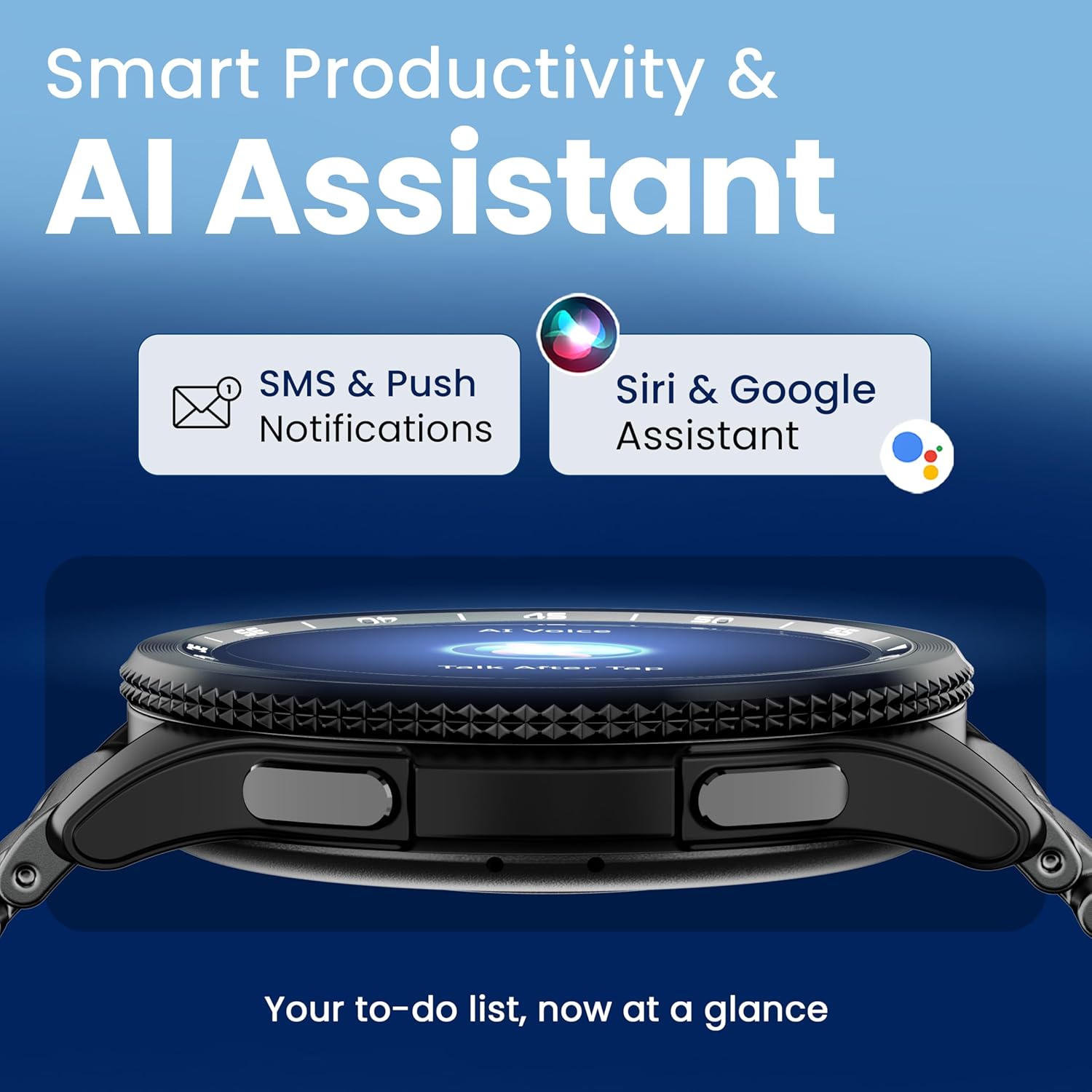
Image 4.7: The GOBOULT Pyro Smartwatch displaying the AI Voice Assistant interface, alongside icons for SMS and push notifications, indicating smart productivity features.

Image 4.8: The GOBOULT Pyro Smartwatch displaying the 'Find Phone' feature, with additional icons for remote camera control, flashlight, world clock, and weather details.
5. Vzdrževanje
5.1. Odpornost na vodo in prah (IP68)
The GOBOULT Pyro Smartwatch is IP68 rated, meaning it is resistant to dust and can withstand immersion in water up to 1.5 meters for 30 minutes. This makes it suitable for daily wear, including during workouts and in rainy conditions. However, it is not recommended for diving, high-pressure water activities, or prolonged submersion.
Pomembno: Water resistance is not a permanent condition and may decrease over time with normal wear. Avoid exposing the watch to hot water, steam, or detergents, as these can compromise the seals.
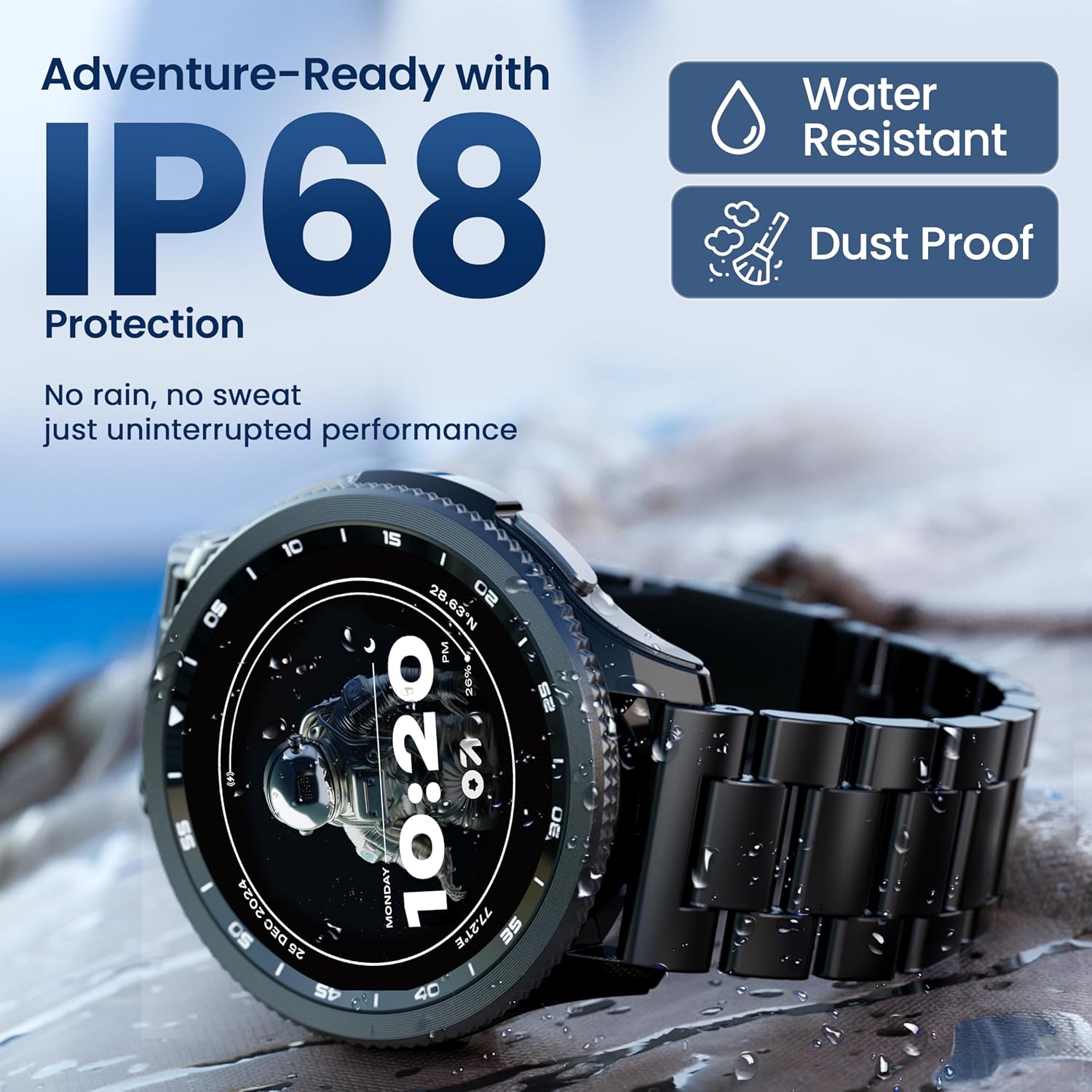
Image 5.1: The GOBOULT Pyro Smartwatch shown with water droplets, illustrating its IP68 water and dust resistance for uninterrupted performance in various conditions.
5.2. Čiščenje pametne ure
To keep your smartwatch clean and functioning optimally:
- Zaslon in ohišje obrišite z mehko krpo, ki ne pušča vlaken.
- Če je potrebno, dampKrpo rahlo navlažite z vodo. Izogibajte se uporabi agresivnih kemikalij ali abrazivnih materialov.
- Redno čistite polnilne kontakte, da zagotovite učinkovito polnjenje.
- Če je trak snemljiv, ga očistite ločeno glede na vrsto materiala.
5.3. Skrb za baterijo
Za podaljšanje življenjske dobe baterije:
- Izogibajte se ekstremnim temperaturam.
- Pred pogostim polnjenjem ne pustite, da se baterija popolnoma izprazni.
- If storing the watch for an extended period, charge it to about 50% and power it off.
6. Odpravljanje težav
If you encounter issues with your GOBOULT Pyro Smartwatch, refer to the following common solutions:
| Težava | Možna rešitev |
|---|---|
| Pametna ura se ne vklopi | Prepričajte se, da je ura popolnoma napolnjena. Priključite jo na polnilnik za vsaj 30 minut. |
| Seznanjanje s pametnim telefonom ni mogoče | Check if Bluetooth is enabled on your phone. Ensure the smartwatch is in pairing mode. Restart both devices and try again. Make sure the companion app is installed and updated. |
| Netočni zdravstveni odčitki | Ensure the watch is worn snugly on your wrist, not too tight or too loose. Clean the sensors on the back of the watch. Avoid excessive movement during readings. |
| Obvestila se ne prikažejo | Verify that notification permissions are granted to the GOBOULT app on your smartphone. Check the app's settings to ensure notifications are enabled for desired applications. Ensure Bluetooth connection is stable. |
| Baterija se hitro izprazni | Reduce screen brightness. Disable Always-On Display if not needed. Limit background app refresh. Ensure no apps are constantly running in the background. Frequent Bluetooth calling can also consume more power. |
| Charging issues (e.g., not connecting to charger) | Ensure the charging cable is correctly aligned with the magnetic contacts on the watch. Clean the charging contacts on both the cable and the watch. Try a different USB power source. |
| Rotating dial not working | Check for any physical obstruction or debris around the dial. Gently clean the area. If the issue persists, a software glitch might be present; try restarting the watch. |
7. Specifikacije
Below are the technical specifications for the GOBOULT Pyro Smartwatch:
| Funkcija | Podrobnost |
|---|---|
| Znamka | GOBOULT |
| Serija modelov | Pyro |
| Velikost zaslona | 1.43 palcev |
| Vrsta zaslona | AMOLED |
| Svetlost | 600 gnid |
| Povezljivost | Bluetooth 5.3 |
| Združljivost operacijskega sistema | Android, iOS |
| Vodoodpornost | IP68 |
| Kapaciteta baterije | 300 milliamp ure |
| Povprečna življenjska doba baterije | Do 7 dni |
| Čas polnjenja baterije | Približno 150 minut |
| Teža predmeta | 68 g |
| Vključene komponente | Smartwatch, Charging Cable, User Manual, Warranty Card |
8. Garancija in podpora
8.1. Informacije o garanciji
Your GOBOULT Pyro Smartwatch comes with a manufacturer's warranty. Please refer to the included Warranty Card for detailed information regarding warranty terms, conditions, and duration. Keep your proof of purchase for warranty claims.
8.2. Podpora strankam
For technical assistance, troubleshooting beyond this manual, or warranty service, please contact GOBOULT customer support. Contact details can typically be found on the Warranty Card or the official GOBOULT website. When contacting support, please have your product model (Pyro) and purchase details ready.


