1. Uvod
This manual provides essential information for the safe and efficient use of your Philips Ambilight 43PUS8510 4K QLED Smart TV. Please read these instructions carefully before operating the device and retain them for future reference.
2. Varnostne informacije
Always follow basic safety precautions when using this television to reduce the risk of fire, electric shock, and injury. Do not expose the TV to rain or moisture. Do not open the casing. Refer all servicing to qualified personnel. Ensure proper ventilation and avoid blocking ventilation openings. Keep the TV away from heat sources and direct sunlight.
3. Kaj je v škatli
Preverite, ali so v embalaži prisotne vse komponente:
- TV enota
- Napajalni kabel
- Daljinski upravljalnik z 2 baterijama AAA
- Stoj
- Uporabniški priročnik in garancijski list
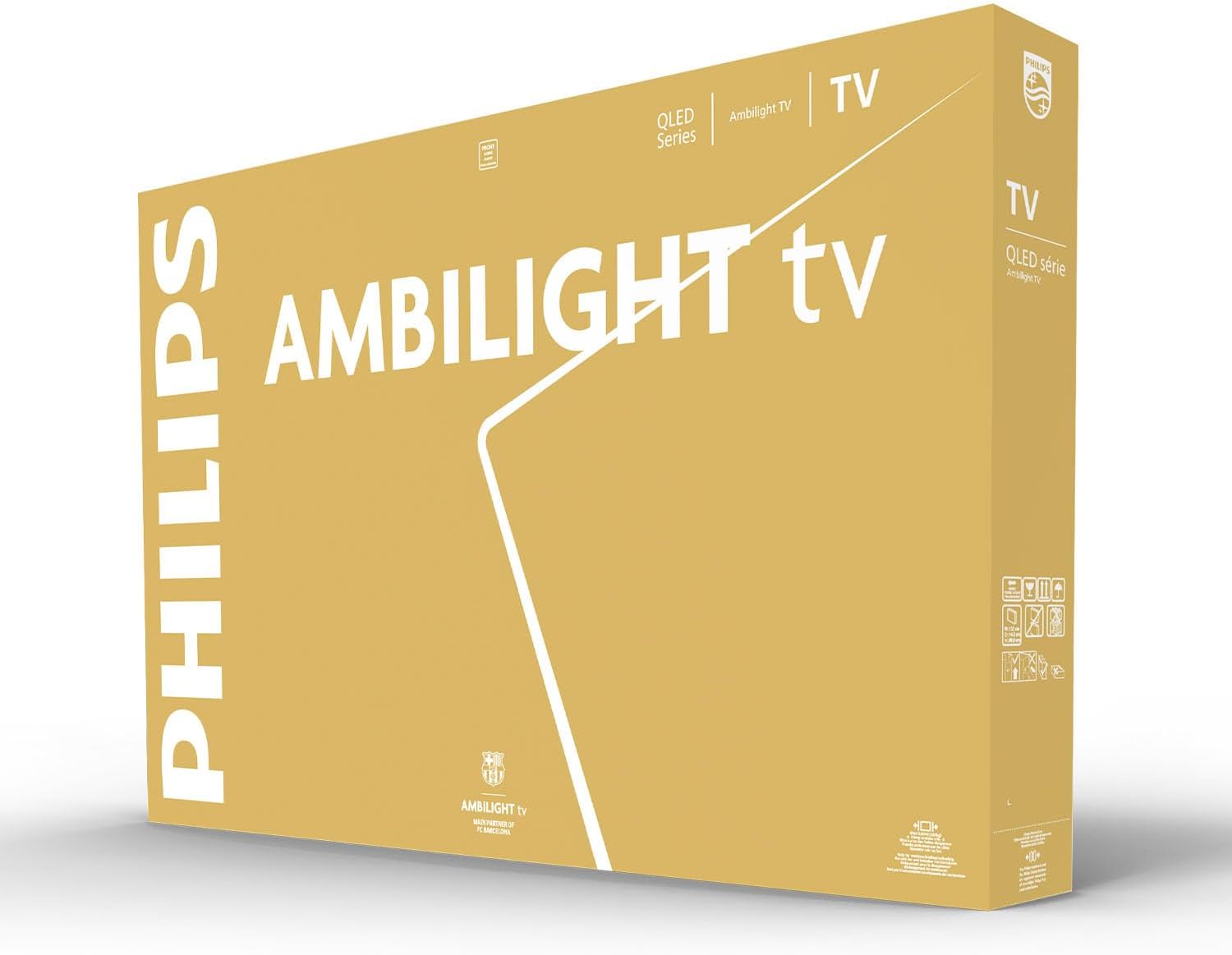
Image: The Philips Ambilight TV packaging box, indicating the contents and branding.
4. Nastavitev
4.1. Fizična namestitev
Your Philips Ambilight TV can be placed on a stand or wall-mounted. Ensure the stand is securely attached or the wall mount is appropriate for the TV's weight and size.

Image: A Philips Ambilight TV displaying content, with an overlay showing recommended viewing distances for 75-inch and 85-inch models. This image illustrates the TV's presence in a living space.
4.2. Začetni vklop
Connect the power cable to the TV and a power outlet. Press the power button on the remote control. The TV will guide you through the initial setup process, including language selection, network connection, and channel scanning.
4.3. Priključitev zunanjih naprav
Utilize the various ports on your TV to connect external devices such as gaming consoles, Blu-ray players, and sound systems.

Image: An illustrative diagram showing the rear ports of a Philips TV, highlighting the Triple Tuner (DVB-T, DVB-C, DVB-S2), USB, and HDMI connections.

Image: A detailed diagram illustrating the side and bottom ports of a Philips TV. Side ports include Common Interface, Headphone Jack, HDMI 3, HDMI 2, HDMI 1 (eARC), USB 1, and USB 2. Bottom ports include Digital Audio Out and Network (Ethernet).
5. Ključne značilnosti
5.1. Ambilight Technology
Philips Ambilight TVs feature integrated reactive LED lights on the rear that project colors onto the wall behind the screen. These lights synchronize with the on-screen content, creating an immersive viewing experience that makes the screen appear larger and enhances entertainment.

Image: A Philips Ambilight TV from the rear, showcasing the integrated LED lights reacting to the on-screen content by casting corresponding colors onto the wall.
Video: This video demonstrates the Philips Ambilight TV's features, including the Ambilight technology, P5 image processor, Titan OS, ultra-fluid gaming, Dolby Vision and Atmos audio, and the swivel stand. It highlights how the integrated LEDs synchronize with screen content, the powerful image processing, the intuitive smart TV platform, smooth gaming performance, cinematic audio-visual experience, and flexible placement options.
5.2. 4K QLED Display
Experience vibrant colors and sharp scenes with Quantum Dot 4K UHD technology. The display adapts to various HDR formats, delivering optimal contrast with bright highlights and deep blacks for detailed images and videos.

Image: A diagram showing the layers of a 4K QLED display, emphasizing vibrant colors and support for Ultra HD, HDR10+, and Dolby Atmos audio.
5.3. Pixel Precise Ultra HD Engine
The Philips Pixel Precise Ultra HD engine optimizes image quality to provide ultra-defined images, rich colors, and smooth motion, ensuring a clear and detailed viewizkušnje.
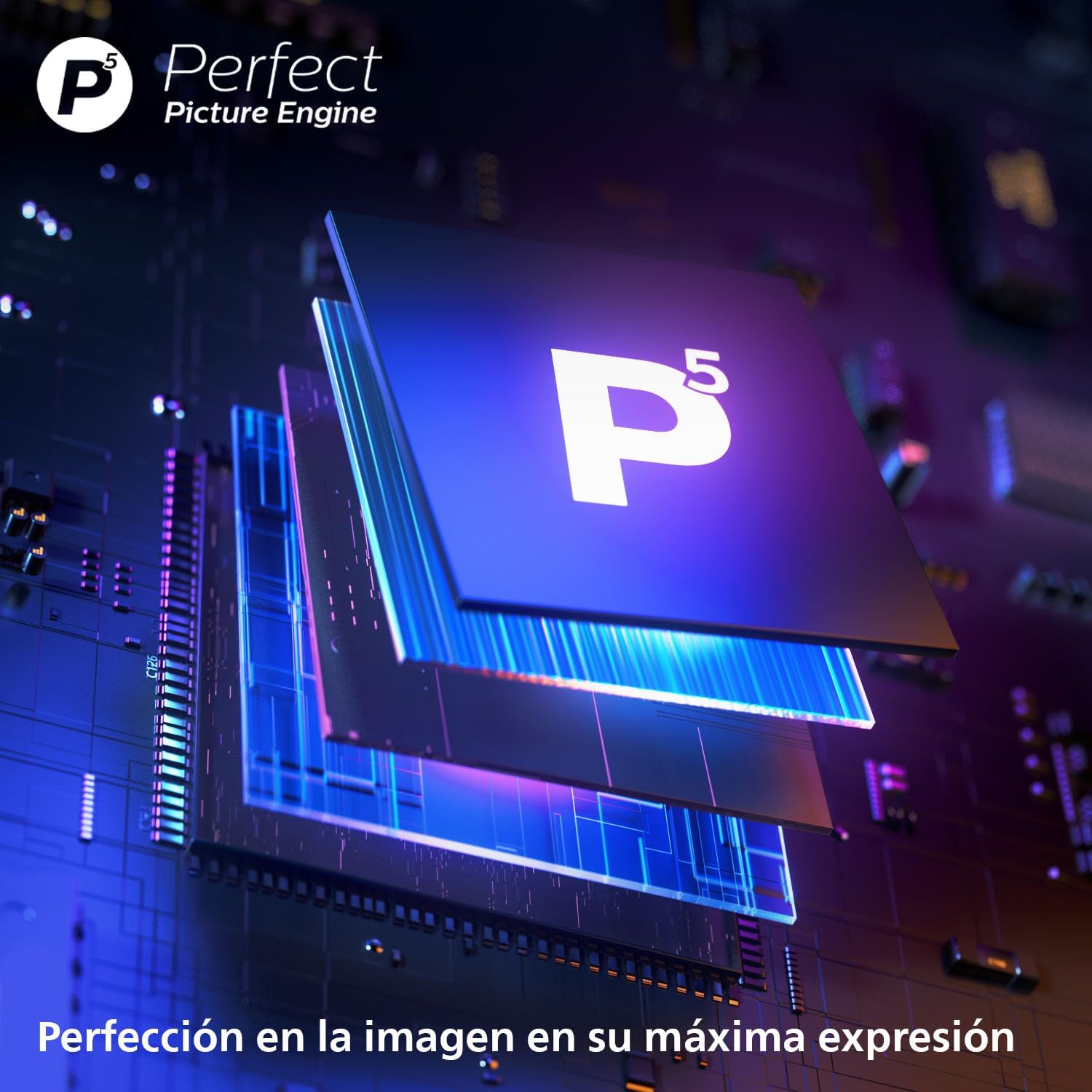
Slika: Bližnji posnetek view of the Philips P5 Perfect Picture Engine chip, symbolizing advanced image processing for enhanced picture quality.
5.4. Dolby Atmos Sound
Dolby Atmos technology provides an immersive audio experience, placing sound effects around and above you. This creates a sense of being in the middle of the action, whether watching movies, sports, or playing video games.

Image: A visual representation of DTS:X audio technology, showing sound waves enveloping a living room where a TV is playing content, indicating immersive 3D audio.
5.5. Titan OS Smart TV Platform
The Titan OS platform offers intuitive access to streaming entertainment. It features a personalized home screen and advanced search capabilities, making it easy to find and discover content from various streaming services.

Image: A Philips Ambilight TV screen showing the Titan OS interface, with icons for popular streaming applications like Netflix, Prime Video, YouTube, Disney+, and DAZN, alongside voice assistant integration (Alexa built-in).
5.6. Integracija glasovnega pomočnika
The TV supports voice assistants like Alexa and Google Assistant. Use the remote control's voice button to search for content, get recommendations, and control compatible smart home devices. You can also ask Google to control the TV via Google Assistant-enabled devices.

Image: Two separate scenes illustrating the use of voice assistants with the Philips Ambilight TV. One shows a user interacting with an Alexa device, and the other shows a user interacting with a Google Home device, both controlling the TV.
6. Navodila za uporabo
6.1. Daljinski upravljalnik
The included remote control allows you to navigate menus, adjust volume, change channels, and access smart TV features. Refer to the remote control diagram in the quick start guide for button functions.
6.2. Navigating Titan OS
From the home screen, you can access installed applications, live TV, and recommended content. Use the directional buttons on your remote to browse and select options.
6.3. Nastavitve slike in zvoka
Access the settings menu to customize picture modes (e.g., Standard, Vivid, Movie), adjust brightness, contrast, color, and sharpness. Sound settings allow you to select audio modes (e.g., Standard, Movie, Music) and adjust equalizer settings.
7. Povezljivost
Your TV offers a range of connectivity options:
- HDMI: Multiple HDMI ports (including eARC) for high-definition audio and video input.
- USB: USB ports for connecting external storage devices to play media or for software updates.
- Ethernet: Za stabilno žično internetno povezavo.
- Wi-Fi: Vgrajena brezžična povezava za dostop do interneta.
- Bluetooth: Za priključitev brezžične dodatne opreme, kot so slušalke ali zvočniki.
- TV antena/satelit: Inputs for terrestrial and satellite broadcast signals.
- Digitalni avdio izhod: Za povezavo z zunanjimi avdio sistemi.
- Skupni vmesnik (CI+): Slot for conditional access modules (CAMs) for encrypted digital TV services.
8. Vzdrževanje
8.1. Čiščenje
To clean the screen, gently wipe it with a soft, lint-free cloth. For the TV body, use a soft, dry cloth. Avoid using abrasive cleaners or solvents that could damage the surface.
8.2. Posodobitve programske opreme
Občasno preverite posodobitve programske opreme v meniju z nastavitvami televizorja, da zagotovite optimalno delovanje in dostop do najnovejših funkcij.
9. Odpravljanje težav
Če imate težave s televizorjem, si oglejte naslednje pogoste rešitve:
- Brez napajanja: Prepričajte se, da je napajalni kabel varno priključen in da vtičnica deluje.
- Brez slike/zvoka: Check input source selection, cable connections, and volume levels.
- Težave z omrežno povezavo: Verify Wi-Fi password, router status, or Ethernet cable connection.
- Daljinski upravljalnik ne deluje: Replace batteries and ensure no obstructions between the remote and the TV.
Za vztrajne težave si oglejte celoten uporabniški priročnik ali se obrnite na podporo strankam.
10. Specifikacije
| Velikost zaslona | 43 palcev |
| Tehnologija zaslona | LED (QLED) |
| Resolucija | 4K (3840 x 2160) |
| Hitrost osveževanja | 60 Hz |
| Številka modela | 43PUS8510/12 |
| Mere (s stojalom) | 24.3 x 95.8 x 62.5 cm |
| Teža | 7.08 kg |
| Povezljivost | Bluetooth, Ethernet, HDMI, USB, Wi-Fi |
| Posebne lastnosti | Integrated Speaker, Ambilight, Game Mode, Automatic Volume Leveler, Ambient Light Sensor |
10.1. Energijska učinkovitost
Razred energijske učinkovitosti: F

Image: The energy efficiency label for the Philips 43PUS8510/12 TV, indicating an energy class of F and power consumption details.
Za podrobne informacije o izdelku glejte podatkovno zbirko EPREL: https://eprel.ec.europa.eu/qr/2232897
11. Garancija in podpora
This product includes a user manual and warranty card. For warranty details and customer support, please refer to the provided documentation or visit the Philips support website. The manufacturer is TP Vision.
Podpora Webspletno mesto: www.philips.com/support


