1. Uvod
The Memoking Mini Printer T02 is a portable, inkless thermal printer designed for various printing needs, including study notes, labels, photos, and creative projects. Its compact size and Bluetooth connectivity make it suitable for on-the-go use with smartphones and tablets. This manual provides essential information for setting up, operating, and maintaining your device.

Image 1.1: Memoking Mini Printer T02 and example prints.
2. Vsebina paketa
Prosimo, preverite, ali so v vašem paketu priloženi vsi spodaj navedeni artikli:
- Memoking Mini Printer T02 x 1
- White Sticky Paper Roll x 1
- Purple Sticky Paper Roll x 1
- Green Sticky Paper Roll x 1
- Kabel USB-C x 1
- Uporabniški priročnik x 1

Image 2.1: Contents of the Memoking Mini Printer T02 package.
3. Izdelek je končanview
Familiarize yourself with the components of your Memoking Mini Printer T02:
Image 3.1: Memoking Mini Printer T02 component diagram.
- Gumijasti valj: Feeds the thermal paper.
- Printer Lid: Opens to load paper.
- Gumb za VKLOP/IZKLOP: Vklopi ali izklopi napravo.
- Indikatorska lučka: Shows device status (e.g., power, charging, error).
- Gumb za ponastavitev: Used for factory reset or troubleshooting.
- Vrata za polnjenje: USB-C port for charging the printer.
- Držalo za papir: Secures the paper roll inside the printer.
4. Nastavitev
4.1. Vstavljanje papirja
- Open the printer lid by sliding the release button or gently lifting it.
- Insert the paper roll into the paper holder, ensuring the printing side faces outwards.
- Izvlecite majhen kos papirja čez tiskalno glavo.
- Pokrov tiskalnika trdno zaprite, dokler se ne zaskoči.
4.2. Povezovanje z aplikacijo
- Download the "Phomemo" app from your device's app store (compatible with iOS and Android).
- Ensure your printer is powered on and Bluetooth is enabled on your smartphone or tablet.
- Open the "Phomemo" app and follow the on-screen instructions to pair your device via Bluetooth. The connection typically takes a few seconds.

Image 4.1: Step-by-step guide for paper loading and printing.
5. Navodila za uporabo
5.1. Tiskanje
- Once connected to the "Phomemo" app, select the content you wish to print (e.g., text, image, template).
- Adjust settings such as size, density, or filters within the app as needed.
- Tap the print button in the app to send the data to your Memoking Mini Printer T02.
- The printer will automatically feed and print the content. Tear off the printed paper along the serrated edge.
5.2. Aplikacije
The Memoking Mini Printer T02 supports a wide range of applications:
- Study Aids: Print notes, flashcards, anatomical diagrams, and graphics for various subjects.
- Organizacija: Create labels for storage, to-do lists, shopping lists, and memos.
- Kreativni projekti: Design custom stickers, journal entries, bookmarks, and greeting cards.
- Fotografije: Print monochrome photos for scrapbooking or personal use.
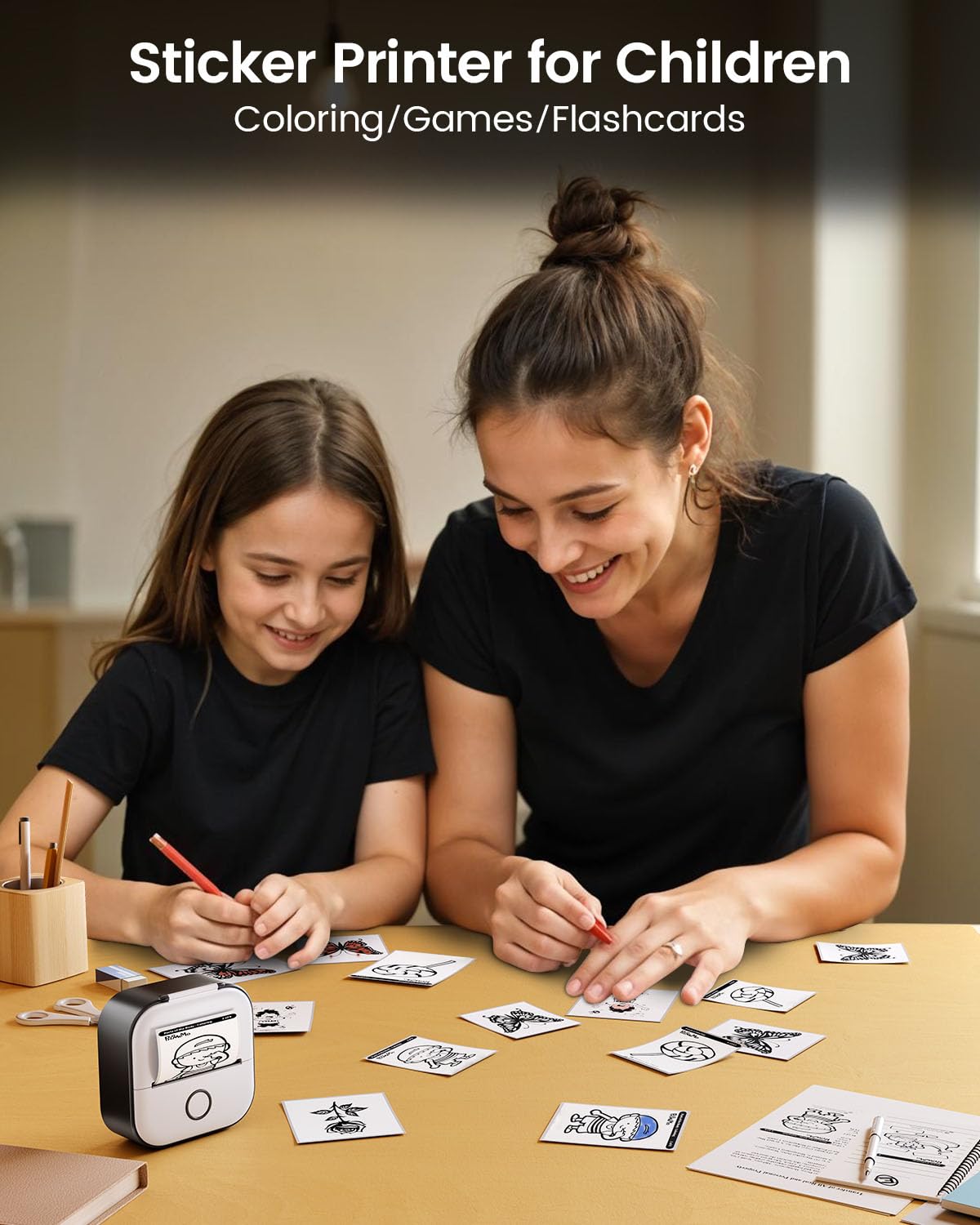
- Children's Activities: Print coloring pages, games, and learning materials.
Slika 5.1: Primeramples of study graphics printed with the T02 printer.
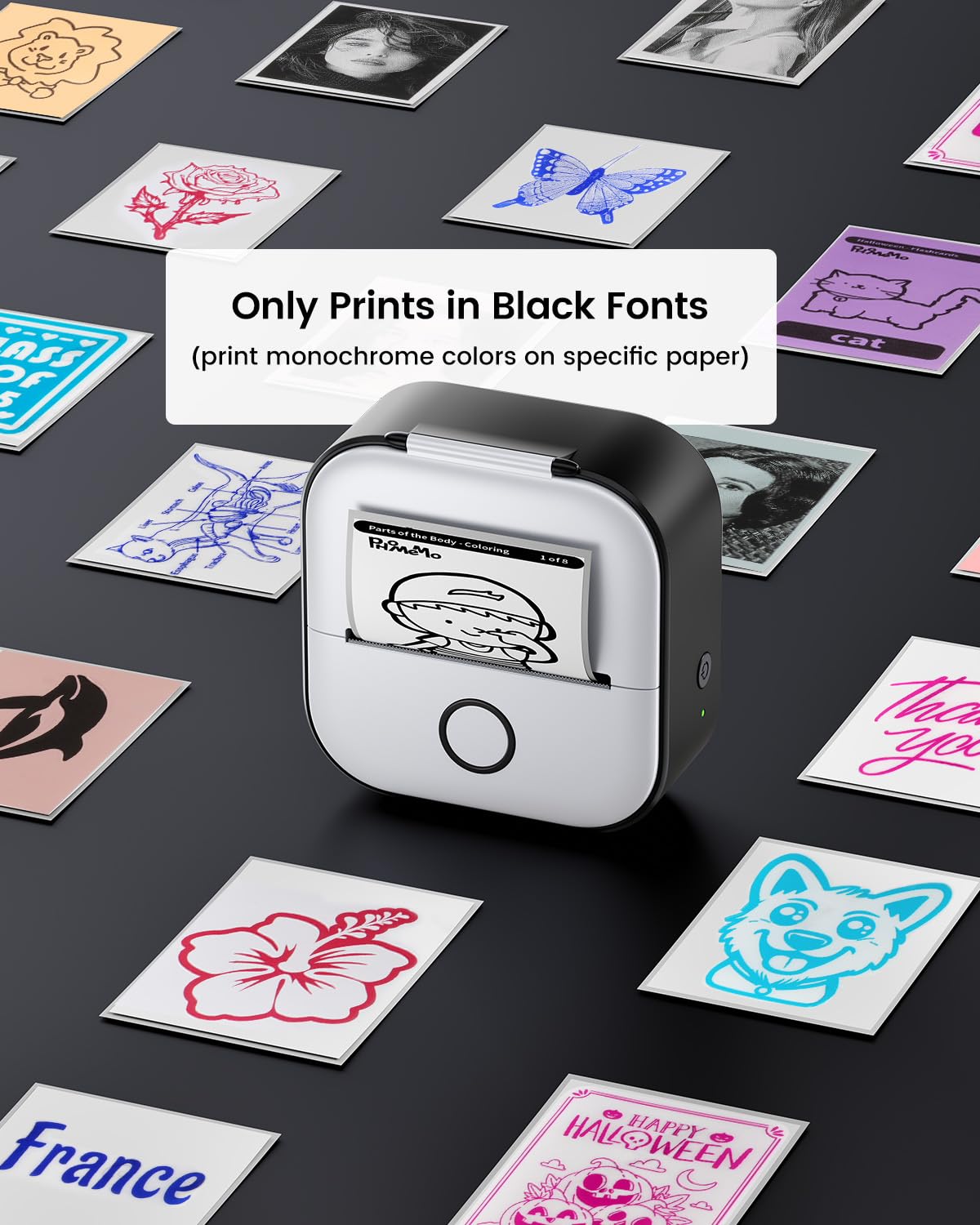
Image 5.2: The T02 printer used for children's coloring and games.
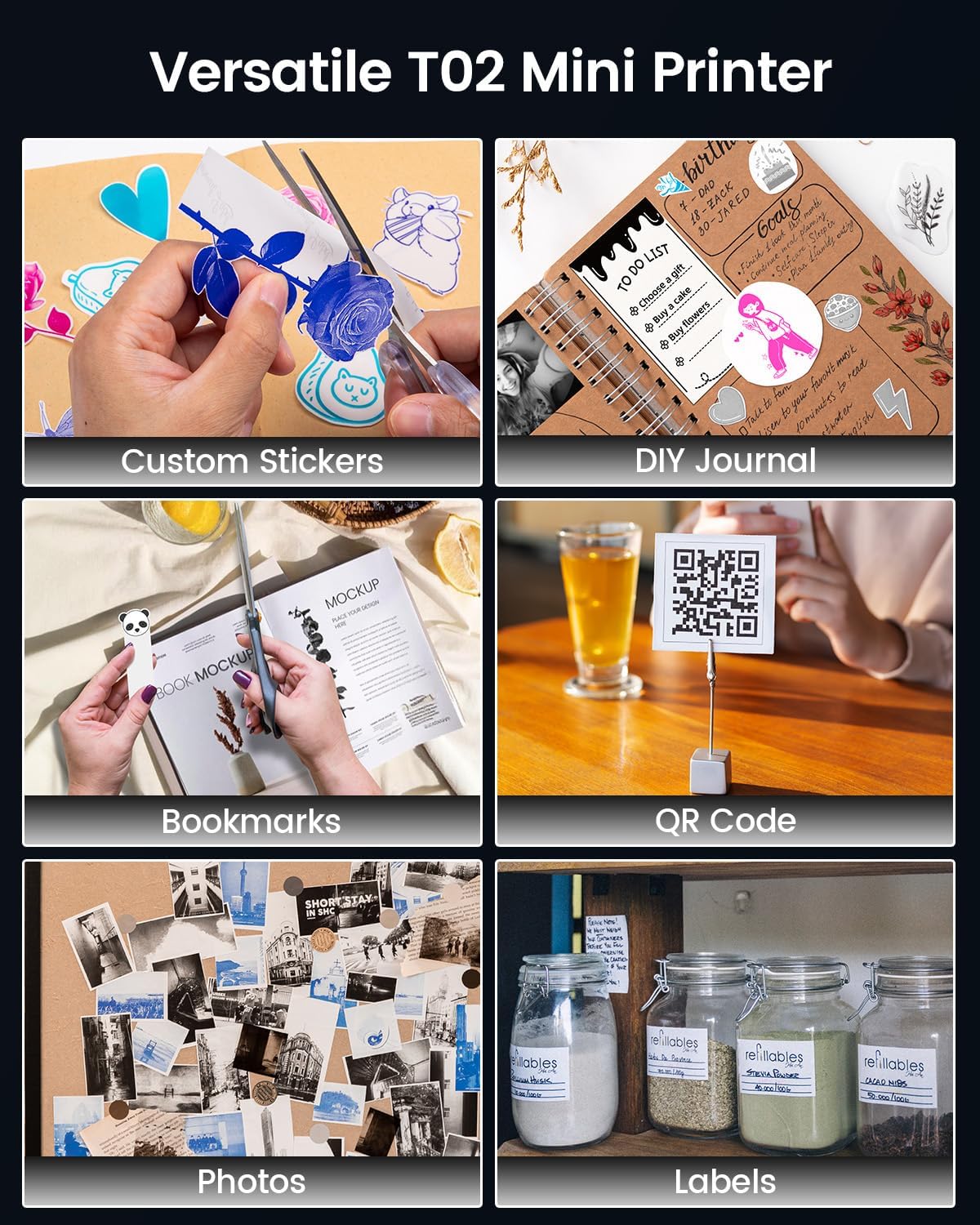
Image 5.3: Versatile applications of the Memoking T02 Mini Printer.
6. Vzdrževanje
6.1. Čiščenje tiskalne glave
To ensure optimal print quality, periodically clean the print head:
- Izklopite tiskalnik in odklopite napajalni kabel.
- Open the printer lid.
- Tiskalno glavo nežno obrišite z vatirano palčko, rahlo dampz izopropilnim alkoholom.
- Allow the print head to dry completely before closing the lid and turning on the printer.
6.2. Paper Handling and Storage
- Use only Memoking-approved thermal paper for best results and to prevent damage to the printer.
- Store thermal paper in a cool, dry place away from direct sunlight and heat to preserve its quality and image duration.
- Avoid touching the printing surface of the thermal paper excessively, as oils from skin can affect print quality.

Image 6.1: Specifications and features of Memoking thermal paper.
7. Odpravljanje težav
- Tiskalnik se ne vklopi: Ensure the printer is charged. Connect it to a power source using the provided USB-C cable.
- Povezave prek Bluetootha ni mogoče: Make sure Bluetooth is enabled on your device and the printer is within range. Restart both the printer and your mobile device. Ensure no other devices are currently paired with the printer.
- Slaba kakovost tiskanja: Check if the paper roll is inserted correctly with the printing side facing out. Clean the print head as described in Section 6.1. Ensure the paper is not old or damaged.
- No Paper Feed: Verify that the paper roll is properly seated and not jammed. Ensure the printer lid is fully closed.
- Printer Only Prints Black Fonts: The Memoking T02 is a monochrome thermal printer and prints only in black. While specific paper types may show different background colors, the printed text/images will always be black.
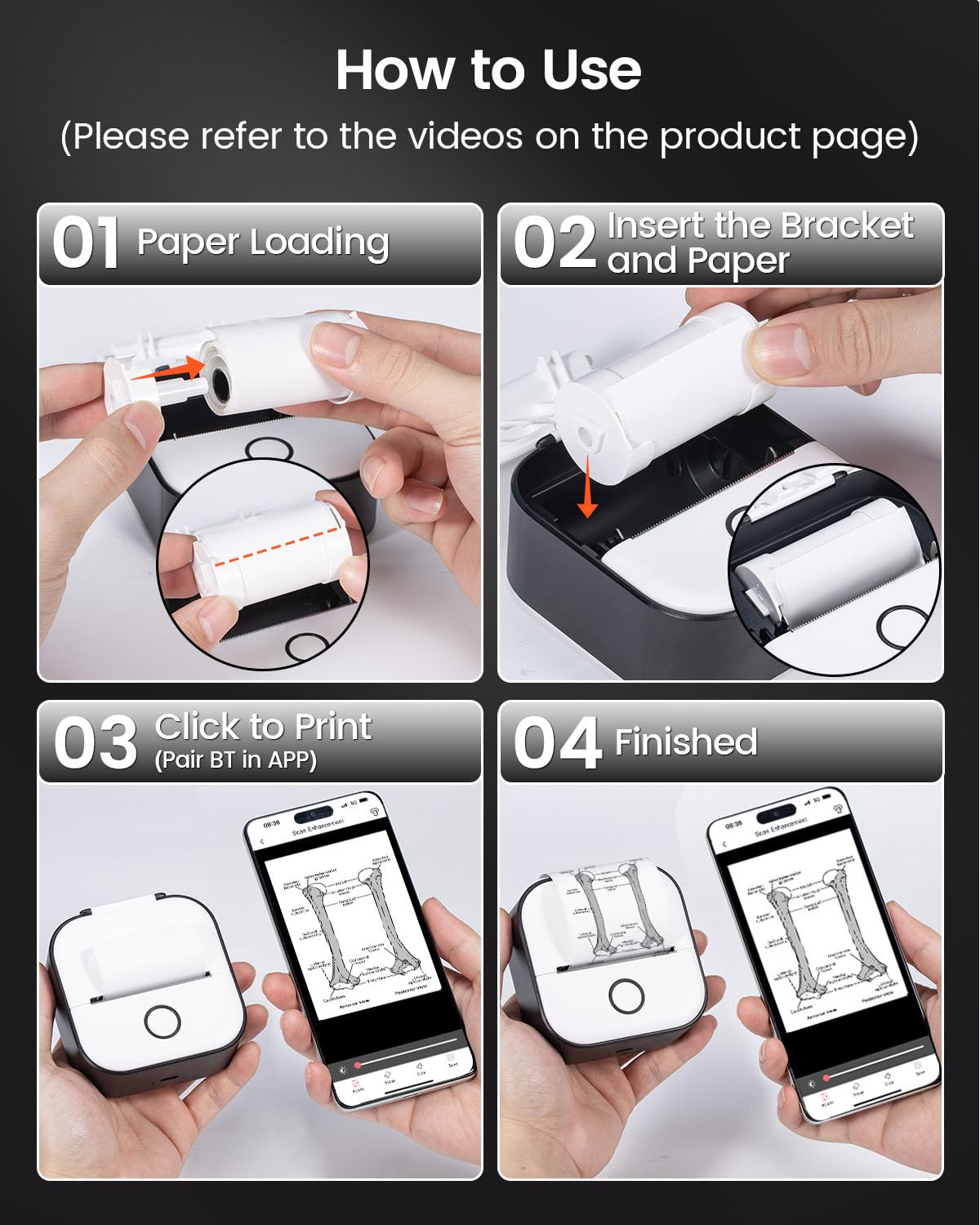
Image 7.1: The T02 printer produces monochrome (black) prints.
8. Specifikacije
| Ime modela | T02 |
| Znamka | Memoking |
| Tehnologija tiskanja | Toplotna |
| Tehnologija povezljivosti | Bluetooth |
| Največja ločljivost črno-belega tiska | 203 Dots Per Inch (DPI) |
| Največja velikost medija | 53 mm |
| Mere izdelka (D x Š x V) | 1.4 x 3.4 x 3.4 palcev (3.6 x 8.6 x 8.6 cm) |
| Teža predmeta | 10.2 unče (290 grama) |
| Združljive naprave | Pametni telefoni (iOS, Android) |
| Izhod tiskalnika | Enobarvno |
9. Garancija in podpora
For warranty information or technical support, please refer to the documentation included with your product or visit the official Memoking website. You may also contact Memoking customer service directly for assistance with product inquiries, troubleshooting, or replacement parts.


