1. Uvod
Thank you for choosing the Crayola Kids Crayon Bluetooth Wireless Portable Speaker. This manual provides essential information for the safe and efficient operation of your speaker. Please read these instructions carefully before use and retain them for future reference.
2. Izdelek je končanview
2.1 Vsebina paketa
- Crayola Kids Crayon Bluetooth Wireless Portable Speaker
- Napajalni kabel (USB-C)
- Uporabniški priročnik (ta dokument)
Značilnosti 2.2 zvočnikov
- Bluetooth 5.3 za stabilno brezžično povezavo
- 20W Peak Power HD Sound
- 1500mAh Battery for portable use
- True Wireless Stereo (TWS) Pairing for dual speaker audio
- Vgrajen FM radio sprejemnik
- User-friendly controls for volume and playback
- Vrata za polnjenje USB-C
2.3 Diagram izdelka

Slika: spredaj view of the Crayola Crayon Speaker with labels indicating the charging port and control buttons for BT/FM mode, volume, and power.
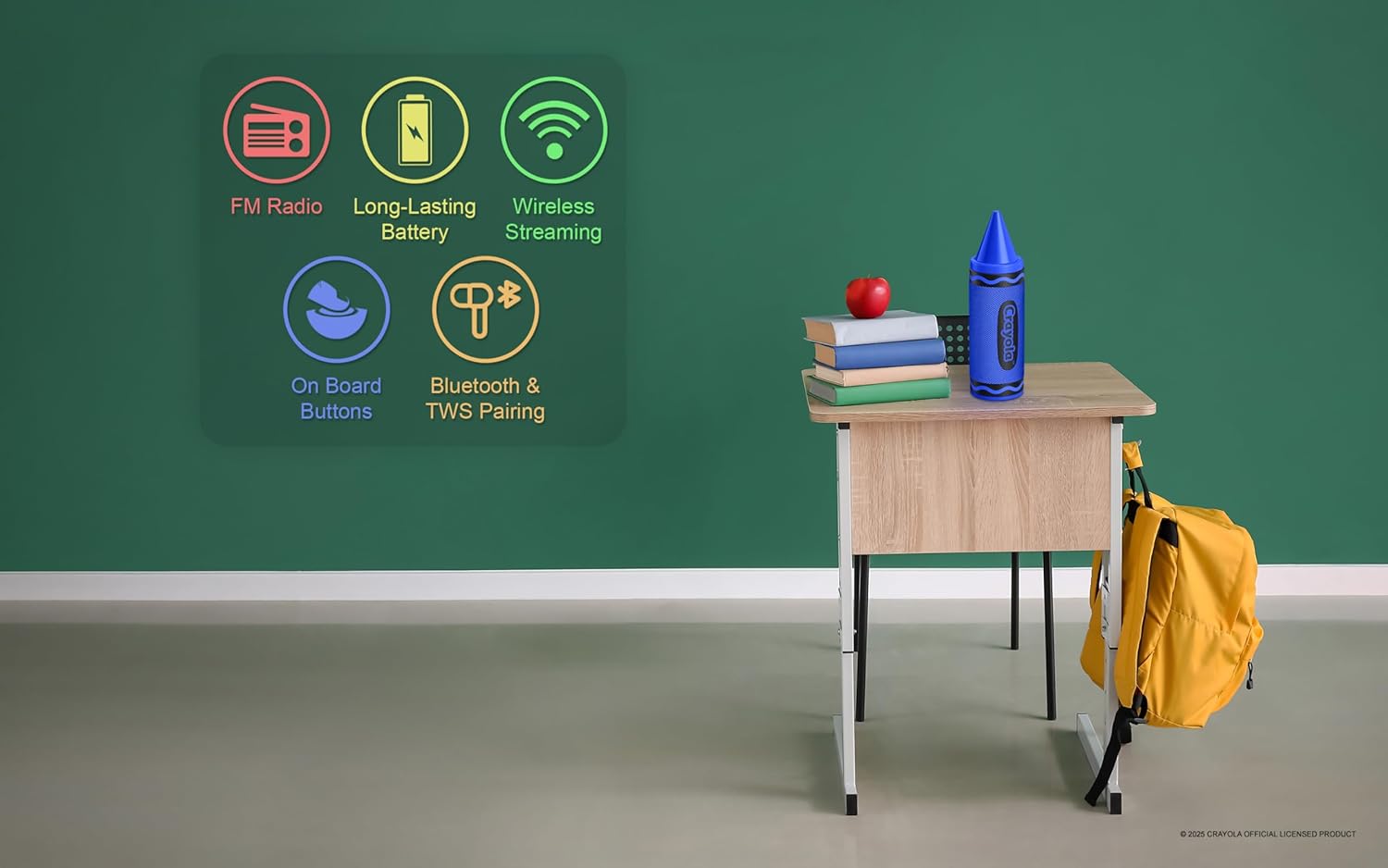
Image: Graphic illustrating the speaker's key features: FM Radio, Long-Lasting Battery, Wireless Streaming, On Board Buttons, and Bluetooth & TWS Pairing.
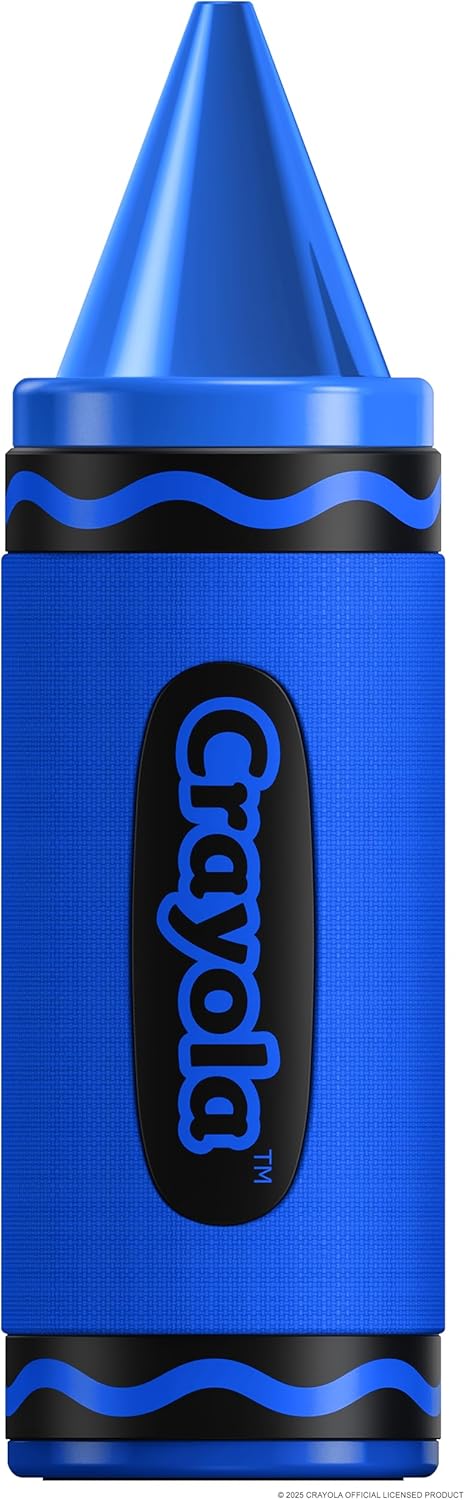
Image: A standalone blue Crayola Crayon Bluetooth Speaker, showcasing njegovo zasnovo.
3. Nastavitev
3.1 Polnjenje zvočnika
- Connect the provided USB-C power cable to the charging port on the speaker.
- Drugi konec kabla USB-C priključite na združljiv napajalnik USB (ni priložen) ali vrata USB računalnika.
- The charging indicator light will illuminate during charging. It will turn off or change color once fully charged.
- Polno polnjenje zagotavlja približno 3 ur predvajanja.
3.2 Vklop/izklop
- Za vklop: Long press the Power button for 3 seconds. You will hear an audible indicator.
- Za izklop: Long press the Power button for 3 seconds. You will hear an audible indicator.
4. Navodila za uporabo
4.1 Bluetooth seznanjanje
- Ensure the speaker is powered on and in Bluetooth mode. If not, double press the Power button to switch modes until you hear the Bluetooth pairing prompt.
- Na mobilni napravi (pametnem telefonu, tabličnem računalniku itd.) omogočite Bluetooth in poiščite razpoložljive naprave.
- Select "Crayola Speaker" from the list of devices.
- Ko je povezava vzpostavljena, bo zvočnik označil uspešno povezavo.
4.2 Združevanje s pravim brezžičnim stereo sistemom (TWS)
TWS allows you to connect two Crayola Crayon speakers for a stereo sound experience.
- Prepričajte se, da sta oba zvočnika vklopljena in nista povezana z nobeno napravo Bluetooth.
- On one speaker (this will be the primary speaker), triple press the Power button. The speaker will enter TWS pairing mode.
- Zvočnika se bosta samodejno poiskala in povezala. Ko bo vzpostavljena povezava, boste zaslišali potrditveni zvok.
- Once TWS is established, connect your mobile device to the primary speaker via Bluetooth as described in Section 4.1.
4.3 Način radia FM
- Power on the speaker. Double press the Power button to switch to FM Radio mode.
- In FM mode, short press the Power button to automatically search for and save available radio channels.
- Use the 'Previous Music/Channel' and 'Next Music/Channel' buttons to navigate through saved stations.
4.4 Krmilne funkcije
| Gumb | Akcija | funkcija |
|---|---|---|
| Gumb za vklop | Dolg pritisk (3 s) | Vklop/izklop |
| Gumb za vklop | Short Press (FM Mode) | Search channels automatically |
| Gumb za vklop | Dvojni pritisk | Switch Modes (Bluetooth/FM) |
| Gumb za vklop | Trojni pritisk | Open/Off TWS Pairing |
| Previous Music/Channel | Kratek tisk | Previous Music Track / Previous FM Channel |
| Previous Music/Channel | Dolg pritisk | Zmanjšanje glasnosti |
| Next Music/Channel | Kratek tisk | Next Music Track / Next FM Channel |
| Next Music/Channel | Dolg pritisk | Glasnost |
5. Vzdrževanje
5.1 Čiščenje
- Zvočnik obrišite z mehko, suho krpo.
- Ne uporabljajte abrazivnih čistil, alkohola ali kemičnih topil, saj lahko poškodujejo površino.
- Avoid getting moisture into any openings. This product is not waterproof.
5.2 Shranjevanje
- Zvočnik shranjujte na hladnem in suhem mestu, stran od neposredne sončne svetlobe in ekstremnih temperatur.
- Če baterijo shranjujete dlje časa, jo redno polnite (npr. vsake 3 mesece), da ohranite njeno zdravje.
6. Odpravljanje težav
| Težava | Možen vzrok | rešitev |
|---|---|---|
| Zvočnik se ne vklopi | Baterija je izpraznjena | Napolnite zvočnik s priloženim kablom USB-C. |
| Brez zvoka | Glasnost je prenizka ali utišana | Povečajte glasnost tako na zvočniku kot na povezani napravi. |
| Bluetooth povezovanje ne uspe | Zvočnik ni v načinu seznanjanja ali pa je predaleč od naprave | Ensure speaker is in Bluetooth pairing mode. Move speaker closer to your device (within 10 meters). Turn off and on Bluetooth on your device. |
| Seznanjanje TWS ne uspe | Speakers are already connected to another device | Preden začnete seznanjanje s TWS, se prepričajte, da sta oba zvočnika odklopljena od vseh naprav Bluetooth. |
| Slab FM radijski sprejem | Slab signal | Zvočnik premaknite na mesto z boljšim sprejemom signala. |
7. Specifikacije
| Funkcija | Podrobnost |
|---|---|
| Številka modela | CBT450 |
| Različica Bluetooth | 5.3 |
| Izhodna moč zvočnika | 20 W največja |
| Velikost gonilnika | 52 mm |
| Frekvenčni odziv | 80Hz-18kHz |
| Razmerje med signalom in hrupom | >85 dB |
| Kapaciteta baterije | 1500 mAh |
| Igralni čas | Do 3 ur (z enim polnjenjem) |
| Vrata za polnjenje | USB-C |
| Mere izdelka (D x Š x V) | 2.8 cm x 2.8 cm x 9.3 cm |
| Teža predmeta | 12.3 unč |
| Material | Plastika |
| Vodotesen | št |

Image: A diagram illustrating the speaker's dimensions: 2.8 inches wide, 9.3 inches high, and 2.8 inches deep.
8. Garancija in podpora
This product comes with a standard manufacturer's warranty. For specific warranty details, please refer to the documentation included with your purchase or contact the retailer. For technical support or further assistance, please contact Crayola customer service through their official webspletnega mesta ali kontaktnih podatkov, ki so navedeni z vašim izdelkom.


