Uvod
Thank you for choosing the CRUA 27-inch 4K UHD 144Hz IPS Gaming Monitor. This monitor is designed to deliver an immersive visual experience with its high resolution, fast refresh rate, and vibrant color reproduction. This manual provides essential information for the proper installation, operation, and maintenance of your new monitor. Please read it thoroughly before use and retain it for future reference.
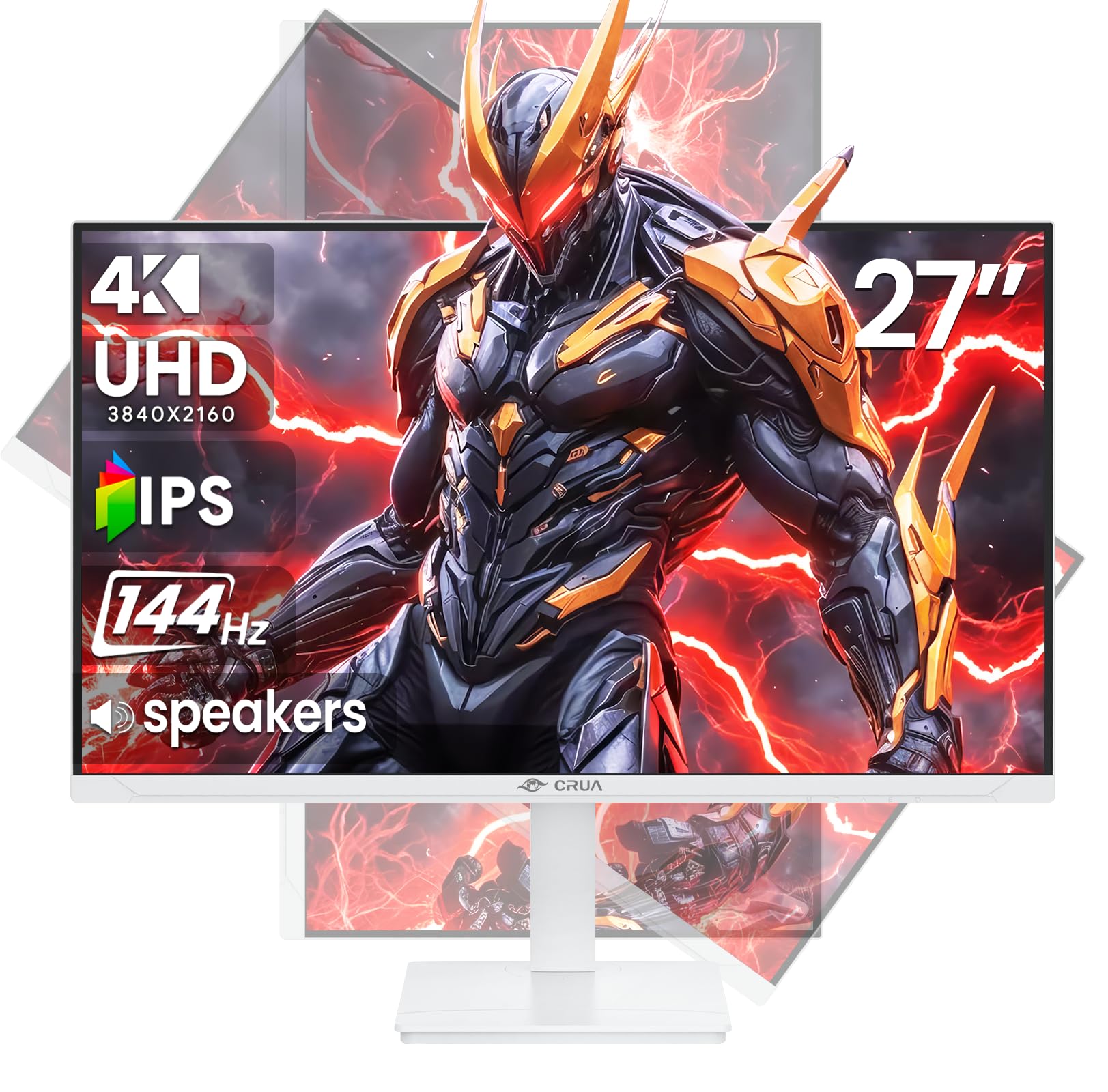
Slika: spredaj view of the CRUA 27-inch 4K UHD 144Hz IPS Gaming Monitor.
Kaj je v škatli
Prosimo, preverite vsebino paketa. Če kateri koli predmet manjka ali je poškodovan, se obrnite na prodajalca.
- 27-palčni monitor
- DP kabel
- Base and Support
- Uporabniški priročnik
- Napajalnik
Lastnosti izdelka
- 27" 4K Display with IPS Panel: Experience ultra-clear visuals with a 3840x2160P resolution.
- Hitrost osveževanja 144 Hz: Enjoy fluid and sharp motion, ideal for competitive gaming and fast-paced content.
- 120% sRGB Color Accuracy: Delivers rich and accurate tones with 350cd/m² brightness and 1000:1 high-contrast.
- Vgrajeni zvočniki: Provides clear audio for daily use.
- Full Ergonomic Adjustment: Features height, pivot, tilt, and rotation adjustments for optimal viewing kotov.
- Več možnosti povezovanja: Equipped with 2x HDMI 2.1 and 2x DP 1.4 ports.
- Podpora za AMD FreeSync: Sinhronizira hitrost osveževanja monitorja z grafično kartico za igranje iger brez trganja.
- Montaža na steno: Supports VESA 75mm x 75mm wall mounts for flexible installation.
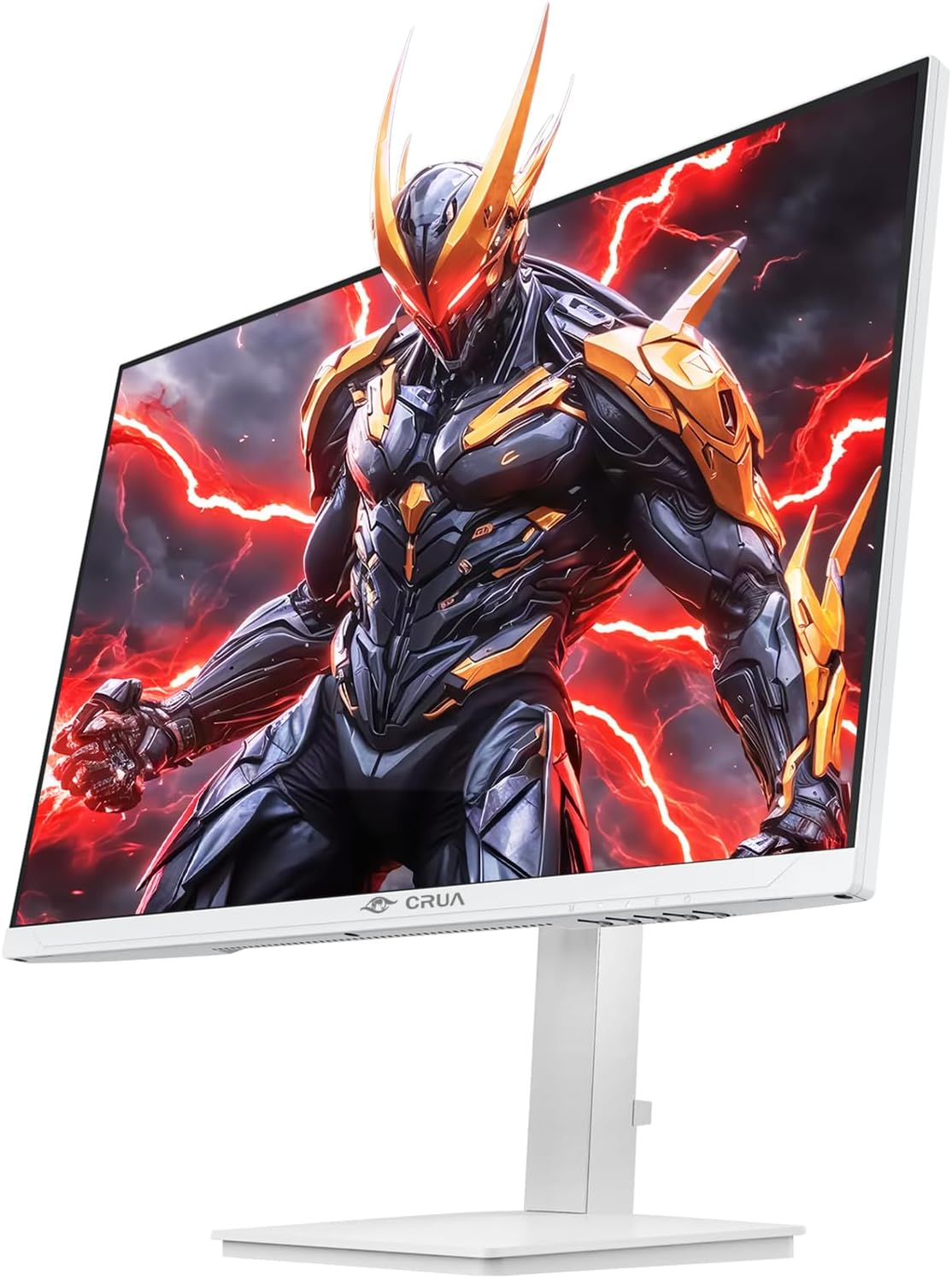
Slika: spredaj view of the CRUA 27-inch 4K UHD 144Hz IPS Gaming Monitor displaying a game scene.

Slika: Zadaj view of the CRUA 27-inch 4K UHD 144Hz IPS Gaming Monitor showing the stand and RGB lighting.

Slika: Zadaj view of the CRUA 27-inch 4K UHD 144Hz IPS Gaming Monitor highlighting the input ports (2x DP 1.4, 2x HDMI 2.1, and 3.5mm Audio Port).

Image: Diagram illustrating the adjustable height (110mm), tilt (-5° to +15°), swivel (±30°), and pivot (90°) features of the CRUA 27-inch 4K UHD 144Hz IPS Gaming Monitor.
Navodila za namestitev
1. Sestavljanje stojala
- Previdno vzemite komponente monitorja in stojala iz embalaže.
- Pritrdite vrat stojala na ploščo monitorja. Prepričajte se, da se varno zaskoči ali da je pritrjen z vijaki, če so priloženi.
- Attach the base to the stand neck, securing it with the thumb screw or other fasteners.
- Sestavljeni monitor postavite na stabilno, ravno površino.
2. Stenska montaža (neobvezno)
The monitor supports VESA 75mm x 75mm wall mounts. Remove the stand before attaching a compatible wall mount bracket (not included). Follow the instructions provided with your wall mount.
3. Priključni kabli
- moč: Connect the power supply to the monitor's power input and then to a power outlet.
- Video vhod: Connect one end of the provided DP cable (or an HDMI cable) to the corresponding port on your computer's graphics card and the other end to a DP 1.4 or HDMI 2.1 port on the monitor.
- Zvočni izhod (neobvezno): If using external speakers or headphones, connect them to the 3.5mm audio jack on the monitor.
4. Začetni vklop
Press the power button on the monitor. The monitor should automatically detect the input signal. If not, you may need to manually select the input source using the OSD menu.
Navodila za uporabo
1. Vklop/izklop
Pritisnite gumb za vklop na monitorju, da ga vklopite ali izklopite.
2. Navigacija po zaslonskem meniju
The On-Screen Display (OSD) menu allows you to adjust various monitor settings. Navigate the menu using the joystick or buttons typically located on the back or bottom of the monitor.
- Pritisnite igralno palico/gumb, da odprete meni OSD.
- Move the joystick up/down or use corresponding buttons to navigate through menu options.
- Za nastavitev vrednosti ali vstop v podmenije premaknite krmilno palčko levo/desno ali uporabite ustrezne gumbe.
- Za potrditev izbire ali izhod iz podmenija ponovno pritisnite krmilno palčko/gumb.
3. Izbira vhodnega vira
If the monitor does not automatically detect the correct input, open the OSD menu, navigate to "Input Source," and select the active input (e.g., HDMI1, HDMI2, DP1, DP2).
4. Prilagajanje nastavitev zaslona
Within the OSD menu, you can customize settings such as:
- Svetlost/kontrast: Prilagodite splošno raven svetlosti in kontrasta.
- Barvne nastavitve: Natančno nastavite barvno temperaturo, gamo in posamezne vrednosti RGB.
- Kakovost slike: Select preset modes (e.g., Standard, Game, Movie) or customize sharpness and dynamic contrast.
- Ločljivost in hitrost osveževanja: Ensure your computer's display settings match the monitor's native 4K UHD (3840x2160P) resolution and 144Hz refresh rate for optimal performance.
- AMD FreeSync: Enable FreeSync in the OSD menu and your graphics card control panel for adaptive synchronization.
5. Zvočne nastavitve
Adjust the volume of the built-in speakers or connected external audio devices through the OSD menu's audio section. You can also mute the audio if desired.
6. Ergonomske prilagoditve
Prilagodite monitor po svojih željah viewpoložaj:
- Višina: Monitor nežno potisnite ali povlecite navzgor ali navzdol vzdolž stojala.
- Nagib: Tilt the screen forward or backward.
- Vrtljiva: Zavrtite monitor na podstavku levo ali desno.
- Vrtenje: Rotate the screen 90 degrees for vertical orientation.
Vzdrževanje
Čiščenje zaslona
- Pred čiščenjem vedno izklopite monitor in izvlecite napajalni kabel.
- Narahlo uporabite mehko krpo, ki ne pušča vlaken dampz vodo ali specializiranim čistilom za zaslone.
- Čistila ne pršite neposredno na zaslon.
- Avoid using abrasive cleaners, alcohol, or ammonia-based solutions, as they can damage the screen surface.
Splošna nega
- Monitor hranite stran od neposredne sončne svetlobe, virov toplote in prekomernega prahu.
- Zagotovite zadostno prezračevanje okoli monitorja, da preprečite pregrevanje.
- Na monitor ali njegove kable ne postavljajte težkih predmetov.
- Izogibajte se dotikanju zaslona z ostrimi predmeti.
Odpravljanje težav
| Težava | Možna rešitev |
|---|---|
| Na zaslonu ni slike |
|
| Iz zvočnikov ni zvoka |
|
| Utripanje ali popačenje slike |
|
| Gumbi se ne odzivajo |
|
For further assistance, please refer to the CRUA support webspletno mesto ali se obrnite na službo za stranke.
Specifikacije
| Funkcija | Podrobnost |
|---|---|
| Številka modela | CR270E |
| Velikost zaslona | 27 palcev |
| Resolucija | 4K UHD (3840 x 2160 slikovnih pik) |
| Hitrost osveževanja | 144Hz |
| Vrsta plošče | IPS |
| Razmerje stranic | 16:9 |
| Barvna lestvica | 120 % sRGB |
| Svetlost | 350 kandel (cd/m²) |
| Kontrastno razmerje | 1000:1 |
| Povezljivost | 2x DP 1.4, 2x HDMI 2.1, 1x 3.5mm Audio Jack |
| Prilagodljiva sinhronizacija | AMD FreeSync |
| Ergonomija | Height, Pivot, Tilt, Rotate Adjustable |
| Stenski nosilec | VESA 75 mm x 75 mm |
| Vgrajeni zvočniki | ja |
| Dimenzije izdelka | 2.5 x 24 x 14 palcev |
| Teža predmeta | 11.38 funtov |
Garancija in podpora
CRUA provides high-quality computer monitors and premium services. For warranty information, technical support, or any questions regarding your monitor, please visit the official CRUA website or contact their customer service team. Details can typically be found on the product packaging or the CRUA brand store on Amazon.
Kontaktni podatki: Refer to your purchase documentation or the CRUA official webza najnovejše kontaktne podatke za podporo.


