1. Izdelek je končanview
The ShanWan Q37 Wireless Bluetooth Controller is a versatile gaming accessory designed for multi-platform compatibility. It offers a rich gaming experience with features like customizable buttons, macro functions, motion controls, linear motor vibration, and precise joysticks and triggers. This manual provides detailed instructions for setup, operation, and maintenance of your controller.

Slika: spredaj view of the ShanWan Q37 Wireless Bluetooth Controller in blue.
2. Začetna nastavitev
2.1 Polnjenje krmilnika
Before first use, fully charge the controller. Connect the provided USB-C cable to the controller's charging port and the other end to a USB power source (e.g., computer, wall adapter). The indicator lights will show charging status and turn off when fully charged.
2.2 Navodila za seznanjanje
The ShanWan Q37 controller supports various platforms. Follow the specific pairing instructions for your device:
- Nintendo Switch/Switch 2: Turn on your Switch console. On the HOME Menu, select 'Controllers' > 'Change Grip/Order'. Press and hold the pairing button on the controller until the indicator lights flash rapidly. Once paired, the corresponding player LED(s) will light up.
- PC (Windows): Connect via Bluetooth in your PC's settings. Alternatively, connect directly using a USB-C cable for wired mode.
- Android/iOS/iPad/macOS: Enable Bluetooth on your device and search for 'ShanWan Q37'. Select it to pair.
- Parna paluba: Follow standard Bluetooth pairing procedures for Steam Deck.
2.3 Firmware Update for Switch 2 Compatibility
For full compatibility with Switch 2 and to customize buttons, you may need to download the official 'Gamepad Space' software to upgrade the controller's firmware. Visit the official ShanWan website for the latest software version and instructions.
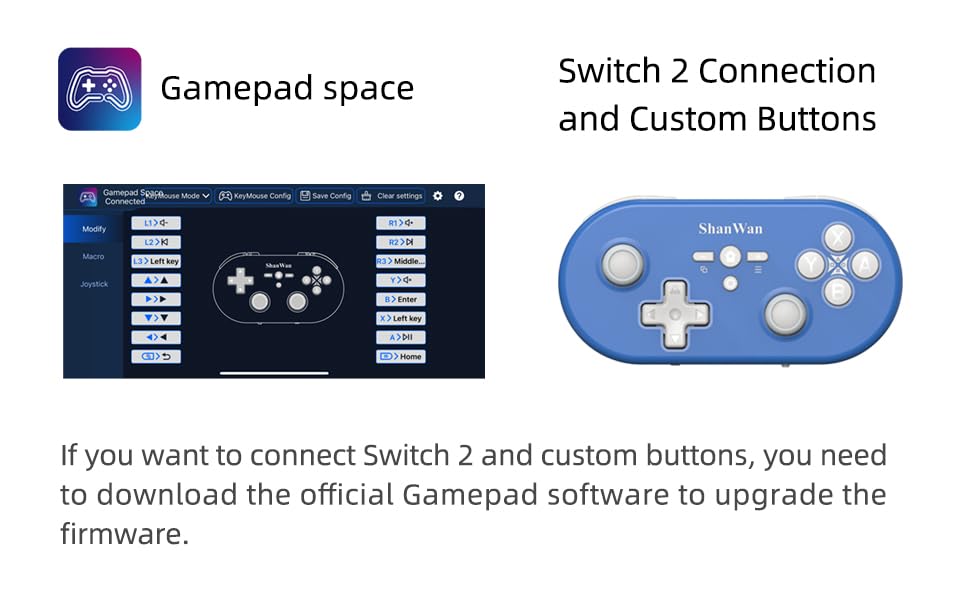
Image: Screenshot of the 'Gamepad Space' software interface for button customization and firmware updates, alongside the controller.
3. Navodila za uporabo
3.1 Razporeditev in funkcije gumbov
The controller features standard gaming buttons including A/B/X/Y, D-pad, L/R, L2/R2, joysticks, and function buttons (e.g., Home, Share, Plus, Minus).
3.2 Three-Position Mode Switch
The controller is equipped with a three-position mode switch (X, S, P) allowing seamless switching between different platforms:
- X-blok: For PC/Android/iOS Native Games.
- S-blok: For Nintendo Switch.
- P-block: For PS4 Console (Note: PS4 compatibility may require specific setup or adapter, refer to official webspletno mesto za podrobnosti).

Image: Diagram illustrating the three-position mode switch (X, S, P) and their corresponding platform functionalities.
3.3 Software Customization (Gamepad Space)
Download the official 'Gamepad Space' software to:
- Customize button mappings.
- Set macro functions for complex commands.
- Calibrate joysticks for optimal precision.
3.4 Posebne funkcije
- One-click Reconnection: Quickly reconnect to previously paired devices.
- Switch Screenshot: Dedicated button for capturing screenshots on Nintendo Switch.
4. Ključne značilnosti
- 6-axis Gyro Motion Control: Provides precise motion sensing for compatible games, enhancing immersive gameplay.
- Adjustable Dual Motor Vibration: Experience immersive haptic feedback with customizable vibration intensity.
- Customizable Buttons and Macros: Personalize your gaming experience by remapping buttons and setting up complex macro sequences via the 'Gamepad Space' software.
- Soft Rubber Non-slip Grip: Designed for comfortable and secure handling during extended gaming sessions.
- Odzivni gumbi na dotik: Engineered for optimal tactile feedback and durability.

Image: Illustration of the 6-axis body gyroscope in action.

Image: Illustration of the dual motor vibration feature.
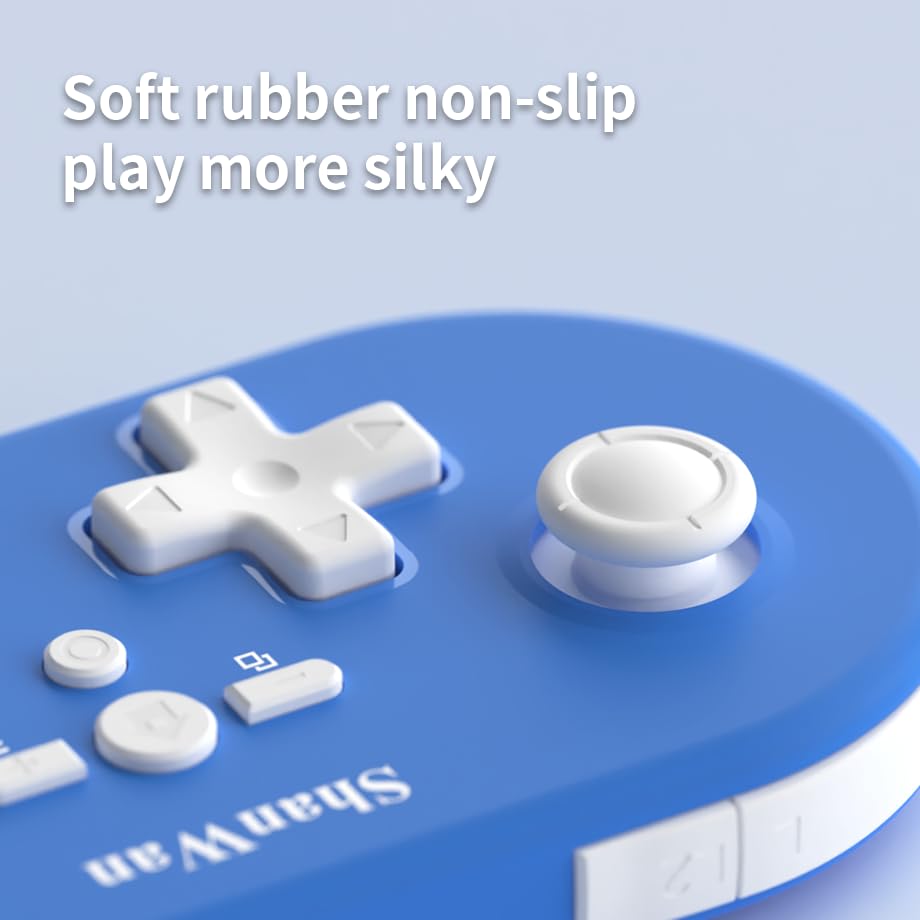
Slika: Bližnji posnetek view of the controller's joystick, highlighting the soft rubber non-slip material.
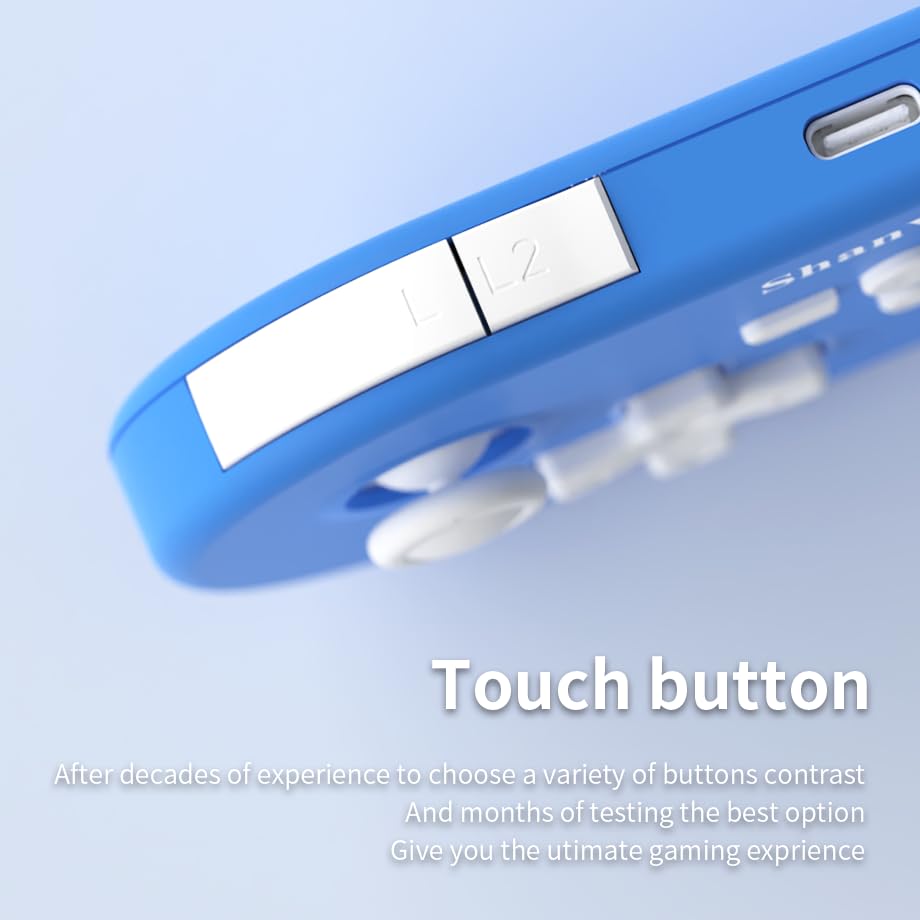
Slika: Bližnji posnetek view of the controller's L/L2 shoulder buttons, emphasizing their design.

Image: A visual summary of key features including 6-axis body gyroscope, one-touch reconnect/wake-up, one-touch pairing, one-touch screenshot, dual motor vibration, and Switch key printing.
5. Združljivost
The ShanWan Q37 controller is compatible with a wide range of gaming platforms:
- Nintendo Switch / Switch 2 / Switch Lite / Switch OLED
- Steam Deck
- Računalnik (Windows)
- naprave Android
- iPhone / iPad (iOS / iPadOS)
- macOS devices
- PS4 Console (via P-block mode, specific setup may be required)
It supports simultaneous gameplay for up to 4 players on compatible systems.
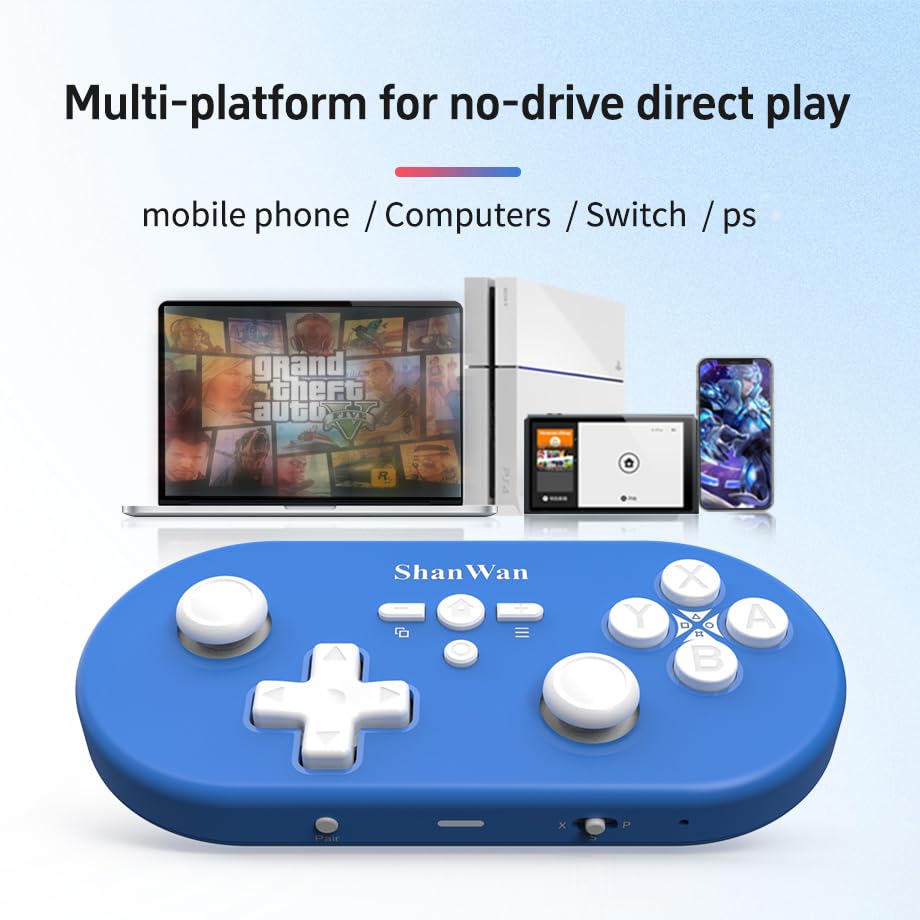
Image: Illustration showing the controller's compatibility with mobile phones, computers, Switch, and PS consoles.
6. Informacije o bateriji
The controller is equipped with a 500mAh large-capacity Lithium Polymer battery. This allows for extended play sessions and convenient portability. Battery life varies depending on usage and vibration settings.
Čas polnjenja: Približno 2-3 ure za polno polnjenje.
Čas delovanja: Up to 8-10 hours on a full charge (may vary).
7. Tehnične specifikacije
| Specifikacija | Podrobnost |
|---|---|
| Številka modela | Q37XSP |
| Povezljivost | Wireless Bluetooth, USB-C (wired) |
| Kapaciteta baterije | 500 mAh litij polimer |
| Dimenzije izdelka | 4.92 x 2.44 x 0.81 palcev (12.5 x 6.2 x 2.05 cm) |
| Teža predmeta | 3.2 unče (90.7 gramov) |
| Nadzor gibanja | 6-osni žiroskop |
| Vibracije | Dual Motor Vibration (Adjustable) |

Image: Diagram showing the precise dimensions of the ShanWan Q37 controller.
8. Odpravljanje težav
8.1 Krmilnik se ne povezuje/seznanja
- Prepričajte se, da je krmilnik popolnoma napolnjen.
- Verify the correct mode (X, S, P) is selected for your device.
- Make sure Bluetooth is enabled on your device and no other devices are interfering.
- Try restarting both the controller and your gaming device.
- If issues persist, try resetting the controller (refer to manufacturer's website for reset procedure, usually a small pinhole button).
8.2 Vhodna zakasnitev ali prekinitve povezave
- Ensure you are within the effective range of your Bluetooth device.
- Minimize wireless interference from other devices (Wi-Fi routers, other Bluetooth devices).
- Ensure the controller's firmware is up to date using the 'Gamepad Space' software.
8.3 Gumbi/kontrolne palice se ne odzivajo
- Calibrate joysticks and test button functionality using the 'Gamepad Space' software.
- Prepričajte se, da okoli gumbov ali igralnih palic ni umazanije.
- If using wired connection, try a different USB-C cable or port.
9. Nega in vzdrževanje
- Čiščenje: Za čiščenje krmilnika uporabite mehko, suho krpo. Za trdovratno umazanijo rahlo obrišiteampKrpo sperite z vodo ali blago čistilno raztopino. Izogibajte se agresivnim kemikalijam ali abrazivnim materialom.
- Shranjevanje: Krmilnik shranjujte na hladnem in suhem mestu, stran od neposredne sončne svetlobe in ekstremnih temperatur.
- Vzdrževanje baterije: Baterije ne izpostavljajte visokim temperaturam in je ne poskušajte razstaviti. Redno polnite krmilnik, tudi če ga ne uporabljate, da ohranite zdravje baterije.
- Izogibajte se kapljicam: Krmilnik zaščitite pred fizičnimi udarci in padci, ki lahko poškodujejo notranje komponente.
10. Garancija in podpora
For warranty information, technical support, or further assistance, please visit the official ShanWan webspletno mesto ali se obrnite na njihovo službo za stranke. Shranite račun kot dokazilo o nakupu.
Official ShanWan Store: https://www.amazon.com/stores/ShanWan/page/C625C726-C0DE-4DFB-8E9B-4AA41A6E200C


