1. Izdelek je končanview
The FLEXISPOT 36" Sit-Stand Desk Converter is designed to transform your existing desk into an active sit-stand workstation. This unit features a two-tier design, providing a spacious upper desktop for monitors and a lower keyboard tray for a keyboard and mouse. It allows for seamless transitions between sitting and standing positions to promote a healthy work routine.

Image: The FLEXISPOT 36" Sit-Stand Desk Converter shown in a typical office environment, demonstrating its two-tier design and how it integrates with an existing desk setup.
Ključne značilnosti:
- Ergonomic 2-Tier Design: Provides separate surfaces for monitors and keyboard/mouse, optimizing ergonomic posture.
- Prostoren delovni prostor: Upper desktop (36" x 16.3") accommodates monitors up to 27 inches. Lower keyboard tray (34.6" x 12.2") fits a standard keyboard and mouse or a 13-inch laptop.
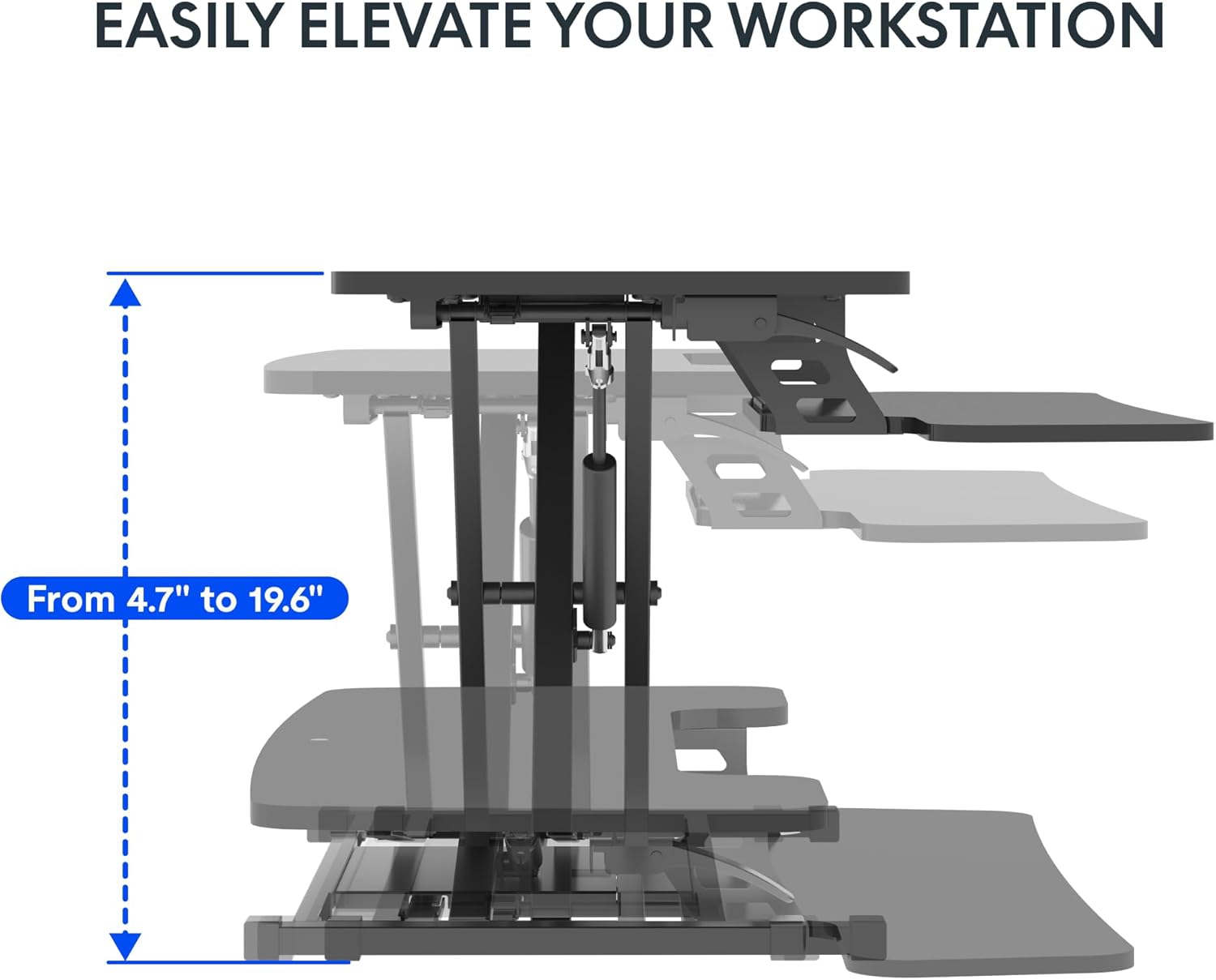
- Nastavitev višine: Smoothly transitions between 4.7 inches and 19.6 inches.
- Robustna konstrukcija: Supports up to 33 lbs on the desktop and 6.6 lbs on the keyboard tray.
Slika: Pogled od zgoraj navzdol view illustrating the spacious two-tier design of the desk converter, highlighting the dimensions of the upper desktop and lower keyboard tray.
2. Navodila za nastavitev
The FLEXISPOT Sit-Stand Desk Converter requires minimal assembly. Follow these steps to prepare your workstation.
- Razpakirajte komponente: Carefully remove all components from the packaging. Verify that all parts are present according to the packing list (not provided in this manual, refer to your product box).
- Postavite osnovo: Place the main base unit of the converter onto your existing desk in the desired location. Ensure it is stable and centered.
- Pritrdite pladenj za tipkovnico: The keyboard tray typically attaches to the main unit with a few screws. Align the tray with the designated attachment points and secure it using the provided hardware. (Note: Specific screw types and locations may vary; refer to the quick start guide included in your product packaging for detailed diagrams.)
- Place Monitors/Laptop: Position your monitors or laptop on the upper desktop surface. Ensure they are stable and do not exceed the weight capacity of 33 lbs.
- Organizirajte kable: Route all cables (monitor, keyboard, mouse, power) to prevent interference with the height adjustment mechanism.
Your FLEXISPOT desk converter is now ready for use.
3. Navodila za uporabo
The desk converter features a quick-adjust mechanism for effortless height changes.
- To Raise the Workstation:
- Locate the height adjustment lever, usually on the side of the upper desktop.
- Grasp the lever firmly and squeeze it to release the locking mechanism.
- While holding the lever, gently lift the desktop to your desired standing height. The internal spring system will assist in the lift.
- Release the lever to lock the workstation securely in place. Ensure it is fully locked before placing weight on it.
- To Lower the Workstation:
- Grasp the height adjustment lever firmly and squeeze it to release the locking mechanism.
- While holding the lever, gently push down on the desktop to lower it to your desired sitting height. Control the descent to prevent sudden drops.
- Release the lever to lock the workstation securely in place.
Slika: Stranski profesionalecfile of the desk converter illustrating its height adjustment range, showing the mechanism for raising and lowering the workstation.
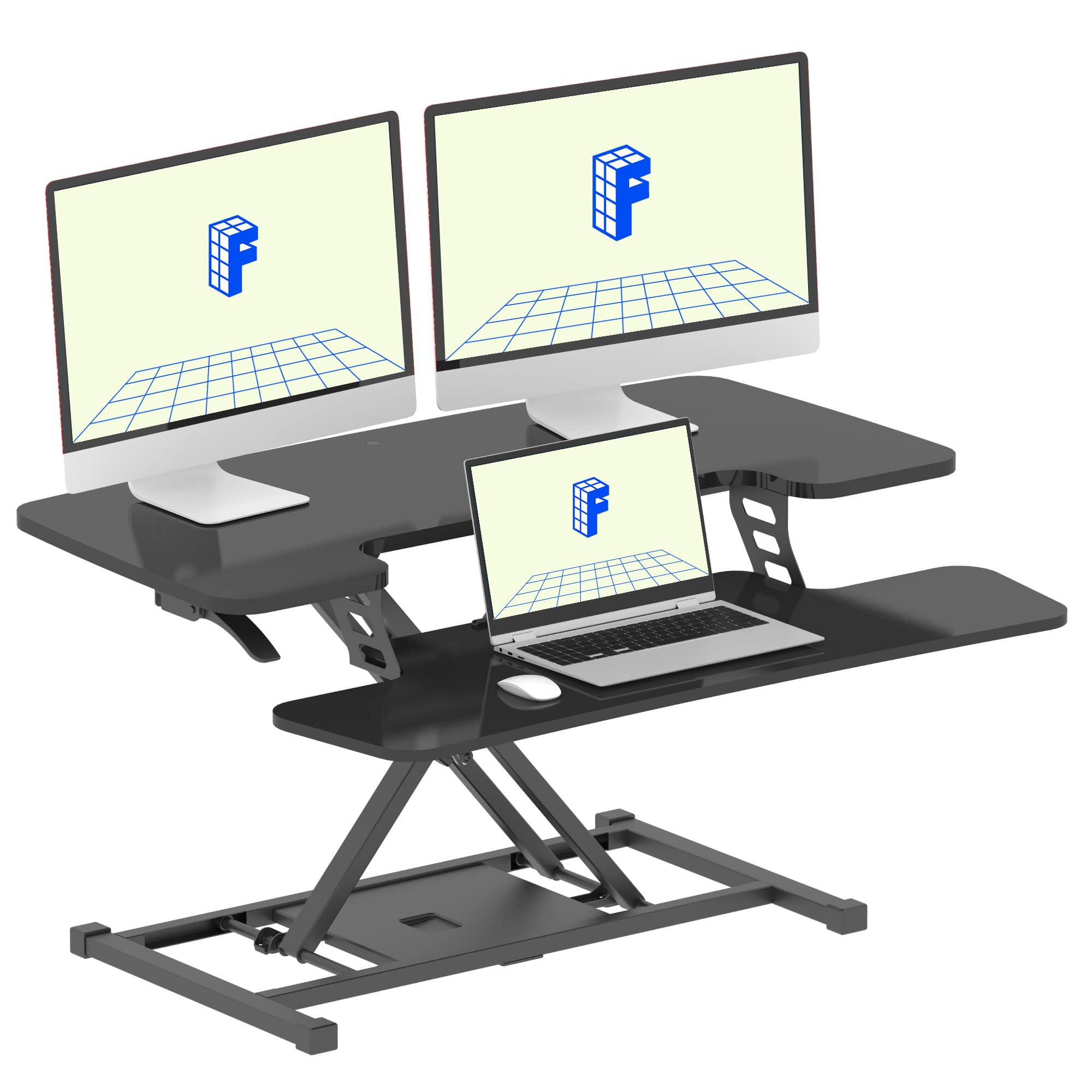
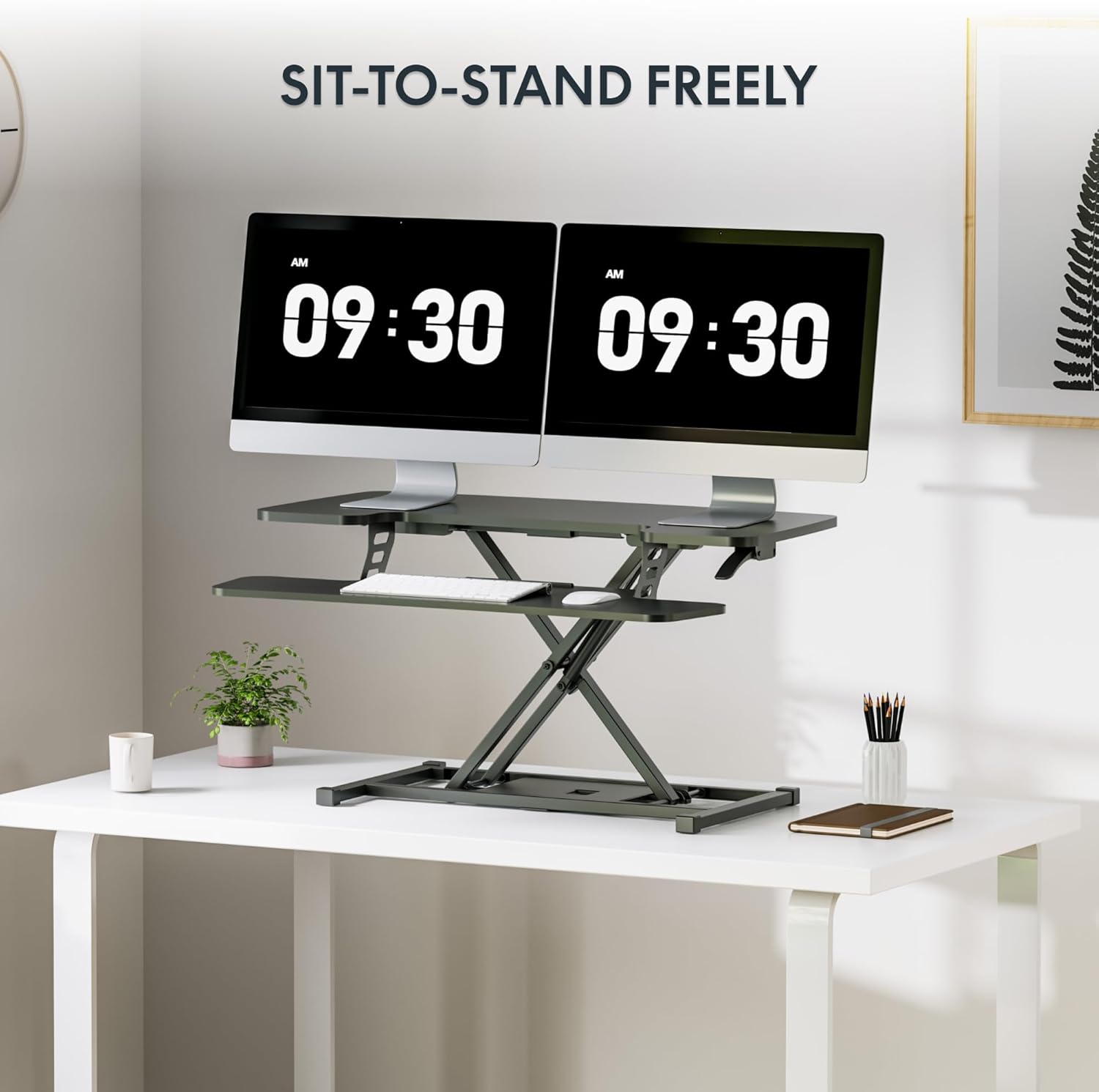
Image: The FLEXISPOT desk converter fully extended to a standing position, set up with dual monitors, a keyboard, and a mouse, demonstrating its use for sit-to-stand transitions.
4. Vzdrževanje
Proper maintenance ensures the longevity and smooth operation of your FLEXISPOT desk converter.
- Čiščenje: Površine obrišite z mehko, damp krpo. Izogibajte se abrazivnim čistilom ali močnim kemikalijam, ki lahko poškodujejo zaključek.
- Preverjanje mehanizma: Periodically inspect the height adjustment mechanism for any signs of wear or loose components.
- Zmogljivost teže: Do not exceed the specified weight capacities (33 lbs for desktop, 6.6 lbs for keyboard tray) to prevent damage and ensure safe operation.
- Upravljanje kablov: Regularly check that cables are not pinched or obstructing the movement of the desk converter.
5. Odpravljanje težav
If you encounter issues with your desk converter, refer to the following common solutions.
| Težava | Možen vzrok | rešitev |
|---|---|---|
| Workstation is difficult to raise. | Excessive weight on the desktop; internal spring mechanism requires more force. | Ensure the total weight on the desktop does not exceed 33 lbs. Apply steady, upward force while engaging the lever. If the issue persists, contact customer support. |
| Workstation does not lock at desired height. | Lever not fully released; mechanism obstruction. | Release the height adjustment lever completely. Check for any obstructions around the locking mechanism. |
| Workstation wobbles. | Neravna površina; ohlapne povezave. | Ensure the desk converter is placed on a flat, stable surface. Check all assembly screws to ensure they are tightened. |
6. Specifikacije
Detailed specifications for the FLEXISPOT 36" Sit-Stand Desk Converter.
- Model: B0DMSK6RF8
- Znamka: FLEXISPOT
- barva: Klasična črna
- Material: Kovina, les
- Dimenzije namizja: 36 cm (Š) x 16.3 cm (G)
- Keyboard Tray Dimensions: 34.6 cm (Š) x 12.2 cm (G)
- Osnovne mere: 27.4 cm (Š) x 15.5 cm (G)
- Območje nastavitve višine: 4.7" - 19.6"
- Nosilnost namiznega računalnika: 33 lbs
- Keyboard Tray Weight Capacity: 6.6 lbs
- Teža artikla: Približno 25.57 lbs
- Overall Item Dimensions (L x W x H): 24.9 x 36 x 19.6 inches (at max height)
- Zahtevana montaža: Da (minimalno)
- UPC: 840460420150

Image: A diagram showing the precise measurements of the desk converter, including desktop, keyboard tray, base dimensions, and height adjustment range, along with weight capacities.
7. Garancija in podpora
For warranty information, technical support, or to inquire about replacement parts, please contact FLEXISPOT customer service directly. Refer to the contact information provided in your product packaging or visit the official FLEXISPOT webmesto.
FLEXISPOT Official Webspletno mesto: www.flexispot.com


