Uvod
Thank you for choosing the Haomuren K1 Mini Portable Bluetooth Karaoke Machine. This manual provides essential information for the safe and efficient operation of your new device. Please read it thoroughly before use and retain it for future reference.
Kaj je v škatli
- Karaoke Machine (Speaker) x 1
- Brezžični mikrofon x 2
- Polnilni kabel Type-C x 1
- Uporabniški priročnik x 1
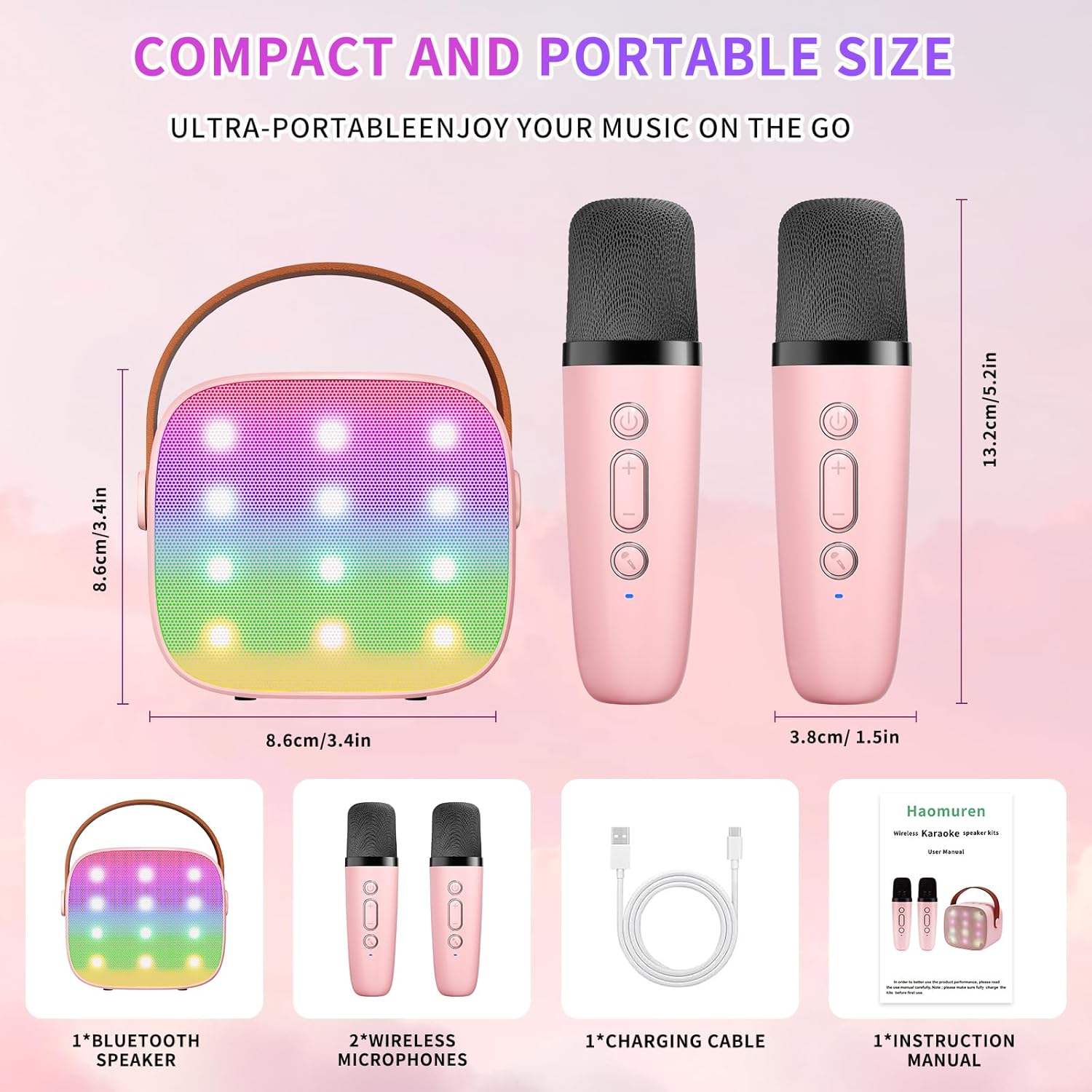
Nastavitev
1. Polnjenje naprave
Before initial use, fully charge the karaoke machine and both microphones. Use the provided Type-C charging cable.
- govornik: Connect the Type-C cable to the speaker's charging port. The speaker has an 1800mAh battery and typically charges in 1-2 hours.
- Mikrofoni: Connect the Type-C cable to the charging port at the bottom of each microphone. Each microphone has a 600mAh battery.

2. Vklop/izklop
- govornik: Press and hold the power button on the top panel of the speaker until the LED lights illuminate.
- Mikrofoni: Press and hold the power button on each microphone until the blue indicator light turns on.
3. Bluetooth seznanjanje
The speaker and microphones are designed for instant pairing. Once both are powered on, they should automatically connect. To connect the speaker to an external device (smartphone, tablet, PC):
- Ensure the karaoke machine speaker is powered on and in Bluetooth mode (indicated by a voice prompt).
- Na zunanji napravi omogočite Bluetooth in poiščite razpoložljive naprave.
- Select "K1" (or similar model name) from the list to pair. A confirmation sound will indicate successful pairing.

Navodila za uporabo
1. Kontrole zvočnikov
Zvočnik ima na zgornji plošči intuitivne gumbe:
- Znižaj glasnost (-): Zmanjša glasnost zvočnika.
- Vklop/predvajanje/premor: Short press to play/pause music. Long press to power on/off the speaker.
- Povečanje glasnosti (+): Poveča glasnost zvočnika.
- Način (M): Switches between different input modes (Bluetooth, TF Card).
- Nadzor LED luči: Short press to cycle through 6 different LED lighting modes.
- Original Vocal/Accompaniment: Press this button to remove or restore original vocals from a song, allowing you to sing along to the instrumental track.

2. Upravljanje mikrofona
Vsak brezžični mikrofon ima naslednje kontrole:
- Gumb za vklop: Press and hold to power on/off the microphone.
- Povečanje glasnosti (+): Increases microphone volume.
- Znižaj glasnost (-): Decreases microphone volume.
- Gumb za menjavo glasu: Short press to cycle through 5 different voice effects.

3. Voice Changing Modes
The microphones offer 5 unique voice effects to enhance your karaoke experience:
- Originalni glas
- Ženski glas
- Moški glas
- Otroški glas
- Pošastni glas
4. LED luči
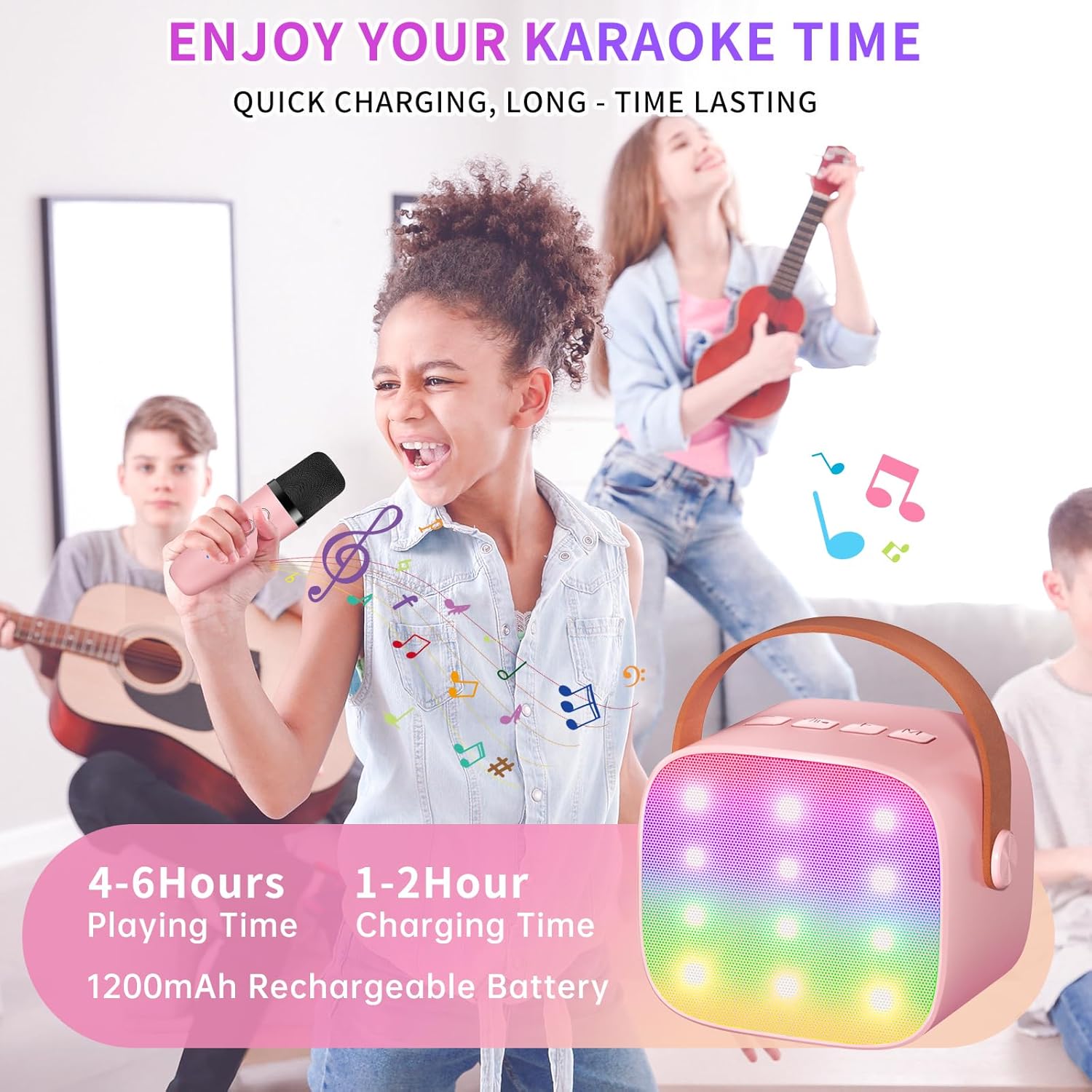
The speaker features built-in LED lights with 6 dynamic modes that synchronize with the music, creating an immersive atmosphere. Use the dedicated LED Light Control button on the speaker to cycle through these modes.

5. Music Playback Options
The Haomuren K1 supports various music playback methods:
- Bluetooth: Connect wirelessly to your smartphone, tablet, or PC.
- Kartica TF: Insert a TF (MicroSD) card into the designated slot on the back of the speaker to play stored music files.
- Izhod za slušalke: Use the 3.5mm headphone jack for private listening.
Vzdrževanje
- Čiščenje: Use a soft, dry cloth to clean the exterior of the speaker and microphones. Do not use liquid cleaners or abrasive materials.
- Shranjevanje: Napravo shranjujte na hladnem in suhem mestu, stran od neposredne sončne svetlobe in ekstremnih temperatur.
- Vzdrževanje baterije: Da podaljšate življenjsko dobo baterije, se izogibajte pogostemu popolnemu praznjenju naprave. Napravo redno polnite, tudi če je dalj časa ne uporabljate.
Odpravljanje težav
- Ni zvoka iz zvočnika:
- Prepričajte se, da je zvočnik vklopljen in napolnjen.
- Check the speaker's volume level.
- Verify that the speaker is correctly paired via Bluetooth to your device.
- If using a TF card, ensure it is inserted correctly and contains compatible audio files.
- Mikrofon ne deluje:
- Prepričajte se, da je mikrofon vklopljen in napolnjen.
- Check the microphone's volume level.
- Confirm the microphone is automatically paired with the speaker.
- Prekinitev povezave Bluetooth:
- Ensure the speaker and your device are within the effective Bluetooth range (typically 10 meters).
- Turn off and restart both the speaker and your device, then attempt to re-pair.
- Preverite morebitne motnje zaradi drugih brezžičnih naprav.
- Popačen zvok:
- Lower the volume on both the speaker and your connected device.
- Ensure the microphones are not too close to the speaker to avoid feedback.
- Preverite zvočni vir glede težav s kakovostjo.
Specifikacije
| Funkcija | Specifikacija |
|---|---|
| Znamka | Haomuren |
| Številka modela | K1 |
| Vrsta namestitve | Namizna |
| Vir napajanja | Napajanje na baterije |
| Vrsta priključka | 3.5 mm slušalke, polnjenje tipa C |
| Material | Akrilonitril butadien stiren (ABS) |
| Teža predmeta | 14.9 unč |
| Število kanalov | 2 |
| Avdio vhod | Brezžični mikrofoni |
| Frekvenčni odziv | 10 KHz |
| Dimenzije izdelka | 3.7 x 4.1 x 4.3 palcev |
| Baterije | Potrebne so 1 AAA baterije (priložene) |
| Tehnologija povezljivosti | Bluetooth, USB, brezžično |
Garancija in podpora
Haomuren is committed to providing high-quality audio products. Your K1 Mini Portable Bluetooth Karaoke Machine comes with the following:
- Brezplačna zamenjava: In case of product defects.
- 365 dnevna garancija: Covering manufacturing defects and malfunctions.
- Tehnična podpora: Dedicated support is available for any operational questions or issues.
For further assistance, please contact Haomuren customer service through your purchase platform or visit the official Haomuren webmesto.


