1. Uvod
This manual provides detailed instructions for the installation, operation, and maintenance of your AZDOME M01 Pro 3K WiFi Dash Cam. Please read this manual thoroughly before use to ensure proper functionality and to prevent damage.
2. Vsebina paketa
Preverite, ali so v vašem paketu priloženi vsi spodaj navedeni elementi:
- M01 Pro Dash Cam (Front Unit)
- Zadnja kamera
- Avto polnilec
- 3M Sticky Mount
- Sesalni nosilec
- 64 GB SD kartica (predhodno nameščena)
- Orodje za ožičenje avtomobila
- Sponke za kable
- Elektrostatična nalepka
- Uporabniški priročnik
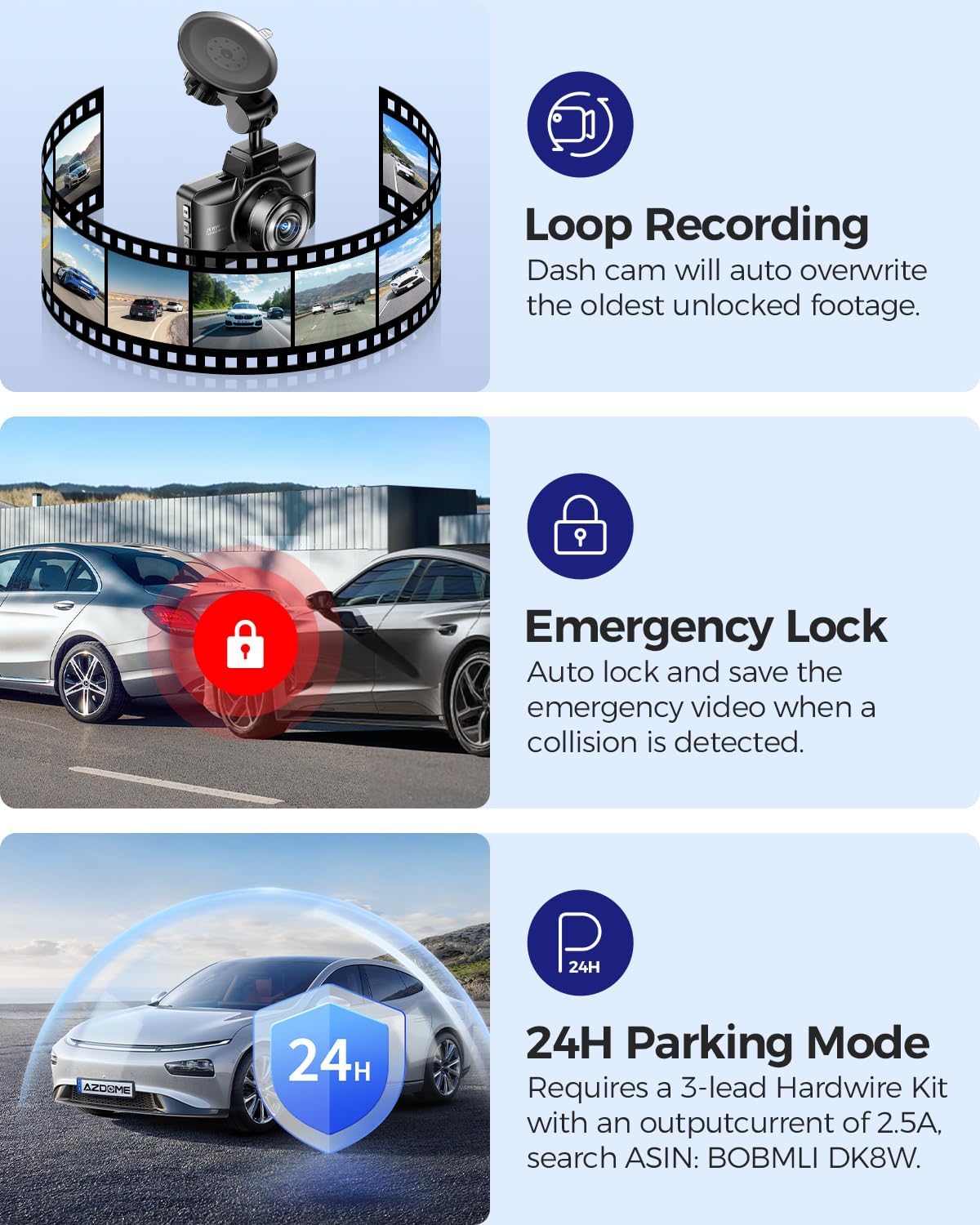
Image: All components included in the AZDOME M01 Pro dash cam package.
3. Izdelek je končanview
3.1 Front Dash Cam Unit
The main dash cam unit features a 3-inch IPS screen for live view and menu navigation. It includes control buttons on the sides for various functions and a front-facing lens for recording.

Image: The AZDOME M01 Pro front dash cam unit with its screen and lens visible.
3.2 zadnja kamera
The compact rear camera records in 1080P resolution and is designed for external mounting on the rear of the vehicle. It connects to the main unit via a cable.

Slika: Bližnji posnetek view of the compact rear camera unit.
4. Nastavitev in namestitev
4.1 Namestitev sprednje kamere na armaturni plošči
The front dash cam can be installed using either the suction cup mount or the 3M sticky mount. Both mounts allow for 360° rotation for optimal viewing kotov.
- Temeljito očistite želeno območje na vetrobranskem steklu.
- Attach the electrostatic sticker to the cleaned area.
- Attach the chosen mount (suction cup or 3M sticky) to the electrostatic sticker.
- Slide the main dash cam unit onto the mount until it clicks securely.
- Connect the car charger to the dash cam's power port and plug it into your vehicle's cigarette lighter socket.
- Use the provided car wiring tool and cable clips to neatly tuck away the power cable along the vehicle's trim for a clean installation.
Video: Demonstrates the installation process of the suction cup mount for the AZDOME M01 Pro dash cam.

Image: Illustrates the 360° rotation capability of the dash cam mount.
4.2 Namestitev zadnje kamere
The rear camera can be mounted externally using either the included 3M adhesive or screws. Connect the rear camera cable to the main dash cam unit and route it neatly along the vehicle's interior trim to the rear.
Video: Kratek uvodview demonstrating how to enable the reverse assist line function for the rear camera.
5. Navodila za uporabo
5.1 Osnovna operacija
The dash cam automatically powers on and begins recording when your vehicle starts. It powers off when the vehicle is turned off. Use the physical buttons on the unit to navigate menus and adjust settings.
5.2 Upravljanje z aplikacijami (Wi-Fi)
The AZDOME M01 Pro features built-in Wi-Fi for convenient app control. Download the dedicated AZDOME app on your smartphone to manage settings, view v živo footage, download, playback, and share videos.
- Download the AZDOME app from your device's app store.
- Turn on the dash cam and enable its Wi-Fi.
- Connect your smartphone to the dash cam's Wi-Fi network (SSID and password typically found in the dash cam settings).
- Open the AZDOME app to access controls and features.

Image: Screenshots illustrating the AZDOME app interface for dash cam control.
5.3 Zančno snemanje
The dash cam continuously records video in short segments. When the SD card is full, the oldest unprotected filese samodejno prepišejo z novimi posnetki. To zagotavlja neprekinjeno snemanje brez ročnega posredovanja.

Image: Icon representing the Loop Recording feature.
5.4 G-senzor (zaklepanje v sili)
The built-in G-Sensor detects sudden impacts or collisions. When an event is detected, the current video segment is automatically locked and saved to prevent it from being overwritten by loop recording. This footage serves as crucial evidence in case of an accident.

Image: Icon representing the G-Sensor feature.
5.5 Načini parkiranja
The M01 Pro offers two parking modes to monitor your vehicle when parked:
- Parkirni način zaznavanja trka: The G-Sensor detects impacts and automatically records and locks video segments.
- Način parkiranja s časovnim zamikom: The dash cam records continuously at a low frame rate (e.g., 1fps) for extended periods (12/24/48 hours).
Note: A hardwire kit (sold separately) is required to enable 24-hour parking modes.

Image: Icon representing the Parking Mode feature.
5.6 ADAS (Napredni sistemi za pomoč vozniku)
Built-in ADAS features provide alerts for potential hazards, enhancing driving safety. These alerts may include lane departure warnings or forward collision warnings.

Image: Icon representing the ADAS (Advanced Driver-Assistance Systems) feature.
5.7 Opozorilo o utrujenosti med vožnjo
The dash cam can be configured to provide alerts reminding the driver to take a rest after continuous driving for a set duration (e.g., 1, 2, or 4 hours) to promote safe driving practices.

Image: Illustration of the fatigue driving alert system in action.
5.8 Pomoč pri parkiranju
When the reverse gear is engaged, the dash cam automatically displays a rear view with parking guide lines, aiding in safe parking maneuvers.
6. Vzdrževanje
To ensure optimal performance and longevity of your dash cam:
- Regularly format the SD card (e.g., once a month) to prevent data corruption and ensure smooth recording.
- Keep the lenses clean using a soft, dry cloth.
- Naprave ne izpostavljajte ekstremnim temperaturam ali neposredni sončni svetlobi za daljša obdobja.
- Prepričajte se, da so vsi kabli dobro povezani.
7. Odpravljanje težav
If you encounter any issues with your AZDOME M01 Pro dash cam, please refer to the following common solutions:
- Kamera na armaturni plošči se ne vklopi: Check the car charger connection and ensure the vehicle's power outlet is functioning.
- Težave s snemanjem: Ensure an SD card is inserted and formatted correctly. Check for sufficient storage space.
- Težave z Wi-Fi povezavo: Ensure the dash cam's Wi-Fi is enabled and your smartphone is within range. Restart both devices if necessary.
- Screen freezing/unresponsive: Use a thin object (like a paperclip) to press the reset button on the device.
For further assistance, please contact AZDOME customer support.
8. Specifikacije
| Funkcija | Podrobnost |
|---|---|
| Dimenzije izdelka | 1.18 x 5.48 x 1.3 palcev |
| Teža predmeta | 14.8 unč |
| Ime modela | M01 Pro |
| Ločljivost zajema videa | 2160p (3K UHD) |
| Tehnologija povezljivosti | Wi-Fi |
| Posebne lastnosti | App Control, Compact Design, G-Sensor, Loop Recording, Night Vision |
| Vrsta namestitve | Nosilec armaturne plošče |
| Polje View | 150 stopinj |
| barva | Črna |
9. Garancija in podpora
For warranty information and customer support, please refer to the official AZDOME website or contact their customer service directly. Details can typically be found in the included user manual or on the product packaging.


