1. Uvod
This user manual provides comprehensive instructions for setting up, operating, and maintaining your THOMSON 10.1-inch WiFi Digital Photo Frame. Please read this manual carefully before using the device to ensure proper functionality and longevity.
2. Izdelek je končanview
The THOMSON Digital Photo Frame is designed to display your cherished memories with ease. It features a high-definition IPS touchscreen and WiFi connectivity for convenient photo sharing.
Ključne značilnosti:
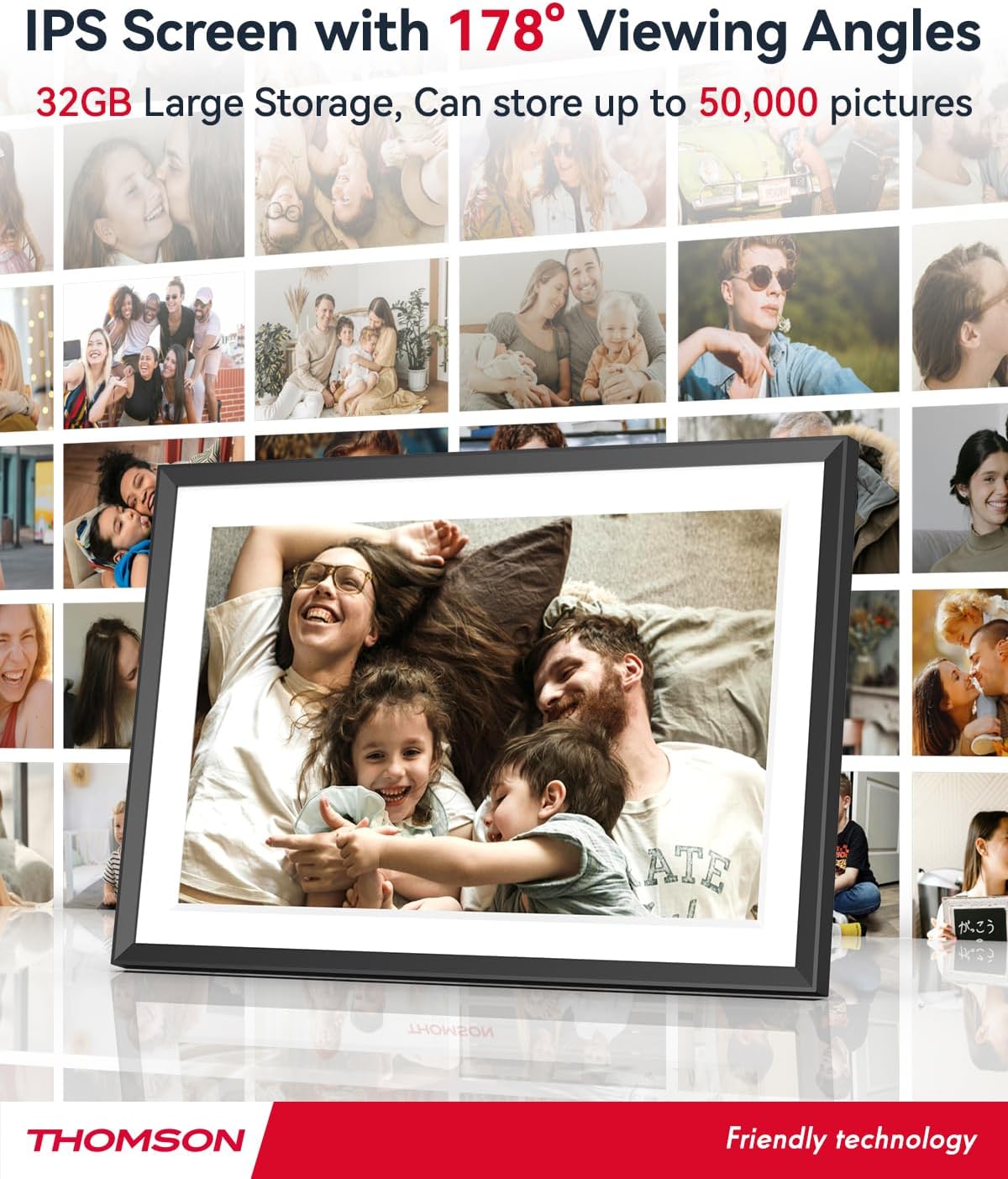
- 32 GB notranjega pomnilnika: Stores approximately 50,000 photos. Supports SD Card/SDHC Card/MMC Card/USB Drive expansion up to 256GB.
- Enostavna nastavitev: Connects to WiFi, automatically sets local date and time.
- 10.1-inch 1280x800 HD IPS Screen: Provides clear image viewing with a 180° viewvhodni kot.
- Več vmesnikov: Supports DC-4.0, Type-C, SD, 3.5mm Jack, and USB.
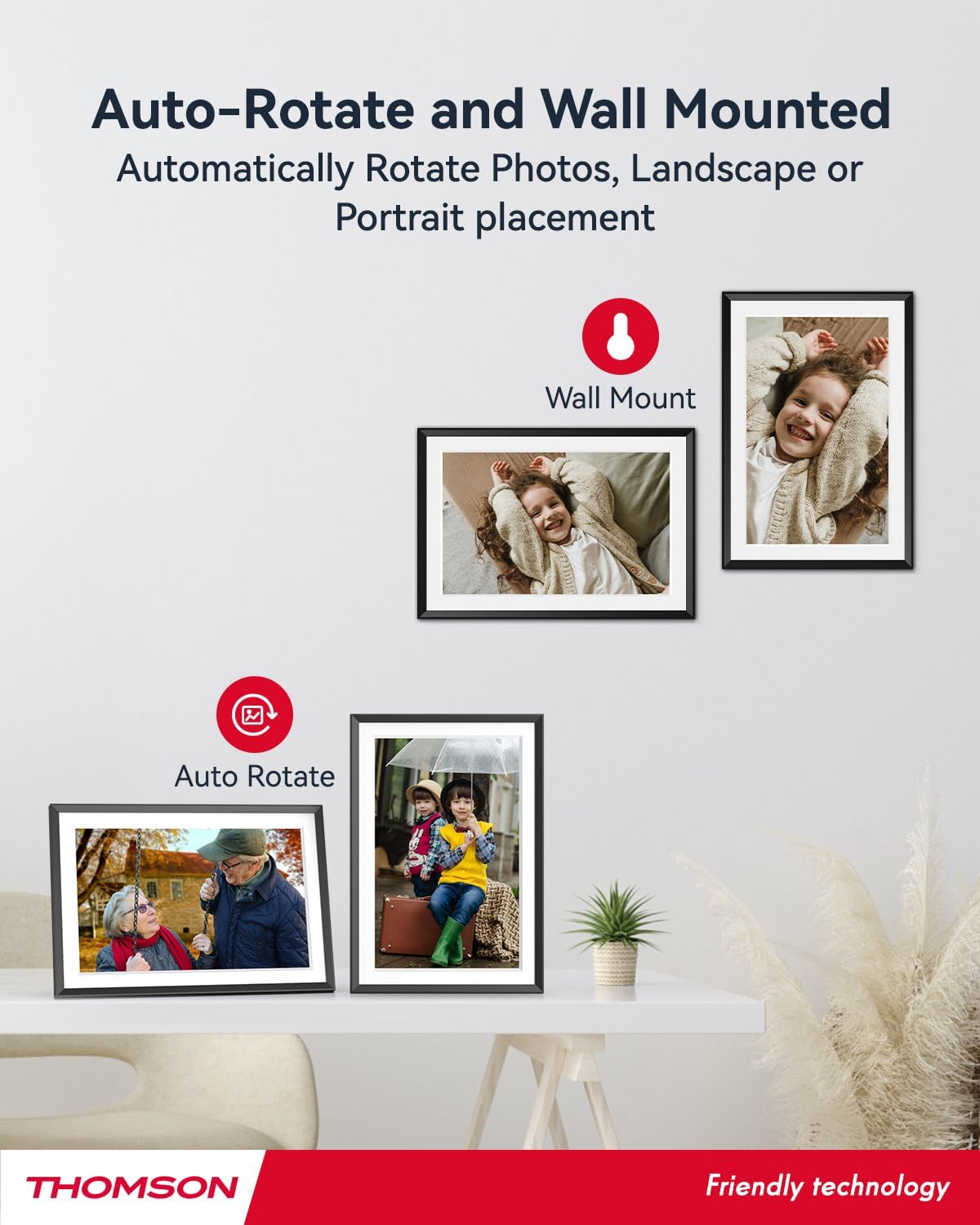
- Samodejno vrtenje: Displays photos correctly in any orientation.
- Glasba v ozadju: Play music during slideshows.
- Google Photo Support: Send photos directly from Google Photos.




3. Nastavitev
3.1 Razpakiranje in začetni pregled
- Previdno odstranite vse komponente iz embalaže.
- Verify that all items listed in the 'Product Overview' odsek so prisotni.
- Inspect the frame for any signs of damage. If damaged, do not proceed and contact customer support.
3.2 Napajalni priključek
- Connect the power adapter to the DC-4.0 port on the back of the photo frame.
- Priključite napajalnik v standardno električno vtičnico.
- The frame will power on automatically.
3.3 Omrežna povezava (Wi-Fi)
- On the frame's touchscreen, navigate to 'Settings' or 'Wi-Fi Settings'.
- Na seznamu razpoložljivih omrežij izberite želeno omrežje Wi-Fi.
- Enter the Wi-Fi password using the on-screen keyboard.
- Confirm the connection. Once connected, the frame will automatically synchronize the date and time.
3.4 App Installation (Thomson Smart Frame)
To share photos wirelessly from your smartphone, download the 'Thomson Smart Frame' app:
- For Android devices, search for 'Thomson Smart Frame' on the Trgovina Google Play.
- For iOS devices, search for 'Thomson Smart Frame' on the Apple App Store.
- Follow the on-screen instructions within the app to pair it with your digital photo frame.
4. Navodila za uporabo
4.1 Dodajanje fotografij in videoposnetkov
- Via Thomson Smart Frame App: Use the paired smartphone app to wirelessly send photos and videos to the frame.
- Via SD Card/USB Drive: Insert a compatible SD card or USB drive into the respective slot. The frame will detect the media, and you can import files to the internal memory or play directly.
- Via Google Photos: The frame supports integration with Google Photos for direct photo sharing. Refer to the frame's on-screen instructions for linking your Google Photos account.
4.2 Navigacija po zaslonu na dotik
The frame features an intuitive touchscreen interface. Tap to select, swipe to scroll, and pinch to zoom (if supported by the specific function).
4.3 Nastavitve diaprojekcije
Customize your photo slideshow experience:
- Slideshow Speed: Prilagodite trajanje prikaza posamezne fotografije.
- Prehodni učinki: Choose from various transition styles between photos.
- Glasba v ozadju: Izberite zvok files to play during the slideshow.
4.4 Samodejno vrtenje
The frame automatically detects its orientation (landscape or portrait) and adjusts the displayed photos accordingly. Ensure the auto-rotate function is enabled in the settings if you wish to utilize this feature.
4.5 Večuporabniška povezava
Multiple users can connect to the same frame via the Thomson Smart Frame app, allowing family and friends to share their photos to your frame from different locations.
5. Vzdrževanje
5.1 Čiščenje zaslona
- Turn off the photo frame and unplug it from the power source.
- Zaslon nežno obrišite z mehko krpo, ki ne pušča vlaken (npr. krpo iz mikrovlaken).
- Za trdovratne madeže rahlo dampen the cloth with water or a screen-cleaning solution specifically designed for electronic displays. Do not spray liquid directly onto the screen.
5.2 Splošna nega
- Avoid exposing the frame to extreme temperatures, direct sunlight, or high humidity.
- Keep the frame away from water and other liquids.
- Do not block the ventilation openings on the frame.
- Handle the frame with care to prevent drops or impacts.
6. Odpravljanje težav
| Težava | Možen vzrok | rešitev |
|---|---|---|
| Okvir se ne vklopi. | Napajalnik ni priključen ali pa je vtičnica pokvarjena. | Ensure power adapter is securely connected to the frame and a working electrical outlet. Try a different outlet. |
| Ni mogoče vzpostaviti povezave z Wi-Fi. | Napačno geslo, šibek signal ali težava z omrežjem. | Double-check Wi-Fi password. Move frame closer to router. Restart router and frame. |
| Fotografije se ne prikazujejo. | Nepodprto file format, no photos loaded, or storage issue. | Ensure photos are in supported formats (e.g., JPEG, PNG). Verify photos are loaded onto the frame's internal memory or connected storage. Check storage space. |
| Zaslon na dotik se ne odziva. | Začasna programska napaka. | Ponovno zaženite okvir tako, da izključite in ponovno priključite napajalnik. |
7. Specifikacije
| Funkcija | Podrobnost |
|---|---|
| Znamka | Thomson |
| Številka modela | TDF-1001P |
| Velikost zaslona | 10.1 palcev |
| Ločljivost zaslona | 1280 x 800 HD |
| Vrsta zaslona | IPS zaslon na dotik |
| Notranji pomnilnik | 32 GB |
| Razširljiv pomnilnik | SD Card/SDHC Card/MMC Card/USB Drive (up to 256GB) |
| Tehnologija povezljivosti | Wi-Fi |
| Združljive naprave | Android and iOS Smartphones |
| Vir napajanja | Električni na kabel |
| Razmerje stranic | 16:10 |
| Material okvirja | Plastika |
| Mere izdelka (D x Š x V) | 26.5 x 18.4 x 2.51 cm |
| Teža izdelka | 530 gramov |
8. Garancija in podpora
For warranty information or technical support, please refer to the documentation included with your purchase or visit the official Thomson website. You may also contact Thomson customer service directly for assistance with product issues or inquiries.


