1. Uvod
This manual provides detailed instructions for the setup, operation, maintenance, and troubleshooting of your Gloryang PD-A4 Portable Thermal Printer. Please read this manual thoroughly before using the printer to ensure proper function and longevity of the device.
The Gloryang PD-A4 is a compact, ink-free thermal printer designed for portability and convenience. It supports both USB and wireless connectivity, making it suitable for various printing needs from computers and mobile devices.

Image 1.1: Gloryang PD-A4 Portable Thermal Printer with three paper rolls, 200 sheets of fan-fold paper, and a carry case.
Ključne značilnosti:
- Tehnologija termičnega tiskanja: Eliminates the need for ink cartridges, reducing operational costs and maintenance.
- Prenosna zasnova: Lahka in kompaktna za enostaven transport.
- Vsestranska povezljivost: Supports USB connection for Windows and Mac computers, and wireless (Bluetooth) connection for iOS and Android mobile devices.
- Akumulatorska baterija: Built-in battery for cordless operation.
- Široka združljivost s papirjem: Supports both roll paper and fan-fold thermal paper up to 8.5x11 inches.

Slika 1.2: Primerjava, ki poudarja prednosttages of thermal printing, including inkless operation, rechargeability, lightweight design, wireless capability, and cost-effectiveness.
2. Vsebina paketa
Po razpakiranju preverite, ali so prisotni vsi spodaj navedeni elementi:
- Gloryang PD-A4 Portable Thermal Printer
- 3 roli termičnega papirja
- 200 Sheets of Fan-Fold Thermal Paper (8.5"x11")
- Torbica za prenašanje
- USB polnilni kabel tipa C
- Uporabniški priročnik (ta dokument)
3. Nastavitev
3.1 Polnjenje tiskalnika
- Connect the provided USB Type-C cable to the charging port on the printer.
- Drugi konec kabla USB priključite na združljiv napajalnik USB (ni priložen) ali vrata USB računalnika.
- The charging indicator light will illuminate. Allow the printer to fully charge before initial use.

Image 3.1: The Gloryang PD-A4 printer being charged via a Type-C cable.
3.2 Nalaganje papirja
The PD-A4 printer supports both thermal roll paper and fan-fold thermal paper.
3.2.1 Loading Roll Paper
- Odprite pokrov predala za papir.
- Insert the thermal paper roll, ensuring the printing side faces the print head.
- Izvlecite majhno količino papirja onkraj tiskalne glave.
- Pokrov predala za papir trdno zaprite.
3.2.2 Loading Fan-Fold Paper
- Odprite pokrov predala za papir.
- Place the stack of fan-fold thermal paper into the compartment, ensuring the printing side faces the print head.
- Align the paper edges with the guides.
- Pull the first sheet out beyond the print head.
- Pokrov predala za papir trdno zaprite.
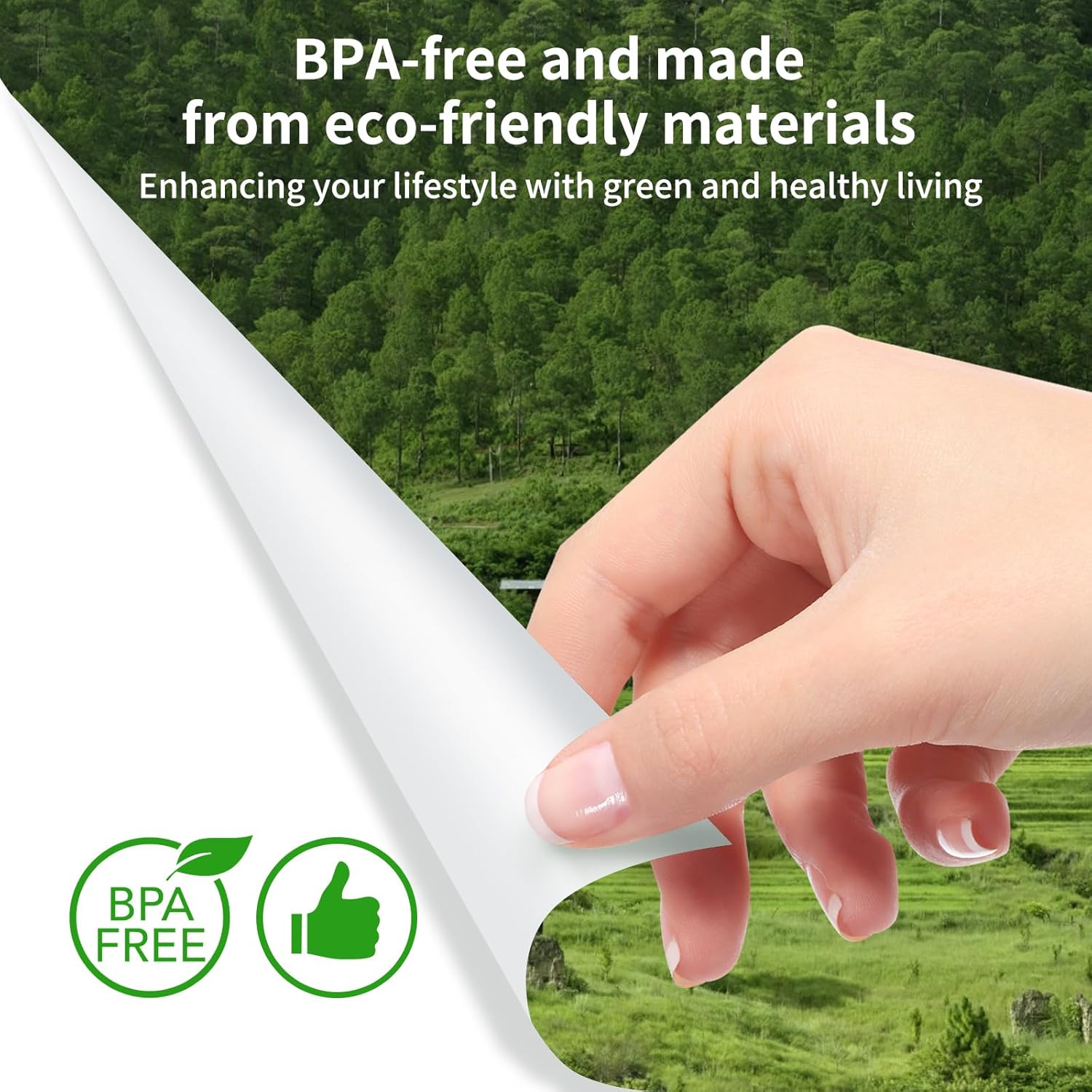
Image 3.2: Fan-folded thermal paper, 8.5"x11" (216x279mm), weighing 1.98 lbs and containing 200 sheets.

Image 3.3: The image illustrates that the fan-fold paper is compatible with the Gloryang PD-A4 printer model, distinguishing it from other printer types.
4. Upravljanje tiskalnika
4.1 Vklop/izklop
- Za vklop: Pritisnite in držite gumb za vklop, dokler se ne prižge indikatorska lučka.
- Za izklop: Pritisnite in držite gumb za vklop, dokler se indikatorska lučka ne izklopi.
4.2 Možnosti povezljivosti
4.2.1 USB Connection (Windows/Mac)
- Prepričajte se, da je tiskalnik vklopljen.
- Tiskalnik priključite na računalnik s priloženim kablom USB Type-C.
- Install the necessary printer drivers. Drivers can typically be found on the Gloryang official website or included with the printer software.
- Ko so gonilniki nameščeni, se bo tiskalnik prikazal na seznamu razpoložljivih tiskalnikov v računalniku.
4.2.2 Wireless Connection (iOS/Android)
- Prepričajte se, da je tiskalnik vklopljen in v dosegu vaše mobilne naprave.
- Download and install the "Jadens Printer" application from your device's app store (Apple App Store for iOS, Google Play Store for Android).
- Open the "Jadens Printer" app and follow the on-screen instructions to search for and connect to your PD-A4 printer via Bluetooth.
- Once connected, you can print documents directly from the application.

Image 4.1: The Gloryang PD-A4 printer demonstrating both USB cable connection to computers (Mac, Windows) and wireless connection to smartphones (iOS, Android) via the Jadens Printer app.
4.3 Tiskanje dokumenta
- Prepare the document you wish to print on your computer or mobile device.
- Select the print option within your application or operating system.
- Choose the "Gloryang PD-A4" printer from the list of available printers.
- Adjust print settings (e.g., paper size, orientation, density) as needed.
- Initiate the print job. The printer will feed the paper and print the document.

Image 4.2: The Gloryang PD-A4 printer in operation, producing a printed document.
5. Vzdrževanje
5.1 Čiščenje tiskalnika
- Ensure the printer is powered off and disconnected from any power source before cleaning.
- Za brisanje zunanjosti tiskalnika uporabite mehko, suho krpo, ki ne pušča vlaken.
- Za tiskalno glavo uporabite vatirano palčko, ki jo rahlo navlažiteampz izopropilnim alkoholom. Nežno obrišite površino tiskalne glave. Pred uporabo jo pustite, da se popolnoma posuši.
- Regularly remove any paper dust or debris from the paper path.
5.2 Ravnanje s papirjem in njegovo shranjevanje
- Always use high-quality thermal paper to ensure optimal print quality and to prevent damage to the print head.
- Store thermal paper in a cool, dry place away from direct sunlight and heat sources to preserve its printability.
- Avoid touching the thermal paper's surface excessively, as oils from skin can affect print quality.
5.3 Skrb za baterije
- Da podaljšate življenjsko dobo baterije, se izogibajte pogostemu popolnemu praznjenju baterije.
- If storing the printer for an extended period, charge the battery to approximately 50% and store in a cool, dry place. Recharge every few months to prevent deep discharge.
- Za polnjenje uporabljajte samo priloženi kabel USB Type-C.
6. Odpravljanje težav
If you encounter issues with your Gloryang PD-A4 printer, refer to the following common problems and solutions:
| Težava | Možen vzrok | rešitev |
|---|---|---|
| Tiskalnik se ne vklopi. | Prazna baterija ali brez napajanja. | Charge the printer using the USB Type-C cable. |
| No print output or blank pages. | Paper loaded incorrectly (non-printing side up) or out of paper. | Ensure thermal paper is loaded with the printing side facing the print head. Reload paper if empty. |
| Poor print quality (faint, streaky). | Dirty print head or low-quality thermal paper. | Clean the print head as described in Section 5.1. Use recommended thermal paper. |
| Cannot connect via USB. | Missing or incorrect drivers. Faulty USB cable or port. | Install the correct drivers. Try a different USB cable or port. |
| Cannot connect wirelessly (Bluetooth). | Bluetooth not enabled on device, printer not in pairing mode, or app issue. | Ensure Bluetooth is enabled. Restart printer and mobile device. Re-pair through the "Jadens Printer" app. |
| Zastoj papirja. | Nepravilno vstavljanje papirja ali tujek. | Power off the printer. Carefully open the paper cover and remove any jammed paper or obstructions. Reload paper correctly. |
7. Specifikacije
The following table outlines the technical specifications for the Gloryang PD-A4 Portable Thermal Printer:
| Funkcija | Specifikacija |
|---|---|
| Znamka | Gloryang |
| Ime modela | PD-A4 |
| Tehnologija tiskanja | Toplotna |
| Tehnologija povezljivosti | USB, Bluetooth (Wireless) |
| Posebna funkcija | Prenosni |
| barva | Bela |
| Izhod tiskalnika | Enobarvno |
| Največja velikost medija | 8.5 x 11 palcev |
| Tiskarski mediji | Thermal Paper (Roll and Fan-Fold) |
| Vrsta optičnega bralnika | Portable (Note: This device functions as a printer, not a scanner.) |
| Teža | Približno 0.68 kg (1.5 lbs) |
| Dimenzije (D x Š x V) | Približno 10.4 x 2.9 x 1.7 palca |

Image 7.1: The Gloryang PD-A4 printer's dimensions (10.4 in x 2.9 in x 1.7 in) and weight (0.68 kg), highlighting its portability.
8. Varnostne informacije
- Tiskalnika ne izpostavljajte vodi ali prekomerni vlagi.
- Pazite, da vam tiskalnik ne pade ali da ga ne izpostavljate močnim udarcem.
- Keep the printer away from extreme temperatures and direct sunlight.
- Tiskalnika ne poskušajte razstavljati ali popravljati sami. Za pomoč se obrnite na podporo strankam.
- Uporabljajte samo odobreno dodatno opremo in napajalnike.
- This product is made from BPA-free and eco-friendly materials.

Image 8.1: Certification indicating the product is BPA-free and made from eco-friendly materials.
9. Garancija in podpora
For warranty information and customer support, please refer to the documentation included with your purchase or visit the official Gloryang website. If you require technical assistance or have questions regarding your PD-A4 printer, please contact Gloryang customer service.


