Uvod
Thank you for choosing the TELEFUNKEN TE40750B45I2K Smart TV. This manual provides essential information for setting up, operating, and maintaining your television. Please read these instructions carefully before using your TV and retain them for future reference.
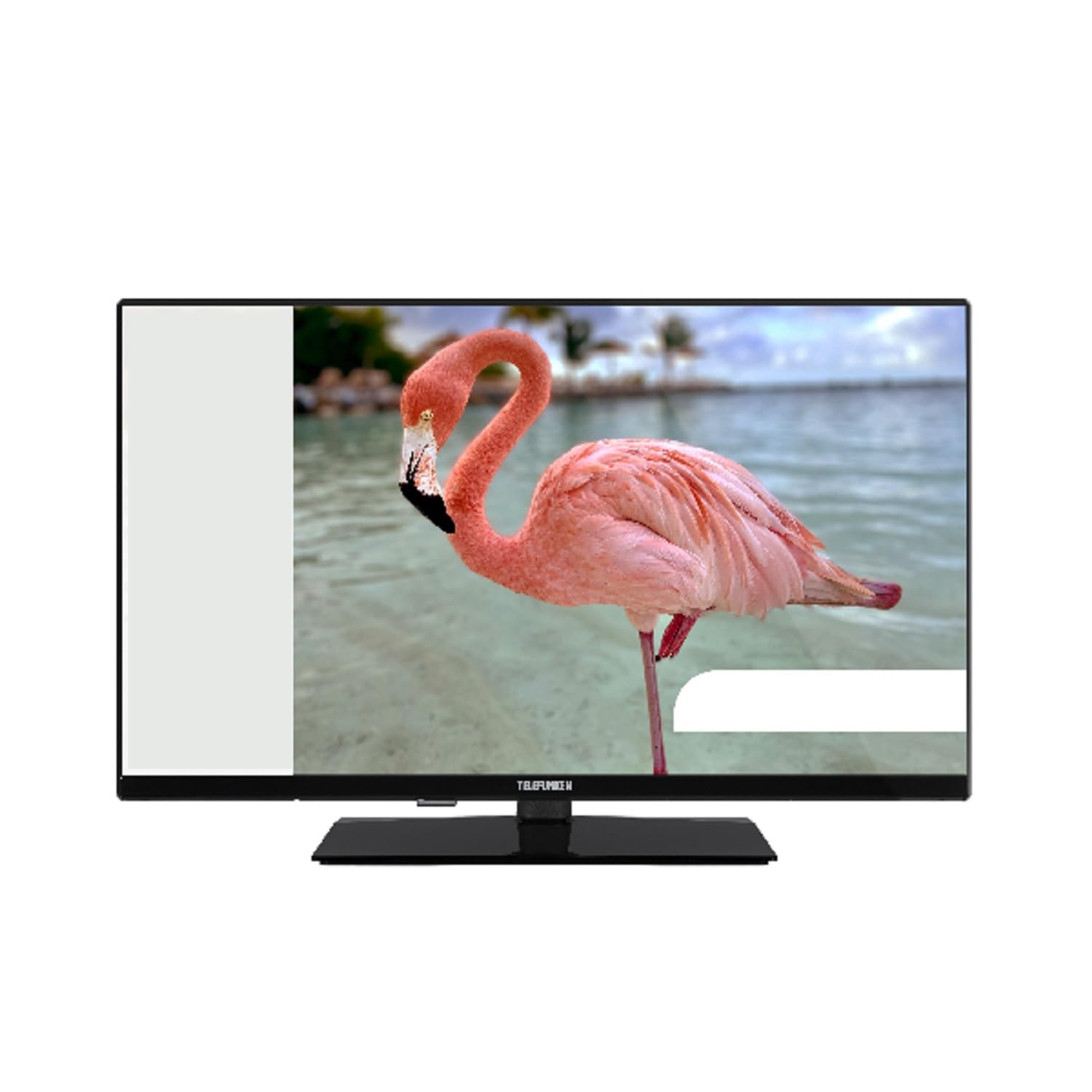
This image shows the TELEFUNKEN TE40750B45I2K Smart TV, a 40-inch model with a sleek black finish and its included stand. The screen displays a vibrant image, highlighting its Full HD LED display capabilities.
Nastavitev
1. Razpakiranje in sestavljanje stojala
- Televizor previdno vzemite iz embalaže.
- Attach the included base to the television using the provided screws. Ensure it is securely fastened to prevent the TV from tipping.
2. Priključitev napajanja
- Connect the power cord to the TV's power input, then plug it into a 220-240V AC, 50 Hz electrical outlet.
3. Priključitev zunanjih naprav
Your TV offers various connection ports for external devices:
- HDMI: For high-definition audio and video devices like Blu-ray players, game consoles, or set-top boxes.
- USB: Za priključitev USB-naprav za predvajanje medijev files.
- Ethernet: Za žično internetno povezavo.
- Component Input (YPbPr via VGA): Za priključitev naprav s komponentnimi video kabli.
- Composite Video/Audio Input: Za priključitev starejših naprav s kompozitnimi video in stereo avdio kabli.
- Izhod za slušalke: Za priklop slušalk.
4. Začetna nastavitev
- Upon first power-on, the On-Screen Display (OSD) will guide you through the initial setup process.
- Perform an Samodejno iskanje to find available digital channels (DVB-T2/C/C S2). The TV supports HEVC (H.265) decoding.
- Connect to your Wi-Fi network or use the Ethernet port for internet access to enable Smart TV features.
Navodila za uporabo
Osnovne funkcije
- moč: Use the remote control or the TV's power button to turn the TV on or off.
- Izbira kanala: Use the channel up/down buttons or enter channel numbers directly.
- Nadzor glasnosti: Prilagodite glasnost z gumboma za povečanje/zmanjšanje glasnosti.
Smart TV Features (Android OS)
Your TELEFUNKEN Smart TV runs on Android OS, providing access to a variety of applications and online services.
- Internetne storitve: Access popular streaming platforms such as Netflix, Hulu, and Amazon Prime Video directly from your TV.
- Povezljivost Wi-Fi: Connect to your home network wirelessly for seamless internet access.
Predvajanje medijev
- Predvajalnik medijev USB: Insert a USB storage device into the USB port to play supported media files. The TV supports MP3, WMA, MPG, MPEG, MP4, MOV, AVI, JPG, PNG, and GIF formats.
Napredne funkcije
- Elektronski programski vodnik (EPG): View program schedules for digital channels.
- Timer Sleep Function: Nastavite časovnik, da se televizor samodejno izklopi.
- Fast Text - TeleText: Access TeleText services on compatible channels.
- Starševska ključavnica: Nastavite omejitve za kanale ali programe.
- Hotel Mode (Passive): A specialized mode for hotel environments.
- Način povečave: Adjust the screen display to zoom in on content.
- Nastavitve zvoka: Customize your audio experience with Dolby Audio support, a 5-band equalizer, and DOLBY DIGITAL PLUS audio mode.
Vzdrževanje
Čiščenje televizorja
- Pred čiščenjem vedno izključite televizor iz električnega omrežja.
- Zaslon in ohišje obrišite z mehko, suho krpo. Za trdovratne madeže rahlo obrišiteampKrpo sperite z vodo ali blagim, neabrazivnim čistilom, posebej zasnovanim za elektroniko.
- Izogibajte se uporabi alkohola, benzena, razredčil ali drugih hlapnih snovi, saj lahko poškodujejo površino televizorja.
Posodobitve programske opreme
- Periodically check for available software updates through the TV's settings menu to ensure optimal performance and access to the latest features.
- Information regarding guaranteed software update periods is not available.
Odpravljanje težav
Če imate težave s televizorjem, si pred stikom s podporo oglejte naslednje pogoste rešitve.
- Brez napajanja: Prepričajte se, da je napajalni kabel varno priključen tako v televizor kot v stensko vtičnico. Preverite, ali vtičnica deluje.
- Brez slike/zvoka: Verify that the correct input source is selected. Check all cable connections to external devices. For no sound, ensure volume is not muted or too low.
- Slaba kakovost slike: Check antenna or cable connections. Adjust picture settings in the TV menu.
- Daljinski upravljalnik ne deluje: Zamenjajte baterije. Prepričajte se, da med daljinskim upravljalnikom in infrardečim senzorjem televizorja ni ovir.
- Težave z omrežno povezavo: Za Wi-Fi preverite, ali je usmerjevalnik vklopljen in v dosegu. Za Ethernet preverite kabelsko povezavo. Poskusite znova zagnati usmerjevalnik in televizor.
- Aplikacije pametnih televizorjev ne delujejo: Ensure a stable internet connection. Try restarting the app or the TV. Check for app updates.
If the problem persists after trying these steps, please contact TELEFUNKEN customer support.
Specifikacije
| Ime modela | TE40750B45I2K |
| Znamka | TELEFUNKEN |
| Velikost zaslona | 40 palcev (100 cm) |
| Tehnologija zaslona | LED |
| Vrsta plošče | D-LED |
| Resolucija | 1920 x 1080 (Full HD) |
| Smart TV | Yes (Android Operating System) |
| Podprte internetne storitve | Netflix, Hulu, Amazon Prime Video |
| Kontrastno razmerje | 208.33:1 |
| Svetlost | 250 cd/m² |
| Odzivni čas | 9.5 ms |
| Vrsta sprejemnika | HD DVB-T2/C/C S2 |
| Dekoder HEVC (H.265). | ja |
| Zmogljivost pomnilnika programa (Digital S/S2) | 200 kanalov |
| Zmogljivost pomnilnika programa (Digital T/T2/C) | 1000 kanalov |
| Povezljivost | HDMI, USB, Ethernet, Wi-Fi, Component (YPbPr via VGA), Composite Video/Audio, Headphone Output |
| Skupno število vrat USB | 1 |
| Zvočna izhodna moč (RMS) | 2x8W RMS (10% THD) |
| Dolby Audio | ja |
| DTS dekoder | št |
| Izenačevalnik | 5 pasov |
| Način zvoka | DOLBY DIGITAL PLUS |
| Media Player Supported Files (USB) | MP3, WMA, MPG, MPEG, MP4, MOV, AVI, JPG, PNG, GIF |
| Napajalnik | 220-240 V AC 50 Hz |
| Dimensions (without base, WxDxH) | 90.2 x 5.3/8.7 x 51.7 cm |
| Dimensions (with base, WxDxH) | 90.2 x 23.5 x 57 cm |
| Neto teža | 6.65 kg |
| Dimenzije VESA | M4 100x100 |
Garancija in podpora
For warranty information, please refer to the documentation provided with your purchase or contact your retailer. For technical support, please visit the official TELEFUNKEN webspletno mesto ali se obrnite na njihovo službo za stranke.
- Informacije o razpoložljivosti rezervnih delov niso podane.
- Information regarding guaranteed software update periods is not available.


