1. Uvod
Thank you for choosing the Vandlion V22-64GB Voice Recorder. This manual provides detailed instructions on how to set up, operate, and maintain your device to ensure optimal performance. Please read this manual thoroughly before using the product.
The Vandlion V22-64GB is a compact and powerful digital voice recorder designed for clear audio capture in various environments. Key features include:
- Zmogljivost shranjevanja: 64GB of internal storage for extended recording sessions.
- 7-Level Noise Reduction: Enhances audio clarity by minimizing background noise.
- Voice-Activated Recording (VAR): Automatically starts recording when sound is detected, conserving memory and battery.
- Upravljanje z enim gumbom: Simple and quick recording activation.
- Časovni časamped Recordings: Easy organization and retrieval of audio files.
2. Vsebina paketa
Prosimo, preverite paket za naslednje artikle:
- Vandlion V22-64GB Voice Recorder
- Podatkovni kabel
- Slušalke
- OTG adapters
- Uporabniški priročnik (ta dokument)
3. Izdelek je končanview
The Vandlion V22-64GB Voice Recorder is designed for portability and ease of use. Its compact metal casing ensures durability while providing a sleek appearance.

Image 3.1: Vandlion V22-64GB Voice Recorder in use. This image shows the compact size of the recorder, suitable for various recording environments like meetings or lectures.
The device features a simple ON/OFF/SAVE toggle switch for intuitive operation and a built-in microphone for 360-degree panoramic sound capture.

Image 3.2: The ON/REC and OFF/SAVE switch on the Vandlion V22-64GB Voice Recorder. This switch allows for quick initiation and saving of recordings.
4. Nastavitev
4.1 Polnjenje naprave
Before first use, fully charge the voice recorder. Connect the device to a computer's USB port or a USB wall adapter (not included) using the provided data cable. The indicator light will show charging status and turn off when fully charged.
- Connect the small end of the data cable to the recorder's charging port.
- Connect the standard USB end to a power source.
- Polnjenje običajno traja približno 2–3 ure.
4.2 Začetni vklop
To power on the device, slide the ON/REC switch to the 'ON' position. The device will vibrate briefly or an indicator light will illuminate, indicating it is ready for operation.
5. Navodila za uporabo
5.1 Osnovno snemanje
The Vandlion V22-64GB features a simple one-key recording function:
- Za začetek snemanja premaknite stikalo v položaj 'ON/REC' position. The device will begin recording within approximately 5 seconds.
- Če želite ustaviti snemanje in shraniti file, potisnite stikalo v položaj 'OFF/SAVE' položaj. Posnetek se bo samodejno shranil.
Vsak zvok file is automatically timestamped for easy organization and retrieval when connected to a computer.
5.2 Voice-Activated Recording (VAR)
The voice-activated recording feature helps conserve battery life and memory by only recording when sound is detected. To enable and adjust VAR:
- Connect the recorder to a computer.
- Access the device's settings file (usually a configuration file or through dedicated software, refer to device's internal documentation if available).
- Adjust the sensitivity level for voice activation (typically 7 levels available). A higher sensitivity will trigger recording with softer sounds, while lower sensitivity requires louder sounds.
- Save the settings and disconnect the device. The VAR function will now be active.
5.3 Zmanjšanje hrupa
The recorder features 7-level noise reduction to improve audio clarity. This function is typically automatic, but its effectiveness can be influenced by recording environment and microphone placement.

Image 5.1: Illustration of the noise reduction capability of the Vandlion V22-64GB Voice Recorder. The image depicts how unwanted noise (red waves) is reduced, resulting in clearer audio (blue waves).
5.4 Predvajanje
You can play back recordings directly from the device using the included headphones:
- Prepričajte se, da je naprava vklopljena.
- Connect the included headphones to the recorder's headphone jack.
- Use the controls on the headphone cable (if available) or the device's internal controls (if applicable, refer to specific model's internal documentation) to navigate and play audio files.

Image 5.2: The Vandlion V22-64GB Voice Recorder connected to earphones for direct audio playback. This feature allows listening to recordings without needing a computer.
Alternatively, connect the recorder to a computer to play back files using your computer's media player.
5.5 File Upravljanje
To manage your recorded files:
- Connect the voice recorder to your computer using the provided data cable.
- Naprava se bo prikazala kot odstranljivi disk.
- Odprite pogon za dostop do posnetega zvoka files (typically in a folder like 'RECORD' or 'VOICE').
- You can copy, move, delete, or rename files as you would with any other files na vašem računalniku.
- Always safely eject the device from your computer before disconnecting.
The included OTG adapters allow you to connect the recorder to compatible Android smartphones for file upravljanje.
6. Vzdrževanje
- Čiščenje: Za čiščenje naprave uporabite mehko, suho krpo. Ne uporabljajte tekočih čistil ali topil.
- Shranjevanje: Snemalnik shranjujte na hladnem in suhem mestu, stran od neposredne sončne svetlobe, ekstremnih temperatur in vlage.
- Vzdrževanje baterije: Da podaljšate življenjsko dobo baterije, se izogibajte pogostemu popolnemu praznjenju baterije. Napravo redno polnite, tudi če je dalj časa ne uporabljate.
- Varnostno kopiranje podatkov: Redno varnostno kopirajte pomembne posnetke v računalnik, da preprečite izgubo podatkov.
7. Odpravljanje težav
| Težava | Možen vzrok | rešitev |
|---|---|---|
| Naprava se ne vklopi. | Prazna baterija ali pa je naprava izklopljena. | Charge the device fully. Ensure the ON/REC switch is in the 'ON' position. |
| Ni mogoče snemati. | Insufficient storage space or device not in recording mode. | Check available memory and delete unnecessary files. Ensure the switch is in the 'ON/REC' position. |
| Poor sound quality during recording. | Microphone obstructed, noisy environment, or incorrect VAR sensitivity. | Ensure the microphone is clear. Record in a quieter environment. Adjust VAR sensitivity if enabled. |
| Računalnik ne prepozna naprave. | Faulty USB cable, incorrect port, or driver issue. | Try a different USB cable or port. Restart your computer. Ensure the device is powered on when connecting. |
| Cannot hear playback through headphones. | Headphones not properly connected, volume too low, or corrupted file. | Ensure headphones are fully plugged in. Adjust volume. Try playing the file na računalniku. |
8. Specifikacije
| Znamka | Vandlion |
| Model | V22-64GB |
| Zmogljivost pomnilnika | 64 GB |
| Dimenzije izdelka | 0.76 x 2.21 x 7.37 cm; 150 g (or 8 x 22 x 74 Millimeters) |
| Strojni vmesnik | USB 2.0 |
| Združljive naprave | Slušalka |
| Faktor oblike mikrofona | Vgrajeno |
| Priključek za slušalke | 3.5 milimetrov |
| Baterije priložene | Da (litijev polimer) |
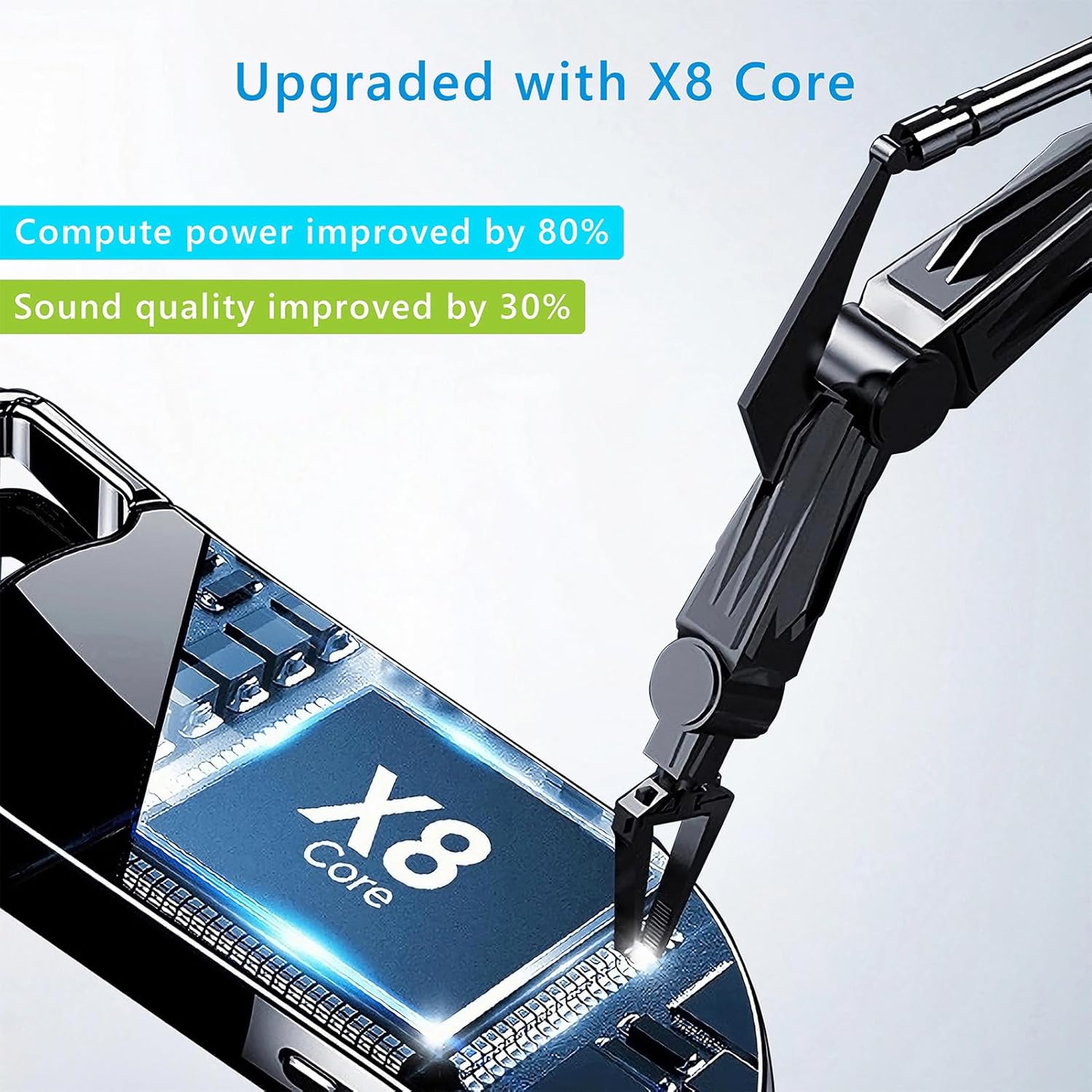
Image 8.1: Internal component view of the Vandlion V22-64GB Voice Recorder, showcasing the X8 Core. This illustrates the advanced processing unit within the device.
9. Garancija in podpora
For warranty information and technical support, please refer to the documentation provided with your purchase or contact Vandlion customer service through their official webspletno mesto ali prodajalec, kjer ste izdelek kupili.
Račun shranite kot dokazilo o nakupu za uveljavljanje garancije.


