1. Uvod
The IMIKI SF1 Smart Watch is a sophisticated wearable device designed to enhance your daily life with advanced health monitoring, smart connectivity, and a durable, stylish design. Featuring a vibrant AMOLED display and a comfortable magnetic strap, the SF1 offers a seamless user experience for tracking fitness, managing calls, and staying informed.
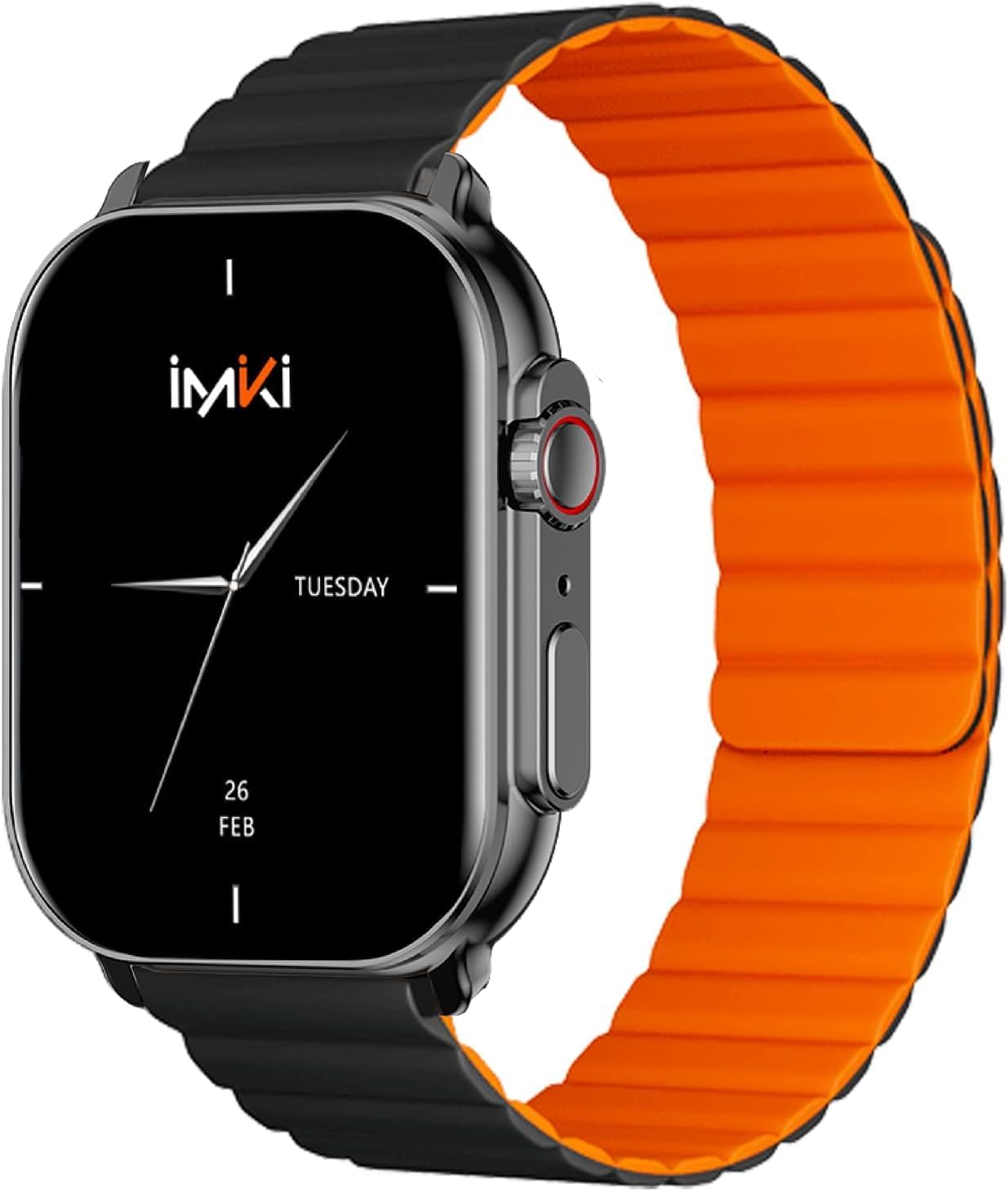
Image: The IMIKI SF1 Smart Watch, showcasing its sleek design and magnetic strap.
2. Kaj je v škatli
- IMIKI SF1 Smart Watch (with magnetic strap)
- Polnilni kabel
- Uporabniški priročnik
3. Nastavitev
3.1 Polnjenje naprave
Before first use, fully charge your IMIKI SF1 Smart Watch. Connect the magnetic charging cable to the charging points on the back of the watch and plug the USB end into a compatible power adapter (5V/1A recommended). A full charge typically takes approximately 2 hours.
3.2 Prenos spremljevalne aplikacije
To unlock the full functionality of your IMIKI SF1, download the official companion app on your smartphone. Iskanje "IMIKI" in the Apple App Store (for iOS devices) or Google Play Store (for Android devices).
3.3 Seznanjanje s pametnim telefonom
- Prepričajte se, da je Bluetooth na vašem pametnem telefonu omogočen.
- Open the IMIKI companion app.
- Follow the on-screen instructions within the app to search for and connect to your SF1 Smart Watch. The watch will typically appear as "IMIKI SF1" in the list of available devices.
- Po potrebi potrdite zahtevo za seznanjanje tako na uri kot na pametnem telefonu.
3.4 Adjusting the Magnetic Strap
The IMIKI SF1 features a convenient magnetic silicone strap. To adjust, simply wrap the strap around your wrist and allow the magnetic ends to secure themselves for a comfortable and snug fit. Ensure the watch is not too tight or too loose for accurate health monitoring.

Image: The magnetic strap of the IMIKI SF1 Smart Watch, illustrating its adjustable and secure design.
4. Navodila za uporabo
4.1 Osnovna navigacija
- Zaslon na dotik: Za navigacijo po menijih in obvestilih povlecite navzgor, navzdol, levo ali desno. Dotaknite se za izbiro elementov.
- Mechanical Feedback Crown: Rotate the crown to scroll through lists, adjust volume, or change brightness. Press the crown to return to the home screen or confirm selections.

Slika: Stran view of the IMIKI SF1 Smart Watch, highlighting the mechanical feedback crown for navigation.
4.2 Smartphone Connection and Calls
The IMIKI SF1 supports Bluetooth 5.3 for stable and efficient connection to your smartphone. You can manage calls directly from your watch, including answering, rejecting, and making calls, even with hands-free functionality. The adaptive noise cancellation feature helps ensure clear audio during calls.
4.3 Customizing Dials and Features
Utilize the companion app to customize your watch faces and access various functions. The app allows you to personalize the display to suit your style and preferences.
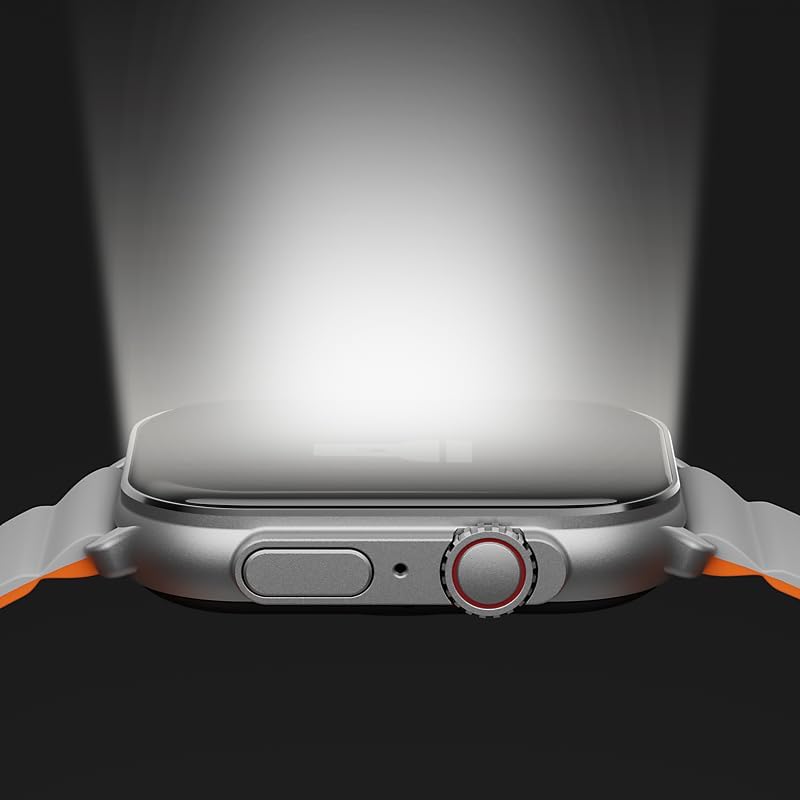
Image: The IMIKI SF1 Smart Watch display, illustrating various app icons and data screens for daily activities, heart rate, and stress monitoring.
5. Spremljanje zdravja in telesne pripravljenosti
The IMIKI SF1 is equipped with an optical sensor for comprehensive health tracking. It supports 105 training modes to accurately record your exercise statistics. Key health features include:
- Merjenje srčnega utripa: Neprekinjeno spremlja vaš srčni utrip čez dan.
- Blood Oxygen Saturation (SpO2) Detection: Measures the oxygen levels in your blood.
- Sledenje dejavnosti: Beleži korake, razdaljo, porabljene kalorije in aktivne minute.
- Spremljanje spanja: Analyzes sleep patterns to help you understand your sleep quality.

Image: The back of the IMIKI SF1 Smart Watch, showing the optical sensors used for heart rate and blood oxygen measurement.
6. Vodoodpornost
The IMIKI SF1 Smart Watch has an Stopnja vodoodpornosti IP68, meaning it is resistant to dust and can withstand immersion in water up to 1.5 meters for 30 minutes. This makes it suitable for daily use, including hand washing, rain, and shallow water activities. Avoid hot water, steam, or prolonged immersion in deep water.
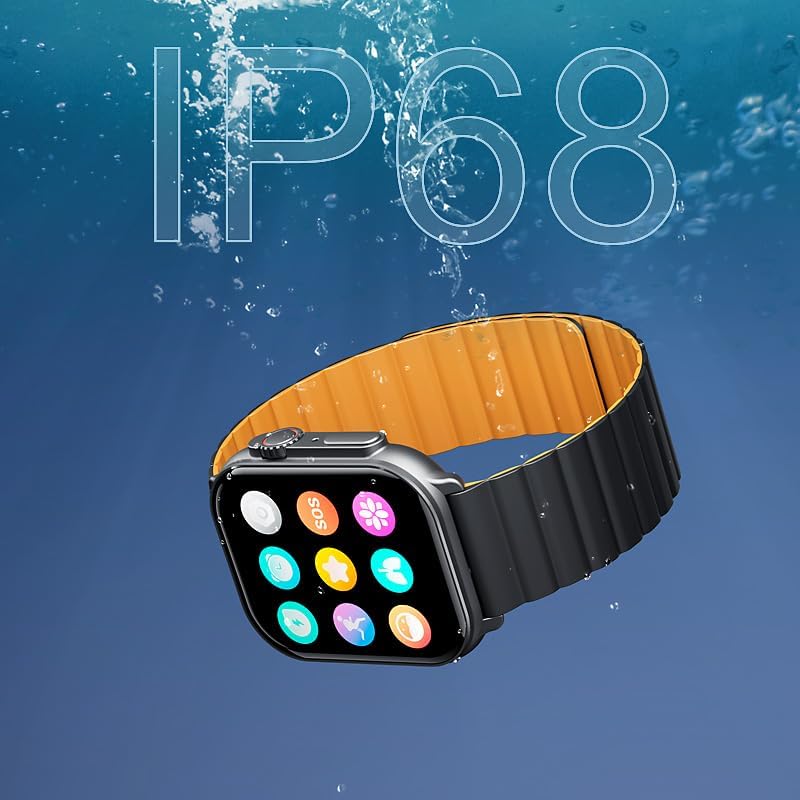
Image: The IMIKI SF1 Smart Watch submerged in water, illustrating its IP68 water resistance rating.
7. Življenjska doba baterije
The IMIKI SF1 is equipped with a 280mAh battery, offering impressive autonomy:
- Tipična uporaba: Do 15 dni delovanja baterije.
- Intenzivna uporaba: Do 7 dni delovanja baterije.
The device fully charges in approximately 2 hours.
8. Vzdrževanje
- Čiščenje: Zaslon in pašček ure redno brišite z mehko, suho krpo. Za trdovratno umazanijo rahlo obrišiteamp lahko uporabite krpo, nato pa jo posušite.
- Kontakti za polnjenje: Ensure the charging contacts on the back of the watch are clean and free of debris to maintain efficient charging.
- Shranjevanje: Ko ure dalj časa ne uporabljate, jo shranite na hladnem in suhem mestu.
- Izogibajte se kemikalijam: Za čiščenje ure ne uporabljajte agresivnih kemikalij, čistilnih topil ali močnih detergentov, saj lahko poškodujejo površino ali notranje komponente.
9. Odpravljanje težav
- Ura se ne vklopi: Ensure the watch is fully charged. If it still doesn't turn on, try pressing and holding the crown button for 10-15 seconds to force a restart.
- Seznanjanje s pametnim telefonom ni mogoče:
- Prepričajte se, da je Bluetooth omogočen na telefonu in uri.
- Prepričajte se, da je ura v dosegu Bluetooth povezave vašega telefona.
- Znova zaženite uro in telefon.
- Počistite predpomnilnik Bluetooth v telefonu (če je na voljo) in poskusite znova vzpostaviti povezavo.
- Netočne zdravstvene meritve: Ensure the watch is worn snugly on your wrist, not too loose or too tight. Clean the optical sensor on the back of the watch.
- Kratka življenjska doba baterije: Reduce screen brightness, disable unnecessary notifications, or limit continuous health monitoring features to extend battery life.
10. Specifikacije
| Funkcija | Specifikacija |
|---|---|
| Model | SF1 |
| Zaslon | 2.01 Inch AMOLED Display |
| Povezljivost | Bluetooth 5.3 |
| Kapaciteta baterije | 280 mAh litij-ionski |
| Običajna življenjska doba baterije | Do 15 dni |
| Intensive Battery Life | Do 7 dni |
| Čas polnjenja | Pribl. 2 ur |
| Vodoodpornost | IP68 |
| Dimenzije | 45.8 x 37 x 10.2 mm |
| Teža | 39.8 g |
| Podprti jeziki | Angleščina, francoščina, nemščina, italijanščina, španščina |
11. Garancija in podpora
The IMIKI SF1 Smart Watch comes with a standard manufacturer's warranty. For detailed warranty information, please refer to the warranty card included in your product packaging or visit the official IMIKI website. For technical support, troubleshooting assistance, or service inquiries, please contact IMIKI customer support through the contact information provided on the official webspletnem mestu ali v spremljevalni aplikaciji.


