1. Uvod
This manual provides detailed instructions for the OLV Stylus Pen ID715. Please read this manual carefully before using the product to ensure proper operation and to maximize its features, including ultra-precision, palm rejection, tilt sensitivity, magnetic adsorption, and power display. This stylus is designed for use with iPad models released in 2018 and later.
2. Vsebina paketa
Po odprtju paketa preverite, ali so prisotni vsi elementi:
- OLV Stylus Pen ID715 x 1
- Replacement Tips x 3
- USB-C polnilni kabel x 1
- Uporabniški priročnik x 1

Image: The OLV Stylus Pen ID715, a USB-C charging cable, and three replacement tips are shown on a white background.
3. Nastavitev in prva uporaba
3.1 Polnjenje pisala
Before first use, fully charge the stylus pen. The stylus features a USB-C charging port.
- Connect the provided USB-C charging cable to the stylus charging port.
- Connect the other end of the cable to a compatible USB power source (e.g., computer, wall adapter).
- The LED power display will indicate charging status.
Opomba: A 5-minute charge provides approximately 2 hours of use. A full 25-minute charge offers over 10 hours of continuous use. Avoid using the pen while your iPad is charging, as this may cause connectivity issues.

Image: The OLV Stylus Pen is shown connected to a USB-C charging cable, illustrating the charging process and battery indicator lights.
3.2 Vklop/izklop
The stylus pen is designed with an accidental on/off prevention feature.
- Za obračanje ON: Double-tap the top of the stylus pen.
- Za obračanje IZKLOP: Double-tap the top of the stylus pen again.
The stylus will automatically enter sleep mode after 5 minutes of inactivity to conserve battery life.

Image: A hand double-tapping the top of the stylus pen, indicating the power on/off function.
3.3 Združljivost
The OLV Stylus Pen ID715 is compatible with iPad models released in 2018 and later. Ensure your iPad's iOS system is updated to iOS 12.2 or above for optimal performance.
Združljivi modeli iPad:
- iPad 10th generation (2022): A2696, A2757, A2777
- iPad 9th generation (2021): A2602, A2604, A2603, A2605
- iPad 8th generation (2020): A2270, A2428, A2429, A2430
- iPad 7th generation (2019): A2197, A2198, A2200
- iPad 6th generation (2018): A1893, A1954
- iPad Air 3rd Generation: A2152, A2153, A2154, A2123
- iPad Air 4th Generation: A2324, A2325, A2072, A2316
- iPad Air 5th Generation: A2588, A2589, A2591
- iPad Mini 5th Generation: A2124, A2125, A2126, A2133
- iPad Mini 6th Generation: A2567, A2568, A2569
- iPad Pro 11’ (2018-2022): A1980, A2013, A1934, A1979, A2228, A2068, A2230, A2231, A2377, A2459, A2301, A2460, A2759, A2435, A2761, A2762
- iPad Pro 12.9‘ (2018-2022): A1876, A2014, A1895, A1983, A2229, A2069, A2232, A2233, A2378, A2461, A2379, A2462, A2436, A2764, A2437, A2766

Image: A detailed chart listing compatible iPad Pro, iPad Mini, iPad Air, and standard iPad models with their corresponding model numbers.
4. Operating the Stylus Pen
4.1 Zavrnitev dlani
The stylus features advanced palm rejection technology, allowing you to rest your hand comfortably on the iPad screen while writing or drawing without unintended marks.
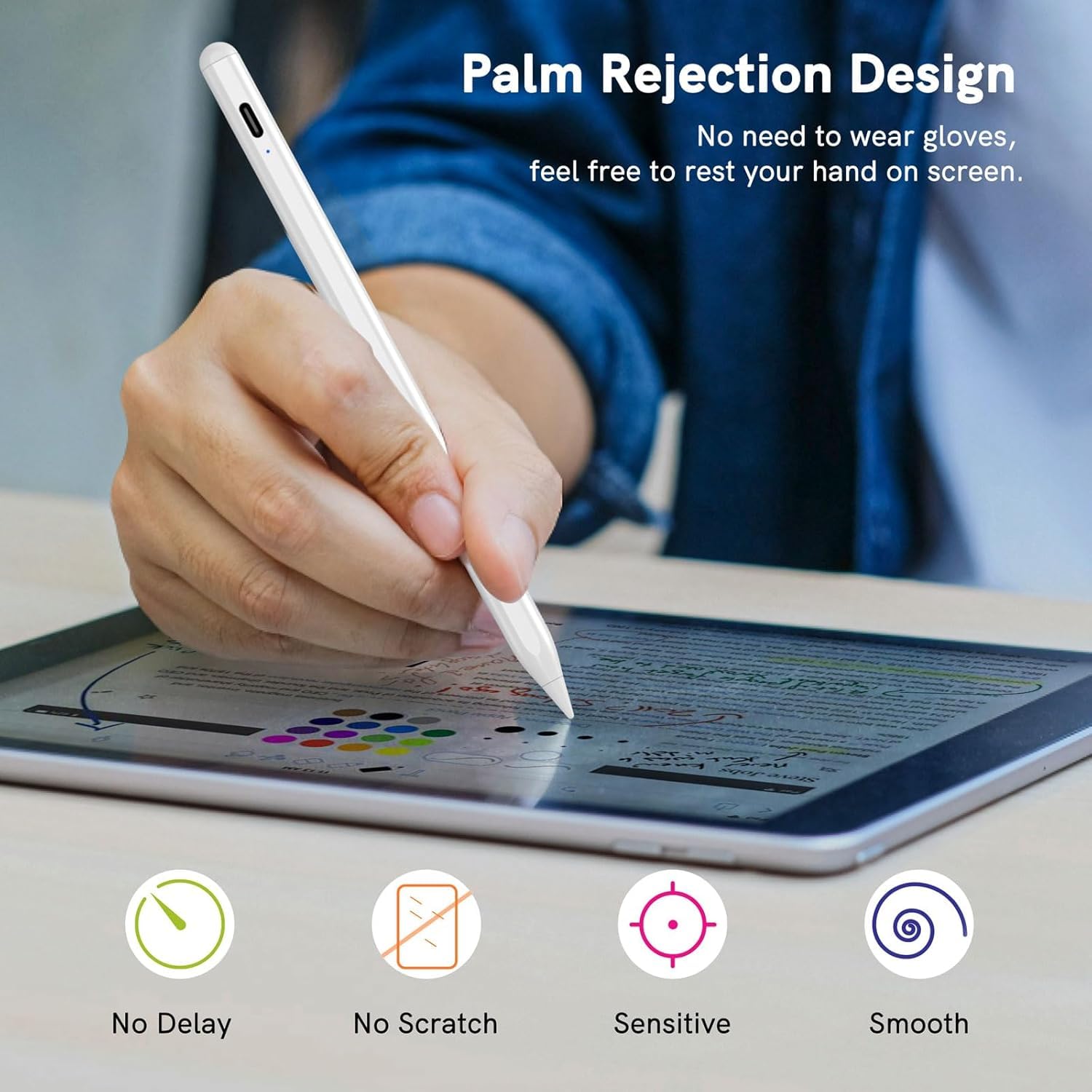
Image: A user's hand is shown resting on an iPad screen while drawing with the stylus, illustrating the palm rejection feature.
4.2 Tilt Sensitivity
The stylus supports tilt sensitivity, enabling you to vary line thickness and shading by tilting the pen, similar to a traditional pencil. This feature enhances the realism of drawing and sketching.

Image: Diagrams showing how different tilt angles (30, 45, and 60 degrees) of the stylus pen can create varying line effects on the screen.
4.3 Magnetna adsorpcija
The stylus can magnetically attach to the side of compatible iPad models (e.g., iPad Pro 3rd Gen and later), preventing it from rolling away or getting lost.

Image: The stylus pen is shown magnetically adhering to the side of an iPad, demonstrating its magnetic adsorption feature.
4.4 Funkcije bližnjic
The stylus supports quick shortcut gestures for enhanced productivity:
- Enkratni dotik: Vrnite se na glavni zaslon.
- Dvojni dotik: Access the app selection page (multitasking view).

Image: Three iPad screens demonstrating the stylus shortcut functions: a single tap to return to the main screen and a double tap to open the app selection page.
5. Vzdrževanje
5.1 Zamenjava konice
The stylus pen comes with replaceable tips to ensure continuous precision and smooth writing. To replace a worn-out nib:
- Gently twist the old nib counter-clockwise to remove it.
- Align a new nib with the stylus tip and twist it clockwise until securely fastened.
Image: A diagram illustrating the process of twisting off an old stylus tip and twisting on a new replacement tip.
5.2 Čiščenje
Ohišje pisala obrišite z mehko, suho krpo. Ne uporabljajte agresivnih kemikalij ali abrazivnih materialov.
6. Odpravljanje težav
- Stylus not writing or responding:
- Ensure the stylus is powered on (double-tap the top).
- Preverite raven napolnjenosti baterije in jo po potrebi napolnite.
- Verify iPad compatibility (models 2018+ and iOS 12.2+).
- Preverite nastavitve iPada: Pojdite na Settings > Apple Pencil and turn off "Apple Pencil" or "Only draw with Apple Pencil". For Notes app, turn off "Only draw with Apple Pencil".
- Znova zaženite iPad.
- Stylus disconnects frequently:
- Avoid using the stylus while the iPad is charging.
- Prepričajte se, da je pisalo popolnoma napolnjeno.
- Inaccurate or delayed response:
- Ensure the nib is securely attached and not worn out. Replace if needed.
- Consider using a tempered glass screen protector for a better experience.
7. Specifikacije
| Funkcija | Podrobnost |
|---|---|
| Znamka | OLV |
| Številka modela | ID715 |
| barva | Bela |
| Material | Plastika |
| Teža predmeta | 200 g |
| Dimenzije artikla (DxŠxV) | 12 x 4 x 2 centimetrov |
| Vrsta baterije | 1 baterija AAAA (priložena) |
| Vrata za polnjenje | USB-C |
| Čas polnjenja | Približno 25 minut za polno polnjenje |
| Čas uporabe | Up to 10 hours continuous use (after full charge) |
| Samodejni spanec | Po 5 minutah nedejavnosti |
8. Garancija in podpora
8.1 Informacije o garanciji
The OLV Stylus Pen ID715 comes with a 6-mesečna garancija od datuma nakupa. Ta garancija krije proizvodne napake in okvare pri normalni uporabi. Za uveljavljanje garancije shranite dokazilo o nakupu.
Opomba: Garancija ne krije škode, ki jo povzročijo nepravilna uporaba, nesreče, nepooblaščene spremembe ali običajna obraba.
8.2 Podpora strankam
For any questions, technical assistance, or warranty claims, please contact OLV customer support through the retailer where the product was purchased or visit the official OLV brand store online.
Spletna trgovina: OLV Store on Amazon.in


