1. Uvod
This manual provides detailed instructions for the Varmilo VA Series V2 Aurora Bluetooth White LED Mechanical Keyboard. It covers setup, operation, maintenance, and troubleshooting to ensure optimal performance and user experience. The VA Series V2 features an upgraded design with a standard USB-C cable, a double-section kickstand for enhanced adjustability, North-facing LEDs, and sound-proof silicone pads for a quieter typing experience. Indicator lights are positioned on the top right to minimize distractions.
2. Vsebina paketa
Po razpakiranju preverite vsebino paketa. Če kateri koli predmet manjka ali je poškodovan, se obrnite na podporo strankam.
- Varmilo VA Series V2 Aurora Mechanical Keyboard
- USB-C kabel
- Uporabniški priročnik (ta dokument)
3. Nastavitev
3.1 Fizična postavitev
- Razpakirajte tipkovnico: Previdno vzemite tipkovnico in vso dodatno opremo iz embalaže.
- Adjust Kickstands: Tipkovnica ima dva gumbatage height adjustable feet. Flip out the desired kickstands on the underside of the keyboard to achieve your preferred typing angle.

Image: The underside of the keyboard, highlighting the two-stage adjustable kickstand for ergonomic positioning.
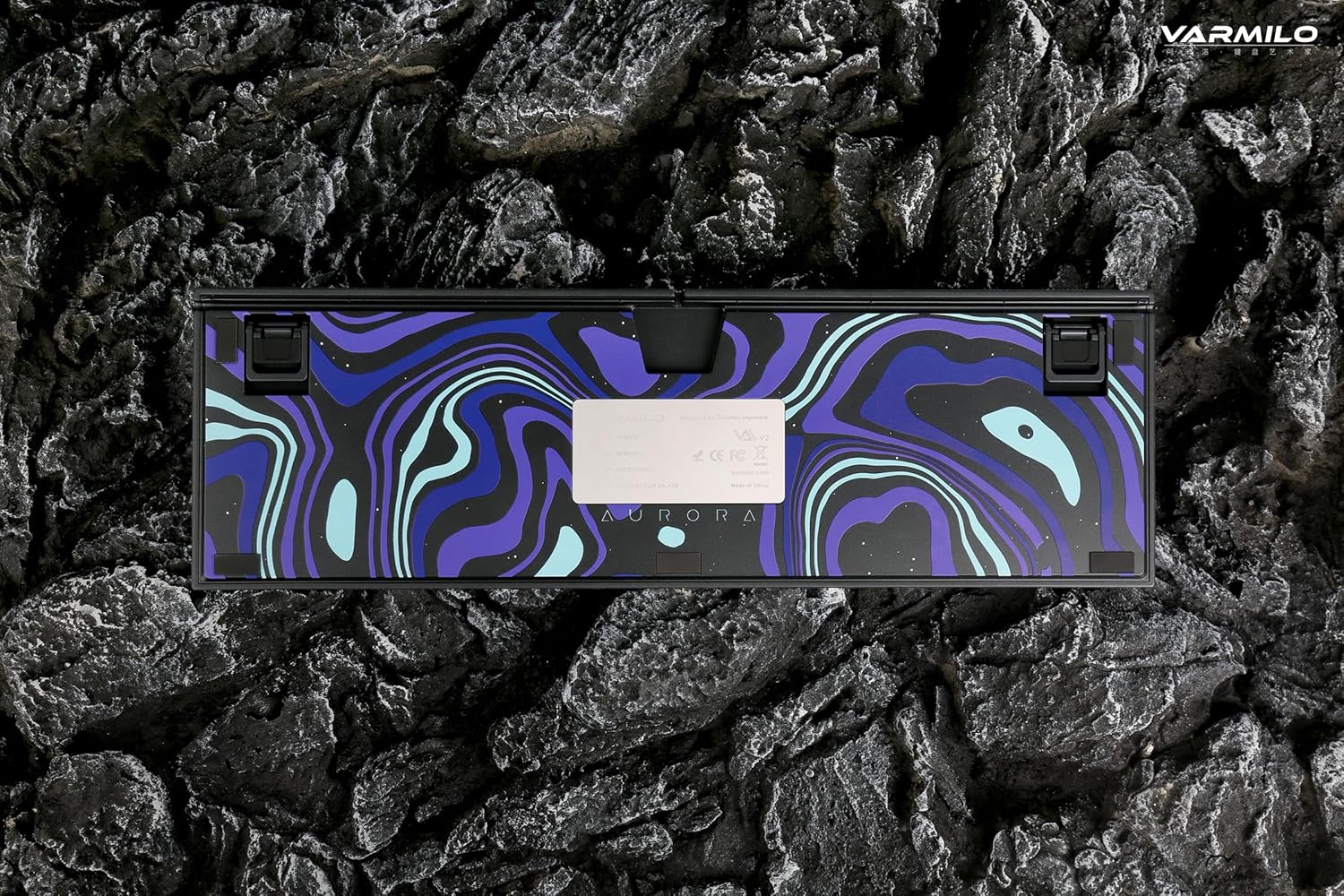
Image: The bottom of the keyboard, illustrating the cable grooves that allow the USB-C cable to exit from the left, right, or middle.
3.2 Načini povezave
3.2.1 Žična povezava (USB-C)
- Poiščite vrata USB-C na zadnji strani tipkovnice.
- Connect the provided USB-C cable to the keyboard and the other end to an available USB port on your computer or device.
- The keyboard will be automatically recognized by your operating system. The indicator light will show charging status if the battery is low.
3.2.2 Brezžična povezava Bluetooth
The Varmilo VA Series V2 Aurora keyboard supports connecting up to 3 devices wirelessly via Bluetooth.
- Preklopi v način Bluetooth: Locate the mode switch on the keyboard (usually on the back or side) and set it to Bluetooth mode.
- Vstopite v način seznanjanja: Pritisnite in držite Fn + Vstavi (for Bluetooth device 1), Fn + Domov (for Bluetooth device 2), or Fn + stran gor (for Bluetooth device 3) for 3-5 seconds until the indicator light flashes rapidly, indicating pairing mode.
- Omogočite Bluetooth v svoji napravi: On your computer, smartphone, or tablet, go to Bluetooth settings and turn on Bluetooth.
- Izberite tipkovnico: Look for "Varmilo VA2" or a similar name in the list of available devices and select it to pair.
- Potrdite seznanjanje: Once paired, the indicator light on the keyboard will stop flashing and remain solid for a few seconds, then turn off or show battery status.
- Združevanje dodatnih naprav: Repeat steps 2-5 using a different Fn key combination (Fn + Home or Fn + Page Up) to pair up to two more devices.
4. Navodila za uporabo
4.1 Preklapljanje med napravami
- To switch to Bluetooth device 1: Press Fn + Vstavi.
- To switch to Bluetooth device 2: Press Fn + Domov.
- To switch to Bluetooth device 3: Press Fn + stran gor.
- To switch to Wired mode: Set the mode switch on the keyboard to Wired mode.
4.2 LED Backlight Control
The keyboard features a White LED backlight. Use the following key combinations to control the backlight:
- Fn + < (Left Arrow): Zmanjšajte svetlost osvetlitve ozadja.
- Fn + > (Right Arrow): Povečajte svetlost osvetlitve ozadja.
- Fn + puščica gor: Change backlight mode/effect.
- Fn + puščica navzdol: Change backlight mode/effect (reverse direction).
- Fn + Z: Vklop/izklop osvetlitve ozadja.
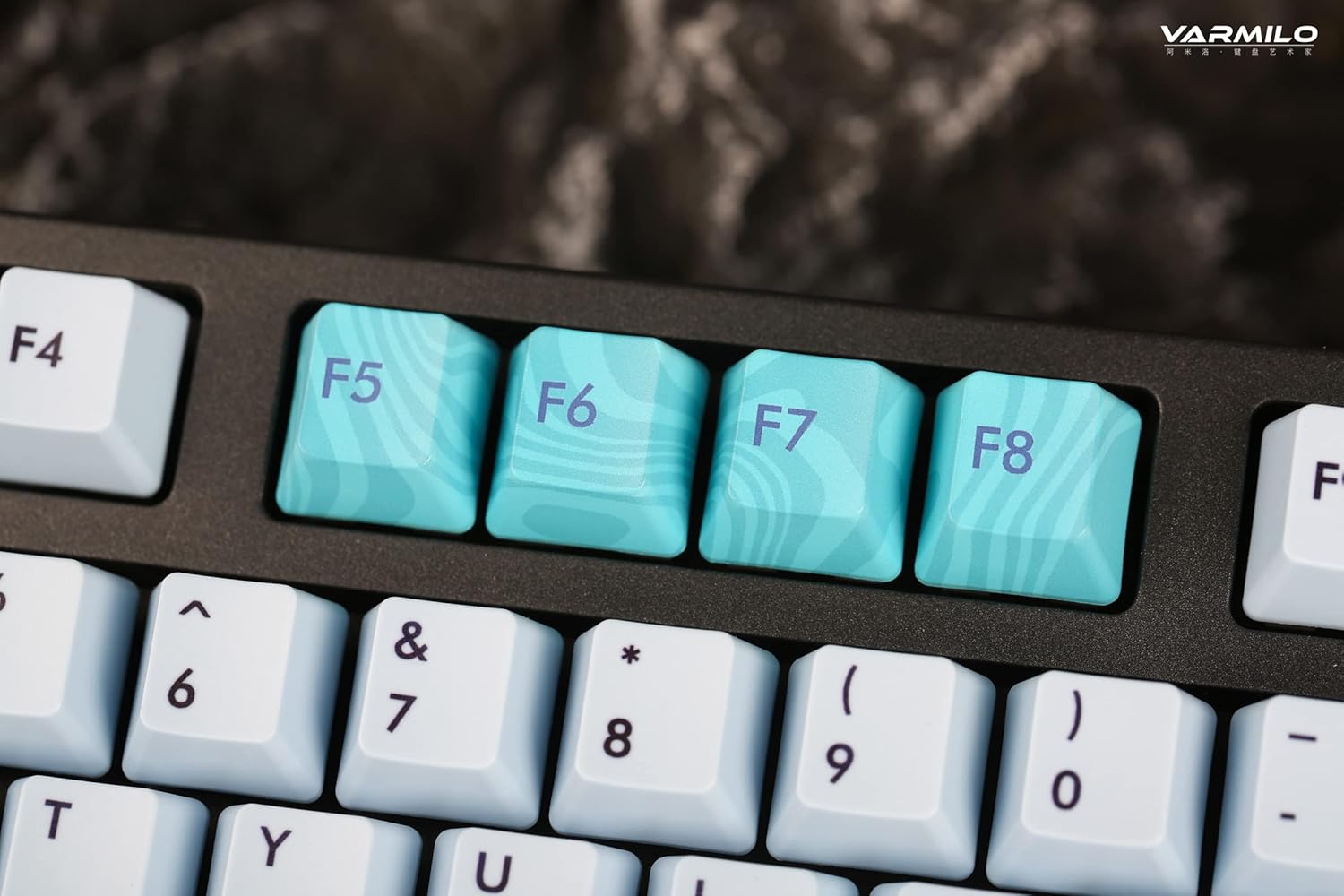
Image: Close-up of the arrow keys, which are used in combination with the Fn key to control backlight brightness and modes.
4.3 Function Keys and Multimedia Controls
The keyboard features a full-size (104 + 4) layout with dedicated function keys and multimedia controls accessible via the Fn ključ.
- Fn + F1–F12: Access various system functions (e.g., media playback, volume control, screen brightness). Refer to your operating system's settings for specific mappings or common keyboard shortcuts.
- Fn + tipka Windows: Lock/unlock the Windows key to prevent accidental presses during gaming.
- Fn + desni Ctrl: Switch between Mac/Windows layout (if applicable, check specific model features).

Slika: Bližnji posnetek view of the F5-F8 keys, showcasing their unique design and potential secondary functions.
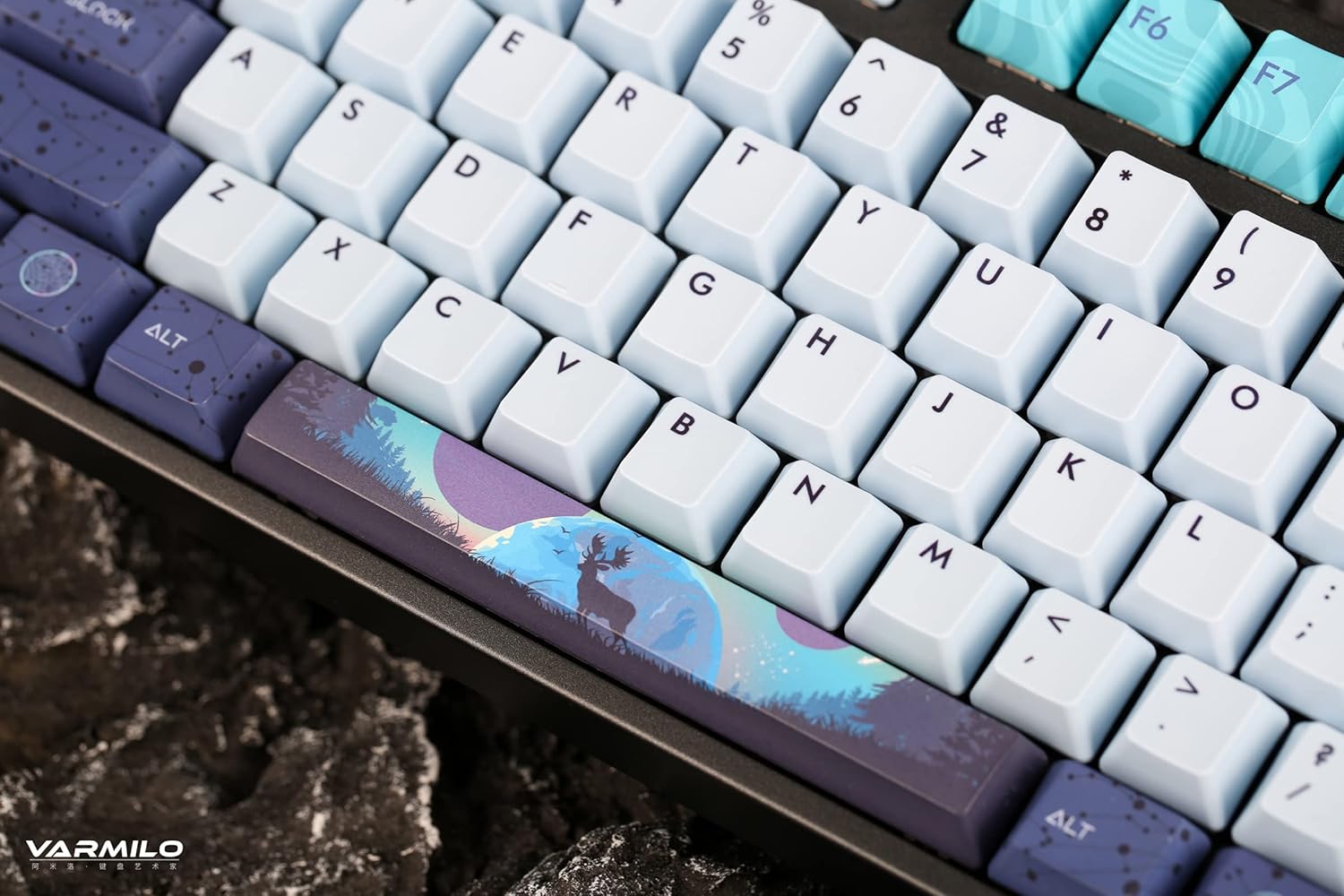
Slika: Podrobna view of the keyboard's keycaps, including a custom-designed spacebar, highlighting the thick Dye Sub PBT keycaps.
5. Vzdrževanje
Proper maintenance ensures the longevity and performance of your Varmilo keyboard.
- Čiščenje: Use a soft brush or compressed air to remove dust and debris from between the keycaps. For stubborn dirt, gently wipe the keycaps with a damp krpo in blago milnico, pri čemer pazite, da v tipkovnico ne pride tekočina.
- Odstranitev tipkovnice: If you need to clean under the keycaps or replace them, use a keycap puller. Gently pull the keycap straight up to avoid damaging the switch. The keyboard features durable Dye Sub PBT keycaps.
- Shranjevanje: Ko tipkovnice dalj časa ne uporabljate, jo shranite v suhem in brezprašnem okolju.
- Izogibajte se tekočinam: Tipkovnice ne izpostavljajte tekočinam. Razlitje lahko povzroči trajno škodo.
6. Odpravljanje težav
| Težava | Možen vzrok | rešitev |
|---|---|---|
| Tipkovnica se ne odziva (žična) | Loose USB-C cable connection; faulty USB port; incorrect mode. |
|
| Tipkovnica se ne odziva (Bluetooth) | Not paired; out of range; low battery; incorrect Bluetooth channel selected. |
|
| Osvetlitev ozadja ne deluje | Backlight turned off; brightness set to minimum; low battery. |
|
| Tipke se ne registrirajo ali tipkajo dvakrat | Dust/debris under keycap; switch malfunction; software issue. |
|
7. Specifikacije
| Funkcija | Podrobnost |
|---|---|
| Znamka | Varmilo |
| Model | VA Series V2 Aurora |
| Vrsta tipkovnice | Mehanski |
| Tip stikala | Kailh Prestige Red |
| Povezljivost | USB-C (Wired), Bluetooth (Wireless) |
| Brezžične naprave | Connects up to 3 devices wirelessly |
| Tipkovnice | Thick Dye Sub PBT |
| Osvetlitev ozadja | White LED, North-facing |
| Postavitev | Full-size (104 + 4 keys) |
| Združljive naprave | Prenosnik, računalnik, pametni telefon, tablica |
| Posebne lastnosti | Dva-stage height adjustable feet, Sound-proof silicone pads, Cable grooves |
| Material | Silicone (internal sound dampvečer) |
8. Garancija in podpora
Varmilo products are designed for quality and durability. For warranty information, technical support, or service inquiries, please refer to the official Varmilo webali se obrnite na svojega prodajalca.
You can visit the official Varmilo Store for more information: Varmilo Store on Amazon.


