1. Uvod in konecview
This manual provides essential information for the proper use and maintenance of your Fastrack Reflex Beat Pro Smart Watch. Please read it carefully to ensure optimal performance and longevity of your device.
The Fastrack Reflex Beat Pro Smart Watch features a large 1.75-inch Super UltraVU Display with a 320x390 pixel resolution, SingleSync Bluetooth Calling, over 110 sports modes, NitroFast Charging, and comprehensive health monitoring capabilities.
Kaj je v škatli:
- Fastrack Reflex Beat Pro Smart Watch
- Magnetni polnilni kabel
- Vodnik za hiter začetek
- Garancijska kartica
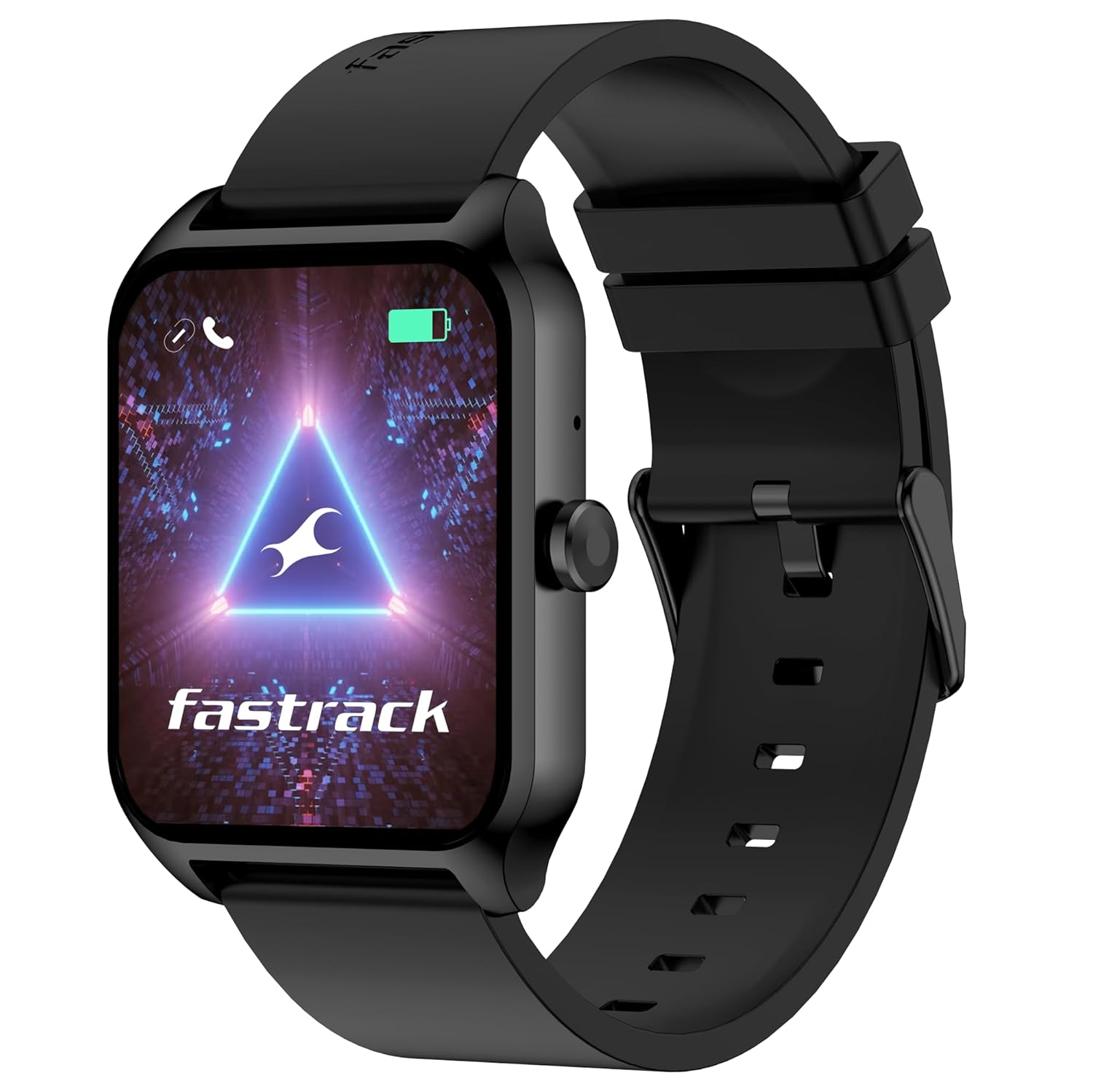
Image 1.1: Fastrack Reflex Beat Pro Smart Watch (Black variant)
2. Nastavitev
2.1 Polnjenje pametne ure
Before initial use, fully charge your Fastrack Reflex Beat Pro Smart Watch. Use the provided magnetic charging cable.
- Priključite USB konec magnetnega polnilnega kabla na standardni USB napajalnik (ni priložen) ali USB vrata računalnika.
- Align the magnetic end of the cable with the charging contacts on the back of your watch. The magnets will snap it into place.
- The watch display will indicate charging status. NitroFast Charging allows for approximately one day of battery life with just 10 minutes of charging. A full charge typically takes longer.
2.2 Seznanjanje s pametnim telefonom
To unlock all features, pair your watch with the Fastrack Reflex World App.
- Download the 'Fastrack Reflex World' app from your smartphone's app store (Google Play Store for Android, Apple App Store for iOS).
- Prepričajte se, da je Bluetooth na vašem pametnem telefonu omogočen.
- Open the Fastrack Reflex World app and follow the on-screen instructions to create an account or log in.
- V aplikaciji izberite »Dodaj napravo« ali »Združi novo napravo«.
- The app will search for your Fastrack Reflex Beat Pro. Select your watch from the list of available devices.
- Potrdite zahtevo za seznanjanje tako na uri kot na pametnem telefonu.
2.3 Začetna konfiguracija
After successful pairing, the app will guide you through setting up personal information, time format, and notification preferences.
3. Upravljanje naprave
3.1 Navigacija po zaslonu
The 1.75-inch Super UltraVU Display is touch-sensitive. Navigate by swiping and tapping.

Image 3.1: The 1.75-inch Super UltraVU Display with 320x390 pixel resolution.
- Povlecite gor/dol: Scroll through menus, notifications, or widgets.
- Povlecite levo/desno: Access quick settings, health data, or other frequently used features.
- Tapnite: Izberite element ali odprite aplikacijo.
- Pritisnite stranski gumb: Return to the home screen or access the app menu.
3.2 SingleSync Bluetooth Calling
Make and receive calls directly from your watch after pairing.
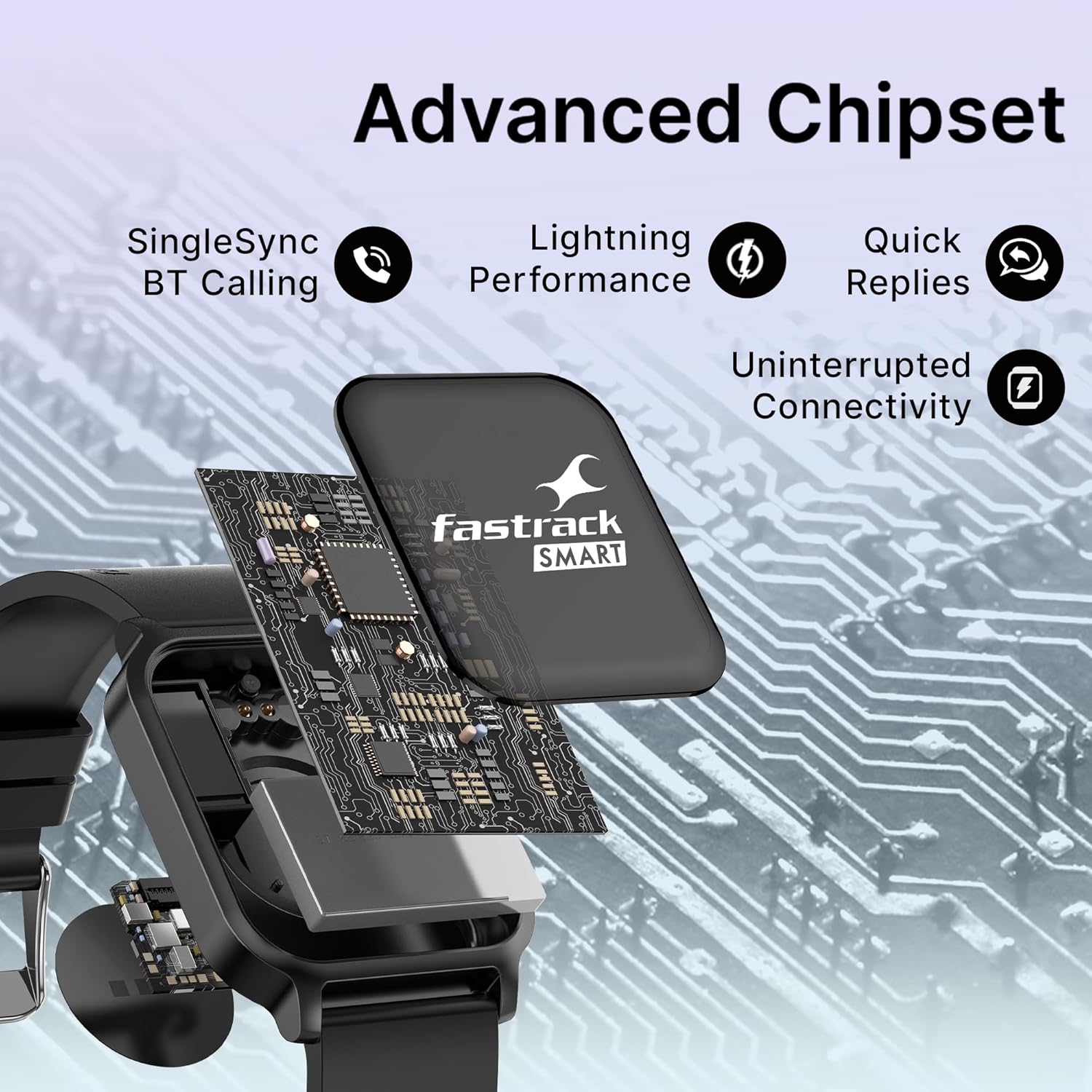
Image 3.2: Advanced chipset enabling SingleSync BT Calling and quick replies.
- Klicanje: Access the dialer or contact list on your watch. Tap to initiate a call.
- Sprejem klica: When a call comes in, you can answer or reject it from your watch.
- Priljubljeni stiki: Store frequently called contacts in the watch for quick access via the Fastrack Reflex World App.
3.3 Športni načini in sledenje aktivnosti
The watch supports over 110 sports modes to track various physical activities.
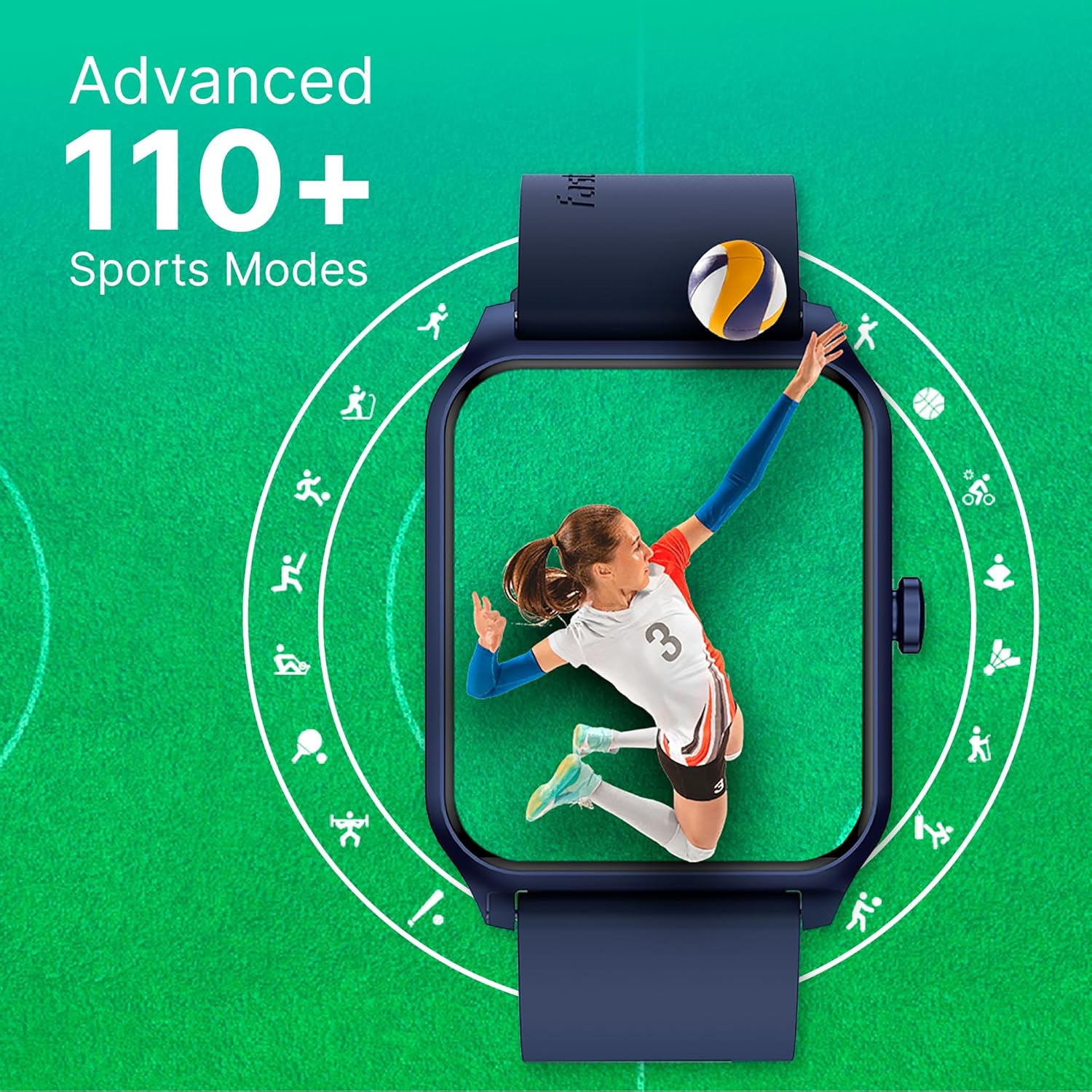
Image 3.3: Visual representation of the 110+ sports modes available on the watch.
- Navigate to the 'Sports' or 'Workout' section on your watch.
- Select your desired activity from the list (e.g., running, cycling, yoga).
- Tap 'Start' to begin tracking. The watch will record duration, calories burned, heart rate, and other relevant metrics.
- Tap 'End' or 'Pause' to stop or temporarily halt tracking.
3.4 Spremljanje zdravja
Spremljajte svoje zdravstvene kazalnike z vgrajenimi senzorji.
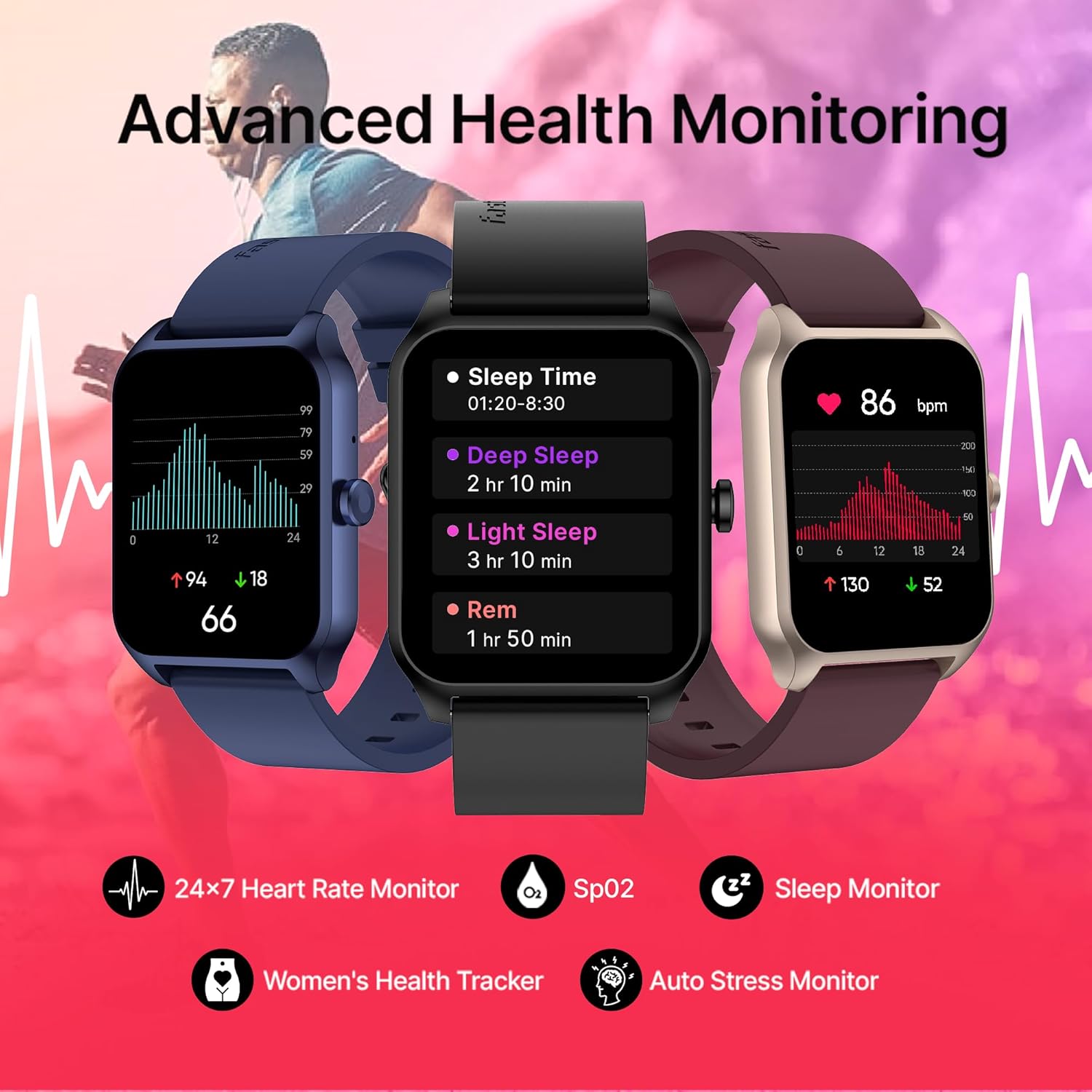
Image 3.4: Displaying various health monitoring features including Heart Rate, SpO2, Sleep Monitor, Women's Health Tracker, and Auto Stress Monitor.
- Srčni utrip: Access the heart rate monitor app on your watch for real-time readings and 24x7 tracking.
- SpO2 (kisik v krvi): Izmerite raven kisika v krvi po potrebi.
- Sledilnik spanja: Nosite uro v posteljo za spremljanje spancatagin kakovost.
- Auto Stress Monitor: The watch can automatically track your stress levels throughout the day.
- Žensko zdravje: Track menstrual cycles and receive relevant insights (configured via the app).
3.5 Dodatne funkcije
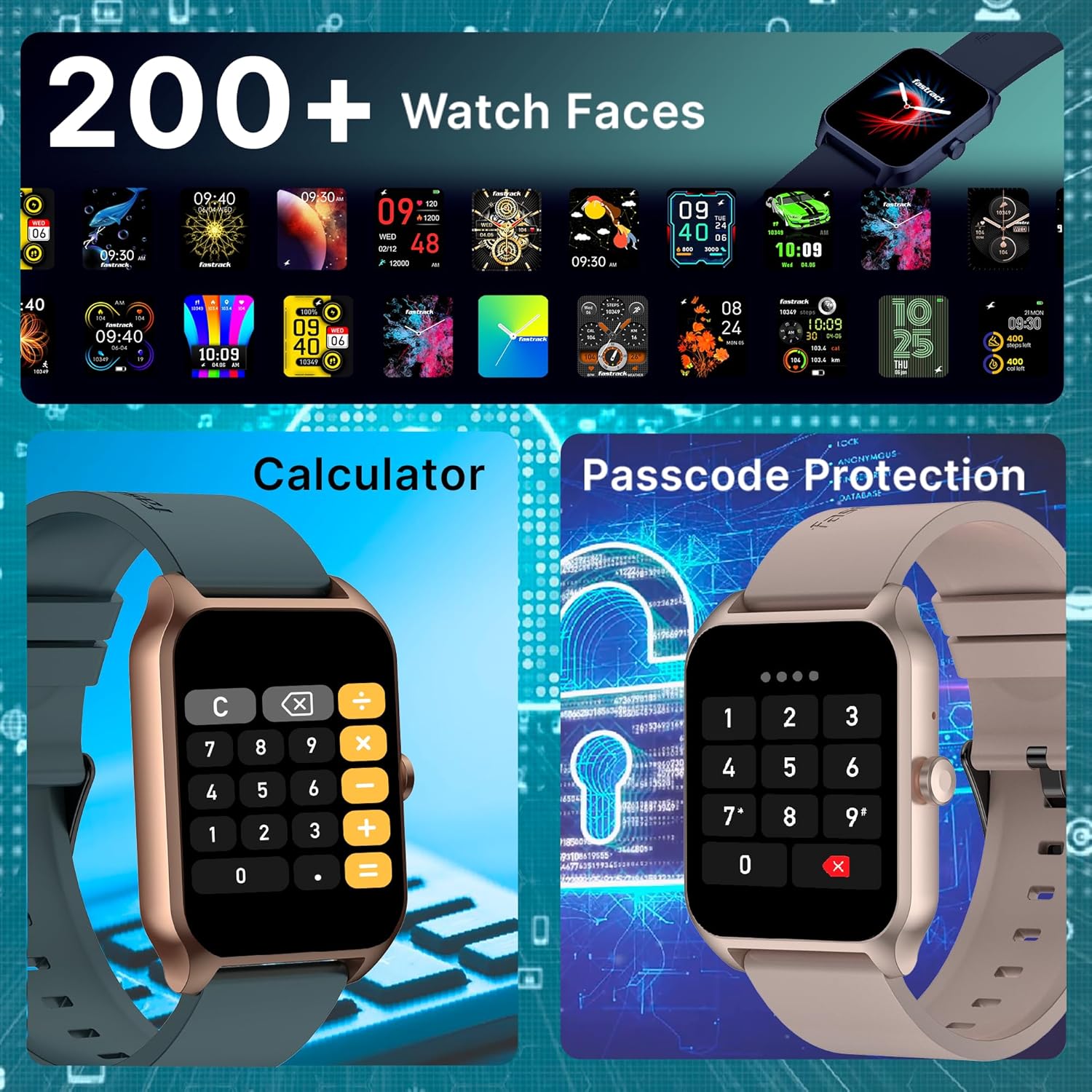
Image 3.5: Illustrating the variety of 200+ watch faces, the built-in calculator, and the passcode protection feature.
- Obrazi za gledanje: Choose from over 200 watch faces via the app to personalize your device.
- Vgrajene igre: Access simple games for entertainment.
- Kalkulator: Use the integrated calculator for quick computations.
- Passcode Protection: Set a passcode to secure your watch and personal data.
- Glasovni pomočnik AI: Interact with your watch using voice commands (requires smartphone connection).
- Pametna obvestila: Prejemajte opozorila za klice, sporočila in obvestila aplikacij iz združenega pametnega telefona.
- Nadzor glasbe in kamere: Control music playback and your smartphone camera remotely.
- Prikaz vremena: Pridobite vremenske posodobitve v realnem času.
4. Vzdrževanje
4.1 Čiščenje ure
Regular cleaning helps maintain the watch's appearance and sensor accuracy.
- Wipe the watch screen and strap with a soft, lint-free cloth.
- Za trdovratno umazanijo rahlo dampkrpo z vodo. Izogibajte se agresivnim kemikalijam ali abrazivnim materialom.
- Pred polnjenjem se prepričajte, da so polnilni kontakti čisti in suhi.
4.2 Vodoodpornost
While the watch is designed for daily wear, avoid prolonged submersion in water or exposure to high-pressure water jets. Refer to the product specifications for specific water resistance ratings.
4.3 Posodobitve programske opreme
Periodically check the Fastrack Reflex World App for available software updates. Updates can improve performance, add new features, and fix bugs. Follow the app's instructions for installation.
5. Odpravljanje težav
5.1 Pogoste težave in rešitve
- Ura se ne vklopi:
- Ensure the watch is fully charged. Connect it to the charger for at least 30 minutes.
- Press and hold the side button for 10-15 seconds to attempt a force restart. - Težave s polnjenjem:
- Verify the magnetic charging cable is correctly aligned with the watch's charging contacts.
- Try a different USB power adapter or USB port.
- Ensure the charging contacts on both the watch and cable are clean and free of debris. - Težave s povezavo Bluetooth:
- Ensure Bluetooth is enabled on both your watch and smartphone.
- Make sure the watch is within the Bluetooth range of your smartphone.
- Restart both your watch and smartphone.
- Unpair the watch from the Fastrack Reflex World App and your phone's Bluetooth settings, then re-pair it. - Netočne zdravstvene meritve:
- Ensure the watch is worn snugly on your wrist, one finger-width above the wrist bone.
- Clean the sensors on the back of the watch.
- Avoid excessive movement during measurements. - Obvestila se ne prikazujejo:
- Check notification settings in the Fastrack Reflex World App.
- Ensure app notifications are enabled in your smartphone's system settings for the Fastrack Reflex World App.
- Verify the watch is connected to your smartphone via Bluetooth.
5.2 Ponastavitev na tovarniške nastavitve
If issues persist, a factory reset may resolve them. This will erase all data on your watch and restore it to its original settings.
- Navigate to 'Settings' on your watch.
- Look for 'System', 'Reset', or 'Factory Reset' option.
- Ob pozivu potrdite ponastavitev.
- You will need to re-pair the watch with your smartphone after a factory reset.
6. Specifikacije
| Funkcija | Specifikacija |
|---|---|
| Znamka | Hitri trak |
| Številka modela | 38096PP01 |
| Velikost zaslona | 1.75 Inches Super UltraVU |
| Ločljivost zaslona | 320 x 390 slikovnih pik |
| Povezljivost | Bluetooth (SingleSync BT Calling) |
| Vrsta baterije | Litijev polimer |
| Povprečna življenjska doba baterije | Do 7 dni |
| Čas polnjenja baterije | 10 Minutes for 1 Day battery life |
| Teža predmeta | 41 g |
| Dimenzije izdelka | 6.2 x 9.3 x 11.7 cm |
| Vključene komponente | Watch, Magnetic Charging Cable, Quick Start Guide, Warranty Card |
7. Garancija in podpora
7.1 Informacije o garanciji
Your Fastrack Reflex Beat Pro Smart Watch comes with a warranty. Please refer to the included Warranty Card for detailed terms, conditions, and duration of the warranty period. Keep your proof of purchase for warranty claims.
7.2 Podpora strankam
For any queries, technical assistance, or service requests, please contact Fastrack customer support:
- Številka službe za pomoč strankam: 1800-266-0123
- E-pošta: customercare@titan.co.in
Please have your product model number (38096PP01) and purchase details ready when contacting support.


