1. Uvod
The ELEGOO Mars Mate Air Purifier is specifically designed for 3D printing environments, particularly for resin-based 3D printers. It effectively purifies the air by absorbing formaldehyde and reducing odors associated with 3D printing, ensuring a cleaner workspace. This manual provides essential information for the safe and efficient use of your Mars Mate Air Purifier.
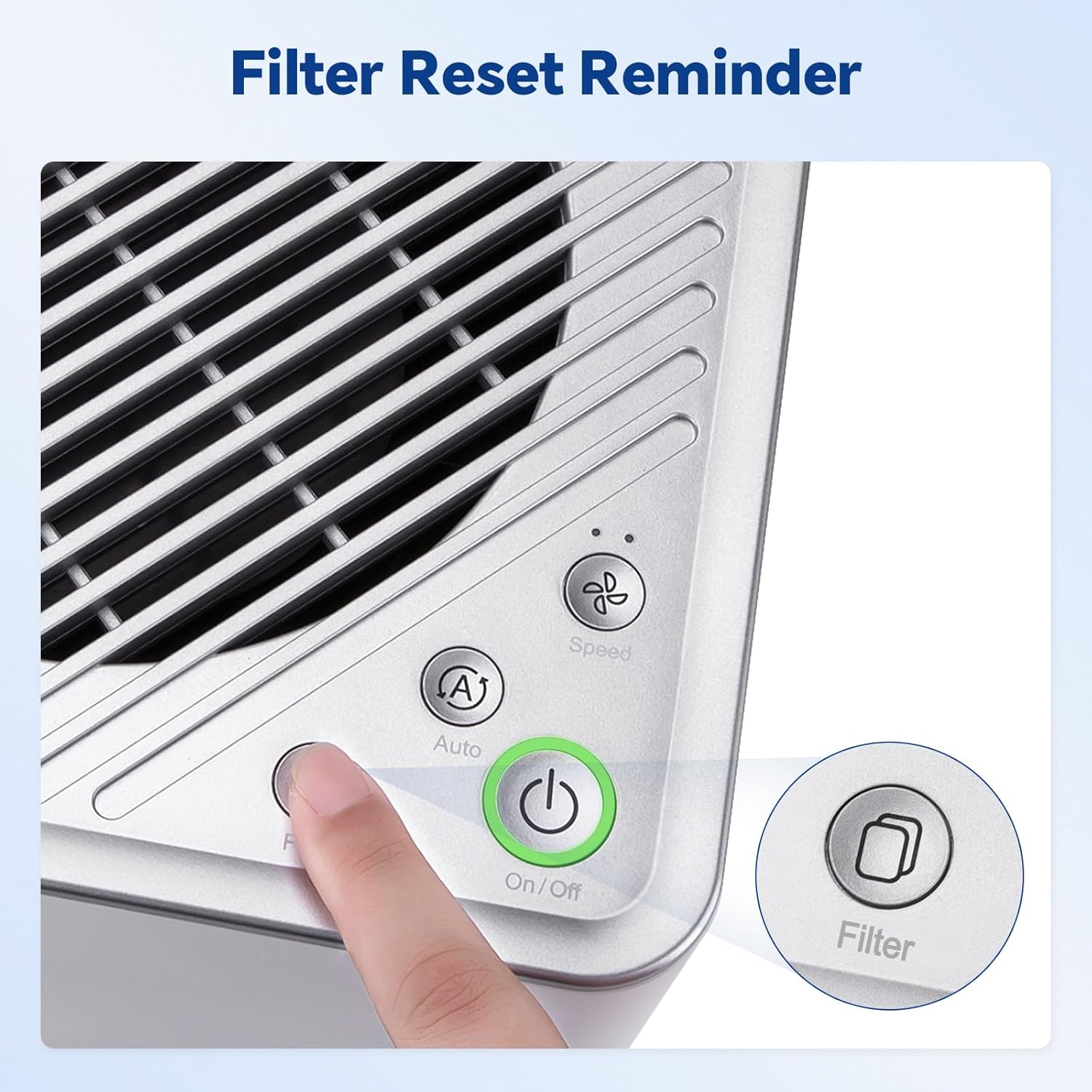
Image 1.1: The Mars Mate Air Purifier is compatible with a wide range of 3D printers, including the Saturn 3 Ultra and Mars 4 Ultra.
2. Varnostne informacije
Please read all safety instructions before operating the device to prevent injury or damage.
- Čistilca ne uporabljajte s poškodovanim napajalnim kablom ali vtičem.
- Keep the device away from water or other liquids. Do not immerse the unit.
- Zagotovite ustrezno prezračevanje okoli enote; ne blokirajte dovodnih ali odvodnih odprtin za zrak.
- Ne vstavljajte predmetov v nobene odprtine.
- Pred čiščenjem ali kakršnim koli vzdrževanjem napravo izključite iz električnega omrežja.
- Ta naprava ni namenjena uporabi s strani oseb (vključno z otroki) z zmanjšanimi fizičnimi, senzoričnimi ali duševnimi sposobnostmi ali s pomanjkanjem izkušenj in znanja, razen če jih oseba, ki je odgovorna za njihovo varnost, nadzoruje ali jim daje navodila glede uporabe naprave.
3. Nastavitev
- Razpakirajte čistilec: Carefully remove the Mars Mate Air Purifier from its packaging. Retain packaging for future transport or storage.
- Umestitev: Place the purifier on a stable, flat surface near your 3D printer. Ensure there is adequate space around the unit for proper airflow. The purifier is designed to integrate seamlessly into your 3D printing setup.
- Napajalni priključek: Connect the power adapter to the purifier and then plug it into a suitable power outlet.
- Preverjanje filtra: Ensure the activated carbon filter is correctly installed inside the unit. Refer to the Maintenance section for filter installation details if needed.

Image 3.1: The Mars Mate Air Purifier is designed for integration with 3D printers, such as the ELEGOO Saturn 3.
4. Navodila za uporabo
The Mars Mate Air Purifier features a simple control panel for easy operation.
- Vklop/izklop: Pritisnite Vklop/izklop button to turn the purifier on or off. The indicator light will illuminate when the unit is active.
- Izbira načina: Pritisnite Auto/Speed button to cycle through different operating modes. The purifier may offer an automatic mode that adjusts fan speed based on air quality, and manual speed settings.
- Ponastavitev filtra: Po zamenjavi filtra pritisnite in držite Filter button for a few seconds to reset the filter life indicator. This ensures accurate tracking of filter usage.

Image 4.1: Control panel of the Mars Mate Air Purifier, highlighting the filter reset button.
5. Vzdrževanje
Regular maintenance ensures optimal performance and longevity of your Mars Mate Air Purifier.
- Zamenjava filtra: The activated carbon filter should be replaced approximately every 2 months, depending on usage and air quality. To replace the filter:
- Unplug the purifier from the power outlet.
- Locate the filter compartment, typically at the base or side of the unit.
- Open the compartment and carefully remove the used filter.
- Insert a new ELEGOO Mars Mate activated carbon filter, ensuring it is seated correctly.
- Close the filter compartment and plug the purifier back in.
- Perform a filter reset as described in the Operating Instructions.
- Čiščenje enote: Wipe the exterior of the purifier with a soft, dry cloth. Do not use abrasive cleaners or solvents. Ensure the unit is unplugged before cleaning.

Image 5.1: The internal activated carbon filter is crucial for efficient purification.
6. Odpravljanje težav
If you encounter issues with your Mars Mate Air Purifier, refer to the following common problems and solutions:
| Težava | Možen vzrok | rešitev |
|---|---|---|
| Čistilec se ne vklopi | Ni napajanja; napajalni kabel ni pravilno priključen | Preverite električno vtičnico; Prepričajte se, da je napajalni kabel varno priključen. |
| Poor odor reduction | Filter is old or clogged; Incorrect filter installation | Replace the activated carbon filter; Ensure filter is installed correctly. |
| Nenavaden hrup med delovanjem | Ovira v ventilatorju; enota ni na stabilni površini | Unplug and check for obstructions; Place on a stable, flat surface. |
7. Specifikacije
| Funkcija | Specifikacija |
|---|---|
| Znamka | ELEGOO |
| Številka modela | US-SO-3D-CP1 |
| Dimenzije izdelka | 33 x 29 x 48 cm |
| Teža predmeta | 6.35 kilogramov |
| Moč / Wattage | 6 vatov |
| Nivo hrupa | 35 decibelov |
| Vrsta filtra | Aktivno oglje |
| Stopnja čiščenja | Up to 95% (for formaldehyde and odors) |
| Material | Anti-oxidation ABS |
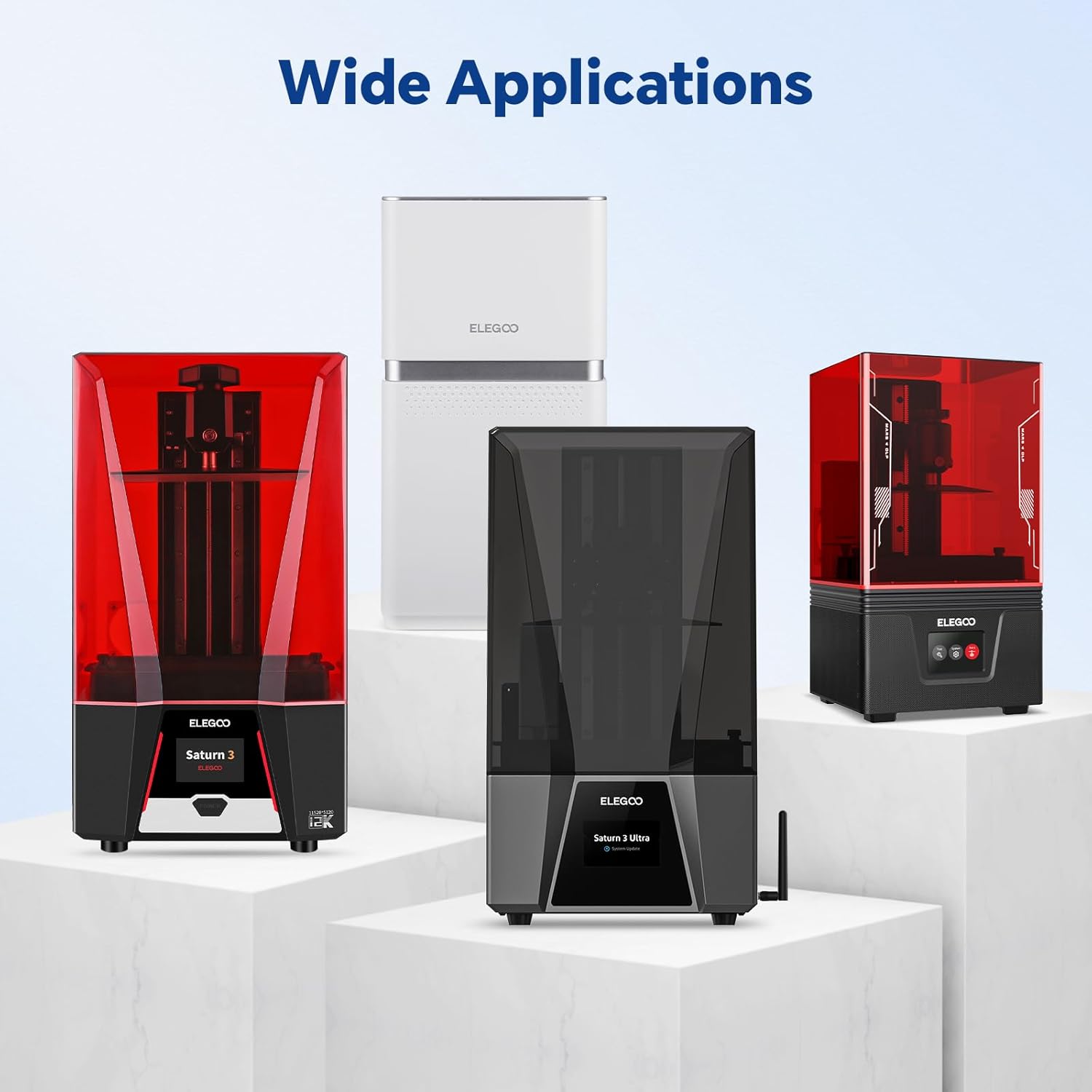
Image 7.1: Physical dimensions of the Mars Mate Air Purifier.
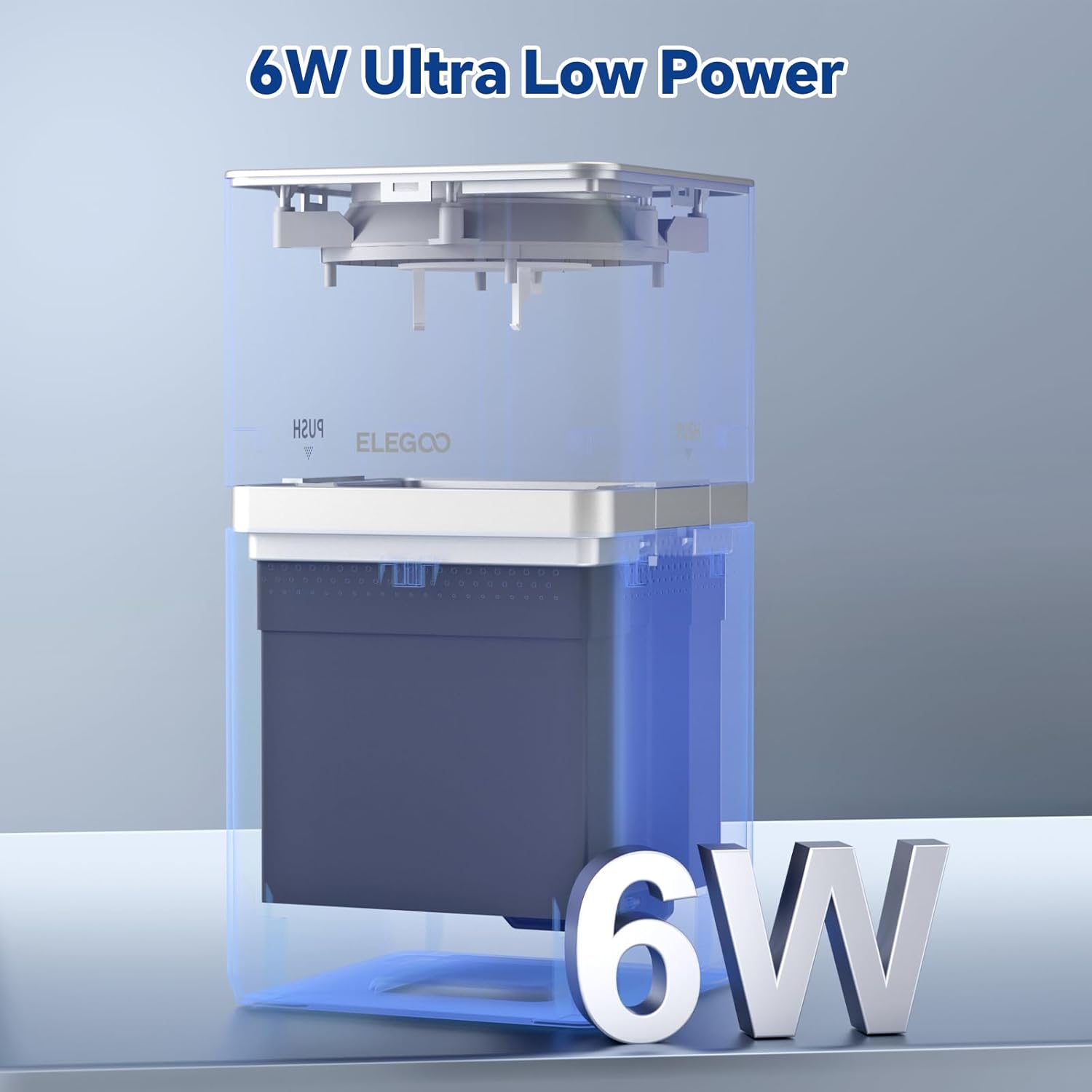
Image 7.2: The Mars Mate Air Purifier operates with ultra-low power consumption of 6 watts.
8. Garancija in podpora
For warranty information and technical support, please refer to the official ELEGOO website or contact ELEGOO customer service directly. Keep your purchase receipt as proof of purchase for any warranty claims.


