Uvod
Thank you for choosing the AUSDOM Wireless Keyboard and Mouse Combo. This manual provides detailed instructions for setting up, operating, and maintaining your new wireless peripheral set. Please read this manual thoroughly before use to ensure optimal performance and longevity of your product.
Vsebina paketa
- 1 x AUSDOM Wireless Keyboard
- 1 x AUSDOM Wireless Mouse
- 1 x USB sprejemnik (shranjen v predalu za baterije miške)
- 1 x polnilni kabel USB-C
- 1 x uporabniški priročnik
Konec izdelkaview
The AUSDOM Wireless Keyboard and Mouse Combo offers a comfortable and efficient input solution. The keyboard features a full-size layout with a numeric keypad and shortcut keys, while the mouse provides adjustable DPI settings for precise control.

Image: The AUSDOM wireless keyboard and mouse combo, showing the full-size keyboard, the ergonomic mouse, and the compact USB receiver.

Image: A visual emphasizing the quiet operation of the keyboard's scissor-switch keys and the silent click mouse, designed for a focused work environment.
Funkcije tipkovnice:
- Full-size layout with numeric keypad
- 16 multimedia and shortcut keys
- Slim and silent scissor-switch keys
- Možnost polnjenja preko USB-C
Značilnosti miške:
- Silent click design
- 3 adjustable DPI levels (800/1200/1600)
- Gumb za vrnitev
- Možnost polnjenja preko USB-C
- Integrated USB receiver storage
Vodnik za namestitev
Follow these steps to connect your AUSDOM Wireless Keyboard and Mouse Combo to your computer.

Image: Step-by-step visual guide for connecting the wireless keyboard and mouse, including powering on devices and inserting the USB receiver.
- Napolnite naprave: Before first use, ensure both the keyboard and mouse are fully charged using the provided USB-C cable. Connect the cable to the charging port on each device and a USB power source. The charging indicator will turn off when fully charged.
- Poiščite USB sprejemnik: The 2.4 GHz USB receiver is stored in the battery compartment on the underside of the mouse. Gently open the compartment cover and remove the receiver.
- Priključite sprejemnik: Insert the USB receiver into an available USB port on your computer (desktop, laptop, or all-in-one PC).
- Vklop tipkovnice: Locate the power switch on the side or back of the keyboard and slide it to the "ON" position.
- Vklop miške: Poiščite stikalo za vklop na spodnji strani miške in ga potisnite v položaj "VKLOP".
- Samodejna povezava: The keyboard and mouse should automatically connect to your computer within a few seconds. No additional drivers are typically required for Windows operating systems.
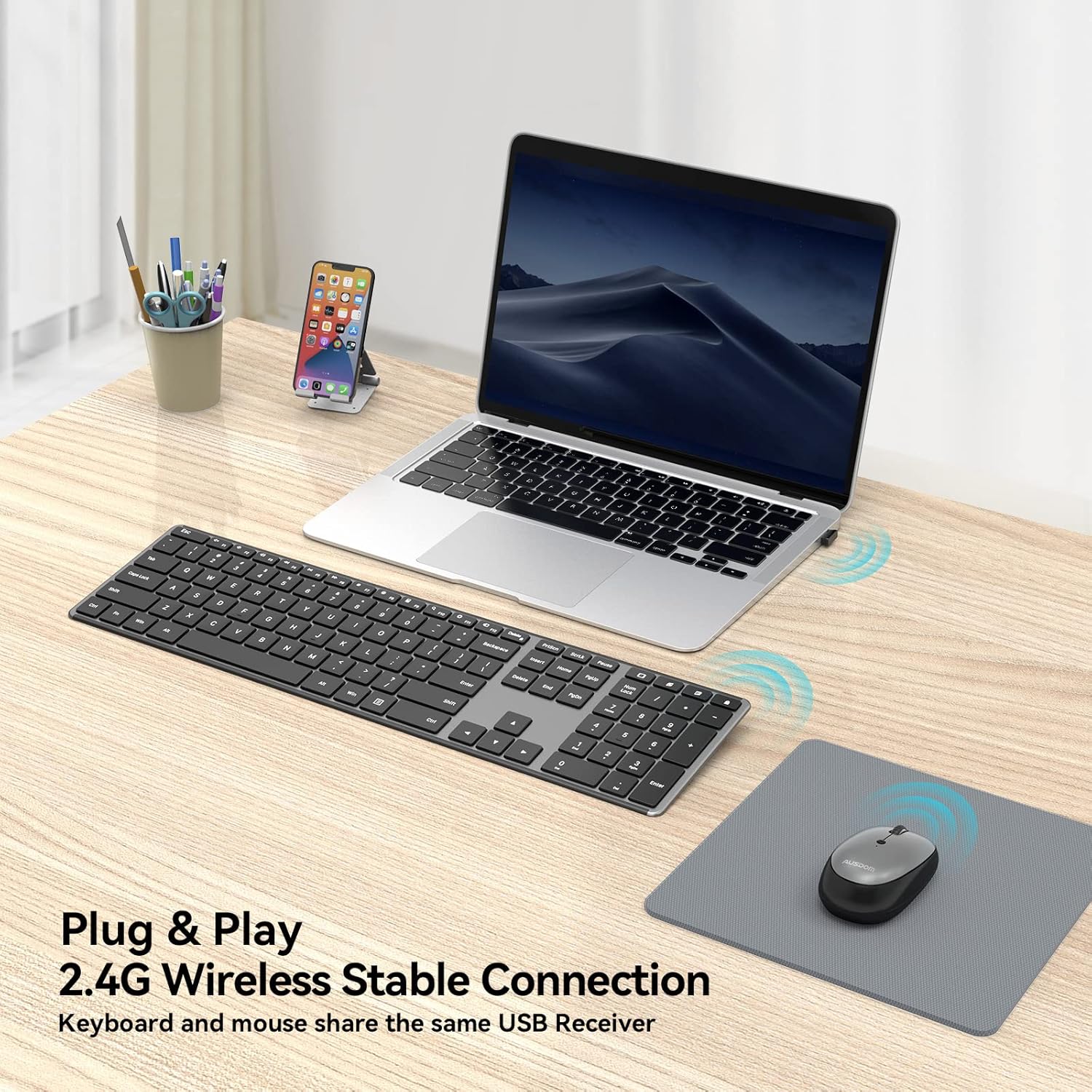
Image: The wireless keyboard and mouse connected to a laptop, illustrating the 2.4G wireless stable connection using a single USB receiver.

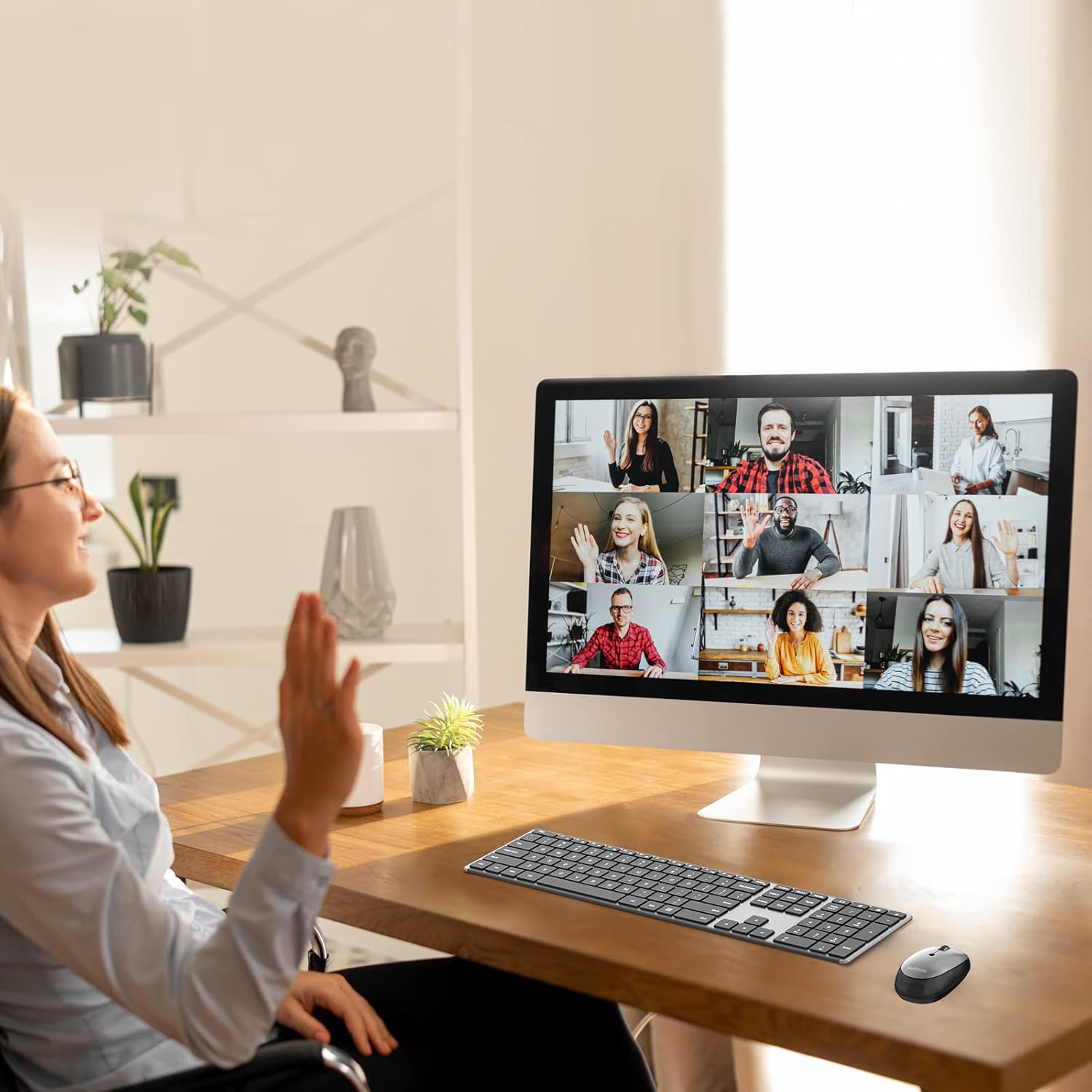
Image: The keyboard and mouse set up with a desktop computer, indicating its primary design for Windows devices including desktops, notebooks, and all-in-one PCs.
Navodila za uporabo
Uporaba tipkovnice:
The keyboard features a standard QWERTY layout with a numeric keypad and dedicated function keys. It is designed for quiet and comfortable typing.
Slika: Podrobna view of the keyboard highlighting the 16 convenient shortcut keys for various functions like volume control, media playback, and system settings.
Tipke za bližnjice:
The keyboard includes 16 shortcut keys for quick access to common functions. These keys are typically activated by pressing the Fn hkrati z želeno funkcijsko tipko (F1–F12).
- Fn+F1: Mute
- Fn+F2: Zmanjšanje glasnosti
- Fn+F3: Glasnost
- Fn+F4: Prejšnja skladba
- Fn+F5: Predvajaj/Premor
- Fn+F6: Naslednja skladba
- Fn+F7: Zmanjšanje svetlosti
- Fn+F8: Povečanje svetlosti
- Fn+F9: Kalkulator
- Fn+F10: Iskalnik
- Fn+F11: nastavitve
- Fn+F12: Vklopite napravo
- Windows Search Key: Opens Windows Search.
- Open Browser Key: Launches default web brskalnik.
- Display Desktop Key: Minimizes all open windows.
- Lock Screen Key: Locks the computer screen.
Opomba: Some multimedia features may not be available or function differently on Mac OS.
Uporaba miške:
The wireless mouse offers precise tracking and silent clicks for a focused work environment.

Image: The silent mouse with its underside visible, indicating the DPI adjustment button, power switch, and the compartment for the USB receiver.
Prilagoditev DPI:
The mouse features three adjustable DPI (Dots Per Inch) levels to control cursor sensitivity. Press the DPI button (usually located near the scroll wheel or on the underside) to cycle through the settings:
- 800 DPI: Slower cursor movement for precise tasks.
- 1200 DPI: Standardno gibanje kurzorja.
- 1600 DPI: Faster cursor movement for quick navigation.
The mouse also includes a "Return Button" for quick navigation, typically functioning as a back button in web brskalniki.
Vzdrževanje
Polnjenje:
Both the keyboard and mouse are equipped with built-in rechargeable batteries. Use the provided USB-C charging cable to recharge them.
- Connect the USB-C end of the cable to the charging port on the keyboard or mouse.
- Connect the USB-A end of the cable to a USB power adapter (not included), a computer's USB port, or a power bank.
- Polno polnjenje običajno traja približno 1.5 uri.
- A single full charge can provide over a month of usage time, depending on usage frequency.
- Naprave se lahko uporabljajo med polnjenjem.

Image: The wireless keyboard and mouse connected to USB-C charging cables, illustrating the rechargeable feature and estimated charging/usage times.
Varčevanje z energijo:
To conserve battery life, both the keyboard and mouse feature power switches. Turn them off when not in use for extended periods.
Čiščenje:
To clean your devices, gently wipe them with a soft, damp krpo. Izogibajte se uporabi agresivnih kemikalij ali abrazivnih materialov, ki bi lahko poškodovali površine.
Odpravljanje težav
If you encounter issues with your AUSDOM Wireless Keyboard and Mouse Combo, please refer to the following common solutions:
- Naprave se ne odzivajo:
- Prepričajte se, da sta tako tipkovnica kot miška vklopljeni.
- Preverite, ali je USB-sprejemnik varno priključen v delujoča USB-vrata na vašem računalniku. Poskusite z drugimi USB-vhodi.
- Verify that the devices are fully charged. Recharge them if the battery is low.
- Move the devices closer to the USB receiver to ensure they are within the 10m wireless range.
- Znova zaženite računalnik.
- Prekinjena povezava:
- Ensure there are no large metal objects or other wireless devices (e.g., Wi-Fi routers, other wireless peripherals) causing interference between the devices and the receiver.
- Poskusite priključiti USB-sprejemnik v drug USB-vhod, po možnosti v tistega na sprednji strani računalnika, če uporabljate namizni računalnik.
- Kazalec miške skače ali je netočen:
- Očistite optični senzor na spodnji strani miške.
- Miško uporabljajte na primerni površini (ki ni močno odsevna ali prozorna). Priporočljiva je podloga za miško.
- Adjust the DPI settings using the DPI button on the mouse to find a comfortable sensitivity.
- Tipke na tipkovnici ne delujejo:
- Check for any debris under the non-functioning key.
- Prepričajte se, da je tipkovnica popolnoma napolnjena.
- If only function keys are not working as expected, ensure you are pressing the Fn key if required, or check your operating system's settings for function key behavior.
- Compatibility Issues with Mac OS:
- This combo is primarily designed for Windows devices. While basic typing and pointing functions will work, some multimedia or shortcut keys may not be fully functional or may require specific software/driver installations on Mac OS.
Specifikacije
| Funkcija | Podrobnost |
|---|---|
| Številka modela | KAM200 |
| Tehnologija povezljivosti | 2.4 GHz brezžično |
| Brezžično Domet | Do 10 metrov (33 čevljev) |
| Mere tipkovnice | 16.85 x 4.49 x 0.62 palcev (42.8 x 11.4 x 1.57 cm) |
| Teža tipkovnice | Približno 12.8 unč (362.87 gramov) |
| Stopnje DPI miške | 800/1200/1600 DPI |
| Vrsta baterije | Built-in Rechargeable Lithium-Ion |
| Vrata za polnjenje | USB-C |
| Čas polnjenja | Pribl. 1.5 ur |
| Čas uporabe (polno napolnjenost) | Over 1 month (depending on usage) |
| Združljivi operacijski sistemi | Windows (Desktop, Laptop, All-in-One PC) |

Image: A visual representation of the keyboard and mouse dimensions, highlighting the ultra-slim design of the keyboard at 0.62 inches thick.
Garancija in podpora
AUSDOM provides a one-year warranty service for this product. If you encounter any problems during use, please contact AUSDOM customer support for assistance.
For warranty claims or technical support, please visit the official AUSDOM webspletnega mesta ali se obrnite na njihovo službo za pomoč strankam prek kontaktnih podatkov, ki ste jih navedli ob nakupu.


