1. Uvod
The Nexxt 2K Indoor Camera provides advanced home security with high-resolution video, intelligent detection features, and seamless smart home integration. Designed for indoor use, this camera offers comprehensive monitoring for your home, children, or pets, ensuring peace of mind with its robust capabilities.

Image: Two Nexxt 2K Indoor Cameras, showcasing the compact design of the product.
Ključne značilnosti:
- 2K Ultra Clarity: Full 2K resolution for impressive image quality and color accuracy.
- Široko Viewkot kota: 100° viewing angle with a versatile 360° rotatable stand/bracket.
- Napredno zaznavanje gibanja: Detects human motion and crying babies, minimizing false alerts.
- Nočni vid: Six high-power infrared LEDs provide clear images in low light conditions.
- Dvosmerna komunikacija: Built-in microphone and speaker for interactive communication.
- Prilagodljivo shranjevanje: Supports microSD cards up to 128GB (sold separately) and optional cloud storage.
- Združljivost pametnega doma: Works with Amazon Alexa, Google Assistant, and Siri for voice control.
2. Vsebina paketa
Prosimo, preverite paket za naslednje artikle:
- Nexxt 2K Indoor Camera (2 units for 2PK model)
- Napajalni adapter
- USB kabel
- Montažno stojalo
- Uporabniški priročnik (ta dokument)
3. Navodila za namestitev
Follow these steps to set up your Nexxt 2K Indoor Camera:
- Download the Nexxt Home App: Iskanje "Nexxt Home" in the Apple App Store (for iOS devices) or Google Play Store (for Android devices) and install the application.
- Ustvari račun: Open the Nexxt Home app and register for a new account or log in if you already have one.
- Vklopite kamero: Connect the camera to a power source using the provided USB cable and power adapter. The camera's indicator light will begin to flash, indicating it is ready for pairing.
- Dodaj napravo: In the Nexxt Home app, tap the "+" icon or "Add Device" to begin the pairing process. Select your camera model from the list of available devices.
- Skeniraj QR kodo: The app will prompt you to scan a QR code. Position your phone's screen with the QR code in front of the camera lens at a distance of 6-8 inches (15-20 cm) until you hear a confirmation sound from the camera.
- Povežite se z Wi-Fi: Enter your Wi-Fi network name and password when prompted by the app. Ensure your camera is connected to a 2.4GHz Wi-Fi network.
- Umestitev: Place the camera on a flat surface or mount it using the included stand. Ensure it has a clear view of the area you wish to monitor. The 360° rotatable stand allows for flexible positioning.

Image: A smartphone displaying the Nexxt Home app interface, illustrating the home automation capabilities and ease of use.
4. Navodila za uporabo
4.1 V živo View
Access the live feed of your camera anytime through the Nexxt Home app. This allows you to monitor your space in real-time from anywhere with an internet connection.
4.2 Zaznavanje gibanja in opozorila
The camera is equipped with advanced motion detection, capable of identifying human shapes and even crying sounds. When motion or sound is detected, the camera will send real-time notifications to your smartphone.

Image: A baby playing on the floor, with a motion detection icon overlaid, demonstrating the camera's ability to detect movement in a monitored area.
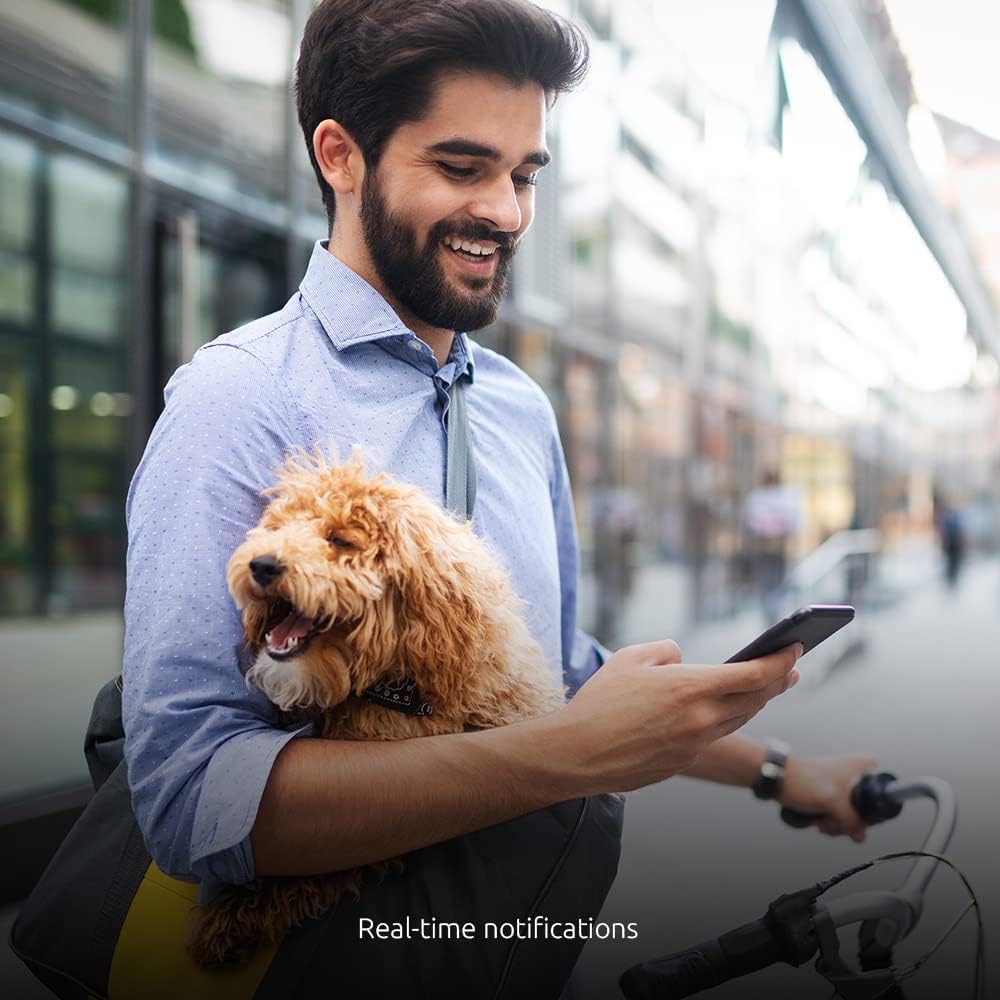
Image: A man with a dog checking his phone, illustrating the convenience of receiving real-time notifications from the camera.
4.3 Nočni vid
The camera automatically switches to night vision mode in low-light conditions, utilizing six high-power infrared LEDs to provide clear black-and-white video footage up to 32 feet (10 meters).

Image: A split image demonstrating the camera's night vision capability, showing a living room scene in both daylight and infrared night vision.
4.4 Dvosmerna komunikacija
Use the built-in microphone and speaker to communicate with individuals in the camera's vicinity. This feature is ideal for checking in on pets, children, or communicating with family members.

Image: A woman using headphones and a smartphone, symbolizing the two-way communication feature of the camera.
4.5 Možnosti shranjevanja
- Kartica MicroSD: Insert a microSD card (up to 128GB, sold separately) into the camera's slot for local storage of recordings.
- Shramba v oblaku: Optional cloud storage plans are available through the Nexxt Home app for secure, off-site video backup.
4.6 Integracija glasovnega upravljanja
Integrate your Nexxt 2K Indoor Camera with popular voice assistants for convenient control:
- Amazon Alexa: Link your Nexxt Home account to Alexa for voice commands.
- Google Assistant: Connect your camera to Google Home for hands-free operation.
- Siri: Utilize Siri shortcuts for quick access to camera functions.

Image: The Nexxt camera positioned alongside Google Home and Amazon Alexa devices, illustrating its compatibility with various smart home ecosystems.
5. Vzdrževanje
To ensure optimal performance and longevity of your Nexxt 2K Indoor Camera, follow these maintenance guidelines:
- Čiščenje: Gently wipe the camera lens and body with a soft, dry cloth. Avoid using liquid cleaners or abrasive materials, as they may damage the lens or casing.
- Umestitev: Ensure the camera is placed in a stable location to prevent accidental falls. Avoid placing it in direct sunlight or near heat sources, which can affect performance and lifespan.
- Posodobitve programske opreme: Redno preverjajte aplikacijo Nexxt Home za posodobitve vdelane programske opreme. Posodabljanje programske opreme kamere zagotavlja, da imate najnovejše funkcije in varnostne izboljšave.
- Napajanje: Use only the original power adapter and USB cable provided with the camera. Using unauthorized power sources may cause damage or malfunction.
6. Odpravljanje težav
If you encounter issues with your Nexxt 2K Indoor Camera, refer to the following common troubleshooting steps:
| Težava | Možna rešitev |
|---|---|
| Camera fails to connect to Wi-Fi |
|
| No image or poor image quality |
|
| Opozorila o zaznavanju gibanja niso sprejeta |
|
| Dvosmerni zvok ne deluje |
|
7. Specifikacije
Technical specifications for the Nexxt 2K Indoor Camera (Model NHC-I7102PK):
| Funkcija | Podrobnost |
|---|---|
| Ime modela | NHC-I7102PK |
| Notranja/zunanja uporaba | Notranja |
| Ločljivost zajema videa | 2K |
| Hitrost sličic | 20 sličic na sekundo |
| Tehnologija povezljivosti | Brezžično (Wi-Fi) |
| Protokol povezljivosti | Wi-Fi |
| Vir napajanja | Električni na kabel |
| Združljive naprave | iPhone, Android |
| Vrsta krmilnika | Amazon Alexa, Googlov pomočnik |
| Vrsta namestitve | Namizni nosilec |
| Tehnologija slabe svetlobe | Nočna barva (infrardeči nočni vid) |
| Vrsta opozorila | Samo gibanje |
| Dimenzije izdelka | 3 x 7 x 3 palcev |
| Teža predmeta | 13.6 unč |
| Ocena mednarodne zaščite | IP67 |
8. Garancija in podpora
Nexxt Solutions products are designed for reliability and performance. For specific warranty information regarding your Nexxt 2K Indoor Camera, please refer to the warranty card included in your product packaging or visit the official Nexxt Solutions webmesto.
For technical support, troubleshooting assistance, or any inquiries about your product, please contact Nexxt Solutions customer service through their official webspletnega mesta ali kontaktnih podatkov, navedenih v dokumentaciji izdelka.
Spletni viri: For additional support, FAQs, and product updates, please visit the Trgovina Nexxt Solutions na Amazonu.