1. Uvod
This manual provides essential instructions for the SOLTECH CCTV Remote Control, model RCWN00001B (also identified as EP10-001090A). This remote is specifically designed for use with various Samsung Wisenet Security & Surveillance Camera Systems, including DVRs and NVRs. Please read this manual thoroughly to ensure proper use and functionality of your remote control.
2. Izdelek je končanview
The SOLTECH CCTV Remote Control is a dedicated device for managing your Samsung Wisenet security system. It replicates the functionality of the original remote control included with Wisenet All-In-One systems, providing convenient access to your DVR or NVR functions.
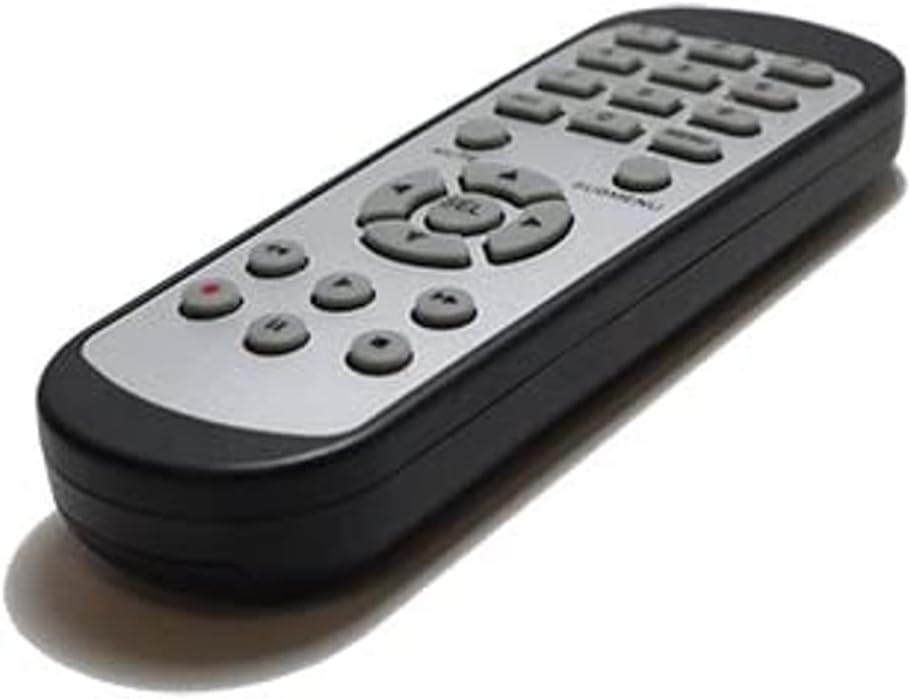
Slika 2.1: Spredaj view of the SOLTECH CCTV Remote Control (Model RCWN00001B / EP10-001090A).
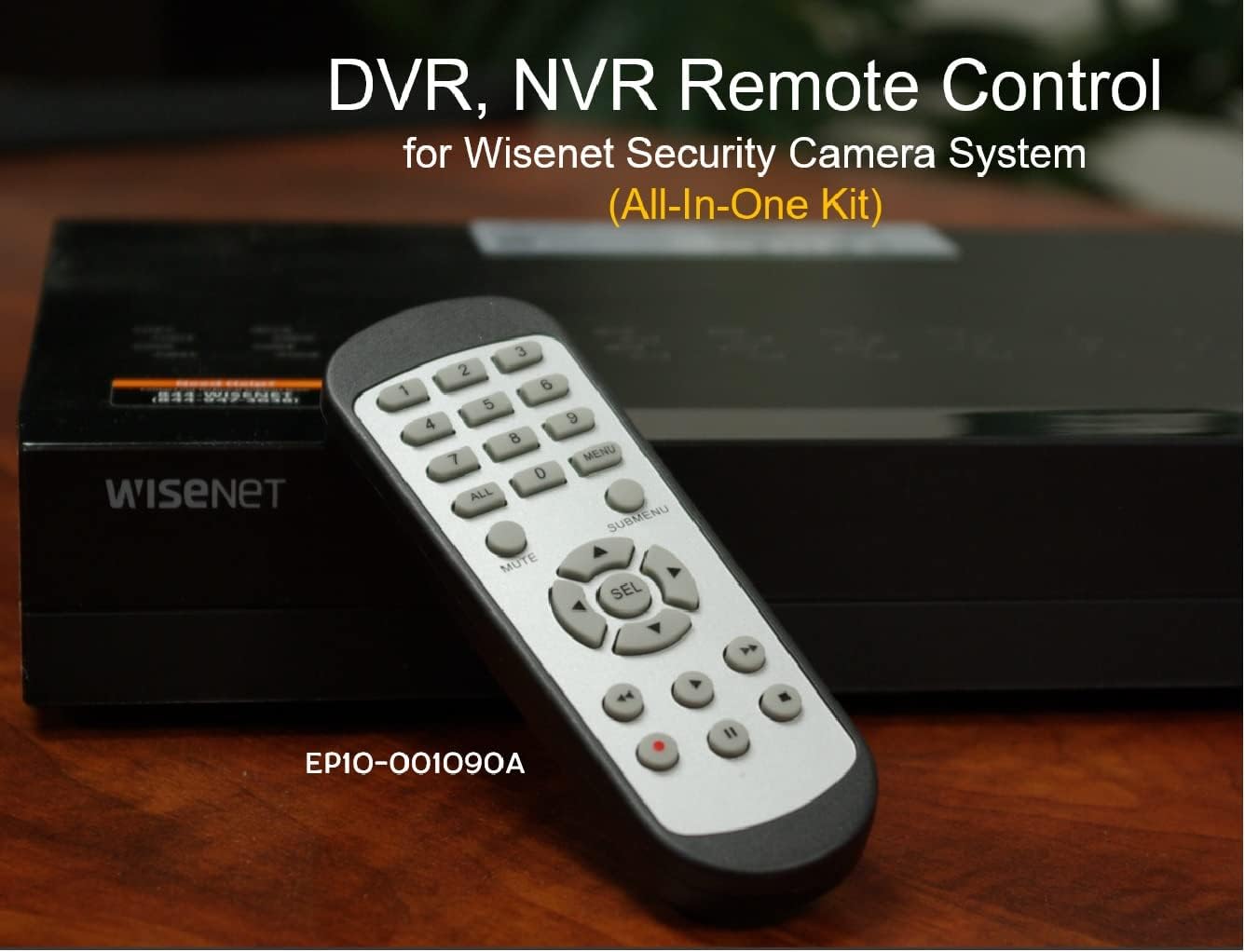
Image 2.2: The remote control positioned on a Wisenet Digital Video Recorder (DVR).
3. Nastavitev
This remote control requires two AAA batteries for operation. Batteries are not included with the product and must be purchased separately.
3.1 Namestitev baterije
- Poiščite predal za baterije na zadnji strani daljinskega upravljalnika.
- Slide the battery compartment cover downwards and lift it off.
- Vstavite dve bateriji AAA in pazite na pravilno polarnost (+ in -), kot je označeno v notranjosti predala.
- Pokrov predalčka za baterije namestite nazaj tako, da ga potisnete nazaj na svoje mesto, dokler se ne zaskoči.

Slika 3.1: Zadaj view daljinskega upravljalnika z odprtim predalom za baterije, ki prikazuje, kam vstaviti baterije AAA.
3.2 Začetna povezava
The SOLTECH CCTV Remote Control is pre-configured for Samsung Wisenet All-In-One System DVRs and NVRs. No additional setup, programming, or pairing is required. Once batteries are installed, the remote is ready for immediate use with compatible systems.
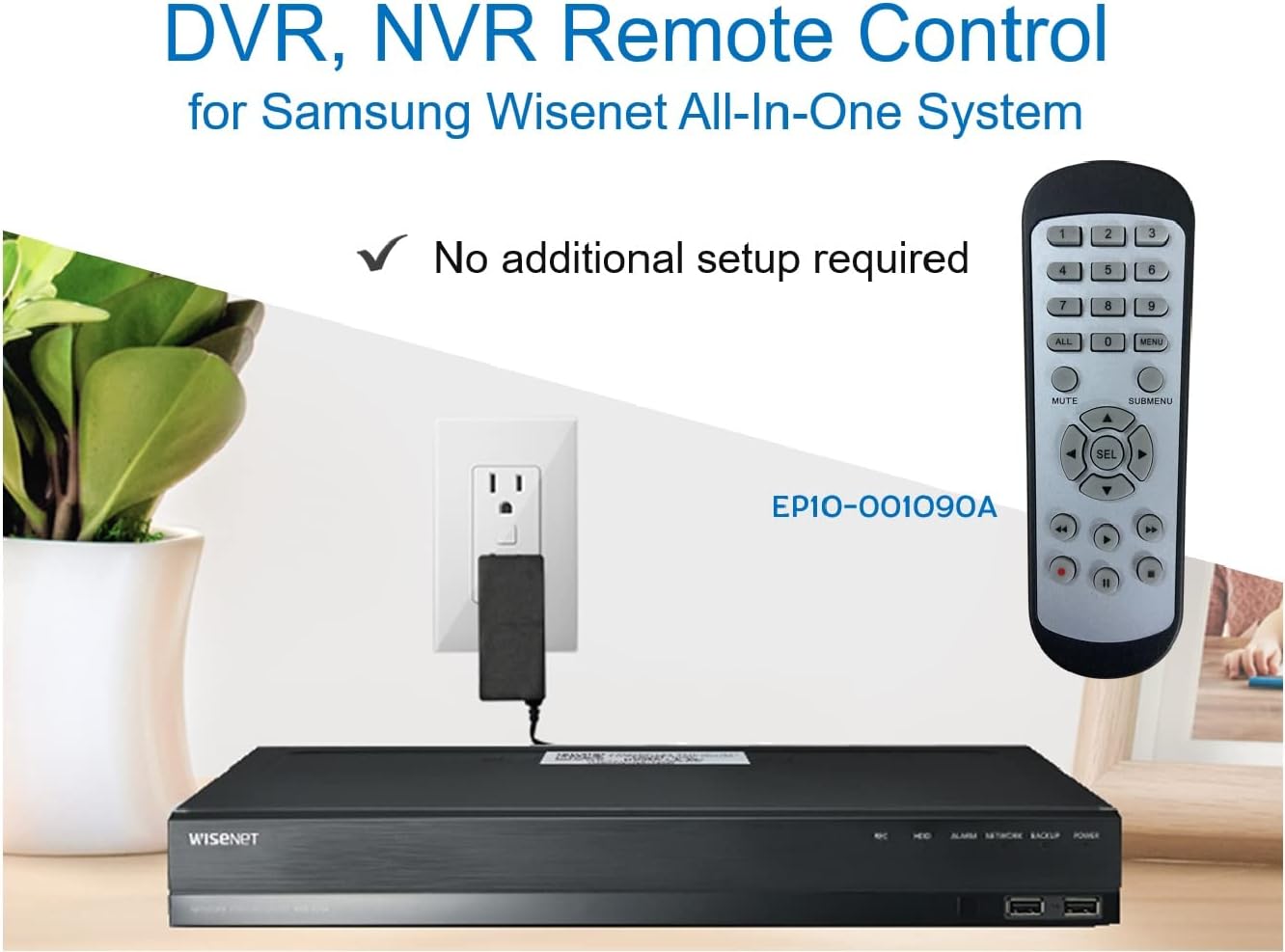
Image 3.2: The remote control shown alongside a Wisenet DVR, illustrating the 'no additional setup required' feature.
4. Navodila za uporabo
Point the remote control directly at your Samsung Wisenet DVR or NVR. Press the desired buttons to navigate menus, control playback, switch camera views, and access other functions of your security system. The button layout is standard for Wisenet systems, allowing for intuitive operation.
- Številski gumbi (0-9): Used for direct camera selection or data entry.
- Directional Pad (Up, Down, Left, Right, SEL): Za navigacijo in izbiro po menijih.
- MUTE: Utiša zvočni izhod.
- SUBMENU: Accesses sub-menus within the system interface.
- Kontrole predvajanja (predvajanje, premor, ustavitev, hitro previjanje naprej, previjanje nazaj): Manages recorded footage predvajanje.
- REC (Snemanje): Initiates manual recording.
5. Združljivost
This remote control is compatible with various Samsung Wisenet All-In-One System Series. It is designed to function as a direct replacement for the original remote controls supplied with these systems.
5.1 Compatible System Series
The remote control is compatible with, but not limited to, the following Samsung Wisenet All-In-One System Series:
- SDH-E95127
- SDH-B94047
- SDH-C94087
- SDH-B73043
- SDH-C85080
- SDH-SF440
- SDH-B74043
- SDH-B74083
- SDH-B74041
- SDH-B74081
- SDH-C85100
- SDR-C85300
- SNK-B73047
- SDH-B74086
- SDH-C73043
- SDR-C73303
- SDH-C74043DF
- SDR-C74303N1T
- SDR-B74301

Image 5.1: The remote control displayed alongside a partial list of compatible Samsung Wisenet All-In-One System Series.

Image 5.2: An illustration showing the remote control's compatibility with a range of Samsung Wisenet security camera systems.
6. Vzdrževanje
6.1 Zamenjava baterije
When the remote control's performance diminishes or it stops responding, replace the AAA batteries. Always replace both batteries at the same time with new ones. Do not mix old and new batteries, or different types of batteries.
6.2 Čiščenje
Za čiščenje daljinskega upravljalnika uporabite mehko, suho krpo. Za trdovratno umazanijo rahloampkrpo sperite z vodo. Izogibajte se uporabi agresivnih kemikalij, abrazivnih čistil ali topil, saj lahko poškodujejo površino daljinskega upravljalnika ali notranje komponente.
6.3 Shranjevanje
Daljinski upravljalnik shranjujte na hladnem in suhem mestu, stran od neposredne sončne svetlobe in ekstremnih temperatur. Če daljinskega upravljalnika ne boste uporabljali dlje časa, je priporočljivo, da odstranite baterije, da preprečite puščanje.
7. Odpravljanje težav
If you experience issues with your SOLTECH CCTV Remote Control, refer to the following common troubleshooting steps:
- Daljinski upravljalnik se ne odziva:
- Preverite, ali so baterije pravilno vstavljene s pravilno polarnostjo.
- Zamenjajte baterije s svežimi AAA baterijami.
- Ensure there is a clear line of sight between the remote control and the infrared receiver on your Wisenet DVR/NVR. Obstructions can block the signal.
- Verify that the remote control is pointed directly at the Wisenet system.
- Občasna funkcionalnost:
- To pogosto kaže na nizko napolnjenost baterij. Zamenjajte baterije.
- Prepričajte se, da močni viri svetlobe (kot so neposredna sončna svetloba ali svetle fluorescentne luči) ne motijo infrardečega signala.
- Remote Does Not Control My System:
- Confirm that your security system is a Samsung Wisenet All-In-One System and is listed as compatible in Section 5.1. This remote is specifically designed for these systems and may not work with other brands or models.
- As this remote requires no additional setup, if it is not working with a confirmed compatible system after battery replacement, contact customer support.
8. Specifikacije
| Funkcija | Podrobnost |
|---|---|
| Številka modela | RCWN00001B (EP10-001090A) |
| Dimenzije izdelka | 5 x 1.75 x 0.75 palcev |
| Teža predmeta | 1.76 unč |
| Potrebne baterije | 2 AAA baterije (niso vključene) |
| Proizvajalec | SOLTECH |
| barva | siva |
| Največje število podprtih naprav | 1 (Wisenet DVR/NVR) |
| Združljive naprave | Samsung Wisenet Security Camera Systems (DVR/NVR) |

Image 8.1: The remote control with its physical dimensions (length, width, thickness) indicated.
9. Garancija in podpora
For information regarding product warranty, please refer to the documentation provided with your purchase or contact the seller directly. The seller for this product is SOLTECH America.
For further assistance or technical support, please reach out to the manufacturer or seller through their official contact channels.


