1. Uvod
Thank you for choosing the FULLJA 11 Inch WiFi Digital Picture Frame. This smart cloud digital photo frame is designed to help you easily share and display your cherished photos and videos with family and friends. Featuring a vibrant IPS touch screen and smart motion sensor, it offers a user-friendly experience for preserving and reliving your precious memories.
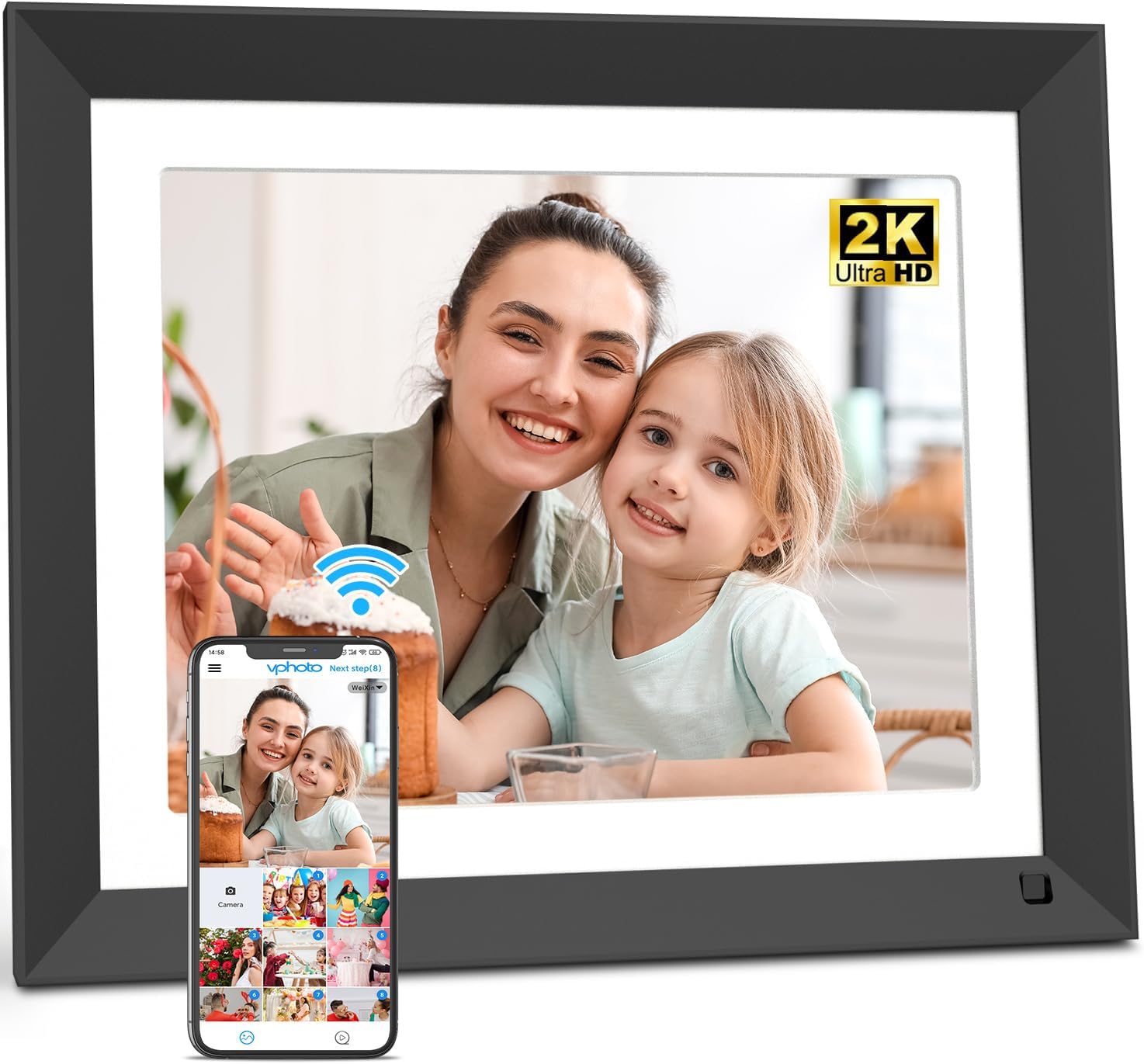
The FULLJA 11 Inch WiFi Digital Picture Frame, showcasing its sleek design and the Vphoto app for easy photo sharing.
2. Navodila za namestitev
Follow these steps to set up your FULLJA Digital Picture Frame and begin sharing memories:
- Plug In: Priključite napajalnik na okvir in električno vtičnico. Okvir se bo samodejno vklopil.
- Povežite se z WiFi: On the frame's touch screen, navigate to settings and connect to your home WiFi network. The frame supports both 2.4 GHz and 5GHz networks.
- Prenesite aplikacijo Vphoto: Download the "Vphoto" app from your smartphone's app store (available for iOS and Android).
- Bind Frame to App: Open the Vphoto app and follow the on-screen instructions to scan the QR code displayed on your frame. This will bind your app to the frame. Alternatively, you can use a connection code for remote binding.
- Share via Vphoto: Once bound, you can easily upload photos and videos directly from your smartphone to the frame using the Vphoto app.
- Alternative Sharing: Photos and videos can also be sent to the frame via email (the frame's unique email address is found in settings) or by connecting a computer via Micro USB cable. The frame also supports direct media playback from a TF/Micro SD memory card.
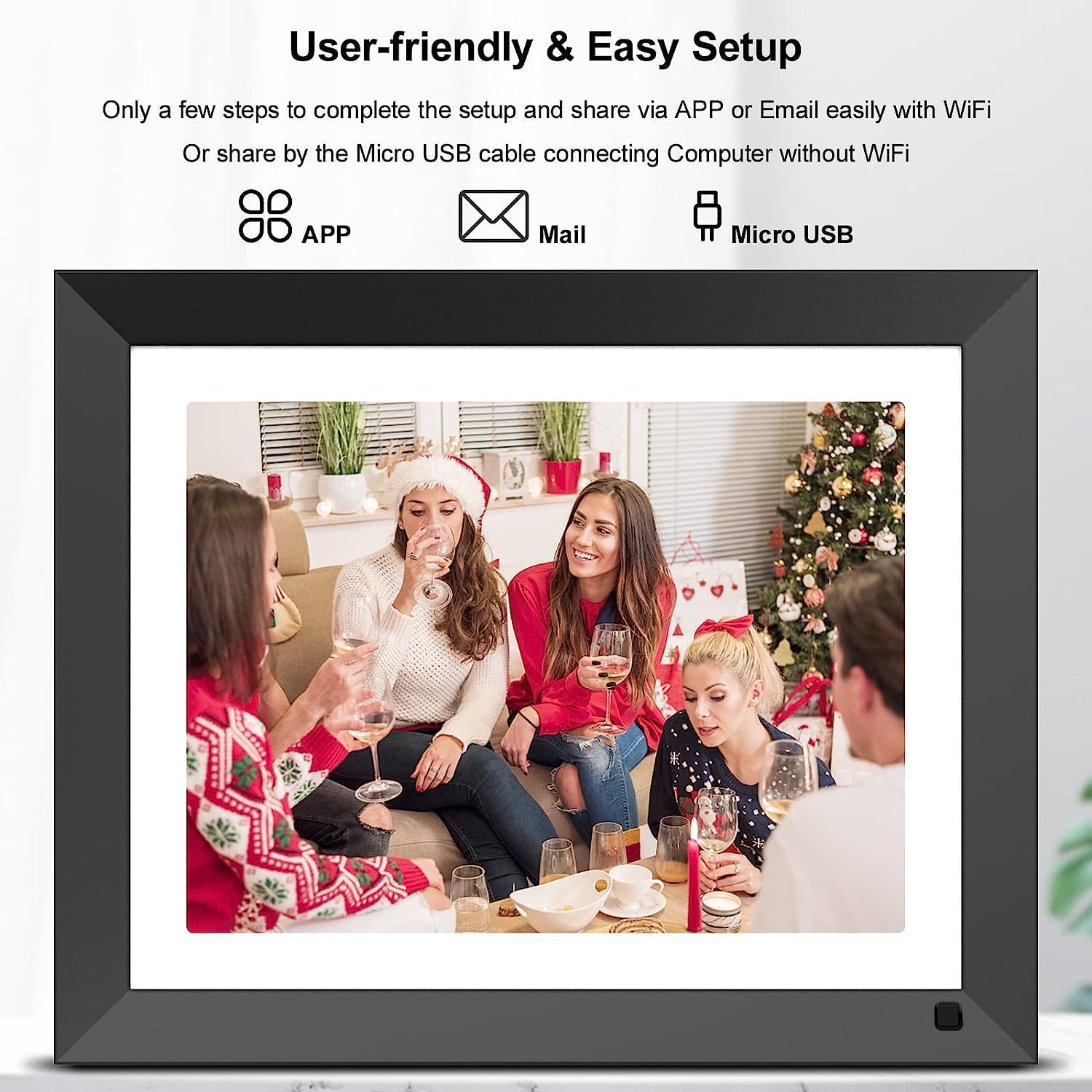
User-friendly setup allows sharing via app, email, or Micro USB connection.

Visual representation of the five key setup steps for the digital frame.
3. Navodila za uporabo
3.1 Navigacija po zaslonu na dotik
The frame features an intuitive touch screen interface. You can easily browse through photos and videos, delete files, adjust brightness, or pause the slideshow with a simple tap of your finger.
3.2 Photo and Video Display
The 2K (2176x1600 resolution) IPS display ensures clear and vivid photo quality with wide viewing angles and accurate color reproduction. You can customize slideshow modes, sorting options, and choose to display captions for your memories.

The 2K IPS display provides a wide full viewing angle, ensuring clear images from any perspective.
3.3 Pametni senzor gibanja
The integrated motion sensor allows the digital frame to automatically turn on when you approach and turn off when you leave, contributing to energy saving.
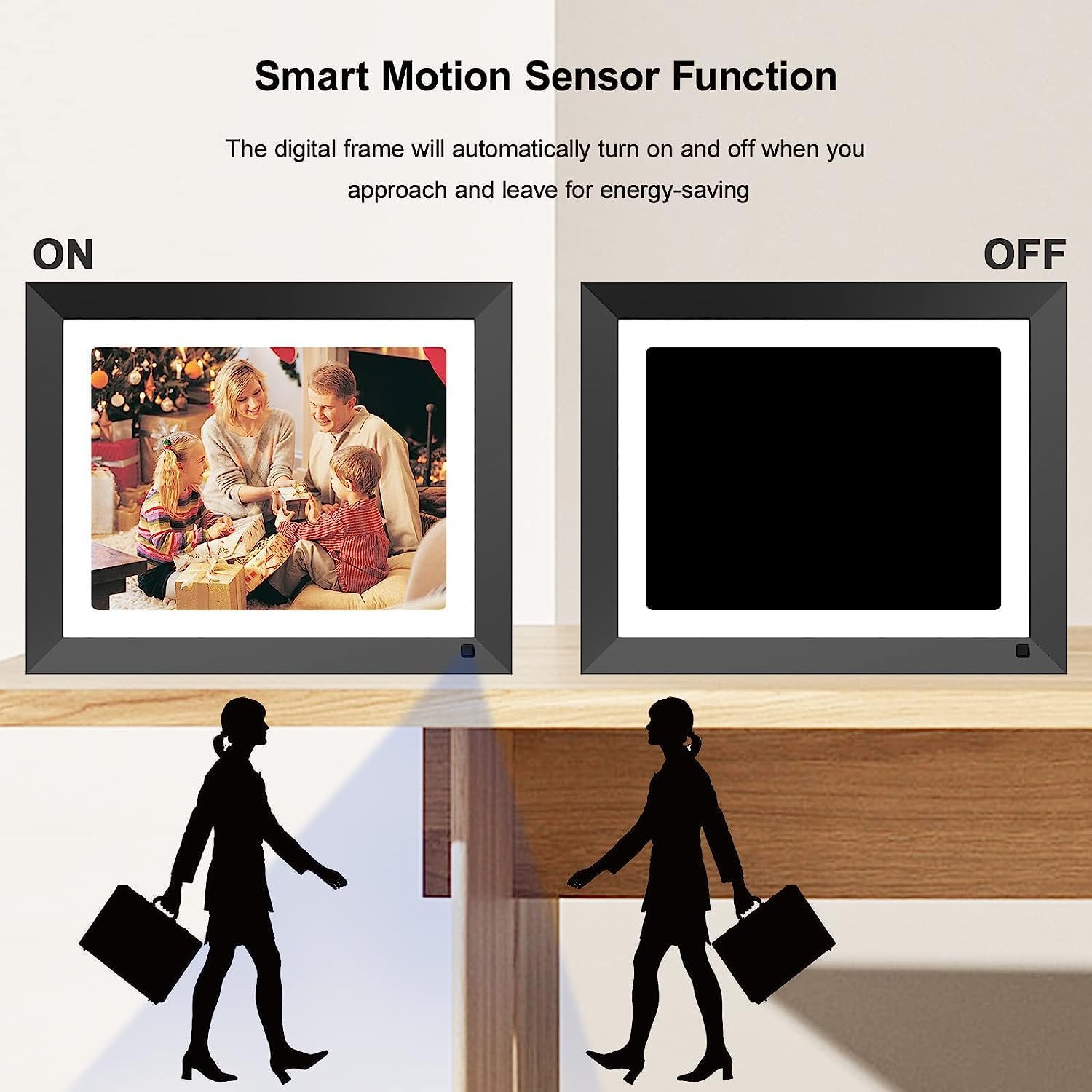
The smart motion sensor function automatically turns the frame display on or off.
3.4 Dodatne funkcije
- Ura in koledar: The frame can display the current time and date, and includes an alarm clock function.
- Predvajanje glasbe: Music can be played in the background during slideshows.
- Spanje: Schedule specific times for the frame to automatically turn off its display.
- Obvestila: Receive an audible chime when new pictures are received.
4. Vzdrževanje
Za zagotovitev dolge življenjske dobe in optimalne zmogljivosti vašega digitalnega fotookvirja upoštevajte naslednja navodila za vzdrževanje:
- Čiščenje zaslona: Use a soft, dry, lint-free cloth to gently wipe the screen. Avoid using abrasive cleaners, solvents, or spray directly onto the screen.
- Cleaning the Frame Body: Wipe the frame body with a soft, slightly damp krpo. Pazite, da v napravo ne vdre vlaga.
- Shranjevanje: Ko okvirja dlje časa ne uporabljate, ga shranite na hladnem in suhem mestu, stran od neposredne sončne svetlobe in ekstremnih temperatur.
- Ugasniti: Always power off the device properly before unplugging or performing any cleaning.
5. Odpravljanje težav
If you encounter any issues with your FULLJA Digital Picture Frame, please refer to the following common solutions:
- Frame Does Not Power On:
- Prepričajte se, da je napajalnik varno priključen tako na okvir kot v delujočo električno vtičnico.
- Preverite delovanje vtičnice tako, da vanjo priključite drugo napravo.
- Ni mogoče vzpostaviti povezave z omrežjem Wi-Fi:
- Dvakrat preverite geslo za WiFi.
- Ensure the frame is within range of your WiFi router.
- Restart your WiFi router and the digital frame.
- Confirm your router supports 2.4 GHz or 5GHz networks, and that the frame is attempting to connect to a compatible band.
- Photos/Videos Not Appearing on Frame:
- Ensure the frame is connected to WiFi if sharing via app or email.
- Verify that the Vphoto app is correctly bound to your frame (check the connection code/QR code).
- When transferring via app, note that some apps may have limits (e.g., 50 photos at a time).
- If using email, ensure the connection code is in the subject line unless the sender's email is already approved.
- For Micro USB or TF/SD card, ensure files are in supported formats and the storage device is properly inserted/connected.
- Videos Do Not Sync with Pictures in Slideshow:
- The frame is designed to play videos and pictures separately. Videos typically need to be watched individually and do not seamlessly integrate into a continuous photo slideshow.
- Initial Setup Issues (Frame Locks Up):
- During initial setup, ensure you complete the steps (device name, location, time zone) in the exact order presented on the screen.
- If the frame locks up, perform a factory reset (refer to the settings menu for this option) and restart the setup process, carefully following the on-screen prompts in sequence.
- Power Cord Appears Short:
- If the provided power cord is too short for your desired placement, consider using a compatible extension cord or sourcing a longer 5V/2A power cable with the correct connector tip.
- App Progress Bar in Chinese:
- This is a known minor display issue within the app's interface. It does not affect the functionality of the transfer process.
6. Specifikacije
| Znamka | FULLJA |
| Številka modela | 222 |
| Velikost zaslona | 11 palcev |
| Resolucija | 2176 x 1600 (2K Ultra HD) |
| Vrsta zaslona | IPS zaslon na dotik |
| Notranji pomnilnik | 16 GB |
| Povezljivost | Dual WiFi (2.4 GHz & 5GHz), Micro USB, TF/Micro SD Card Slot |
| Združljive naprave | Osebni računalnik, pametni telefon, tablični računalnik |
| barva | Črna |
| Dimenzije izdelka | 9.84 x 12.2 x 0.99 palcev |
| Teža predmeta | 1.83 funtov |
7. Garancija in podpora
Your FULLJA Digital Picture Frame comes with a 12-mesečna garancija from the date of purchase. This warranty covers manufacturing defects and ensures product quality. For technical support, after-sales service, or any inquiries regarding your product, please contact FULLJA customer support through the contact information provided in your product packaging or on the official FULLJA webmesto.
Za garancijske zahtevke shranite dokazilo o nakupu.


