Uvod
The Closer Pets Microchip Activated Cat Door is designed to provide secure and convenient access for your feline companions while preventing entry by uninvited animals. This advanced cat door utilizes your cat's unique microchip or a separately available Cat Mate I.D. disc to control entry, accommodating up to 30 cats. Its robust construction and intuitive locking mechanism offer peace of mind and flexibility for pet owners.
Varnostne informacije
- Ensure proper installation to prevent injury to pets or damage to the door.
- Keep small children away from the cat door during operation and installation.
- While designed to restrict entry, no cat door can guarantee 100% prevention of all unwanted animals, especially larger wildlife like raccoons. For enhanced security, particularly during nocturnal hours, utilize the manual locked mode or the "in only" setting.
- Do not attempt to modify the cat door, as this may void the warranty and compromise its functionality.
- Uporabljajte samo predpisano vrsto baterije in med namestitvijo pazite na pravilno polarnost.
Vsebina paketa
Pred začetkom namestitve preverite, ali so prisotne vse komponente:
- Closer Pets Microchip Activated Cat Door unit (front and back sections)
- Pritrdilni vijaki
- Predloga za namestitev
- Uporabniški priročnik (ta dokument)
Note: Cat Mate I.D. discs and wall adapter kits for glass or metal doors are sold separately.
Konec izdelkaview
The Closer Pets Microchip Activated Cat Door is constructed from super-tough polymer, ensuring durability. It features a clear flap for visibility and a rotary 4-way lock for manual control.

Slika 1: Spredaj view of the Closer Pets Microchip Activated Cat Door. This image displays the main unit in its gray color, highlighting the clear flap and the control knob at the bottom.
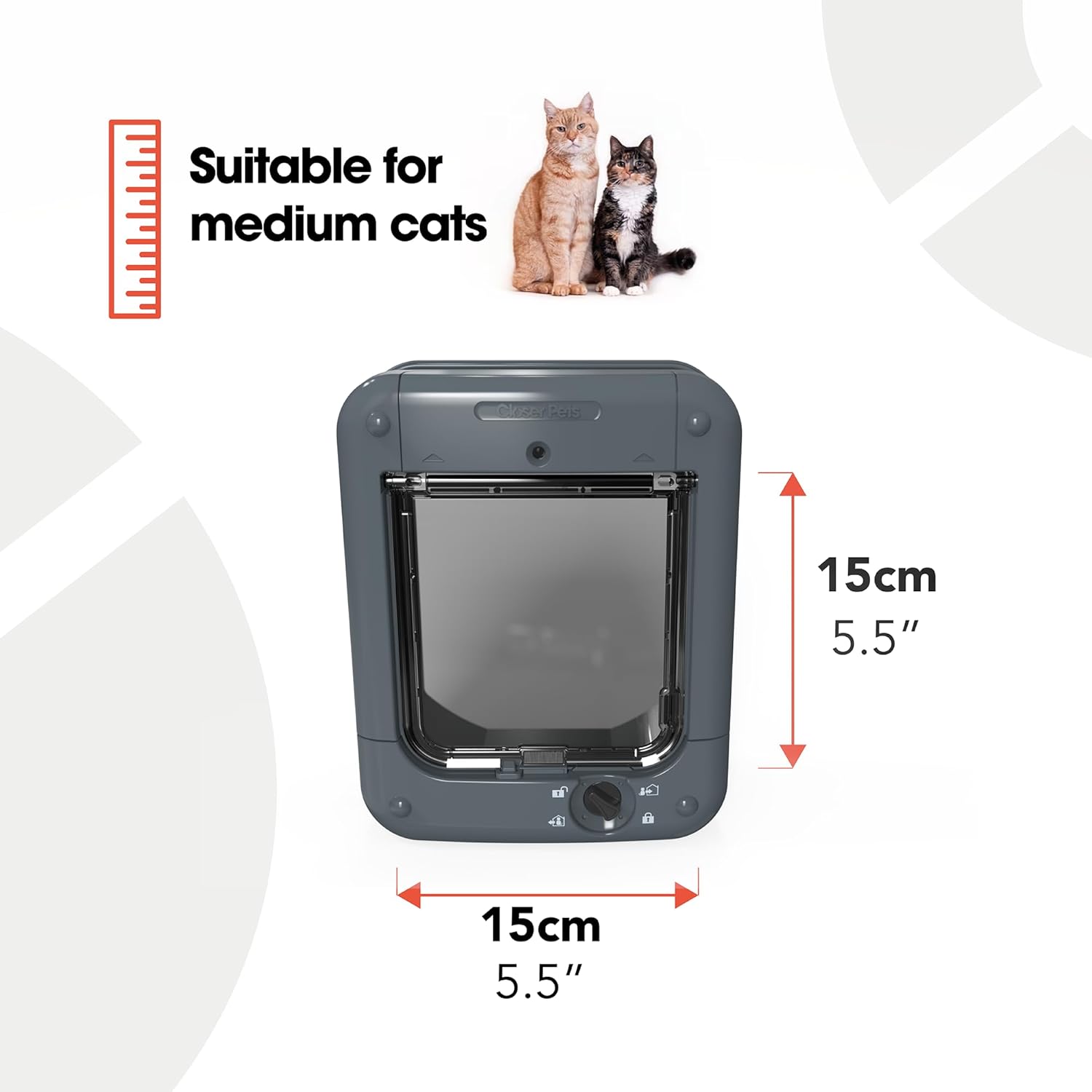
Slika 2: Nazaj view of the Closer Pets Microchip Activated Cat Door. This image shows the rear section of the cat door, which connects to the front section through the door or wall opening.

Slika 3: Podrobno view of the 4-way rotary lock. This image highlights the manual control knob and the icons indicating the four lock settings: Unlocked, In Only, Out Only, and Locked.
Nastavitev in namestitev
Pred namestitvijo:
- Read all instructions carefully before beginning.
- Ensure you have the necessary tools: pencil, drill, jigsaw, screwdriver, measuring tape.
- Verify the door or wall thickness. The unit self-lines to 85mm (3 3/8 inches). For thicker installations or glass/metal, a separate adapter kit may be required.
- Install 4 x AA batteries (not included) into the battery compartment. Ensure correct polarity.
Koraki namestitve:
- Pripravite otvoritev: Use the provided template to mark the cut-out area on your door or wall. The recommended cut-out size is 6 7/8 inches (width) by 7 3/4 inches (height). Carefully cut the opening using a jigsaw.
- Insert the Cat Door: Place the front section of the cat door into the prepared opening from one side.
- Attach the Rear Section: From the opposite side, align and attach the rear section of the cat door to the front section. Ensure they fit snugly together.
- Zavarujte enoto: Use the provided screws to secure both sections of the cat door firmly to the door or wall. Do not overtighten.
- Preverite delovanje: Once installed, manually operate the flap to ensure it swings freely and the 4-way lock functions correctly.
Slika 4: Diagram illustrating the overall and cut-out dimensions of the cat door. The overall size is approximately 7 3/4 inches wide by 9 11/16 inches high. The cut-out size is 6 7/8 inches wide by 7 3/4 inches high.
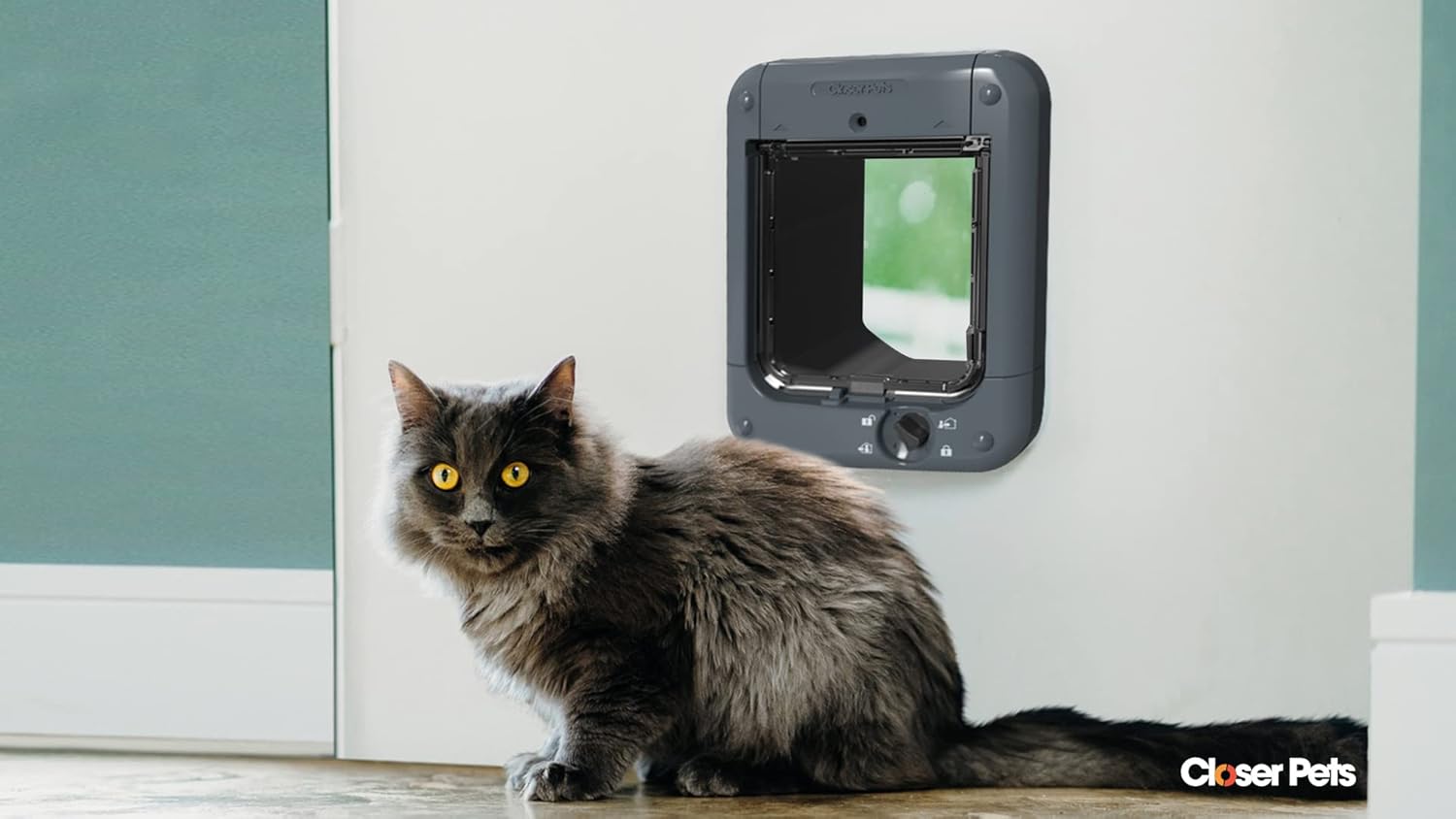
Slika 5: Bivšiample of the cat door installed in a standard interior door, with a cat sitting nearby. This demonstrates the typical appearance of the installed unit.
Navodila za uporabo
Programming Microchips:
The cat door can store up to 30 unique microchip IDs. It is compatible with most common US microchips, including 15-digit ISO, AVIDXX, and AVID Encrypted.
- Vstopite v način programiranja: Locate the 'P' (Program) button, usually near the top of the unit. Press and hold the 'P' button until the indicator light begins to flash.
- Register Microchip: Gently guide your cat's head through the cat door opening. The unit will scan the microchip. Once successfully registered, the indicator light will stop flashing and remain solid for a few seconds, then turn off.
- Repeat for Multiple Cats: Repeat step 2 for each cat you wish to grant access. The unit will automatically save each new microchip.
- Zapustite način programiranja: The unit will automatically exit programming mode after a period of inactivity or once all microchips are registered.

Slika 6: Od blizu view of the 'P' (Program) button, used to initiate the microchip registration process.
4-Way Rotary Lock Settings:
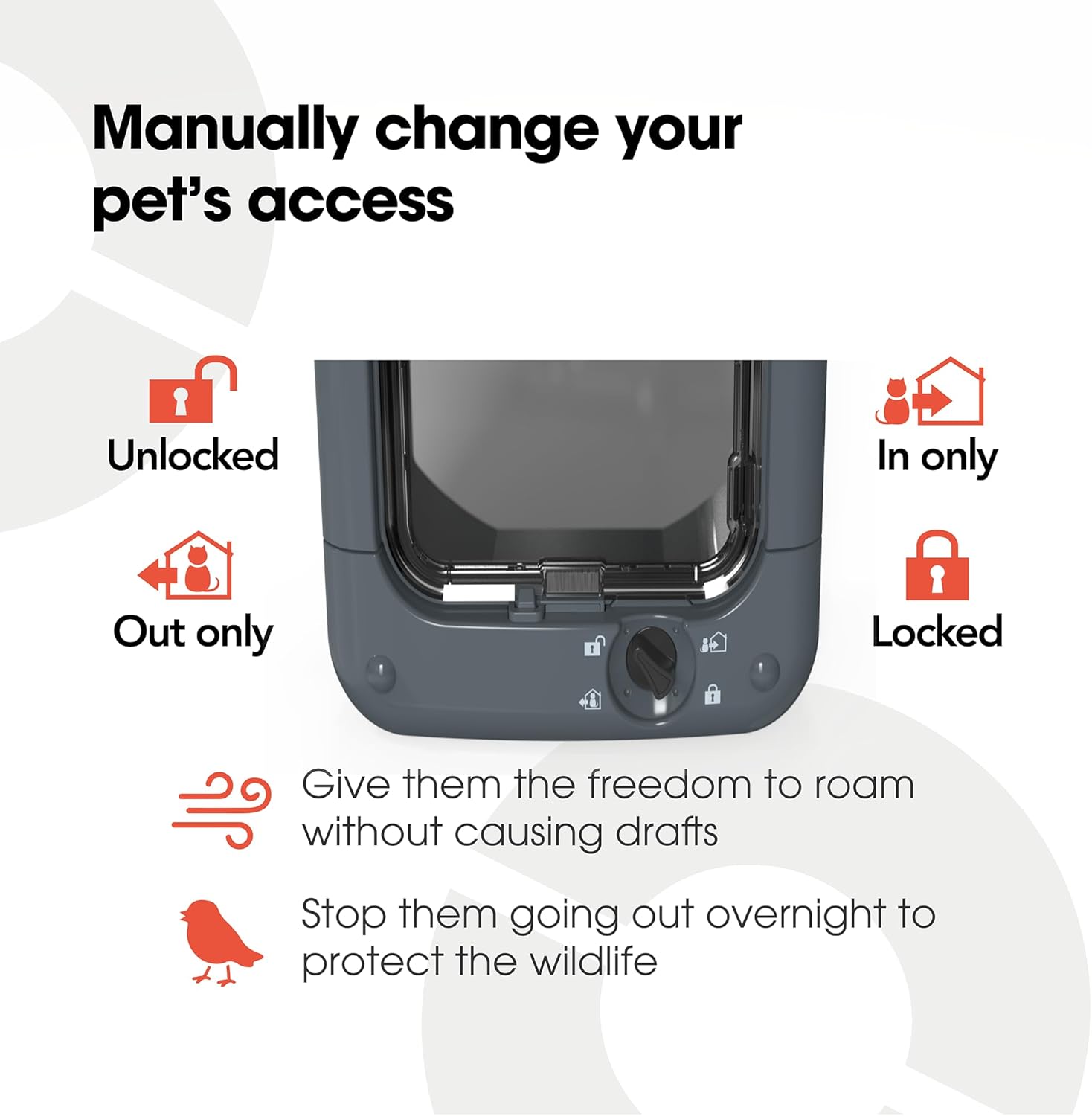
The rotary knob at the bottom of the cat door allows you to manually control your pet's access. Rotate the knob to select one of the four settings:
- Unlocked (Open): Allows free entry and exit for all pets.
- Samo v: Allows pets to enter but not exit. This setting is useful for keeping pets indoors at night or during specific times.
- Samo ven: Allows pets to exit but not enter. This setting is useful for ensuring all pets are outside.
- Zaklenjeno: Prevents both entry and exit.

Slika 7: Visual representation of the four manual lock settings: Unlocked, In Only, Out Only, and Locked, controlled by the rotary knob.
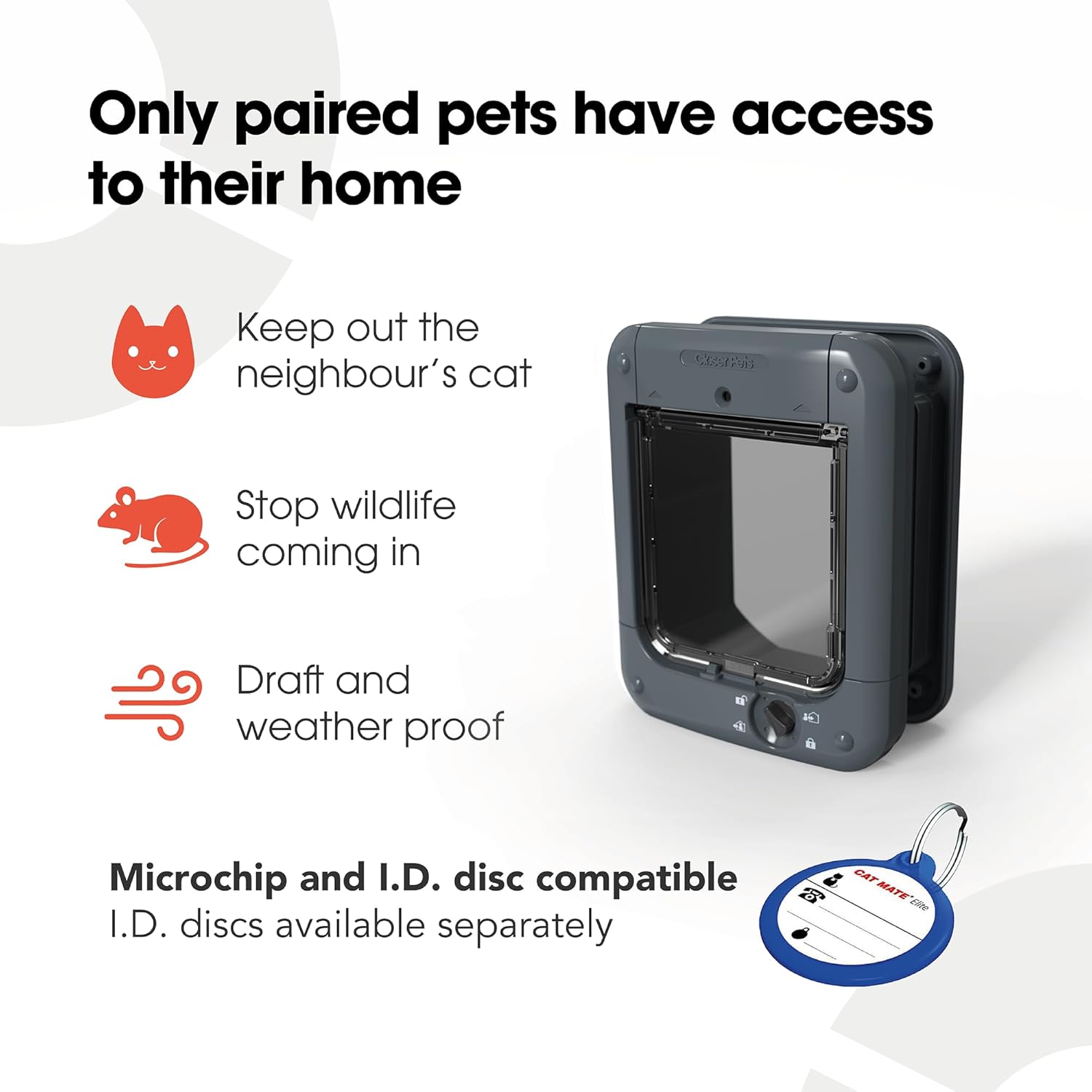
Slika 8: This image highlights key benefits of the microchip cat door, such as preventing entry by unprogrammed animals (neighbor's cats, wildlife) and its draft and weatherproof design.
Vzdrževanje
Čiščenje:
Clean the cat door regularly with a damp cloth and mild detergent. Avoid abrasive cleaners or solvents, as these may damage the plastic components or the electronic reader.
Zamenjava baterije:
The cat door requires 4 x AA batteries. When the batteries are low, an indicator light (if present) will illuminate or flash. To replace the batteries:
- Locate the battery compartment, typically on the top or side of the interior unit.
- Odprite pokrov predala.
- Odstranite stare baterije in jih odgovorno zavrzite.
- Insert new 4 x AA batteries, ensuring correct polarity (+/-).
- Trdno zaprite pokrov prostora za baterije.
Odpravljanje težav
| Težava | Možen vzrok | rešitev |
|---|---|---|
| Cat door not opening for programmed pet. |
|
|
| Vstop neželenih živali. |
|
|
| Flap not swinging freely. |
|
|
Specifikacije
| Funkcija | Podrobnost |
|---|---|
| Številka modela | CP360G |
| Znamka | Bližje hišni ljubljenčki |
| barva | siva |
| Material | Polipropilen (PP) |
| Celotne dimenzije (Š x V) | 7 3/4 inches x 9 11/16 inches (approx. 19.7 cm x 24.6 cm) |
| Cut-out Dimensions (W x H) | 6 7/8 inches x 7 3/4 inches (approx. 17.5 cm x 19.7 cm) |
| Debelina samoobloge | Up to 85mm (3 3/8 inches) |
| Microchip Compatibility | 15-digit ISO, AVIDXX, AVID Encrypted |
| Maximum Registered Cats | 30 |
| Vir napajanja | 4 x AA baterije (niso vključene) |
| Teža predmeta | 2.11 funta (približno 0.96 kg) |
| UPC | 035368901089 |
Garancija in podpora
For warranty information and customer support, please refer to the official Closer Pets webspletno mesto ali se obrnite neposredno na njihovo službo za pomoč strankam. Shranite dokazilo o nakupu za morebitne garancijske zahtevke.
Proizvajalec: Pet Mate Ltd
Closer Pets Store on Amazon: Visit the Closer Pets Store


