1. Uvod
This manual provides detailed instructions for the safe and efficient operation of your NIIMBOT D101 Label Maker Machine. Please read this manual thoroughly before using the device and retain it for future reference.
The NIIMBOT D101 is a portable, wireless label printer designed for various labeling needs in home and office environments. It utilizes thermal printing technology, eliminating the need for ink or toner.

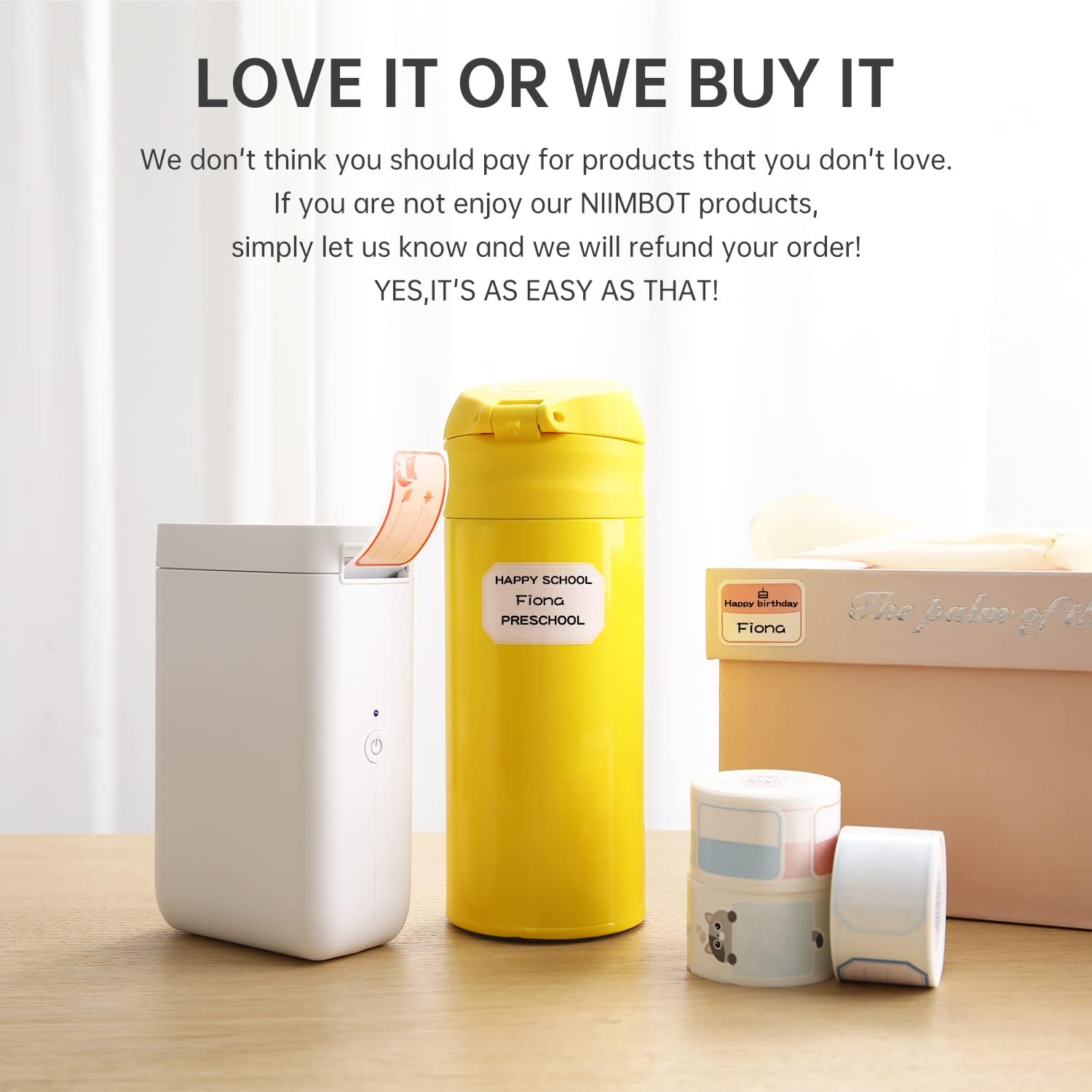
Figure 1: NIIMBOT D101 Label Maker Machine
2. Vsebina paketa
Preverite, ali so v paketu prisotni vsi elementi:
- 1x NIIMBOT D101 Label Maker Machine
- 1x uporabniški priročnik
- 1x USB kabel
- 1x Roll of 0.6*1.6 inch (160pcs) Label Tape (pre-installed or included separately)
Slika 2: Vsebina paketa
3. Nastavitev
3.1 Polnjenje naprave
The NIIMBOT D101 is equipped with a rechargeable battery. Before first use, fully charge the device using the provided USB cable. Connect the USB cable to the charging port on the label maker and to a standard USB power adapter (not included) or computer USB port.
- Polno polnjenje običajno traja približno 2-3 ure.
- Indikatorska lučka bo prikazovala stanje polnjenja (npr. rdeča za polnjenje, zelena za polno napolnjenost).
3.2 Vstavljanje etiketnega papirja
- Odprite pokrov predala za nalepke.
- Vstavite zvitek etiket s tiskalno površino obrnjeno navzgor in se prepričajte, da je pravilno poravnan v predalu.
- Pull a small portion of the label paper out through the printing slot.
- Pokrov predala za nalepke trdno zaprite.

Figure 3: Installing Label Paper
The D101 supports both 0.5-inch and 1-inch label tapes. For 0.5-inch labels, keep the separator in place. For 1-inch labels, the separator can be removed flexibly.

Figure 4: Label Width Adjustment
3.3 Namestitev in povezava aplikacije
- Download the "NIIMBOT" app from your device's app store (App Store for iOS, Google Play for Android).
- Prepričajte se, da je Bluetooth na vašem pametnem telefonu omogočen.
- Turn on the NIIMBOT D101 label maker by pressing and holding the power button. The indicator light will illuminate.
- Open the NIIMBOT app. The app will automatically search for nearby devices. Select your D101 from the list to connect. The device ID is typically found on the product packaging or device itself (e.g., D101-QC0300908).

Figure 5: NIIMBOT App Download

Figure 6: Connecting via Bluetooth
4. Navodila za uporabo
4.1 Creating and Editing Labels
Once connected, use the NIIMBOT app to design your labels. The app offers various features:
- Vnos besedila: Enter text, numbers, and symbols.
- Predloge: Utilize pre-designed templates for common labeling tasks.
- Pisave in slogi: Choose from multiple fonts, sizes, and styles.
- Graphics & Icons: Add various graphics, logos, barcodes, and QR codes.
- Voice & Picture Recognition: The app supports intelligent recognition for easier input.

Figure 7: Label Editing Interface
4.2 Tiskanje etiket
After designing your label in the app:
- Review the label design on your smartphone screen.
- V aplikaciji tapnite gumb »Natisni«.
- The label maker will print the label.
- Carefully tear off the printed label along the serrated edge.

Figure 8: Printing a Label
5. Vzdrževanje
5.1 Čiščenje tiskalne glave
Za optimalno kakovost tiskanja redno čistite tiskalno glavo. Uporabite mehko krpo, ki ne pušča vlaken, in jo rahlo obrišite.ampened with isopropyl alcohol. Gently wipe the print head surface. Do not use abrasive materials or sharp objects.
5.2 Skrb za baterije
- Napravo redno polnite, tudi če je ne uporabljate pogosto, da ohranite zdravje baterije.
- Izogibajte se izpostavljanju naprave ekstremnim temperaturam.
- Če naprave ne boste uporabljali dlje časa, jo pred shranjevanjem napolnite do približno 50 %.
6. Odpravljanje težav
| Težava | Možen vzrok | rešitev |
|---|---|---|
| Naprava se ne vklopi. | Nizka baterija. | Napravo napolnite s kablom USB. |
| Povezave ni mogoče vzpostaviti prek Bluetootha. | Bluetooth is off on phone; device is out of range; app issue. | Ensure Bluetooth is enabled. Move phone closer to device. Restart the app and device. |
| Slaba kakovost tiskanja. | Print head dirty; incorrect label roll installation; low battery. | Clean the print head. Reinstall the label roll correctly. Charge the device. |
| Etikete se ne podajajo pravilno. | Label roll jammed or improperly installed. | Open the compartment, clear any jams, and reinstall the label roll. |
7. Specifikacije
| Funkcija | Podrobnost |
|---|---|
| Model | D101 |
| Dimenzije | 1.8"D x 2.1"Š x 4.6"V |
| Teža | 8.3 unč (0.24 kilograma) |
| Povezljivost | Bluetooth, USB |
| Tehnologija tiskanja | Toplotna |
| Ločljivost tiskanja | 203 dpi (203 x 203 DPI) |
| Največja hitrost tiskanja (enobarvno) | 20 ppm |
| Združljive širine etiket | 0.5" and 1" (12-25mm) |
| Baterija | 1 Lithium Ion battery (1200 mAh) |
| Združljive naprave | Pametni telefoni (Android, iOS) |
8. Informacije o garanciji
The NIIMBOT D101 Label Maker Machine comes with a limited warranty. For specific terms and conditions, please refer to the warranty card included in your package or visit the official NIIMBOT webspletnega mesta. Račun shranite kot dokazilo o nakupu za uveljavljanje garancije.
Vrsta garancije: Omejena garancija
9. Podpora strankam
For further assistance, technical support, or inquiries regarding your NIIMBOT D101 Label Maker Machine, please contact NIIMBOT customer service. Contact information can typically be found on the official NIIMBOT webspletnem mestu ali na embalaži izdelka.
You can also visit the official NIIMBOT store on Amazon for product information and support: NIIMBOT Amazon Store


