1. Izdelek je končanview
The Apple 2021 iPad Pro 3rd Gen (11-inch) is a powerful and versatile tablet designed for a wide range of tasks, from creative work to everyday productivity. This model features the advanced Apple M1 chip, an 11-inch Liquid Retina display, and robust camera systems. This manual provides essential information to help you get the most out of your device.

Slika 1: Spredaj view of the Apple 2021 iPad Pro 3rd Gen (11-inch) in Space Gray, displaying a vibrant wallpaper.
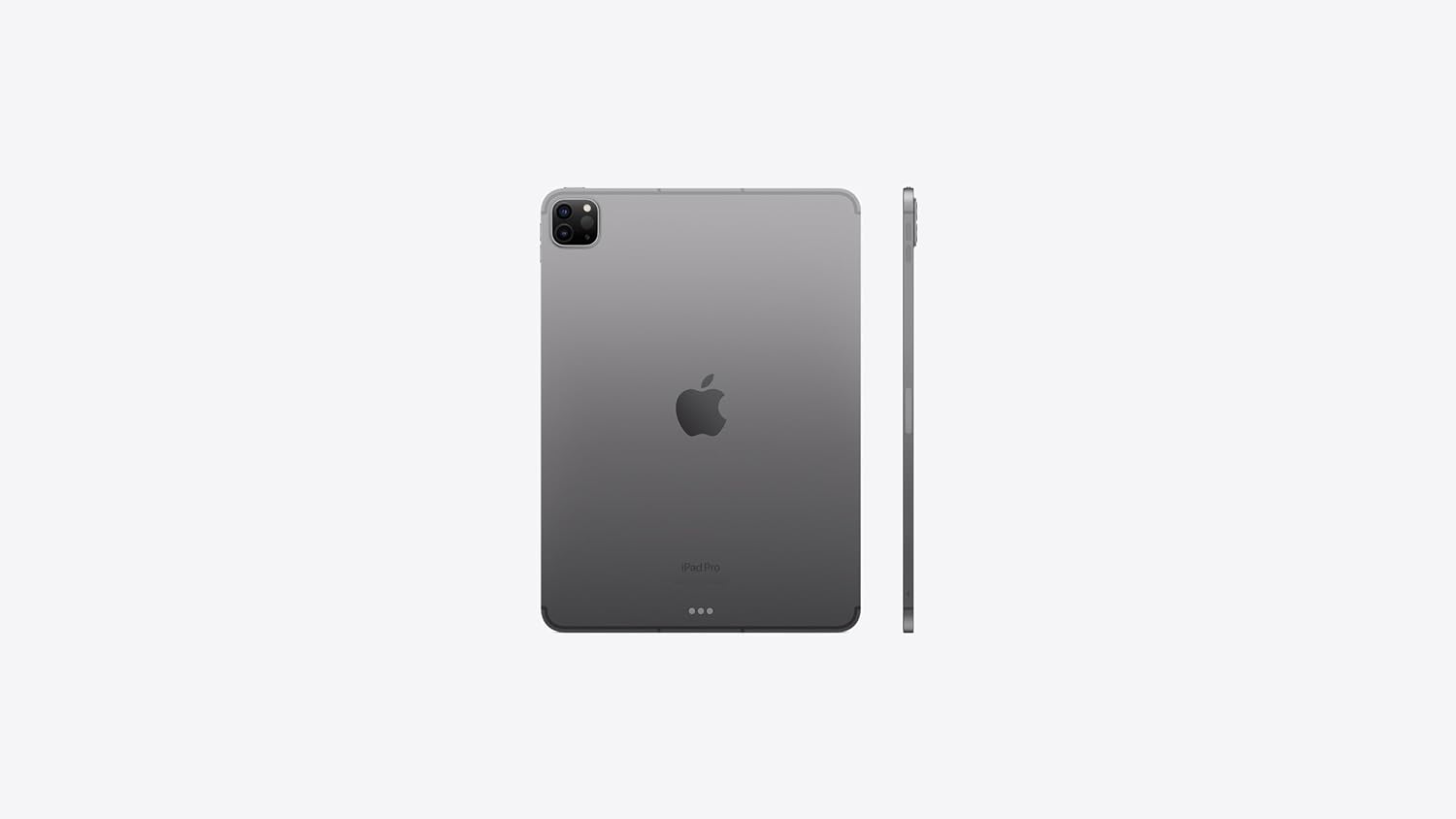
Slika 2: Zadaj in ob strani view of the Apple 2021 iPad Pro 3rd Gen (11-inch) in Space Gray, highlighting the camera module and slim profile.
2. Nastavitev
2.1 Začetni vklop
- Pritisnite in držite Gumb na vrhu dokler se ne prikaže logotip Apple.
- Sledite navodilom na zaslonu, da izberete jezik in regijo.
2.2 Nastavitev Apple ID-ja
An Apple ID is required to access services like the App Store, iCloud, and FaceTime. If you don't have one, you can create it during the setup process.
- Enter your existing Apple ID and password, or select "Forgot password or don't have an Apple ID?" to create a new one.
2.3 Omrežna povezava
Connect your iPad to a Wi-Fi network or activate cellular data.
- For Wi-Fi: Select your network from the list and enter the password.
- For Cellular: Insert a nano-SIM card (if not pre-installed) and follow the activation steps from your carrier.
2.4 Prenos podatkov
If you are upgrading from another device, you can transfer your data during setup.
- Options include restoring from an iCloud backup, restoring from a Mac or PC backup, or using Quick Start with another iOS device.
2.5 Face ID Configuration
Set up Face ID for secure authentication and Apple Pay.
- Follow the on-screen prompts to scan your face.
3. Navodila za uporabo
3.1 Osnovna navigacija
The iPad Pro uses intuitive multi-touch gestures for navigation.
- Povlecite navzgor: Pojdite na začetni zaslon.
- Swipe Up and Pause: View open apps (App Switcher).
- Swipe Down from Top Right: Access Control Center.
- Swipe Down from Top Center: Dostop do centra za obveščanje.
3.2 Upravljanje aplikacij
Download, organize, and remove applications.
- Prenesi aplikacije: Use the App Store.
- Organizirajte aplikacije: Touch and hold an app icon until it jiggles, then drag it to a new location or into a folder.
- Delete Apps: Touch and hold an app icon, then tap "Remove App" and confirm.
3.3 Uporaba Apple Pencil-a (2. generacije)
The iPad Pro supports the 2nd Generation Apple Pencil for drawing, note-taking, and navigation.
- Seznanjanje: Attach the Apple Pencil magnetically to the right side of your iPad Pro. It will automatically pair and charge.
- Dvojni tap: Quickly switch between tools (e.g., pen and eraser) in supported apps.
3.4 Using Magic Keyboard
The Magic Keyboard transforms your iPad Pro into a laptop-like experience with a full-size keyboard and trackpad.
- Pritrditev: Align the iPad Pro with the magnetic connectors on the Magic Keyboard.
- Geste sledilne ploščice: Utilize familiar multi-touch gestures for navigation and interaction.
3.5 Funkcije kamere
The iPad Pro features advanced cameras for photography, videography, and augmented reality.
- Zadnji fotoaparati: 12MP Wide and 10MP Ultra Wide cameras for high-quality photos and 4K video recording.
- LiDAR skener: Enhances augmented reality (AR) experiences and improves autofocus in low-light conditions.
- Sprednja kamera: TrueDepth camera system with Ultra Wide lens and Center Stage za izboljšane video klice.
4. Vzdrževanje
4.1 Cleaning Your iPad Pro
To maintain the display and finish of your iPad Pro, follow these guidelines:
- Uporabite mehko krpo, ki ne pušča vlaken.
- Izogibajte se abrazivnim krpam, brisačam, papirnatim brisačam ali podobnim predmetom.
- Ne uporabljajte aerosolnih razpršil, topil ali abrazivnih sredstev.
- Unplug all cables and power off your iPad Pro before cleaning.
4.2 Posodobitve programske opreme
Keep your iPad Pro updated to the latest iPadOS version for optimal performance and security.
- Pojdi na Nastavitve > Splošno > Posodobitev programske opreme.
- If an update is available, tap "Download and Install."
4.3 Upravljanje shranjevanja
Monitor and manage your device's storage to ensure smooth operation.
- Pojdi na Nastavitve > Splošno > Shramba iPada do view usage and recommendations.
4.4 Skrb za baterije
Optimize battery life and longevity.
- Izogibajte se ekstremnim temperaturam.
- Poskrbite za posodabljanje programske opreme.
- Adjust screen brightness and enable Auto-Lock.
- Uporabite način nizke porabe energije, ko je baterija skoraj prazna.
5. Odpravljanje težav
5.1 Naprava se ne odziva
If your iPad Pro is unresponsive, try a force restart.
- Pritisnite in hitro spustite Gumb za povečanje glasnosti.
- Pritisnite in hitro spustite Gumb za zmanjšanje glasnosti.
- Pritisnite in držite Gumb na vrhu dokler se ne prikaže logotip Apple.
5.2 Težave s povezljivostjo
If you experience problems with Wi-Fi or cellular connection:
- Toggle Wi-Fi or Cellular Data off and on in Control Center or Settings.
- Znova zaženite usmerjevalnik (za Wi-Fi).
- Ponastavitev omrežnih nastavitev: Pojdite na Nastavitve > Splošno > Prenos ali ponastavitev iPada > Ponastavi > Ponastavi omrežne nastavitve.
5.3 Ponastavitev na tovarniške nastavitve
If issues persist, you may need to erase all content and settings. Warning: This will delete all data on your iPad. Ensure you have a backup.
- Pojdi na Nastavitve > Splošno > Prenos ali ponastavitev iPada > Izbriši vso vsebino in nastavitve.
6. Specifikacije
| Funkcija | Podrobnost |
|---|---|
| Model | iPad Pro 11" (3rd Generation) |
| Procesor | Čip Apple M1 (8-jedrni procesor, 10-jedrni grafični procesor) |
| Zaslon | 11-inch Liquid Retina display with ProMotion, True Tone, P3 wide color |
| Ločljivost zaslona | 2388x1668 pixels at 264 ppi |
| Zmogljivost shranjevanja | 128 GB |
| RAM | 8 GB |
| Zadnja kamera | 12MP Wide, 10MP Ultra Wide, LiDAR Scanner |
| Sprednja kamera | TrueDepth with Ultra Wide and Center Stage |
| Povezljivost | Wi-Fi 6E, Cellular (5G), Bluetooth 5.0 |
| Pristanišča | USB-C (Thunderbolt / USB 4) |
| Operacijski sistem | iPadOS |
| Življenjska doba baterije | Up to 10 hours (Wi-Fi browsing or video playback) |
| Dimenzije (DxŠxV) | 9.75 x 7.03 x 0.23 palcev |
| Teža | 1.03 funtov |
| barva | Vesoljsko siva |
7. Garancija in podpora
7.1 Obnovljena garancija Amazona
This product is covered by the Amazon Renewed Guarantee. If you are not satisfied with your purchase, renewed products are eligible for replacement or refund within 90 days of receipt.
- Za podrobnosti obiščite Prenovljena trgovina Amazon.
7.2 Tehnična podpora
For further assistance with your Apple iPad Pro, please refer to Apple's official support resources.
- Obiščite uradnika Podpora Apple website for iPad.


