1. Uvod
The MAYBESTA Professional Wireless Lavalier Lapel Microphone is designed for high-quality audio recording with ease of use. This cordless, omnidirectional condenser microphone system offers a plug-and-play experience, eliminating the need for messy cables, extra adapters, or complex applications. It is ideal for various applications including live streaming, music recording, interviews, YouTube videos, podcasts, and vlogging. Its compact and lightweight design ensures portability, allowing users to easily clip it onto clothing for hands-free operation. The microphone features intelligent noise reduction technology to deliver clear and professional audio by minimizing background noise and vocal echoing.

Image 1.1: The MAYBESTA wireless lavalier microphone (left) and its USB-C receiver (right).
2. Ključne značilnosti
- Easy Automatic Connection: No adapter, Bluetooth, or application is needed. Simply plug the receiver into your device (USB interface), turn on the portable mic, and the two parts will pair automatically. Ensure the USB OTG setting on your device is enabled.
- Vsesmerni sprejem zvoka: Equipped with a high-density spray-proof sponge and a high-sensitivity microphone, it captures sound clearly from all directions within a 50ft range (without obstacles).
- Inteligentno zmanjšanje hrupa: Built-in noise-canceling technology effectively reduces vocal echoing and background noise, ensuring professional, clean, and clear audio.
- Široka združljivost: Features a Type-C connector and a USB-A to Type-C charging cable, making it compatible with Android smartphones (Android 6.0 or above with USB-C), laptops, and personal computers with USB-A interfaces.
- Compact and Exquisite Design: The entire kit weighs approximately 20g, making it highly portable for outdoor recording or videoing. Its mini size allows for easy clipping onto collars or pockets, freeing your hands.

Image 2.1: Visual representation of key features including automatic connection, omnidirectional sound reception, and wireless transmission.
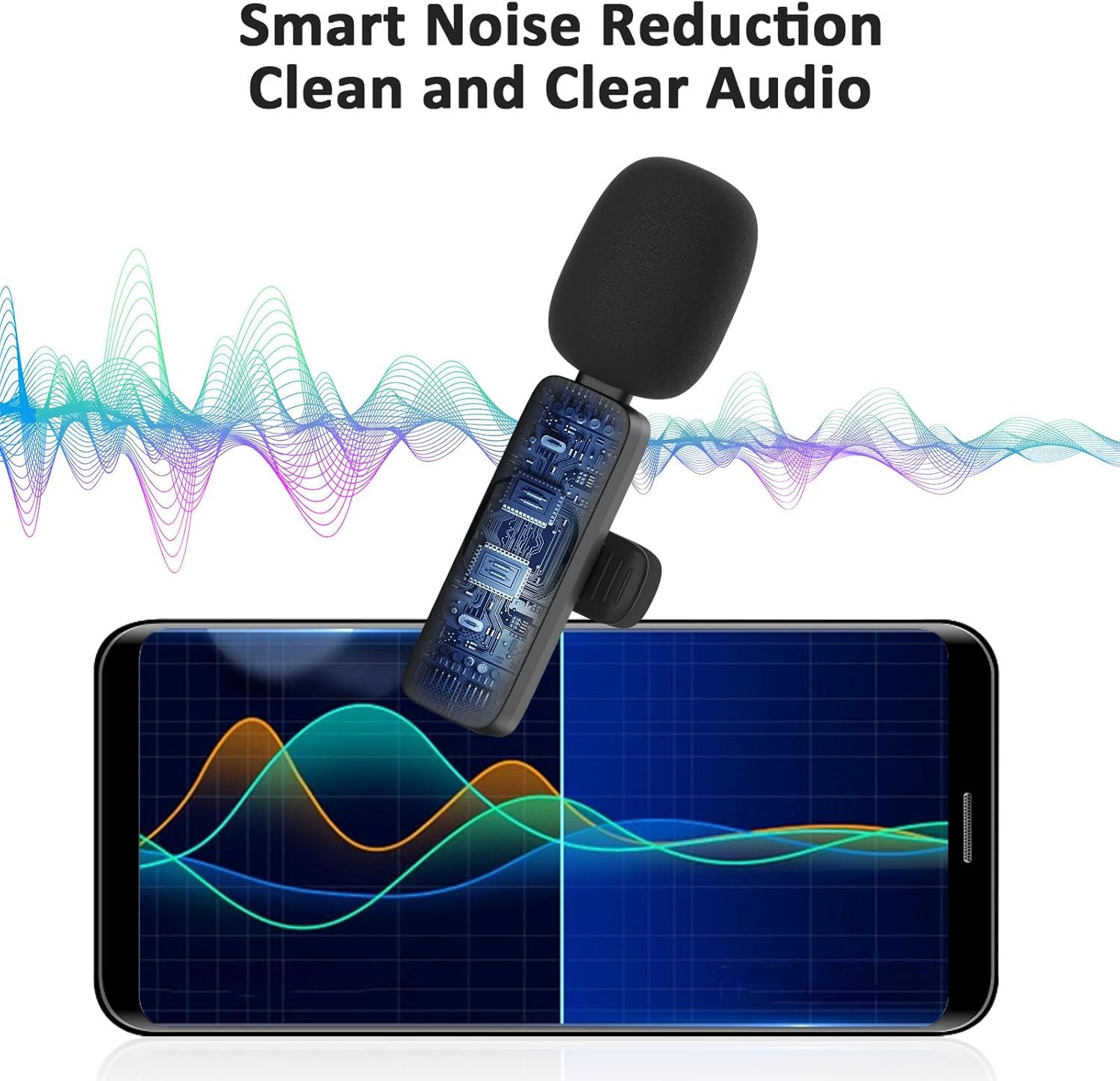
Image 2.2: Diagram illustrating the smart noise reduction capability of the microphone for clean and clear audio.
3. Vsebina paketa
Po razpakiranju preverite vsebino paketa, da se prepričate, da so prisotne vse komponente:
- 1 x MAYBESTA Wireless Lavalier Microphone (Transmitter)
- 1 x USB-C sprejemnik
- 1 x polnilni kabel USB-A v Type-C
- 1 x Uporabniški priročnik (ta dokument)
4. Navodila za namestitev
Follow these steps to set up your MAYBESTA Wireless Lavalier Microphone:
- Napolnite mikrofon: Before first use, ensure both the microphone transmitter and the receiver are sufficiently charged using the provided USB-A to Type-C charging cable.
- Enable USB OTG (On-The-Go) on Your Device: For Android devices, it is crucial to enable the USB OTG function in your device's settings. This allows the device to recognize external USB accessories like the microphone receiver. The exact location of this setting may vary by device model (e.g., Settings > System > OTG, or search for "OTG" in settings).
- Povežite sprejemnik: Plug the USB-C receiver directly into the USB-C port of your Android smartphone or the USB-A port of your laptop/computer (using an appropriate adapter if necessary, though the receiver is USB-C).
- Vklop mikrofona: Press and hold the power button on the microphone transmitter. The LED indicator light on the microphone will illuminate.
- Samodejno seznanjanje: The microphone and receiver are designed to pair automatically upon power-on. Once successfully paired, the LED light on the microphone will typically turn solid green or blue, indicating a stable connection.

Image 4.1: Visual guide for the plug-and-play setup process, highlighting the importance of enabling the OTG option.
5. Navodila za uporabo
Once the microphone and receiver are successfully paired, you can begin recording or streaming:
- Umestitev: Clip the microphone onto your collar or clothing, ensuring it is positioned to capture your voice clearly. For optimal sound, keep it approximately 6-8 inches from your mouth.
- Snemanje/pretakanje: Open your desired recording application (e.g., camera app, voice recorder, live streaming platform) on your connected device. The device should automatically recognize the external microphone.
- Monitoring (if applicable): Some devices or applications allow for real-time audio monitoring. Check your device's audio settings or app preferences for this option.
- Ending Session: To stop recording, simply close the application. To power off the microphone, press and hold the power button until the LED indicator turns off. Disconnect the receiver from your device.

Slika 5.1: Primeramples of the microphone's wide range of applications, including online teaching, video recording, live streaming, and interviews.
6. Vzdrževanje
Proper care and maintenance will extend the lifespan of your microphone:
- Čiščenje: Use a soft, dry cloth to wipe the microphone and receiver. Do not use liquid cleaners or solvents.
- Shranjevanje: Store the microphone and receiver in a cool, dry place away from direct sunlight and extreme temperatures.
- Vzdrževanje baterije: Recharge the microphone regularly, even if not in frequent use, to maintain battery health. Avoid fully discharging the battery for extended periods.
- Ravnajte previdno: Avoid dropping the device or subjecting it to strong impacts, which can damage internal components.
7. Odpravljanje težav
If you encounter issues with your MAYBESTA Wireless Lavalier Microphone, refer to the following common solutions:
| Težava | Možen vzrok/rešitev |
|---|---|
| Microphone not connecting/pairing. |
|
| Ni zvoka ali pa je zvok nizek. |
|
| Kakovost zvoka je slaba ali popačena. |
|
| Device not recognizing the receiver. |
|
8. Specifikacije
| Funkcija | Podrobnost |
|---|---|
| Blagovna znamka | MAJBESTA |
| Ime modela | WM150 |
| Tehnologija povezljivosti | Brezžični USB |
| Vrsta priključka | USB-C (Receiver) |
| Polarni vzorec | Vsesmerno |
| Posebne lastnosti | Indikatorska lučka baterije, sponka, funkcija utišanja, zmanjševanje šuma |
| Združljive naprave | Android Smartphones (USB-C, Android 6.0+), Laptops, Personal Computers (USB-A) |
| barva | Črna |
| Dimenzije izdelka | 5.7 x 1.5 x 2.3 cm |
| Teža predmeta | 19.98 g (approx. 20g) |
| Baterije | Potrebna je 1 baterija tipa C (priložena) |
| Proizvajalec | Maybesta |

Image 8.1: Visual guide to the wide range of compatible devices, including various Android smartphones and computers.

Image 8.2: Illustration of the universal wireless system, highlighting the 50-foot wireless transmission range and low latency.
9. Garancija in podpora
For information regarding the product warranty, please refer to the documentation provided with your purchase or contact the manufacturer directly. MAYBESTA aims to provide reliable products and customer support.
If you require technical assistance or have questions not covered in this manual, please reach out to MAYBESTA customer service through their official webspletno mesto ali prodajalec, pri katerem ste izdelek kupili.


