1. Uvod
Welcome to the instruction manual for your SUPVAN E10 & E11 compatible label maker tape. This document provides essential information for the proper use, installation, and care of your label tape to ensure optimal performance and longevity.
2. Značilnosti izdelka
The SUPVAN E10 & E11 label maker tape is engineered with several key features to enhance your labeling experience:
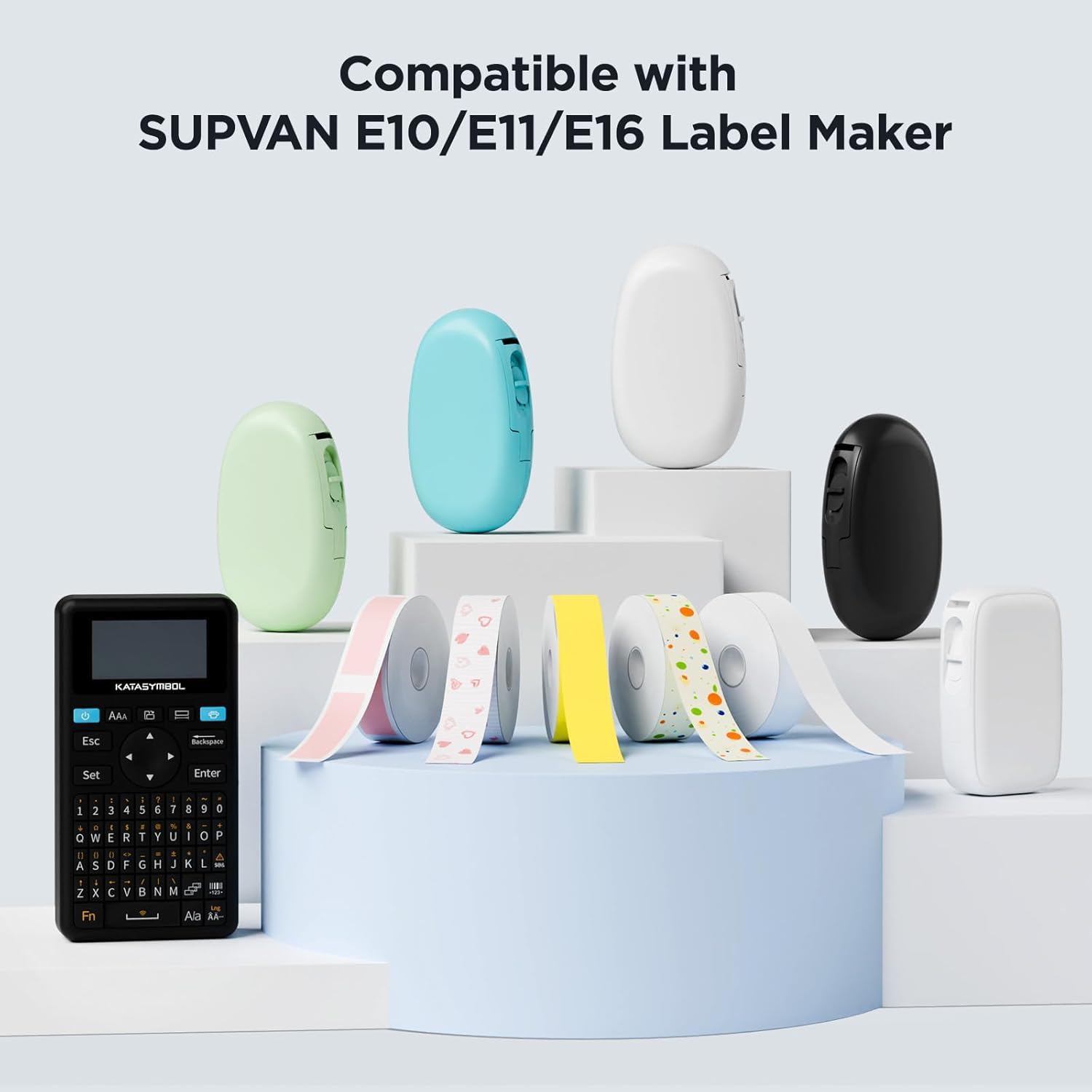
- Združljivost: Designed for SUPVAN E10 & E11 label makers, with dimensions of 0.59 inches × 19.7 feet (15 mm × 6m) in white.
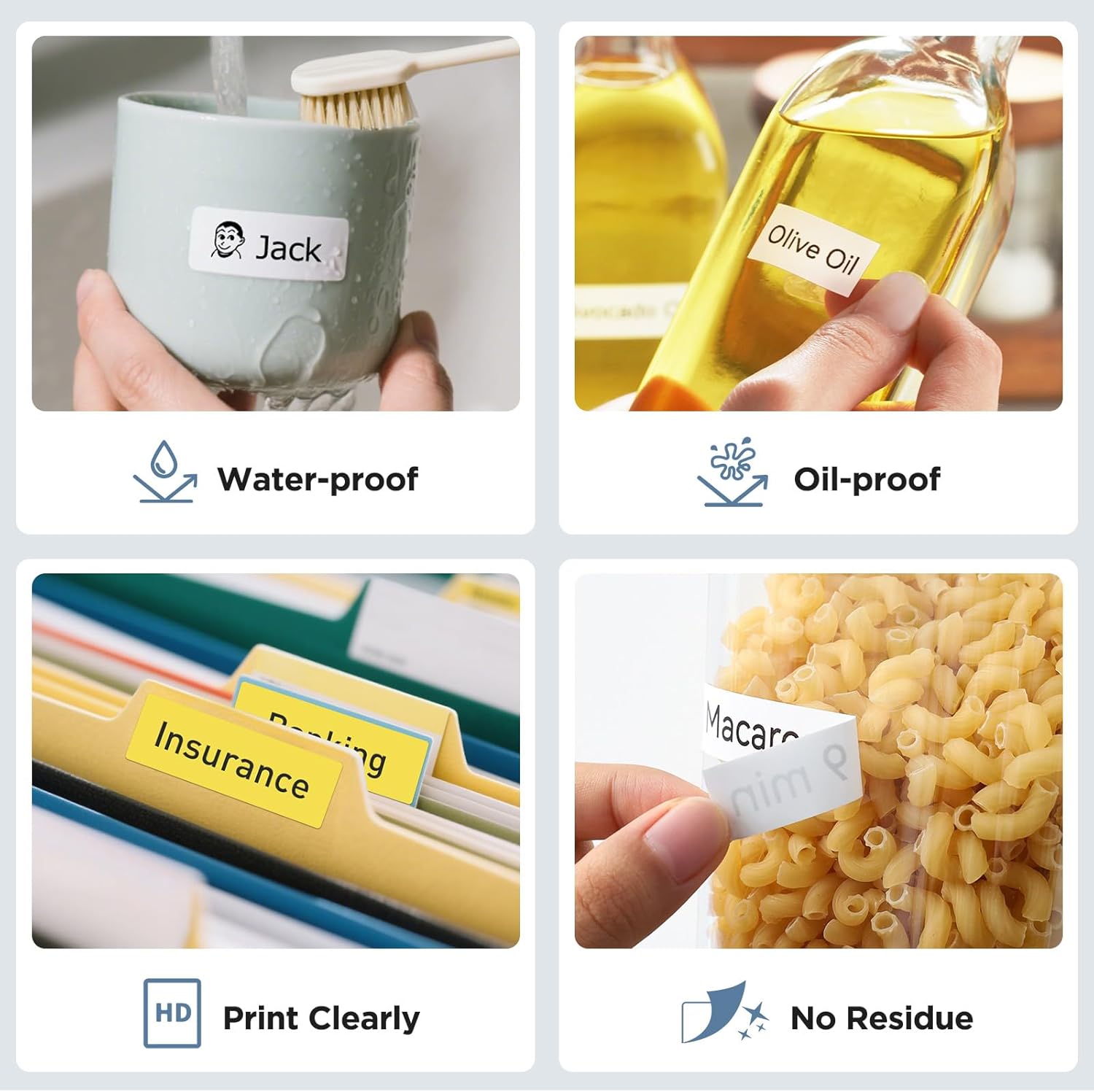
- Genuine Quality: Constructed from multi-layer synthetic material, offering resistance to water, oil, and extreme temperatures. Provides extended durability for up to 5 years.
- Varnost: BPA-free, meeting safety standards for use with baby products, suitable for labeling food, cosmetics, and other consumables.
- oprijem: Features strong adhesiveness for secure placement, yet is easy to tear off without leaving residue.
- Pametno zaznavanje: Equipped with RFID auto-detection for instant size recognition by your printer, minimizing misalignment errors and reducing material waste through precise paper-feeding.
3. Navodila za namestitev
Follow these steps to properly install the label tape into your compatible SUPVAN label maker:
- Odprite pokrov etiketirke: Locate and open the tape compartment cover on your SUPVAN E10 or E11 label maker.
- Insert the Tape Cassette: Carefully insert the SUPVAN label tape cassette into the compartment. Ensure it clicks securely into place. The tape should feed smoothly into the printer mechanism.
- Zaprite pokrov: Close the tape compartment cover until it latches.
- Initial Feed (if necessary): Some label makers may require a short initial feed to align the tape. Refer to your label maker's specific manual for details.
4. Navodila za uporabo
Once installed, use your label maker to print and apply labels according to your needs:
- Oblikujte svojo etiketo: Use the SUPVAN label maker's interface or companion app to design your label text, font, and any graphics.
- Natisni: Initiate the printing process. The label maker will automatically detect the tape size and feed it correctly.
- Rez: After printing, use the label maker's integrated cutter to separate the label from the tape roll.
- Olupite in nanesite: Carefully peel the backing from the printed label and apply it to a clean, dry surface. Press firmly to ensure good adhesion.

5. Vzdrževanje in shranjevanje
To maintain the quality and performance of your SUPVAN label tape:
- Shranjevanje: Store unused tape cassettes in a cool, dry place away from direct sunlight and extreme temperatures.
- Ravnanje: Avoid touching the adhesive side of the tape to prevent contamination that could reduce stickiness.
- Čiščenje: If the label maker's print head or tape path becomes dirty, refer to your label maker's manual for cleaning instructions. Do not attempt to clean the tape itself.
6. Odpravljanje težav
If you encounter issues with your label tape, consider the following:
- Slaba kakovost tiskanja: Ensure the tape is correctly installed and the label maker's print head is clean. Check if the tape is expired or damaged.
- Tape Not Feeding: Verify the tape cassette is properly seated in the label maker. Check for any obstructions in the tape path.
- Etikete se ne lepijo: Ensure the application surface is clean, dry, and smooth. Avoid applying labels to heavily textured or oily surfaces.
- RFID Detection Error: Re-insert the tape cassette to ensure proper contact with the label maker's RFID reader.
7. Specifikacije izdelka
| Specifikacija | Podrobnost |
|---|---|
| Znamka | SUPVAN |
| Številka modela artikla | E10, 15 mm*6 m, 1 ,Blanc |
| Združljivi modeli | SUPVAN E10, E11 |
| Širina traku | 0.59 palcev (15 mm) |
| Dolžina traku | 19.7 čevljev (6 m) |
| barva | Črno na belem |
| Vrsta materiala | Laminated Thermal Paper |
| Posebne lastnosti | Waterproof, Oilproof, Child-Safe (BPA-free), Durable, Highly Adhesive, Residue-Free, Smart RFID Auto-Detection |
| Teža predmeta | 0.6 unč |
| Dimenzije izdelka | 5.12 x 3.15 x 0.59 palcev |

8. Garancija in podpora
For product support, technical assistance, or warranty inquiries, please contact SUPVAN customer service. While specific warranty details for the tape are not provided, the product is designed for extended durability. Please refer to your purchase documentation for return policy details, which may include an extended return period.
For further assistance, visit the official SUPVAN webspletno mesto ali se obrnite na njihove kanale za podporo.
9. Dodatne informacije
This label tape is suitable for a wide range of applications, from organizing household items to professional document sorting and school supplies. Its durable and safe design makes it a versatile choice for various labeling needs.

Note: No official product videos with 'Seller' creator type were found in the provided data to embed.


