Uvod
Thank you for choosing the realme Techlife Robot 2-in-1 Vacuum Cleaner with Mopping. This device is designed to provide efficient and convenient floor cleaning with advanced features. This manual provides essential information for safe operation, setup, maintenance, and troubleshooting to ensure optimal performance of your robot vacuum cleaner.

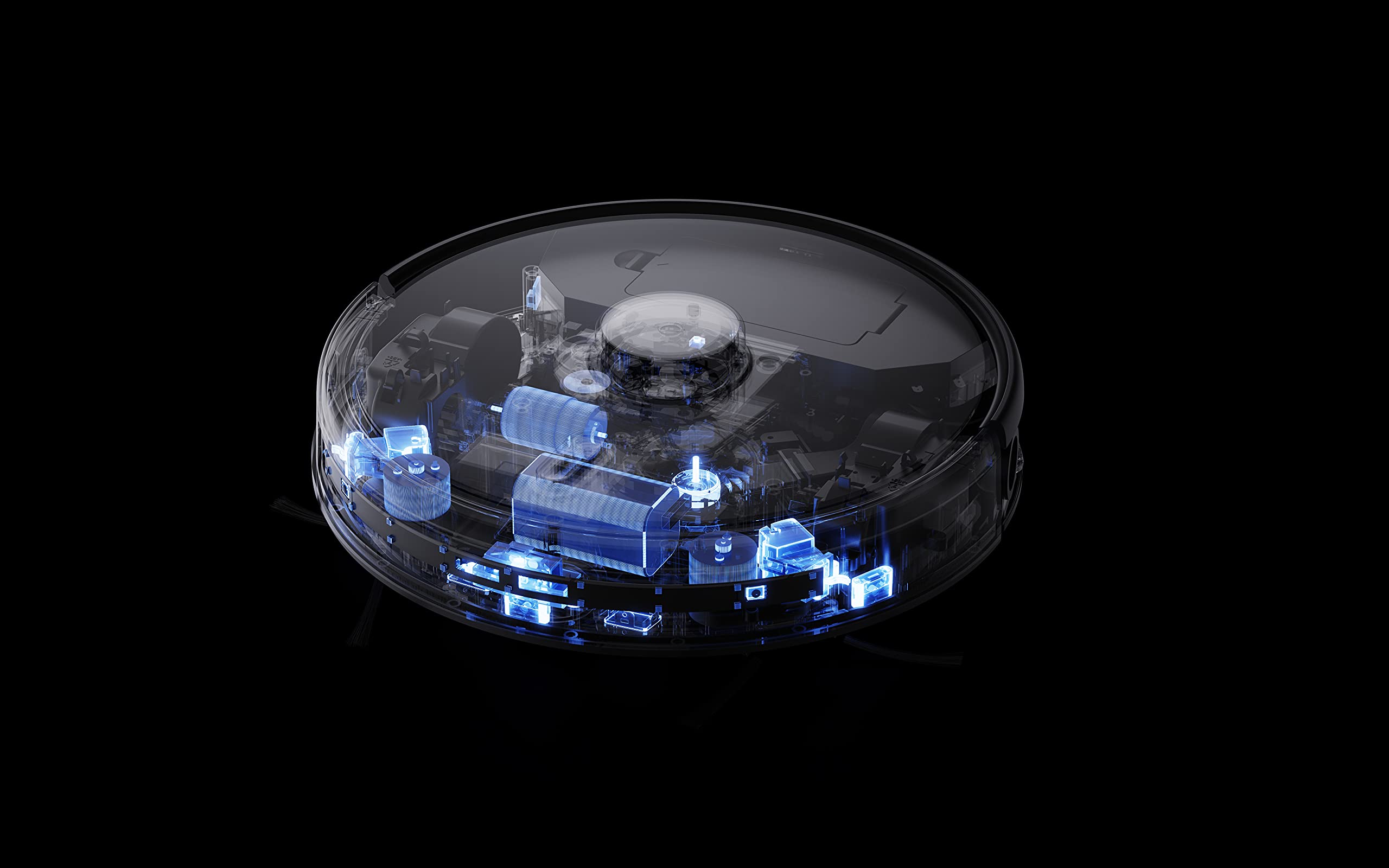
The realme Techlife Robot 2-in-1 Vacuum Cleaner, showcasinzaradi elegantne zasnove in kompaktne oblike.
Varnostne informacije
Before using the appliance, please read this user manual carefully and keep it for future reference. This device is intended for indoor use only. Do not use it in commercial or industrial environments. Ensure the charging dock is placed on a flat surface against a wall, with no obstacles within 1 meter in front and 0.5 meters on either side. Keep the device away from water and moisture. Do not allow children or pets to play with the device. Always supervise children when the device is in operation. Do not use the device to clean liquids, burning objects, or sharp objects. Regularly check the brushes and wheels for tangled hair or debris.
Vsebina paketa
Ob razpakiranju preverite, ali so vsi predmeti prisotni in v dobrem stanju.
- realme Techlife Robot Vacuum Cleaner
- Polnilna postaja
- Napajalni adapter
- Rezervoar za vodo
- Daljinski upravljalnik
- Stranske krtače (2 para)
- Glavna krtača
- Orodje za čiščenje
- Uporabniški priročnik
Konec izdelkaview
Vrh View
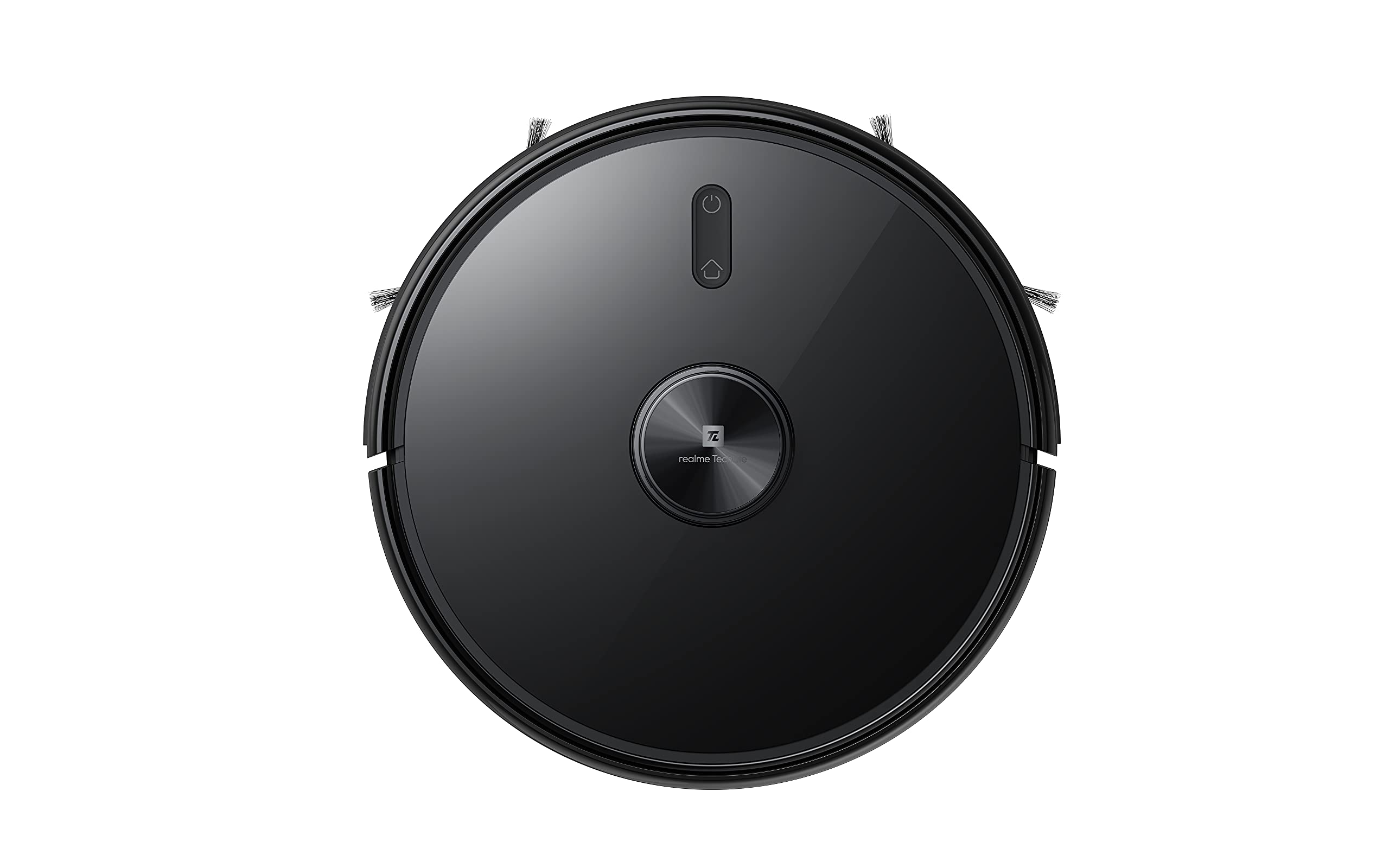
Vrh view of the robot vacuum, showing the power button and LiDAR sensor housing.
The top of the robot features the LiDAR navigation sensor for accurate mapping and navigation, along with control buttons for starting/pausing cleaning and returning to the charging dock.
Spodaj View
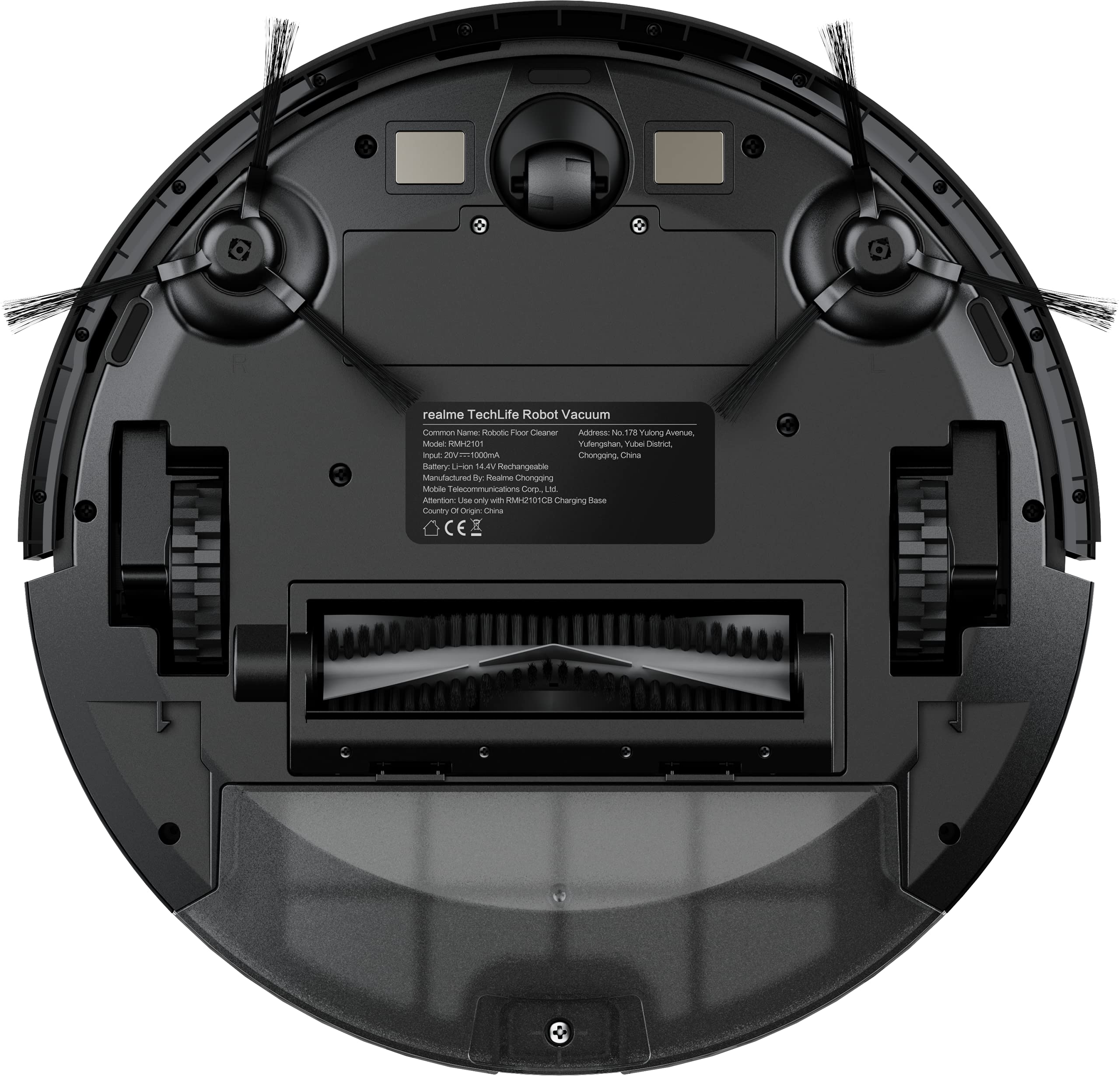
The underside of the robot vacuum, displaying the main brush, side brushes, and wheels.
The bottom of the robot includes the main rolling brush, two side brushes for edge cleaning, driving wheels, and cliff sensors to prevent falls.
Nastavitev
1. Namestitev polnilne postaje
Place the charging dock against a wall on a hard, level surface. Ensure there are no obstacles within 1 meter (3 feet) in front of the dock and 0.5 meters (1.5 feet) on either side to allow the robot to easily dock and undock.
2. Začetno polnjenje
Connect the power adapter to the charging dock and plug it into a wall outlet. Place the robot onto the charging dock. The robot will automatically begin charging. For first-time use, ensure the robot is fully charged (approximately 6 hours) before its initial cleaning cycle. The 5200mAh battery provides up to 300 minutes of cleaning time on a full charge.
3. App Connection (realme Link App)
- Prenesite realme povezava aplikacijo iz trgovine z aplikacijami na vašem pametnem telefonu.
- Ustvarite račun ali se prijavite.
- Follow the in-app instructions to add your realme Techlife Robot Vacuum Cleaner. This typically involves turning on the robot, resetting its Wi-Fi, and connecting to your home Wi-Fi network.
- Ko je povezava vzpostavljena, lahko upravljate robota, view cleaning maps, set schedules, and adjust cleaning modes remotely.
Navodila za uporabo
1. Zagon cikla čiščenja
Press the power button on the robot or use the realme Link app to start a cleaning cycle. The robot will use its advanced LiDAR navigation technology to map your home and plan an efficient cleaning path.
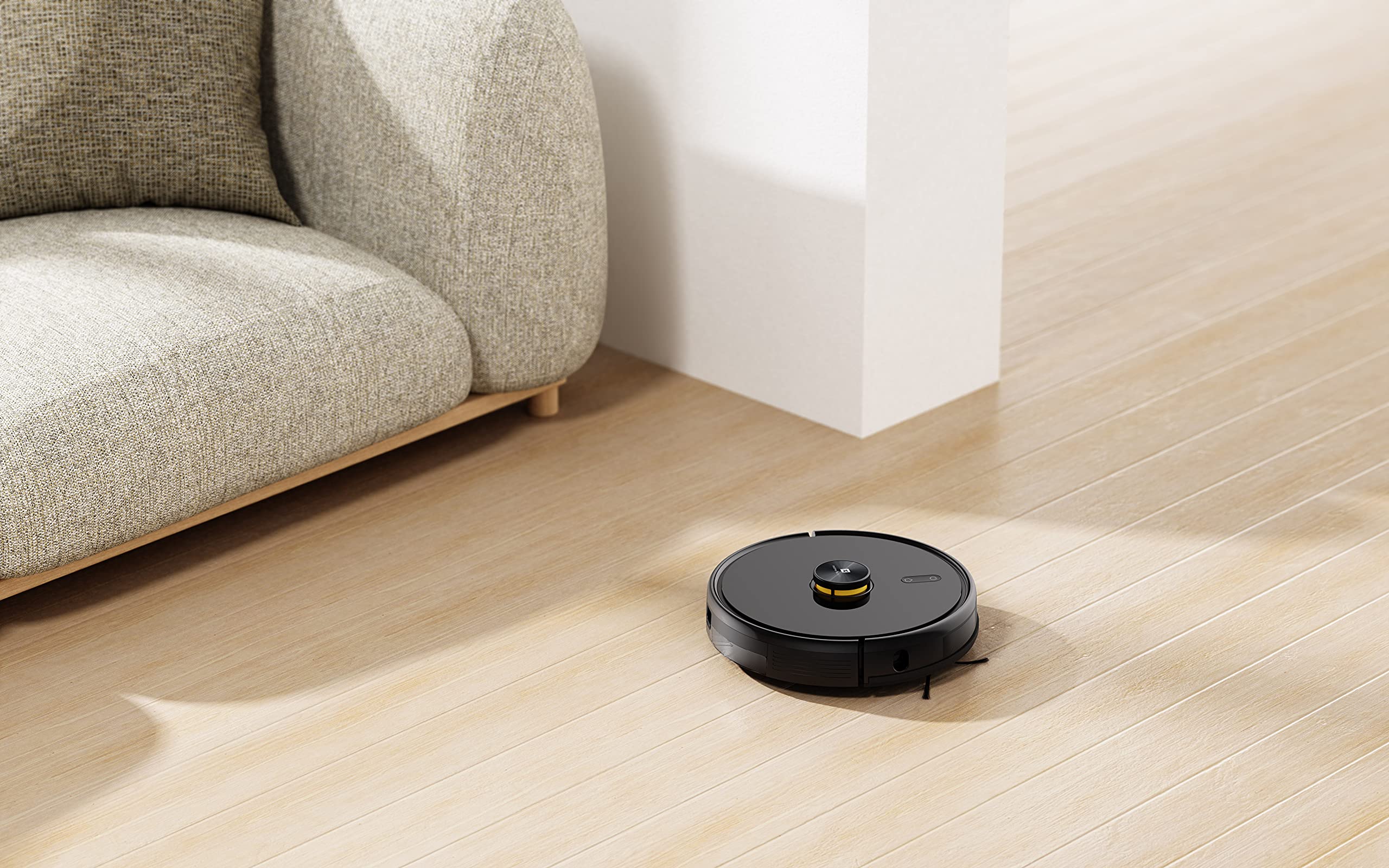
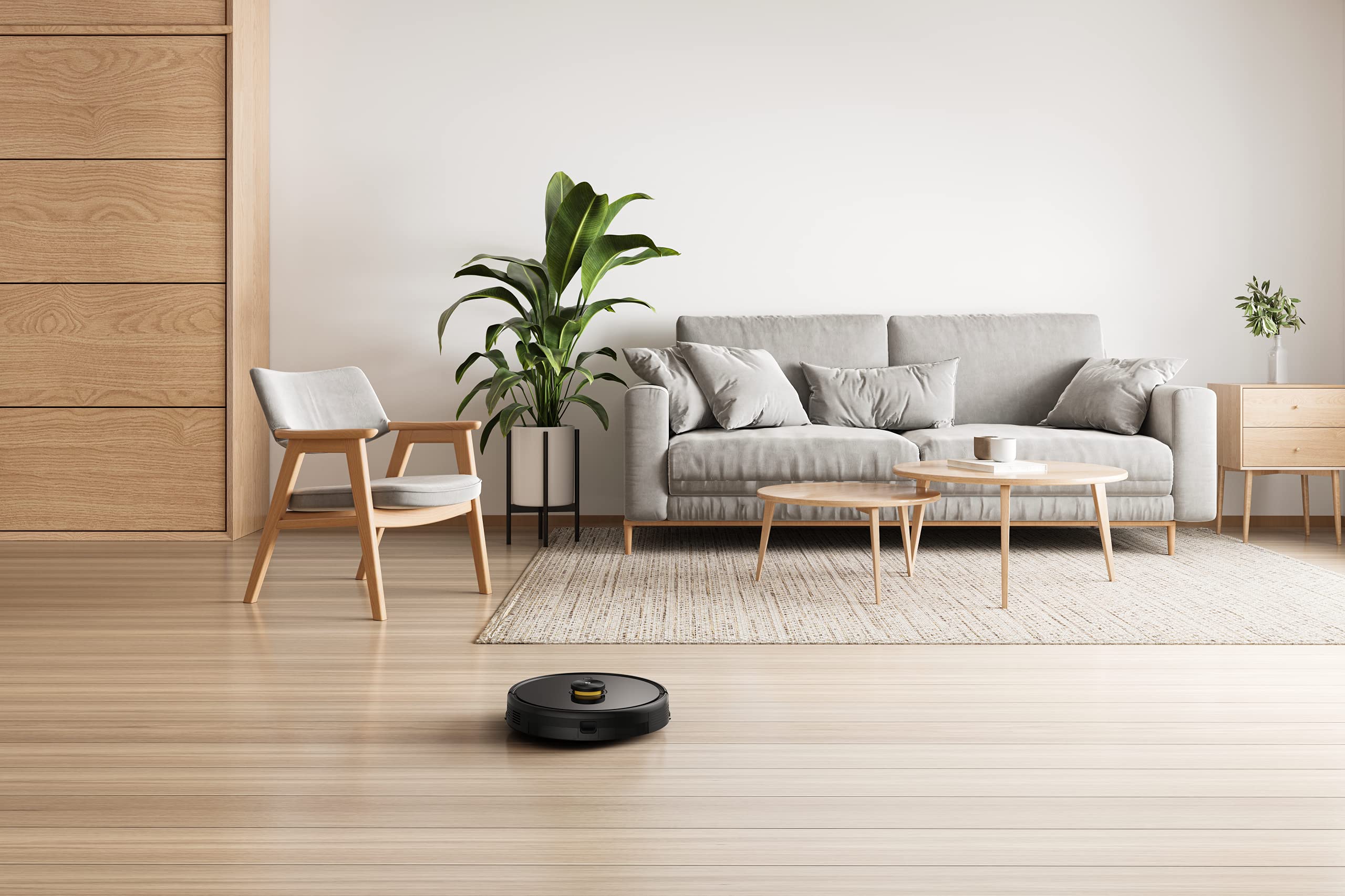
The robot vacuum actively cleaning a hard floor surface in a modern living space.
2. Načini čiščenja
The robot offers 4 cleaning modes, which can be selected via the app or remote control:
- Samodejno čiščenje: Robot inteligentno očisti celotno območje.
- Spot Clean: Intenzivnejše čiščenje določenega območja.
- Čiščenje robov: Osredotoča se na čiščenje ob stenah in robovih pohištva.
- Načrtovano čiščenje: Nastavite določene čase, ko bo robot samodejno čistil.
The 3000Pa strong suction power ensures effective removal of dust and debris across various floor types.
3. Funkcija brisanja
To use the mopping function, fill the intelligent water tank with clean water and attach it to the robot. The robot features 4 water output modes, allowing you to adjust water flow based on floor surface and cleaning requirements. The Y-shape cleaning path is specifically designed for effective mopping.
The robot vacuum performing its mopping function on a hard floor, demonstrating its 2-in-1 capability.
4. Pametne funkcije
- realme Link App Control: Control cleaning force, schedule tasks, and monitor progress in real-time.
- Večetažno kartiranje: The robot can build and memorize maps for multiple floors, improving cleaning efficiency.
- Združljivost glasovnega pomočnika: Supports Google Assistant and Alexa for convenient voice control.
The robot vacuum navigating and cleaning under furniture, highlighting its low-profile oblikovanje.
Vzdrževanje
Regular maintenance ensures the longevity and optimal performance of your robot vacuum cleaner.
1. Praznjenje posode za prah
Open the top cover of the robot and remove the dust box. Empty its contents into a trash bin. Clean the filter regularly by tapping it gently to remove dust. Rinse the dust box with water if necessary, ensuring it is completely dry before reinserting.
2. Čiščenje glavne krtače
Remove the main brush cover and lift out the main brush. Use the provided cleaning tool to cut and remove any tangled hair or debris. Reinstall the main brush and cover.
3. Čiščenje stranskih ščetk
Periodically check the side brushes for wear or entanglement. Remove any hair or debris. If brushes are damaged, replace them with new ones.
4. Cleaning the Water Tank and Mopping Pad
After each mopping session, empty any remaining water from the tank. Remove and clean the mopping pad. Wash the mopping pad thoroughly and allow it to air dry completely before reuse.
5. Čiščenje senzorjev in polnilnih kontaktov
Wipe the cliff sensors, wall sensors, and charging contacts on both the robot and the charging dock with a clean, dry cloth to ensure proper function.
Odpravljanje težav
Če imate težave z robotskim sesalnikom, si oglejte naslednje pogoste rešitve:
- Robot se ne polni: Prepričajte se, da je polnilna postaja vklopljena in da so polnilni kontakti robota čisti ter pravilno poravnani s postajo.
- Robot se je zataknil ali pa se premika nepravilno: Clear any obstacles, loose cables, or rugs that may be impeding movement. Clean the sensors.
- Slabo sesanje: Empty the dust box, clean the filter, and check the main brush for blockages.
- Mopping not working: Ensure the water tank is filled, properly installed, and the mopping pad is attached. Check water output settings in the app.
- Težave s povezljivostjo aplikacij: Ensure your robot and smartphone are connected to the same 2.4GHz Wi-Fi network. Restart the robot and your router if necessary.
- Nenavaden hrup: Check the main brush, side brushes, and wheels for any foreign objects or debris.
For persistent issues, consult the realme Link app for further diagnostics or contact customer support.
Specifikacije
| Funkcija | Specifikacija |
|---|---|
| Znamka | realme |
| Ime modela | 6941399050860 |
| Posebna funkcija | LiDAR Navigation, Smart |
| barva | Črna |
| Dimenzije izdelka | 33 D x 33 Š x 7 V centimetrov |
| Življenjska doba baterije | 100 Minutes (Mopping), 300+ Minutes (Vacuuming) |
| Kapaciteta baterije | 5200 mAh |
| Sesalna moč | 3000 Pa |
| Zmogljivost prašne posode | 0.3 litrov |
| Nadzorna metoda | Remote, App (realme Link), Voice (Google Home, Alexa) |
| Nivo hrupa | Že od 55 dB |
| Proizvajalec | Realme |
Garancija in podpora
Your realme Techlife Robot 2-in-1 Vacuum Cleaner is covered by a limited warranty. Please refer to the warranty card included in your package for specific terms and conditions. For technical support, service, or inquiries, please visit the official realme support webspletno mesto ali se obrnite na njihovo telefonsko številko za pomoč strankam. Račun shranite kot dokazilo o nakupu za uveljavljanje garancije.


