1. Uvod
The COMPUTHERM T-32 room thermostat is designed for controlling most boilers and air conditioners available in the EU. It can be easily connected to any gas boiler with a two-wire thermostatic connection point, and to all air conditioning systems or electrical appliances, whether they have a 24V or 230V control circuit.
This digital thermostat allows for more precise temperature measurement and adjustment compared to traditional thermostats. It helps reduce energy costs while maintaining comfort by regulating the connected appliance (e.g., a gas boiler or pump) based on the measured and set temperatures.
Ključne značilnosti:
- Natančen nadzor temperature: Easily set desired temperature between 5°C and 30°C in 0.5°C increments.
- Constant Indoor Temperature: Switching sensitivity of ±0.2°C or 0.1°C ensures a uniform and stable room temperature.
- Vsestranska združljivost: Suitable for boilers with a two-wire connection and various HVAC systems (24V or 230V).
- Načini ogrevanja in hlajenja: Supports both heating and cooling functions.
- Digitalni zaslon: Provides clear and accurate temperature readings.
2. Nastavitev in namestitev
Pomembno: Napravo mora namestiti usposobljena oseba.
2.1 Vsebina paketa
Preverite, ali so prisotne vse komponente:
- 1x COMPUTHERM T-32 Digital Room Thermostat
- 2x AAA baterije
- Mounting hardware (screws and wall plugs)

Figure 1: Package contents including the thermostat, batteries, and mounting hardware.
2.2 Namestitev baterije
- Carefully remove the back cover of the thermostat.
- Vstavite dve bateriji AAA v predalček za baterije in pazite na pravilno polarnost (+/-).
- Namestite zadnji pokrov.
2.3 Montaža in ožičenje
The thermostat is designed for wall mounting in a room. Choose a location away from direct sunlight, drafts, or heat sources that could affect temperature readings.
- Separate the front panel from the back plate.
- Označite želeni položaj montaže na steni.
- Izvrtajte luknje in vstavite stenske vložke.
- Secure the back plate to the wall using the provided screws.
- Connect the two-wire control circuit from your boiler or HVAC system to the terminals on the back plate. Refer to the wiring diagram on the back of the thermostat for correct connections.
- Carefully reattach the front panel to the back plate.

Slika 2: Zadaj view of the thermostat with wiring terminals and battery compartment details.
3. Delovanje
3.1 Prikaz končanview
The digital display shows the current room temperature and the set desired temperature. The thermostat features three control buttons below the display.

Slika 3: Spredaj view of the COMPUTHERM T-32 thermostat with its digital display and three control buttons.
3.2 Setting the Desired Temperature
Use the temperature control buttons (typically marked with up and down arrows or similar symbols) to adjust the desired temperature. Each press changes the temperature by 0.5°C within a range of 5°C to 30°C.
- Pritisnite Puščica gor gumb za zvišanje želene temperature.
- Pritisnite Puščica navzdol gumb za znižanje želene temperature.
The thermostat will automatically regulate the connected heating or cooling appliance to maintain the set temperature within its switching sensitivity of ±0.2°C.
3.3 Heating Mode Operation
In heating mode, if the measured room temperature falls below the set temperature minus the switching sensitivity (e.g., 22°C - 0.2°C = 21.8°C), the thermostat will activate the heating appliance. It will deactivate the heating when the room temperature rises above the set temperature plus the switching sensitivity (e.g., 22°C + 0.2°C = 22.2°C).
3.4 Cooling Mode Operation
In cooling mode, the operation is reversed. If the measured room temperature rises above the set temperature plus the switching sensitivity, the thermostat will activate the cooling appliance. It will deactivate cooling when the room temperature falls below the set temperature minus the switching sensitivity.
Note: After a temperature change using the thermostat's adjustment buttons, the switching sensitivity is temporarily not considered, allowing the thermostat to react to a difference of ±0.1°C for immediate response.
4. Vzdrževanje
- Čiščenje: Termostat obrišite z mehko, suho krpo. Ne uporabljajte abrazivnih čistil ali topil.
- Zamenjava baterije: Baterije zamenjajte, ko se na zaslonu prikaže indikator nizke napolnjenosti baterij. Vedno uporabljajte nove alkalne baterije AAA.
- Izogibajte se oviram: Ensure no objects block the thermostat's ventilation slots or sensor, as this can affect temperature accuracy.
5. Odpravljanje težav
| Težava | Možen vzrok | rešitev |
|---|---|---|
| Zaslon termostata je prazen. | Prazne ali nepravilno vstavljene baterije. | Zamenjajte baterije in pazite na pravilno polarnost. |
| Sistem ogrevanja/hlajenja se ne odziva. | Incorrect wiring; system power off; thermostat in wrong mode. | Check wiring connections (consult a professional); ensure system power is on; verify thermostat is set to appropriate mode (heating/cooling). |
| Netočno odčitavanje temperature. | Thermostat located near heat source/draft; sensor obstructed. | Relocate thermostat if possible; ensure no obstructions around the sensor. |
| Temperature fluctuates too much. | High switching sensitivity setting (not applicable for T-32 as it's fixed). | The T-32 has a fixed sensitivity of ±0.2°C. Ensure proper placement and insulation of the room. |
6. Specifikacije
- Model: T32
- vir energije: 2x AAA 1.5V Alkaline Batteries (included)
- Nadzor Voltage: 24V AC ali 230V AC
- Nosilnost: 8 Amperes
- Območje merjenja temperature: 5°C do 30°C
- Območje nastavitve temperature: 5°C do 30°C
- Korak nastavitve temperature: 0.5°C
- Preklopna občutljivost: ±0.2°C (or ±0.1°C after manual adjustment)
- Dimenzije (D x Š x V): 8.5 x 8.5 x 2.8 cm
- Teža: 160 gramov
- Povezljivost: Žično
- barva: Bela


Figure 4: Dimensions of the COMPUTHERM T-32 thermostat.
7. Garancija
The COMPUTHERM T-32 Digital Room Thermostat comes with a 5-letna garancija proizvajalcaProsimo, shranite dokazilo o nakupu za uveljavljanje garancije. Garancija krije napake v materialu in izdelavi pri normalni uporabi.
8. Podpora
For further assistance or if you encounter issues not covered in this manual, please refer to the official COMPUTHERM website or contact your retailer. Always ensure that any electrical work is performed by a qualified professional.
Za več informacij lahko obiščete proizvajalčevo webspletno mesto: www.calorsol.de
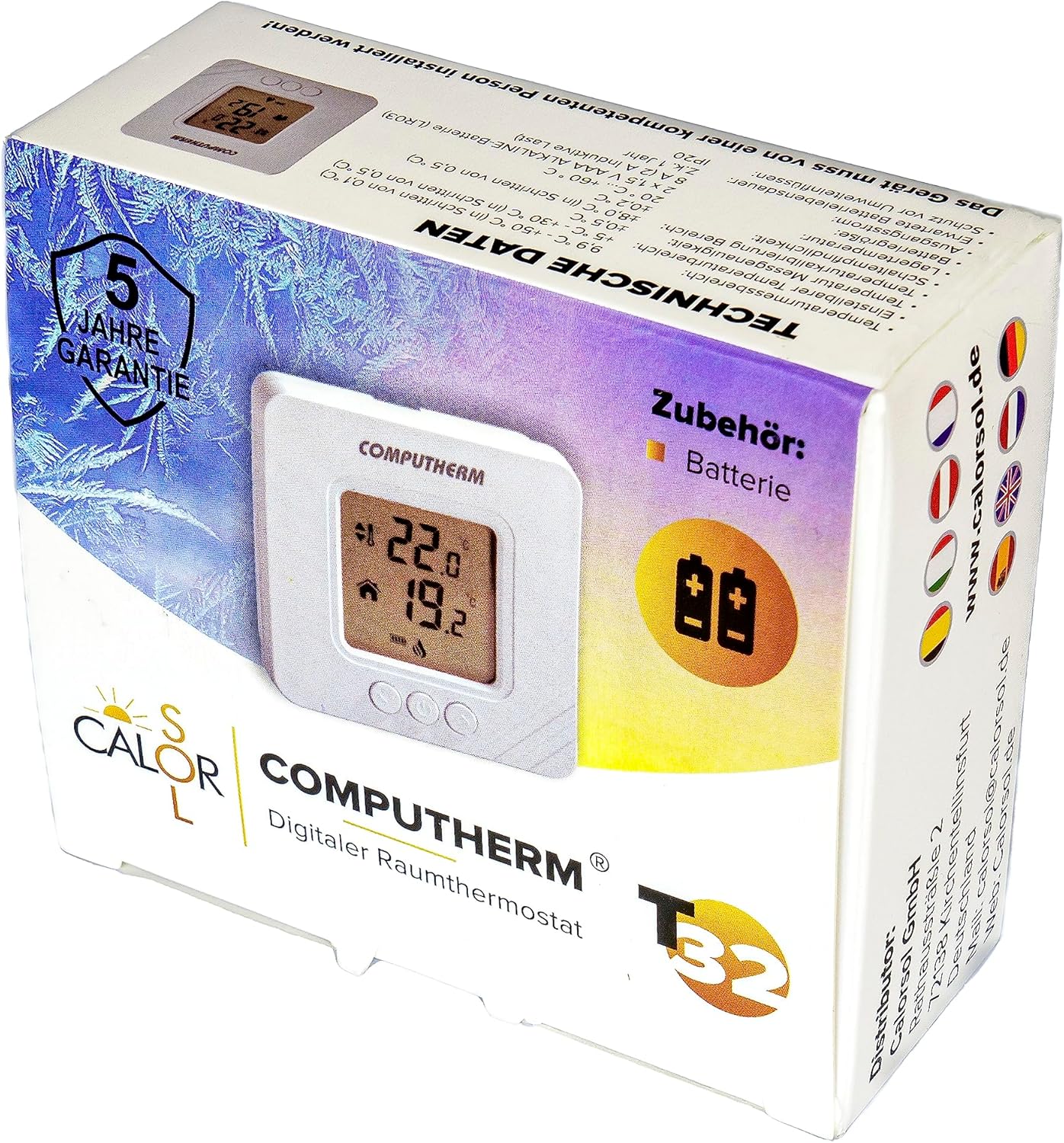
Figure 5: Product packaging displaying warranty information and technical data.