Uvod
This user guide provides detailed instructions to help you understand and utilize the full capabilities of your Samsung Galaxy S20 FE 5G. It covers essential setup procedures, operational features, and advanced settings to enhance your user experience.
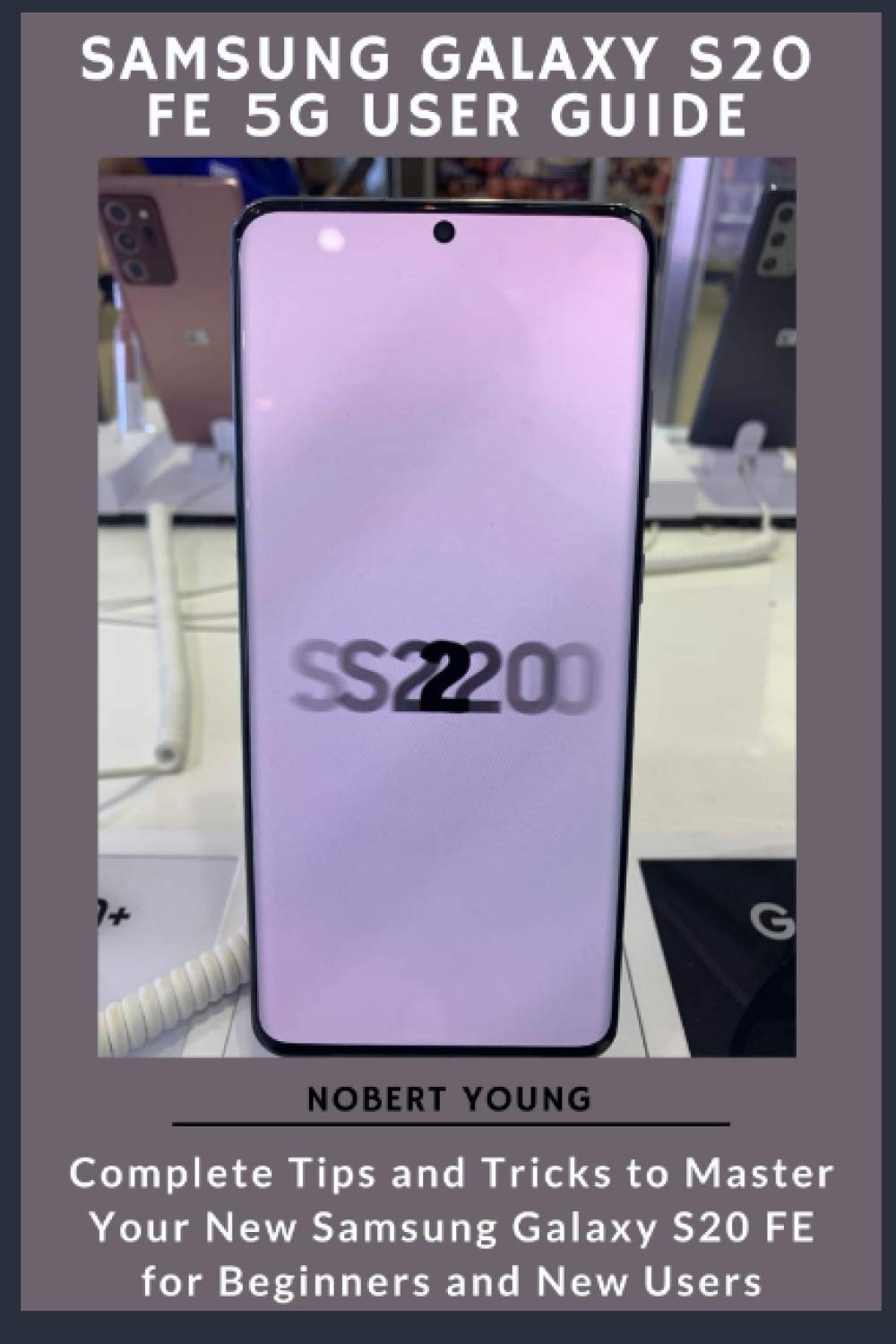
Image: Front cover of the Samsung Galaxy S20 FE 5G User Guide. This image displays the title and design of the instructional book.
1. Nastavitev in začetna konfiguracija
This section guides you through the initial setup process for your Samsung Galaxy S20 FE 5G.
1.1 Device Power and Restart
- Vklop/izklop: Instructions for turning your device on and off.
- Samodejni ponovni zagon: How to configure your device for automatic restarts.
1.2 Essential Settings
- Lift to Wake Feature: Enabling and disabling the screen activation upon lifting the device.
- Customize Home Screen and Lock Screen: Personalizing your device's interface.
- Vedno na zaslonu: Configuration options for the Always On Display feature.
- Change Refresh Rate: Adjusting the screen refresh rate for smoother visuals or battery saving.
- Način zaslona: Selecting display modes like Vivid or Natural.
- Filter modre svetlobe: Activating and customizing the blue light filter for eye comfort.
- Enoročni način: Enabling and using the one-handed mode for easier navigation.
- In-Display Ultrasonic Fingerprint Scanner: Setting up and using the fingerprint sensor for security.
- The Alternate Look Feature: Information on setting up an alternative biometric unlock method.
2. Upravljanje vaše naprave
This section covers daily operations and advanced features of your Samsung Galaxy S20 FE 5G.
2.1 Povezljivost in skupna raba
- Prenos Files Instantly with Quick Share: How to use Quick Share for fast file prenosi.
- Set Up and Use Music Share: Sharing music with other devices.
- Attend to Calls from Your Connected Devices: Managing calls across multiple Samsung devices.
- Link Your Phone to Your Computer: Connecting your phone to a PC for enhanced functionality.
- Enable Wi-Fi Calling: Activating Wi-Fi calling on your Galaxy S20 FE.
- Dual Messenger: Using two separate accounts for messaging apps.
2.2 Communication and Digital Wellbeing
- Enable Caller ID and Spam Protection: Protecting yourself from unwanted calls.
- Enable Digital Wellbeing: Monitoring and managing your screen time and digital habits.
- Using the Google Duo in the Phone Dialer: Initiating video calls directly from the dialer.
2.3 Upravljanje baterije
- Maksimalna življenjska doba baterije: Tips and settings to extend your phone's battery life.
- Enable Fast Charging: Utilizing the fast charging capabilities.
- Wireless PowerShare: Using your phone to wirelessly charge other compatible devices.
2.4 Kamera in fotografija
- Add a Filter to your Videos: Applying visual filters to recorded videos.
- Enable Scene Optimizer: Automatically enhancing photo quality based on the scene.
- Activate Shot Suggestion: Getting recommendations for optimal photo composition.
- Live Focus Modes: Exploring different depth-of-field effects.
- Explore the Food Mode: Using the dedicated mode for food photography.
- Automatically Correct Wide-Angle Shots: Correcting distortion in wide-angle photos.
- Advanced Recording Options: Utilizing advanced video recording features.
- Hide Front Camera: Adjusting display settings to conceal the front camera cutout.
- Take Photos with Palm: Using hand gestures to trigger the camera shutter.
2.5 Zvok in nastavitve zvoka
- Play with Sound Settings (Separate App Sounds): Configuring individual app sound outputs.
- Customize Sound Based on Age: Optimizing sound profiles for different age groups.
- Dolby Atmos: Enabling and experiencing immersive audio.
- Using UHQ Upscaler: Enhancing audio quality for supported content.
- Change Bluetooth Audio Codec: Selecting preferred Bluetooth audio codecs.
- Explore the Sound Assistant App: Utilizing the Sound Assistant for advanced audio control.
2.6 Productivity and Smart Features
- Using Samsung Finder: Efficiently searching for content on your device and the web.
- Manage Google Assistant on S20: Configuring and using Google Assistant.
- Using Bixby: Interacting with Samsung's intelligent assistant.
- Get the Good Lock App: Customizing your device with advanced features via Good Lock.
- Assistant Menu: Accessing quick actions and accessibility features.
- Pin Windows Feature: Pinning an app to the screen to restrict usage to that app.
3. Vzdrževanje in nega
Pravilno vzdrževanje zagotavlja dolgo življenjsko dobo in optimalno delovanje vaše naprave.
- Čiščenje: Gently wipe your device with a soft, lint-free cloth. Avoid harsh chemicals.
- Posodobitve programske opreme: Regularly check for and install software updates to ensure security and performance.
- Upravljanje shranjevanja: Občasno ponovnoview and manage your device's storage to free up space.
4. Odpravljanje pogostih težav
This section addresses common issues you might encounter with your Samsung Galaxy S20 FE 5G.
- Naprava se ne odziva: If your device is unresponsive, press and hold the Power button and Volume Down button simultaneously for about 7 seconds to force a restart.
- Izpraznitev baterije: Review apps running in the background and adjust power-saving settings.
- Težave s povezljivostjo: Toggle Wi-Fi or Bluetooth off and on, or restart your device.
- Težave z aplikacijo: Clear the cache or data for the problematic app, or reinstall it.
- Počasno delovanje: Close unused apps, clear cache, or consider a factory reset as a last resort (back up data first).
5. Specifikacije
Detailed technical specifications for the Samsung Galaxy S20 FE 5G are typically provided by Samsung on their official website or in the device's packaging. This guide focuses on operational instructions rather than a comprehensive list of hardware specifications.
For specific details regarding processor, RAM, storage, camera sensors, and display technology, please refer to the official Samsung product page or the documentation included with your device.
6. Garancija in podpora
Information regarding the warranty for your Samsung Galaxy S20 FE 5G is provided by Samsung at the time of purchase. Please refer to the warranty card included with your device or visit the official Samsung support website for details on warranty coverage, terms, and conditions.
For technical support, service, or further assistance, please contact Samsung customer service or visit an authorized service center. Contact information can be found on Samsung's official website or in your device's documentation.
Dodatni viri
For more in-depth information and updates, please visit the official Podpora Samsung Webmesto.

Image: Back cover of the Samsung Galaxy S20 FE 5G User Guide. This image shows the back of the book, including a barcode and ISBN information.


