Uvod
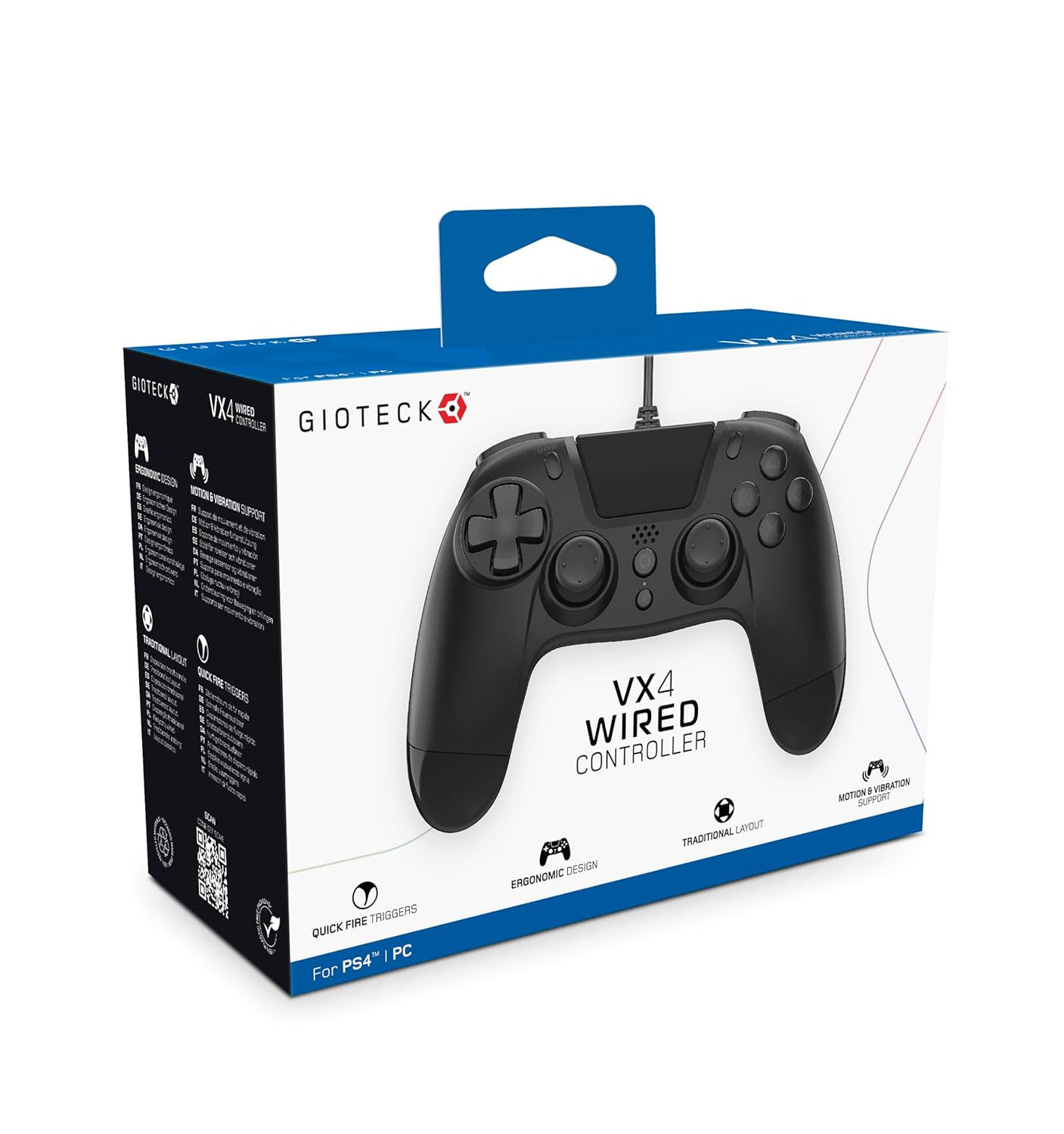
The Gioteck VX-4 Wired Controller is designed for PlayStation 4 and PC, offering a comfortable and responsive gaming experience. It features quick-fire triggers, a precision D-pad, and anti-slip rubber thumb sticks for enhanced performance, providing a next-level immersive gaming experience.
Ključne značilnosti:
- Quick Fire triggers
- Ergonomska oblika
- Traditional PlayStation layout
Vsebina paketa:
- Gioteck VX-4 Wired Controller
- Uporabniški priročnik (ta dokument)
Konec izdelkaview:
Nastavitev
Connecting to PlayStation 4:
- Prepričajte se, da je vaša konzola PlayStation 4 vklopljena.
- Insert the USB connector of the VX-4 Wired Controller into an available USB port on your PlayStation 4 console.
- Krmilnik bi moral biti samodejno prepoznan in pripravljen za uporabo.
Povezovanje z računalnikom:
- Prepričajte se, da je vaš računalnik vklopljen.
- Insert the USB connector of the VX-4 Wired Controller into an available USB port on your PC.
- The PC operating system should automatically install the necessary drivers. If prompted, allow the driver installation to complete.
- The controller will be ready for use with compatible PC games.

Navodila za uporabo
Postavitev gumba:
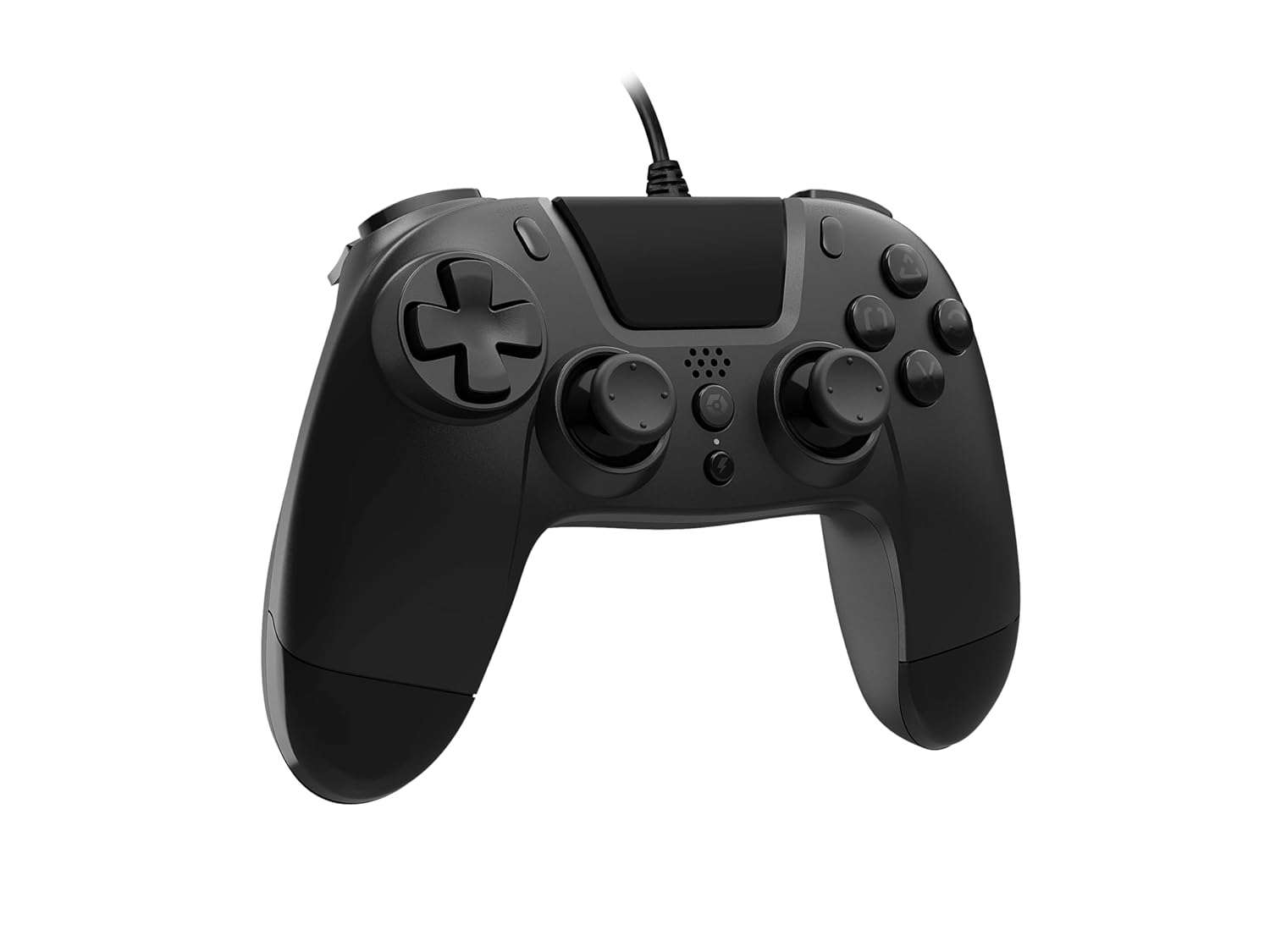
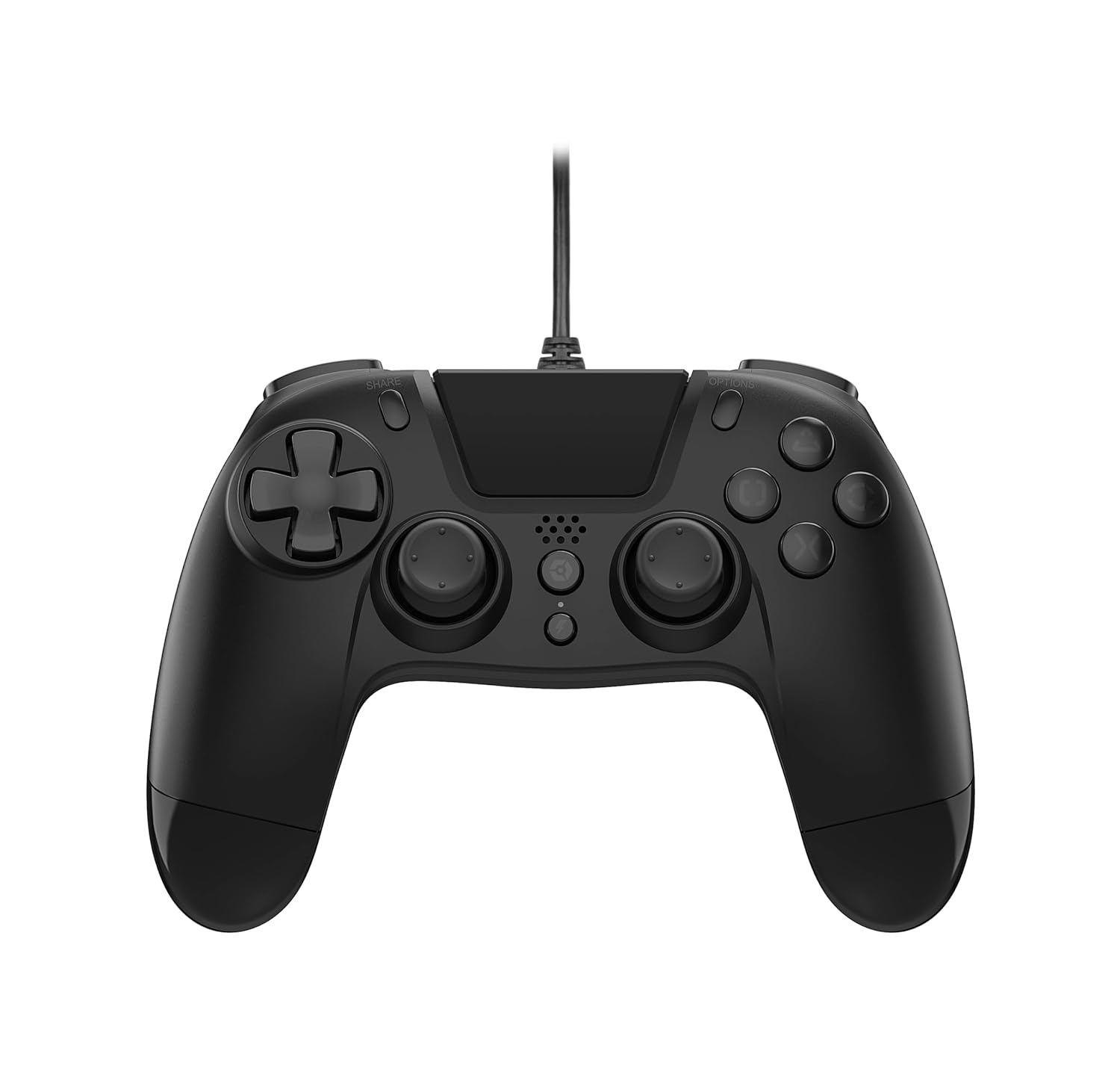
The VX-4 Wired Controller features a traditional PlayStation layout:
- Smerna ploščica (D-Pad): Za natančen smerni vnos.
- Leva analogna palica: Primarni nadzor gibanja.
- Desna analogna palica: Nadzor kamere ali ciljanja.
- Gumbi za dejanja (trikotnik, krog, križ, kvadrat): Context-sensitive actions in games.
- Gumb DELI: Share gameplay moments (PS4 only).
- Gumb MOŽNOSTI: Access in-game menus or pause (PS4 only).
- Gumb PS: Access the PlayStation Home screen or power on/off the console (PS4 only).
- Gumbi L1/R1: Shoulder buttons, typically for quick actions.
- Sprožilci L2/R2: Analog triggers for precise input, such as acceleration or firing.
Uporaba krmilnika:
Once connected, the controller functions similarly to a standard PlayStation 4 controller for compatible games. For PC, ensure the game supports XInput or DirectInput controllers for optimal performance.
Vzdrževanje
Čiščenje:
Za čiščenje krmilnika uporabite mehko, suho krpo. Za trdovratno umazanijo rahloamp cloth can be used, but ensure no moisture enters the controller's internal components. Do not use harsh chemicals or abrasive cleaners, as these may damage the finish or internal electronics.
Shranjevanje:
Store the controller in a cool, dry place away from direct sunlight and extreme temperatures. Avoid placing heavy objects on the controller to prevent damage to the cable or buttons.
Skrb za kabel:
Do not sharply bend, twist, or pull on the controller cable. Always grasp the plug, not the cable, when connecting or disconnecting it from your console or PC to prevent internal wire damage.
Odpravljanje težav
Krmilnik se ne odziva:
- Prepričajte se, da je kabel USB varno priključen tako v krmilnik kot v konzolo/računalnik.
- Try plugging the controller into a different USB port on your console/PC.
- Znova zaženite konzolo ali računalnik.
- Če je v računalniku, preverite upravitelja naprav, da se prepričate, da je krmilnik prepoznan in da so gonilniki pravilno nameščeni.
Gumbi ali palčke ne delujejo pravilno:
- Check for any physical obstructions or debris around the buttons or analog sticks.
- Ensure the controller is clean (refer to Maintenance section).
- Preizkusite krmilnik z drugo igro ali aplikacijo, da ugotovite, ali je težava specifična za en program.
Vibracija ne deluje:
- Verify that the game or application you are playing supports vibration feedback.
- Preverite nastavitve v igri, da se prepričate, da je vibracija omogočena.
Specifikacije
| Funkcija | Podrobnost |
|---|---|
| Številka modela | SWIAGJC |
| Povezljivost | Žični USB |
| Združljivost | PlayStation 4, PC |
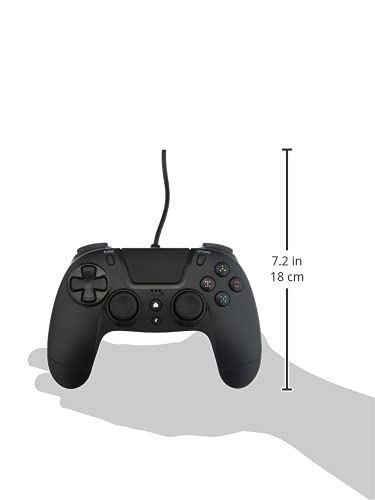
| Product Dimensions (Controller) | Approximately 7.2 inches (18 cm) in height |
| Teža predmeta | 7.41 unče (210 gramov) |
| Proizvajalec | Gioteck |
Garancija in podpora
For warranty information and technical support regarding your Gioteck VX-4 Wired Controller, please refer to the official Gioteck webspletno mesto ali se obrnite neposredno na njihovo službo za stranke. Priporočljivo je, da shranite dokazilo o nakupu za morebitne garancijske zahtevke.
Manufacturer: Gioteck
Datum prve razpoložljivosti: 10. september 2020


