Uvod
The Trust Primo Touch Bluetooth True Wireless Earphones offer a truly wireless audio experience with intuitive touch controls. Designed for freedom and convenience, these earphones provide up to 10 hours of playtime on the go, thanks to their compact charging case.
- Truly wireless earphones for ultimate freedom (10 meter range).
- Stylish and on-trend design.
- Comfort fit ear shell pods that keep you alert for nearby sounds.
Konec izdelkaview

The Trust Primo Touch True Wireless Earbuds are shown in their open charging case, with both earbuds upright and ready for use or charging.

A detailed close-up of the Trust Primo Touch True Wireless Earbuds, showcasing their sleek design and the subtle Trust branding.

A user enjoying music outdoors with the Trust Primo Touch Earbuds, demonstrating the freedom of movement provided by the wireless design.
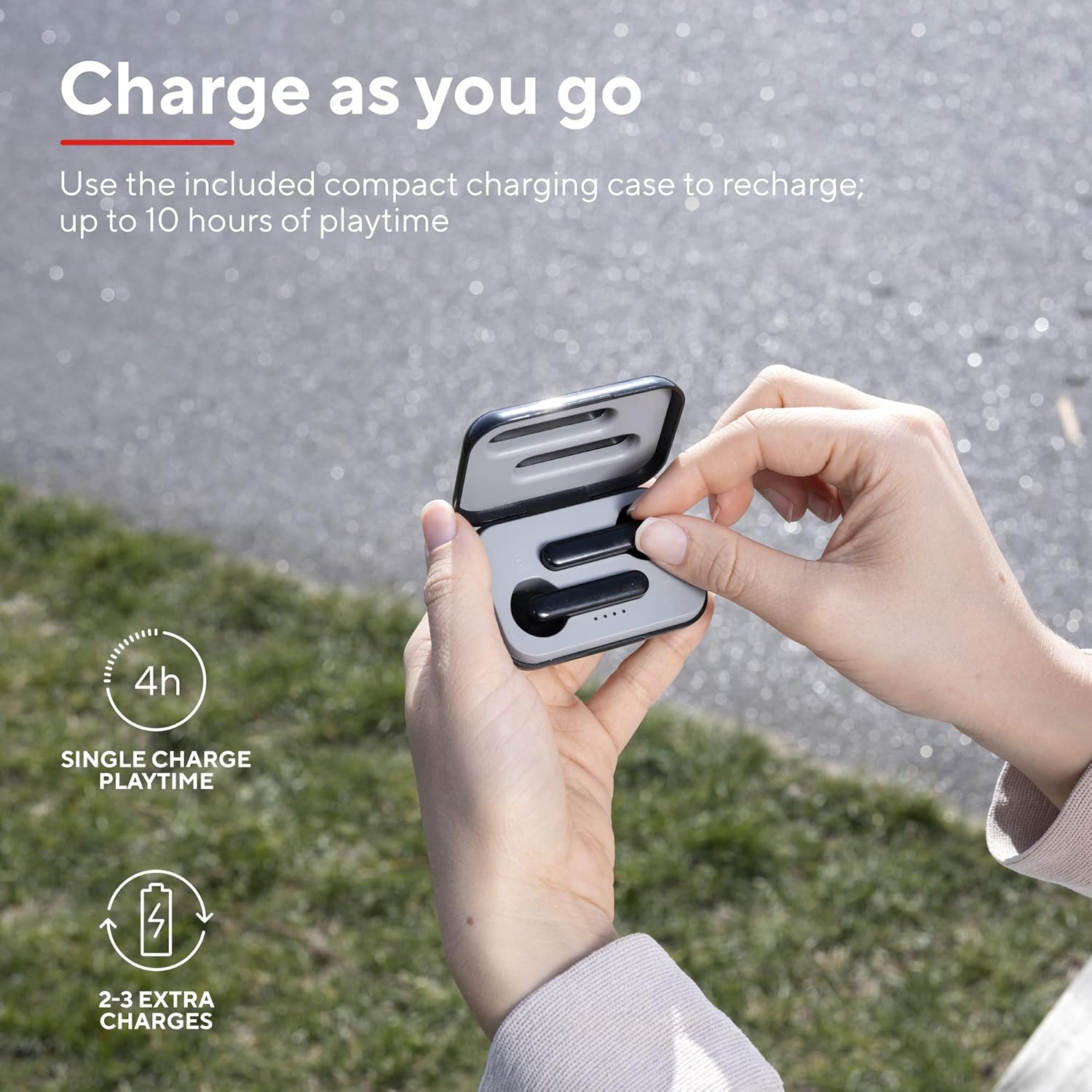
A user placing an earbud into the compact charging case, highlighting the convenience of recharging on the go for extended playtime.

Bližnji posnetek view of the earbuds, showcasing their modern, minimalist design and emphasizing their clear sound quality.

A user interacting with the touch controls on an earbud, illustrating the ease of managing audio playback and calls without reaching for a device.

Stranski profesionalecfile of a person wearing one of the earbuds, demonstrating its ergonomic design for a comfortable and secure fit.
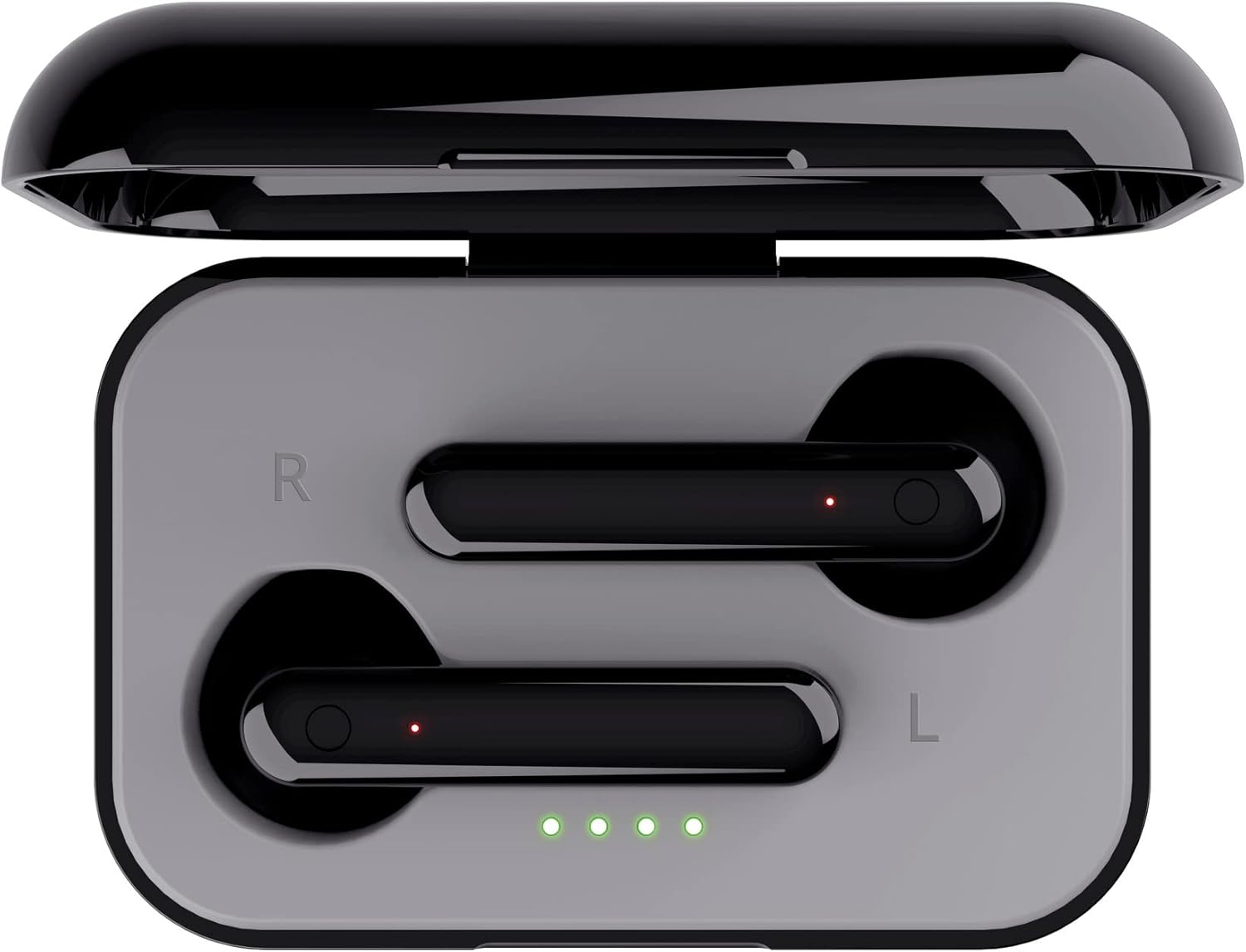
Od zgoraj navzdol view of the open charging case with the earbuds inside, clearly showing the LED charging indicators.

Od zgoraj navzdol view of the closed charging case, featuring the Trust brand logo on its sleek black surface.

The Trust Primo Touch Earbuds are displayed alongside their open charging case, providing a complete view komponent izdelka.
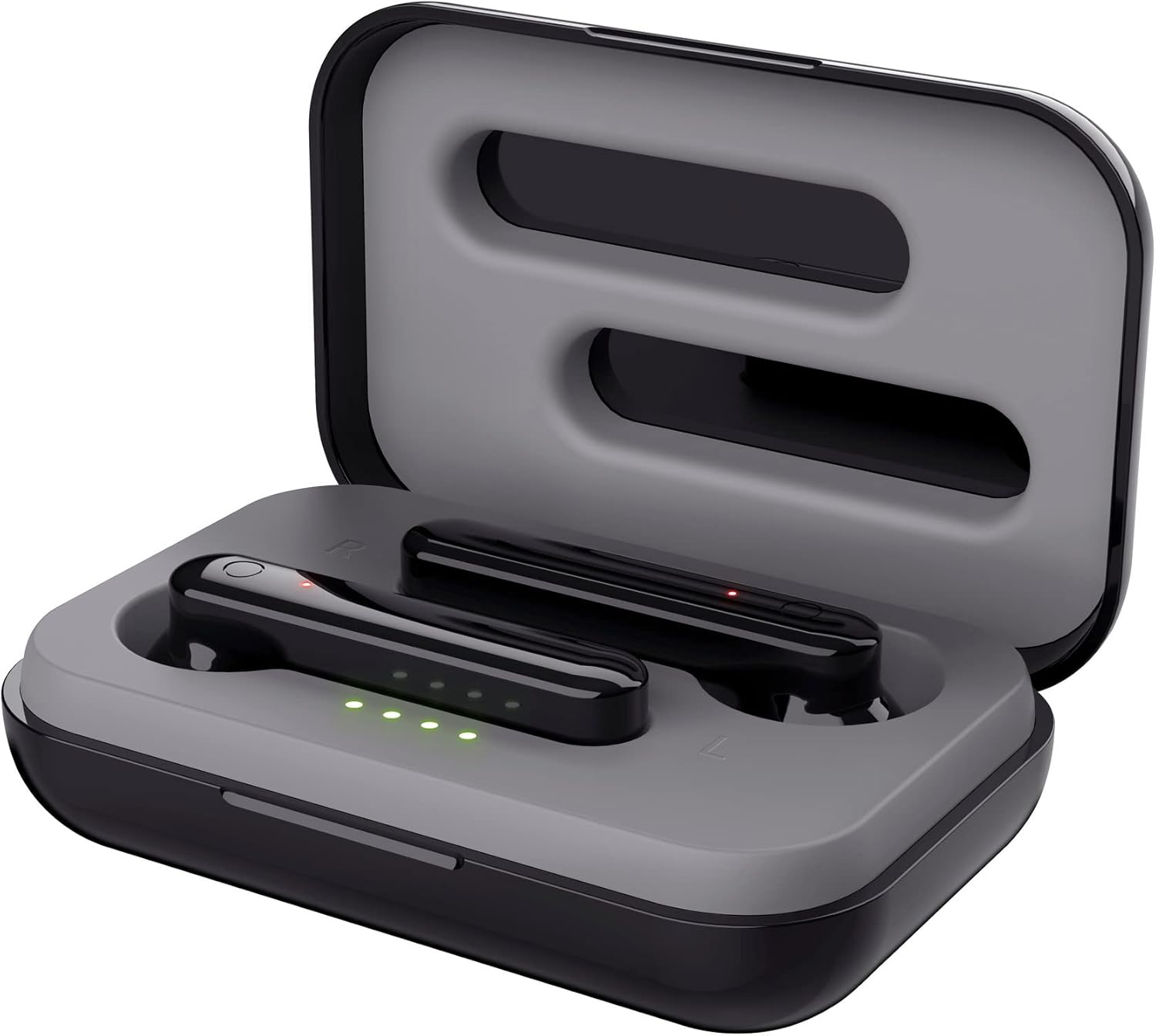
An angled top view of the earbuds nestled within their open charging case, showing the precise fit and charging contacts.

The retail packaging for the Trust Primo Touch Wireless Earphones, showcasing key features and design elements.
Nastavitev
1. Polnjenje slušalk in etuija
Before first use, fully charge the earphones and the charging case. Place the earbuds into the charging case. Connect the charging case to a USB power source using the provided cable. The LED indicators on the case will show the charging status. A full charge provides up to 4 hours of playtime for the earbuds, with the case offering 2-3 additional charges.
2. Seznanjanje z vašo napravo
- Prepričajte se, da so slušalke napolnjene.
- Open the charging case. The earphones will automatically enter pairing mode (indicated by flashing LEDs on the earbuds).
- V napravi (pametnem telefonu, tabličnem računalniku itd.) pojdite v nastavitve Bluetooth in vklopite Bluetooth.
- Iskanje available devices and select "Trust Primo Touch" from the list.
- Once connected, the earbud LEDs will stop flashing, indicating successful pairing.
Delovanje
Dotaknite se kontrolnikov
The Trust Primo Touch earphones feature intuitive touch controls on each earbud. Refer to the following for common functions:
| Akcija | funkcija |
|---|---|
| Enkratni dotik (leva/desna slušalka) | Predvajanje/začasna ustavitev glasbe, sprejem/končanje klica |
| Dvojni dotik (desna slušalka) | Naslednja skladba |
| Dvojni dotik (leva slušalka) | Prejšnja skladba |
| Dolg pritisk (leva/desna slušalka) | Aktiviranje glasovnega pomočnika (Siri, Google Assistant) |
| Long Press (during incoming call) | Zavrni klic |
Vklop/izklop
- Vklop: Open the charging case, or long-press the touch area on both earbuds for a few seconds if they are out of the case and off.
- Ugasniti: Place the earbuds back into the charging case and close the lid, or long-press the touch area on both earbuds for a few seconds until the indicator light turns off.
Vzdrževanje
Čiščenje
- Slušalke in polnilno ohišje redno čistite z mehko, suho krpo, ki ne pušča vlaken.
- Ne uporabljajte abrazivnih čistil, alkohola ali kemičnih topil.
- Nežno očistite polnilne kontakte na slušalkah in ohišju, da zagotovite pravilno polnjenje.
Shranjevanje
Ko slušalk ne uporabljate, jih shranite v polnilno ohišje, da jih zaščitite pred prahom in poškodbami. Hranite jih na hladnem in suhem mestu, stran od ekstremnih temperatur.
Odpravljanje težav
Earbuds Not Pairing with Each Other or Device
- Prepričajte se, da sta obe slušalki napolnjeni.
- Obe slušalki vstavite nazaj v polnilno ohišje, zaprite pokrov, počakajte nekaj sekund in ga nato ponovno odprite.
- On your device, forget or unpair "Trust Primo Touch" from your Bluetooth settings.
- Znova zaženite napravo in poskusite znova izvesti postopek seznanjanja.
Brez zvoka ali nizka glasnost
- Preverite glasnost tako na napravi kot na slušalkah.
- Prepričajte se, da so slušalke pravilno priključene na vašo napravo.
- Očistite morebitne umazanije z rešetk zvočnikov slušalk.
Težave z mikrofonom
- Ensure the earbuds are properly connected and selected as the audio input device on your phone.
- Check for any obstructions near the microphone opening on the earbuds.
Specifikacije
| Funkcija | Podrobnost |
|---|---|
| Znamka | Zaupanje |
| Številka modela | 23712 |
| barva | Črna |
| Namestitev ušesa | V ušesu |
| Faktor oblike | V ušesu |
| Nadzor hrupa | Zvočna izolacija |
| Dimenzije izdelka | 150 x 5 x 5 cm; 40 g |
| Baterije | Potrebne baterije 1 A (priložene) |
| Proizvajalec | Zaupanje |
| Prvi razpoložljivi datum | 14. julij 2020 |
Garancija in podpora
Za informacije o garanciji in tehnično podporo se obrnite na uradno spletno stran Trust. website or contact Trust customer service directly. Keep your proof of purchase for any warranty claims.
You can typically find support resources, FAQs, and contact details on the manufacturer's official webspletno mesto:


