1. Uvod
This manual provides essential information for the safe and efficient operation of your Sharp 32Bi3EA Smart Android TV. Please read these instructions thoroughly before using the television and retain them for future reference. This television features Android TV 9.0, Google Assistant with voice control, integrated Chromecast, Bluetooth connectivity, Harman/Kardon speakers, HDR10 support, and DTS Virtual X audio technology.
2. Varnostne informacije
Vedno upoštevajte naslednje varnostne ukrepe, da preprečite električni udar, požar ali poškodbe televizorja:
- Televizorja ne izpostavljajte dežju ali vlagi.
- Ne odpirajte omare; prepustite servis kvalificiranemu osebju.
- Zagotovite ustrezno prezračevanje okoli televizorja.
- Televizorja ne postavljajte v bližino virov toplote ali na neposredno sončno svetlobo.
- Uporabljajte samo napajalni kabel, ki je priložen televizorju.
- Baterije hranite izven dosega otrok.
3. Kaj je v škatli
Verify that all the following items are included with your Sharp 32Bi3EA Smart Android TV:
- Sharp 32Bi3EA Smart Android TV Unit
- Pedestal Stand (2 pieces)
- Daljinski upravljalnik
- AAA baterije (2x)
- Navodila za uporabo (ta dokument)
- Napajalni kabel
4. Nastavitev
4.1. Fizična namestitev
Your television can be installed using the included pedestal stand or mounted on a wall (wall mount not included).
Attaching the Pedestal Stand
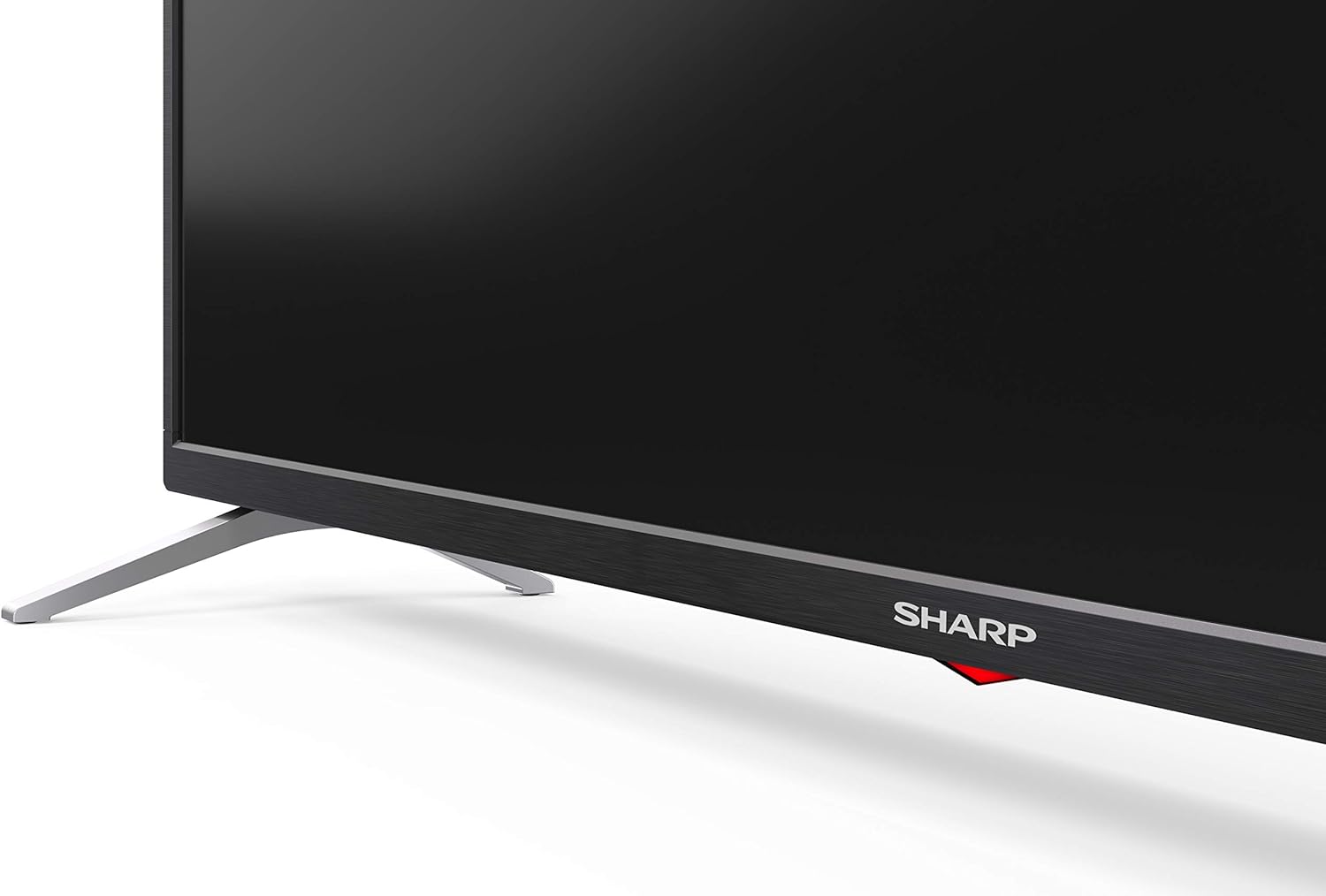
Carefully place the TV screen-down on a soft, flat surface. Align the pedestal stands with the screw holes on the bottom of the TV and secure them using the provided screws. Ensure the stands are firmly attached before placing the TV upright.

Slika: Stran view of the Sharp 32Bi3EA TV, illustrating the slim profile and the attached pedestal stand.
Montaža na steno
If you choose to wall mount the television, use a VESA compatible bracket with dimensions of 200x100 mm. Consult a professional for wall mounting to ensure proper installation and safety.
4.2. Povezovanje naprav
Connect your external devices to the appropriate ports on the back or side of the television.
Slika: Zadaj view of the Sharp 32Bi3EA TV, highlighting the Ethernet, Optical, HDMI, USB, and AV input ports.
- Vrata HDMI (3x): Priključite predvajalnike Blu-ray, igralne konzole ali digitalne sprejemnike.
- Vrata USB (2x): Za predvajanje medijev ali posodobitve programske opreme priključite pomnilniške naprave USB.
- Ethernet vrata: Za žično internetno povezavo.
- Optični digitalni avdio izhod: Za priklop zunanjega avdio sistema.
- AV vhod: Za starejše naprave, ki uporabljajo kompozitni video in stereo zvok.
4.3. Initial Power-On and Android TV Setup
After connecting the power cord and turning on the TV, follow the on-screen instructions to complete the initial setup. This includes selecting your language, connecting to a Wi-Fi network, and logging into your Google account to activate Android TV features like Google Assistant and Chromecast.
5. Upravljanje televizorja
5.1. Daljinski upravljalnik
The included remote control allows you to navigate the Android TV interface, adjust settings, and use Google Assistant voice commands. Insert the two AAA batteries into the remote control, ensuring correct polarity.
- Gumb za vklop: Vklopi ali izklopi TV.
- Gumb Google Pomočnika: Aktivira glasovno upravljanje. Pritisnite in držite za izgovorjavo ukazov.
- Gumbi za krmarjenje: Za premikanje po menijih uporabite smerno tipkovnico in gumb V redu.
- Domov gumb: Vrne se na začetni zaslon Android TV.
- Glasnost +/-: Prilagodi raven glasnosti.
- Kanal +/-: Menjava televizijskih kanalov.
- Gumbi bližnjic do aplikacij: Direct access to popular streaming services (e.g., Netflix, Amazon Prime Video).
5.2 Funkcije pametnega televizorja (Android TV)
Your Sharp 32Bi3EA TV runs on Android TV 9.0, providing access to a wide range of applications and services.
- Google Assistant: Use your voice to search for content, control smart home devices, get answers, and manage tasks.
- Vgrajen Chromecast: Predvajajte vsebino iz združljivega pametnega telefona, tabličnega računalnika ali računalnika neposredno na zaslon televizorja.
- Trgovina Google Play: Download and install additional apps, games, and streaming services.
- Podprte internetne storitve: Access popular platforms such as Netflix, Amazon Prime Video, HBO, Disney+, Movistar+, DAZN, Atresmedia, KODI, IPTV, Steamlink, Twitch, VLC, YouTube, Puffin TV Browser, Spotify, Deezer, and TuneIn Radio.
5.3. Nastavitve zvoka in videa
The television supports advanced audio and video technologies for an enhanced viewizkušnje.
- HDR10: Zagotavlja širši nabor barv in kontrasta za združljivo vsebino.
- Harman/Kardon Speakers: Integrated audio system designed to deliver clear and powerful sound (2x10W).
- DTS Virtual X / DTS HD: Enhances audio with virtual surround sound capabilities.
- Aktivno gibanje 400: Izboljša jasnost gibanja pri hitrih prizorih.
5.4. Povezljivost
Televizor ponuja različne možnosti povezljivosti:
- Wi-Fi: Poveže se z vašim domačim brezžičnim omrežjem za dostop do interneta.
- Bluetooth: Pair with compatible devices such as headphones, soundbars, or game controllers.
6. Vzdrževanje
6.1. Čiščenje
Za čiščenje televizijskega zaslona ga nežno obrišite z mehko krpo, ki ne pušča vlaken. Za trdovratne madeže ga rahlo obrišite.ampen the cloth with water or a specialized screen cleaner. Do not use abrasive cleaners or solvents. For the TV cabinet, use a soft, dry cloth.
6.2. Posodobitve programske opreme
Your Android TV may receive software updates periodically to improve performance and add new features. Ensure your TV is connected to the internet to receive these updates. You can check for updates manually through the TV's settings menu.
7. Odpravljanje težav
If you encounter issues with your television, refer to the following common solutions:
| Težava | Možna rešitev |
|---|---|
| Brez moči | Preverite, ali je napajalni kabel varno priključen v televizor in stensko vtičnico. Poskusite z drugo vtičnico. |
| Ni slike/zvoka | Prepričajte se, da je izbran pravilen vhodni vir. Preverite kabelske povezave z zunanjimi napravami. |
| Daljinski upravljalnik ne deluje | Zamenjajte baterije. Prepričajte se, da med daljinskim upravljalnikom in infrardečim senzorjem televizorja ni ovir. |
| Težave s povezavo Wi-Fi | Znova zaženite usmerjevalnik in televizor. Preverite geslo za Wi-Fi. Prepričajte se, da je televizor v dosegu usmerjevalnika. |
| Android TV apps freezing | Restart the TV. Clear the cache of the problematic app in the TV settings. Uninstall and reinstall the app. |
Če težava po poskusu teh rešitev ne izgine, se obrnite na Sharpovo podporo strankam.
8. Specifikacije
| Funkcija | Podrobnost |
|---|---|
| Številka modela | 32Bi3E |
| Velikost zaslona | 32 palca (81 cm) |
| Tehnologija zaslona | LED |
| Resolucija | 720p (1366 x 768 slikovnih pik) |
| Hitrost osveževanja | 60 Hz |
| Operacijski sistem | Android TV 9.0 |
| Posebne lastnosti | Google Assistant, Chromecast Built-in, HDR10, DTS Virtual X, Active Motion 400 |
| Avdio sistem | Harman/Kardon (2x10W) |
| Povezljivost | Bluetooth, Ethernet, HDMI (3x), USB (2x), Wireless (Wi-Fi) |
| VESA nosilec | 200x100 mm |
| Mere (s stojalom) | 803.0 x 542.0 x 149.0 mm (Š x V x G) |
| Mere (brez stojala) | 730.0 x 436.1 x 83.5 mm (Š x V x G) |
| Teža | 4.6 kg |
| Poraba energije (1000 ur) | 31 kWh (Energy Class F) |

Image: Energy efficiency label for the Sharp 1T-C32BIx series, indicating an F energy class and 31 kWh per 1000 hours of operation. For more details, refer to the official EU EPREL database via the QR code or link: Baza podatkov EPREL.

Image: Detailed Product Information Sheet, providing comprehensive technical specifications and regulatory information for the Sharp 32Bi3EA TV in various languages.
9. Garancija in podpora
9.1. Informacije o garanciji
Your Sharp 32Bi3EA Smart Android TV comes with a standard manufacturer's warranty. Please refer to the warranty card included with your product or visit the official Sharp webza podrobne pogoje in določila, specifične za vašo regijo.
9.2. Podpora strankam
For technical assistance, troubleshooting beyond this manual, or warranty claims, please contact Sharp customer support. Contact information can typically be found on the official Sharp webspletnem mestu ali v dokumentaciji, ki je priložena vašemu televizorju.
Online resources and FAQs may also be available on the Sharp support portal.


