Uvod
The Poly Savi 7210 Office is a DECT wireless headset designed for seamless communication in office environments. It offers extended wireless range, long talk time, and compatibility with a wide range of desk phones, enhancing productivity and flexibility for users.
Kaj je v škatli
- Slušalke
- Osnova
- Napajalni adapter
Nastavitev
1. Connect the Base
Connect the base unit to your desk phone and power source. Ensure all cables are securely plugged in.
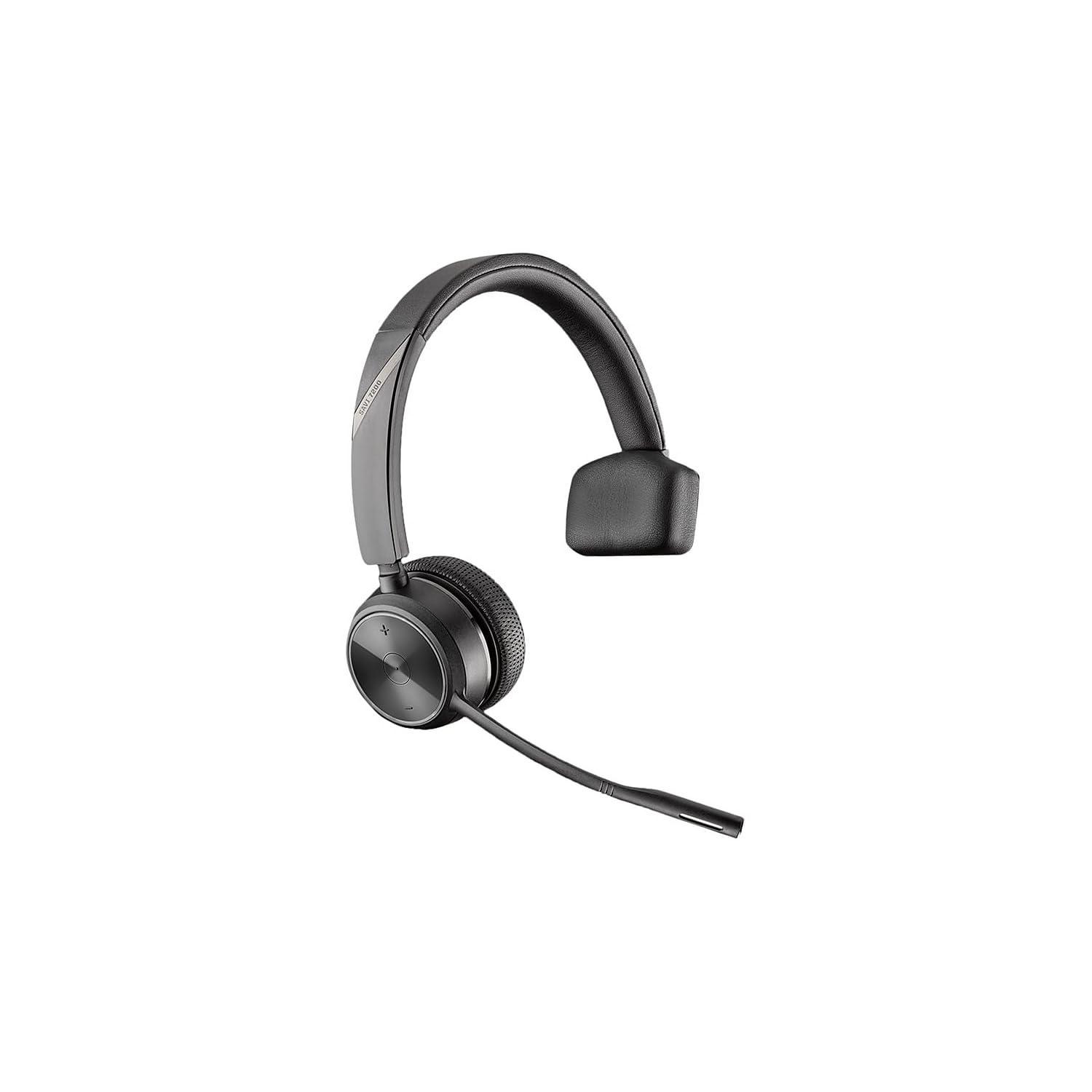
Image: Poly Savi 7210 Office headset resting on its charging base, connected to power and a desk phone (not fully visible).
2. Začetno seznanjanje slušalk
The headset and base are typically pre-paired. If pairing is lost or you are pairing a new headset, follow these steps:
- Place the headset into the charging cradle on the base.
- The headset should automatically begin the pairing process. The indicator light on the base will turn solid green when successfully paired.
3. Alternative Pairing Methods
If initial pairing fails, try these methods:
Method A: Power Cycle the Base
- Remove the power cable from the charging base.
- Wait for approximately 5-30 seconds for the power to fully discharge.
- Plug the power cable back into the base.
- Wait until the base indicator light turns solid.
- Place the headset into the charging cradle.
- Press the Call Control button on the headset until the desk phone icon on the base lights up green.
Method B: Over-the-Air Pairing (Subscription)
- Ensure the headset is off and removed from the cradle.
- Press and hold the Volume Up button on the headset until the green LED lights on the side of the headset turn on.
- Press the Link button on the back of the charging base. The link icon on the base display will flash for about 3 seconds.
- Once the link icon on the base turns solid, the headset is paired.
Video: Plantronics Savi 7220 Office Headset Pairing Guide
This video demonstrates the pairing process for the Plantronics Savi 7220 Office headset, including initial pairing and troubleshooting steps for re-establishing connection with the charging base.
Upravljanje slušalk
Wearing Styles
The Savi 7210 headset offers multiple wearing styles for comfort and preference:
- Over-the-Head: The standard headband style provides stability and comfort for extended use.
- Over-the-Ear: An earloop option allows the headset to be worn over a single ear.
- Behind-the-Neck: A neckband accessory provides an alternative wearing style.
The microphone boom is flexible and can be adjusted to either the left or right side, ensuring optimal voice pickup.
Nadzor klicev
The headset features intuitive controls for managing calls:
- Sprejmi/končaj klic: Press the dedicated button on the headset to answer or end a call.
- Nadzor glasnosti: Use the volume dial or buttons to adjust the listening volume.
- Izklop/vklop zvoka: Press the mute button to temporarily silence your microphone.
Wireless Range and Battery Life
- Brezžični doseg: Enjoy freedom of movement with a wireless range of up to 400 feet (120 meters) from the base in direct line of sight. In a typical office environment, the range is approximately 180-250 feet.
- Življenjska doba baterije: The headset provides up to 12 hours of talk time on a single charge, ensuring full-day communication without interruption.
Vzdrževanje
Polnjenje
Place the headset in the charging cradle when not in use to ensure it is always ready. A full charge provides up to 12 hours of talk time.
Čiščenje
Regularly clean the headset and base with a soft, dry cloth. Avoid using harsh chemicals or abrasive materials.
Skrb za baterijo
To prolong battery life, avoid fully discharging the headset frequently. Charge it regularly, especially overnight, to maintain optimal performance.
Odpravljanje težav
Ni zvoka ali mikrofon ne deluje
- Ensure the headset is powered on and properly paired with the base.
- Check the volume settings on both the headset and your desk phone.
- Preverite, ali je mikrofon izklopljen.
- Confirm that the base is correctly connected to your desk phone.
Slaba kakovost zvoka
- Adjust the wideband/narrowband settings on the base (refer to the base's physical controls, typically on the underside). Wideband offers higher clarity but may consume more battery.
- Ensure the headset is within the optimal wireless range of the base.
- Preverite morebitne motnje zaradi drugih brezžičnih naprav.
Specifikacije
| Funkcija | Podrobnost |
|---|---|
| Ime modela | Savi 7210 Office |
| Znamka | POLI |
| Tehnologija povezljivosti | RF |
| Brezžična komunikacijska tehnologija | DEC |
| Nadzor hrupa | Aktivno odpravljanje hrupa |
| Mikrofon | Noise-canceling with flexible boom |
| Življenjska doba baterije (čas pogovora) | Do 12 uri |
| Brezžično Domet | Do 400 čevljev (120 metrov) |
| Združljive naprave | Deskphones (over 800 analog and IP models) |
| Teža predmeta | 8 unč |
| Dimenzije izdelka | 6 x 6 x 1 palcev |
| Vključene komponente | Base, Headset, Power Adapter |
Garancija in podpora
Your Poly Savi 7210 Office headset is covered by a manufacturer's warranty. For detailed warranty information, technical support, or service inquiries, please refer to the official Poly webspletno mesto ali se obrnite neposredno na njihovo podporo strankam. Za uveljavljanje garancije shranite račun.
Online resources and FAQs may also be available on the Poly support portal.


