1. Uvod
The MARATHON 100 Hour Direct Entry Digital Tabletop Timer is designed to assist with precise time management for various tasks. Featuring a large, easy-to-read LCD display and a direct entry keypad, this timer offers both countdown and count-up functionalities, a clock mode, and memory presets for repetitive events. Its robust design includes a magnetic back and an integrated kickstand for versatile placement.
2. Izdelek je končanview
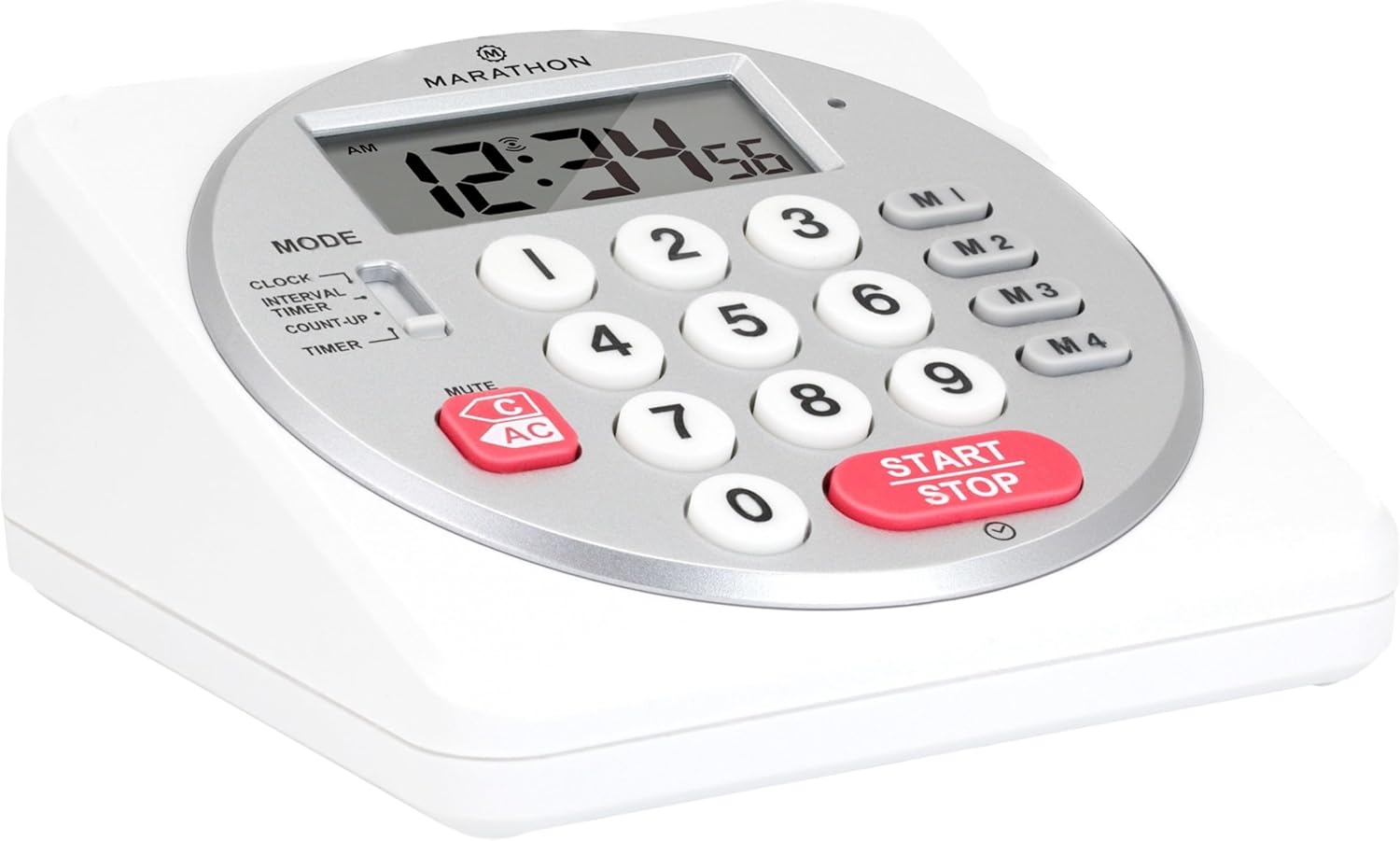
Slika 1: Spredaj view of the Marathon Digital Timer.
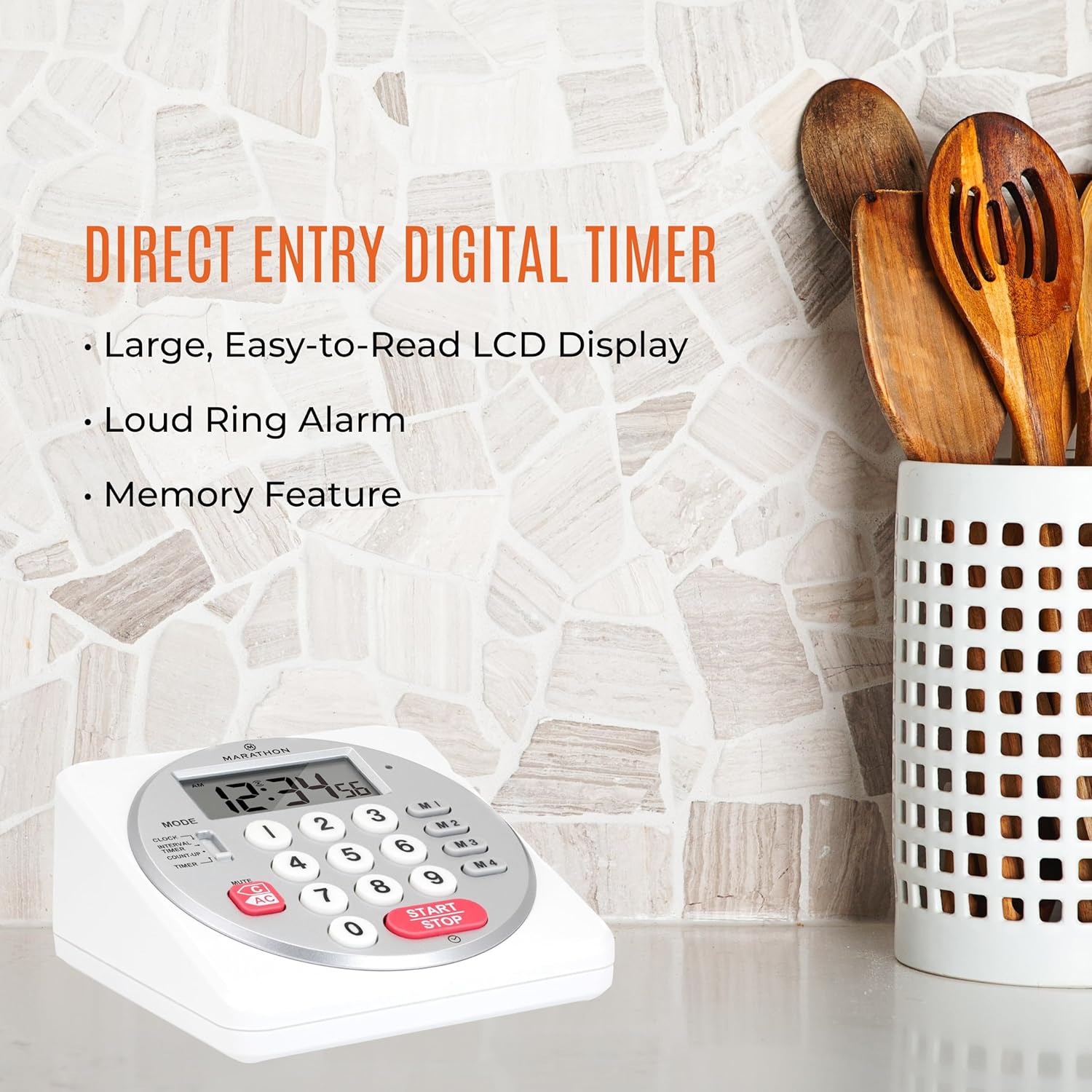
Figure 2: Timer on a kitchen counter, highlighting large display and loud alarm.

Figure 3: Timer showcasing dual function, included batteries, and versatile memory.
Ključne značilnosti:
- Direct Entry Keypad: For quick and precise time setting.
- Velik LCD zaslon: Easy-to-read numbers for clear visibility.
- Dual Function Alarm: Supports both countdown and count-up timing up to 99 hours, 59 minutes, and 59 seconds.
- Loud Ring Alarm: Audible across a room.
- LED indikator: Flashing light for silent alarm or hearing impairment assistance.
- Clock Feature: Displays time in 12-hour or 24-hour format when not in timer mode.
- Built-in Memory Function: Stores up to four consecutive times for interval timing and four memory presets for repetitive events.
- Vsestranska postavitev: Integrated kickstand for tabletop use and magnetic back for attachment to metal surfaces.
- Priložene baterije: Priložene so 2 AA baterije.
3. Nastavitev
3.1. Namestitev baterije
- Locate the battery compartment cover on the back of the timer.
- Odprite pokrov.
- Insert two (2) AA batteries, ensuring correct polarity (+/-) as indicated inside the compartment. The timer comes with batteries included.
- Varno namestite pokrov prostora za baterije.

Slika 4: Zadaj view with battery compartment and kickstand.
4. Navodila za uporabo
4.1. Izbira načina
Uporabite NAČIN switch located on the side of the timer to select between different functions:
- URA: Prikaže trenutni čas.
- INTERVAL TIMER: For setting multiple consecutive timers.
- ŠTETJE: Functions as a stopwatch.
- ČASOVNIK: For setting a single countdown timer.

Figure 5: MODE switch for function selection.
4.2. Nastavitev ure
- Potisnite NAČIN preklopi na URA.
- Pritisnite in držite NASTAVI gumb, dokler ne začnejo utripati številke časa.
- Use the number keypad (0-9) to enter the desired time (HH:MM).
- Pritisnite NASTAVI ponovno za potrditev in izhod iz načina nastavitve ure.
- Za preklop med 12-urnim in 24-urnim formatom časa pritisnite 12/24H button (if available, or refer to specific model instructions).
4.3. Setting a Countdown Timer (TIMER Mode)
- Potisnite NAČIN preklopi na ČASOVNIK.
- Use the number keypad (0-9) to directly enter the desired countdown time (HH:MM:SS). The timer supports up to 99 hours, 59 minutes, 59 seconds.
- Pritisnite START/STOP gumb za začetek odštevanja.
- To pause the timer, press START/STOP ponovno. Za nadaljevanje pritisnite še enkrat.
- When the countdown reaches zero, the alarm will sound, and the LED indicator will flash. The timer will then automatically begin counting up to show elapsed time since the alarm.
- To stop the alarm and clear the display, press the ČISTO gumb.
4.4. Using the Count-Up Timer (COUNT-UP Mode)
- Potisnite NAČIN preklopi na PREŠTETI.
- Ensure the display shows 00:00:00. If not, press ČISTO.
- Pritisnite START/STOP gumb za začetek štetja.
- To pause the count-up, press START/STOP ponovno. Za nadaljevanje pritisnite še enkrat.
- To reset the count-up timer to zero, press ČISTO.
4.5. Using Memory Functions (M1-M4 Presets)
The timer features four memory buttons (M1, M2, M3, M4) for storing and recalling frequently used times or for interval timing.
- In ČASOVNIK mode, enter the desired time using the number keypad.
- Press and hold one of the memory buttons (M1-M4) until the display confirms the time has been saved.
- To recall a saved time, simply press the corresponding memory button (M1-M4). The saved time will appear on the display, ready to start.
- For interval timing, set the first interval, save it to M1. Then set the second interval, save it to M2, and so on. You can then cycle through these presets as needed.
4.6. Prilagajanje glasnosti alarma
The timer features a volume switch, typically located on the side or back, allowing you to select between different alarm levels (e.g., High, Low, Mute) or a flashing LED indicator for silent operation.
5. Vzdrževanje
- Časovnik očistite z mehko damp krpo. Ne uporabljajte abrazivnih čistil in enote ne potapljajte v vodo.
- Avoid exposing the timer to extreme temperatures or direct sunlight for prolonged periods.
- If the display becomes dim or the alarm weakens, replace the batteries promptly.
6. Odpravljanje težav
| Težava | Možen vzrok | rešitev |
|---|---|---|
| Timer not turning on. | Baterije so prazne ali nepravilno nameščene. | Preverite polarnost baterij ali jih zamenjajte z novimi baterijami AA. |
| Zaslon je zatemnjen. | Nizka moč baterije. | Zamenjajte baterije. |
| Alarm se ne oglasi. | Alarm volume is set to mute or low. | Check the alarm volume switch and adjust as needed. |
| Časovnik se ne odziva na pritiske gumbov. | Unit may be in a locked state (if applicable) or requires a reset. | Remove and reinsert batteries to perform a hard reset. Check for any lock switches. |
7. Specifikacije
- Model: TI030018WH
- Znamka: MARATON
- Material: Plastika
- Dimenzije: 4.45 x 2.64 x 4.45 palcev
- Teža artikla: 7.1 unč
- vir energije: 2 x AA baterije (priložene)
- Max Timer Duration: 99 ur, 59 minut, 59 sekunde
- Lastnosti: Direct Entry, Dual Function (Count-up/Count-down), Clock, Memory Presets, LED Indicator, Magnetic Back, Kickstand
- UPC: 063442000342

Slika 6: Dimenzije izdelka.
8. Garancija in podpora
Za informacije o garanciji ali tehnično podporo se obrnite na uradno spletno stran proizvajalca webspletno mesto ali se obrnite na njihovo službo za pomoč strankam. Shranite račun kot dokazilo o nakupu.


