1. Uvod
The Modecom Oberon Pro Midi Tower is a computer case designed for users seeking a functional and spacious interior with a modern aesthetic. This manual provides essential information for the proper installation, operation, and maintenance of your computer case, ensuring optimal performance and longevity of your components.
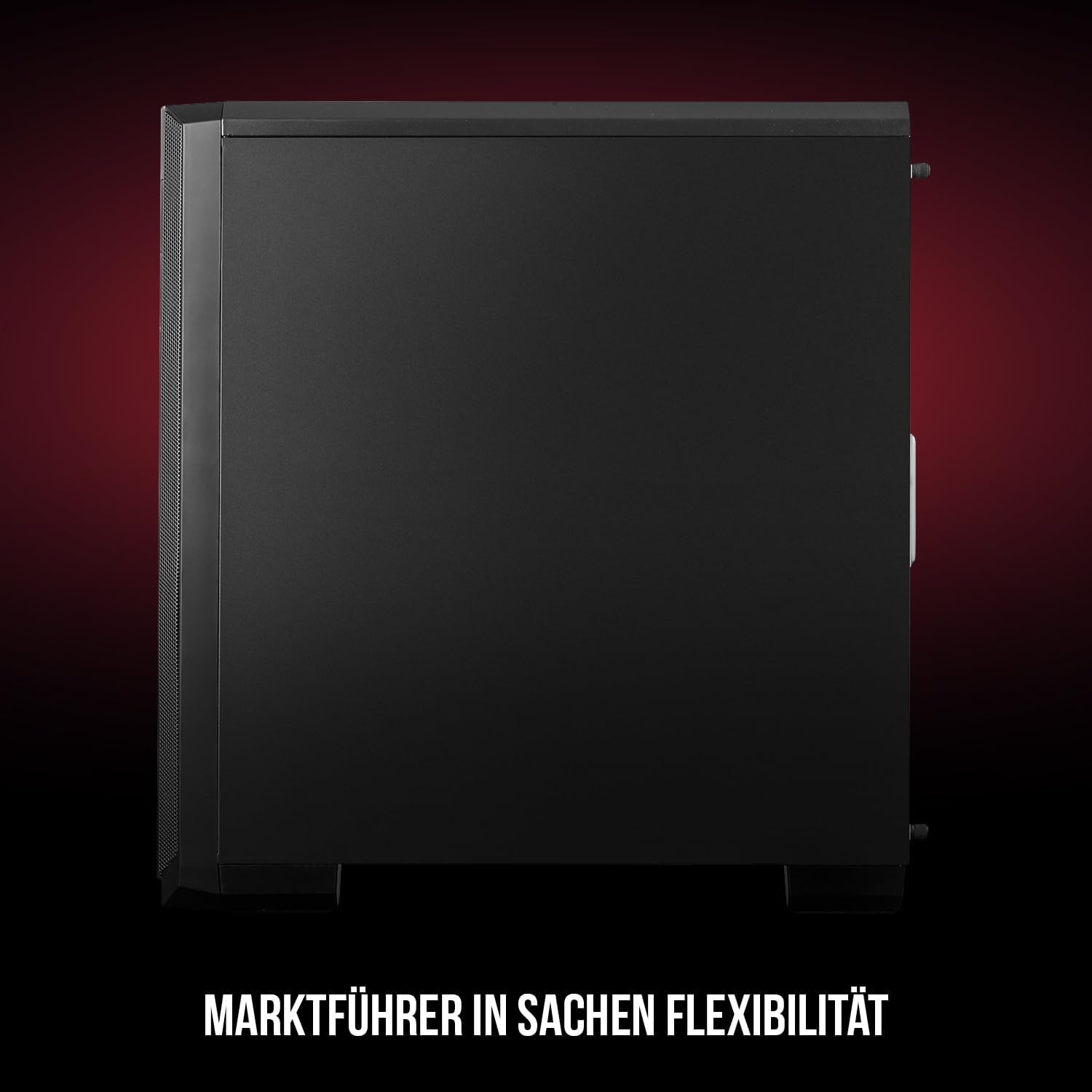
Slika 1: Sprednji in stranski view of the Modecom Oberon Pro Midi Tower computer case.
2. Varnostne informacije
- Pred nameščanjem ali odstranjevanjem kakršnih koli komponent vedno izključite napajalnik iz stenske vtičnice.
- Handle components with care to avoid electrostatic discharge. Consider using an anti-static wrist strap.
- Majhne dele in orodje hranite izven dosega otrok.
- Zagotovite ustrezno prezračevanje okoli ohišja, da preprečite pregrevanje.
- Do not attempt to modify the case structure, as this may void your warranty and pose safety risks.
3. Vsebina paketa
Preverite, ali so v vašem paketu prisotni vsi naslednji elementi:
- Modecom Oberon Pro Midi Tower Computer Case
- Accessory box (screws, standoffs, cable ties)
- Uporabniški priročnik (ta dokument)
4. Ključne značilnosti
- Prostorna notranjost: Designed to accommodate high-end components and facilitate good airflow.
- Učinkovito hlajenje: Includes two pre-mounted 120mm fans (front and rear) to prevent component overheating.
- Namestitev brez orodja: Supports tool-free mounting for SSD/HDD drives and expansion cards.
- Filtracija prahu: Features easily dismountable magnetic filters on the top, front, and bottom (under the power supply unit) to keep the interior clean.
- Optimizirano upravljanje kablov: Provides a system for convenient wiring organization.
- Long PSU Tunnel: Offers a 240mm space for power supplies, simplifying installation and cable arrangement.
5. Nastavitev in namestitev
5.1. Priprava primera
Before installation, remove the side panels of the case. The Oberon Pro features sound-dampening mats on the side panels to reduce noise.

Slika 2: Notranjost view showing sound-dampening mats on the side panel.
5.2. Namestitev matične plošče
Install the necessary standoffs for your motherboard form factor (ATX, Micro ATX, ITX). Carefully place your motherboard into the case, aligning it with the standoffs, and secure it with screws.

Figure 3: Interior layout with pre-installed rear fan and motherboard tray.
5.3. Drive Installation (SSD/HDD)
The Oberon Pro supports tool-free installation for three 2.5" SSDs and two 3.5" HDDs. The 3.5" HDD bays are located in the power supply tunnel at the bottom of the case. 2.5" SSDs can be mounted on both sides of the motherboard tray.

Figure 4: Dedicated bays for HDD and SSD storage devices.
5.4. Namestitev napajalnika
The case features a long PSU tunnel (240mm) at the bottom. Install your power supply unit into this tunnel and secure it. This design aids in cable management and airflow.
5.5. Expansion Card Installation (PCI/PCIe)
Install your graphics card or other expansion cards into the PCI/PCIe slots. The case supports tool-free mounting for these cards, allowing for easy installation and removal.
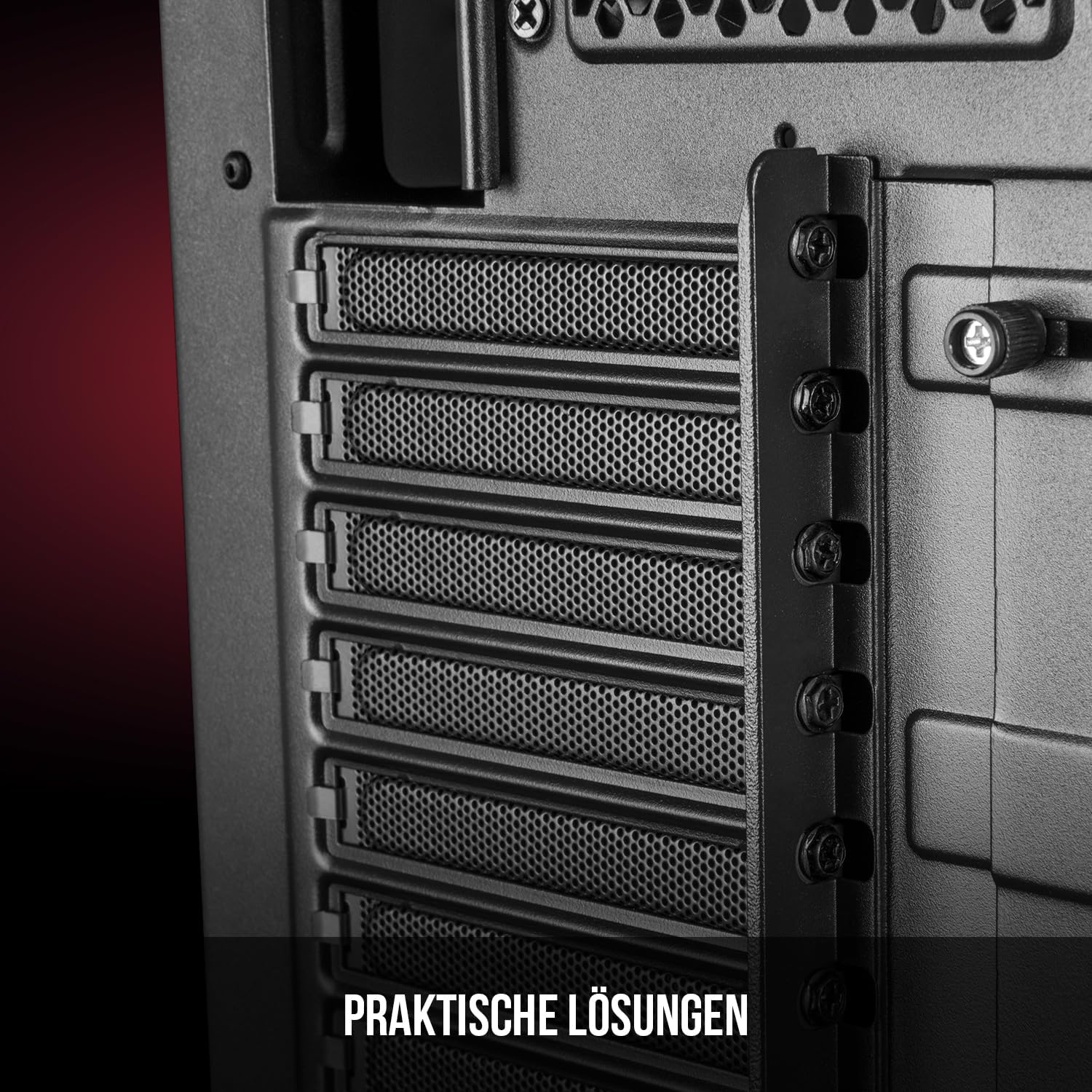
Slika 5: Zadnja notranjost view highlighting the expansion card slots.
5.6. Upravljanje kablov
Utilize the provided cable routing options and tie-down points behind the motherboard tray to organize cables. This improves airflow and maintains a tidy interior.
6. Hladilni sistem
The Oberon Pro comes with two pre-installed 120mm fans, one at the front and one at the rear, to ensure adequate airflow. The maximum height for a CPU cooler is 163mm, and the maximum length for a video card is 395mm, allowing for compatibility with a wide range of components.
7. Vzdrževanje
To maintain optimal performance and prevent dust buildup, regularly clean the dust filters. The magnetic filters on the top, front, and bottom of the case are easily dismountable for cleaning. Use compressed air or a soft brush to remove accumulated dust.
8. Odpravljanje težav
- Brez napajanja: Ensure all power cables are securely connected to the motherboard, power supply, and wall outlet. Check the power button connection to the motherboard.
- Pregrevanje: Verify that all fans are spinning correctly and that dust filters are clean. Ensure proper cable management to avoid obstructing airflow.
- Vrata na sprednji plošči ne delujejo: Check that the front panel connectors (USB, audio) are correctly plugged into the motherboard headers.
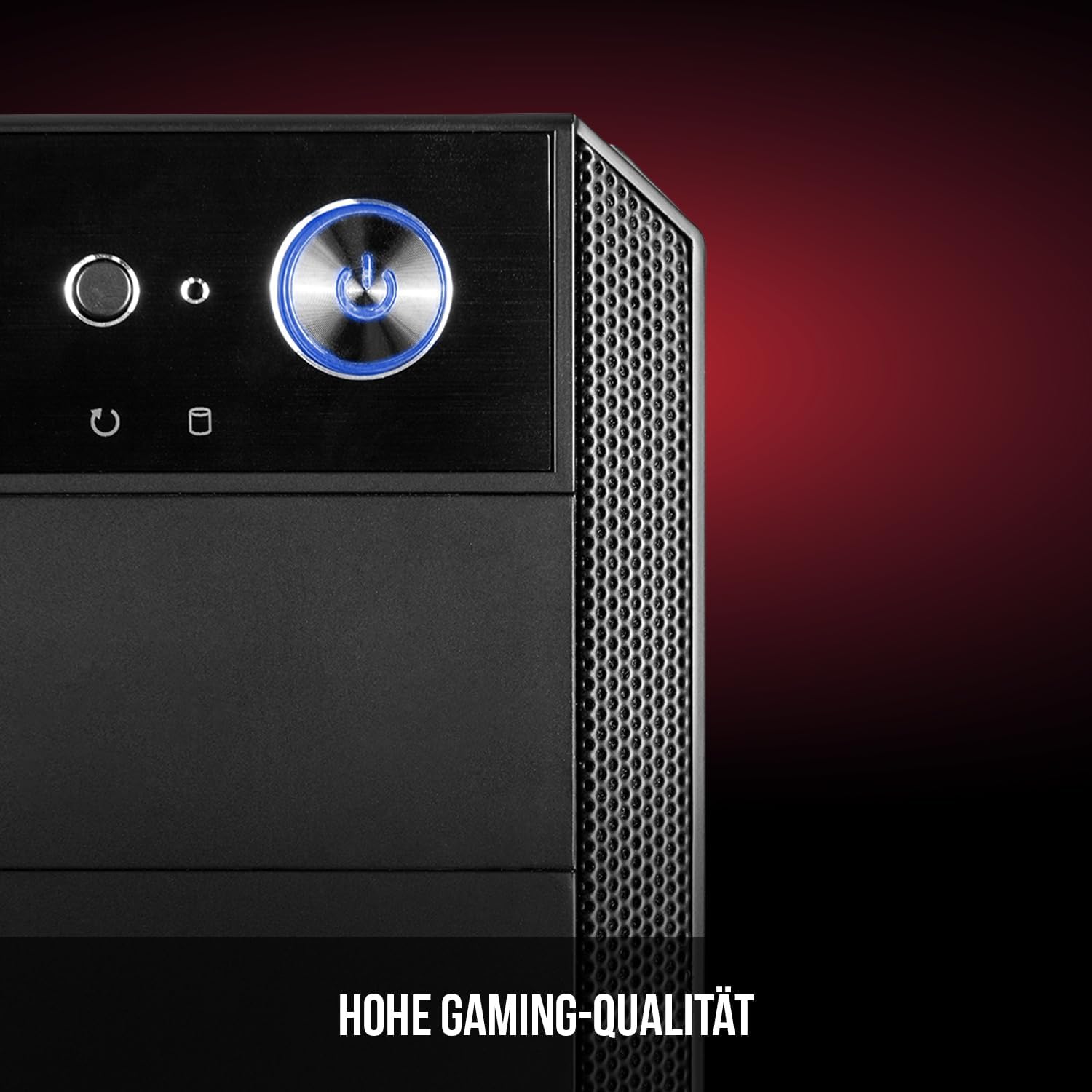
Figure 6: Front panel I/O ports for connectivity.
9. Specifikacije
| Funkcija | Specifikacija |
|---|---|
| Znamka | Modecom |
| Ime modela | Oberon Pro |
| Številka modela | AT-OBERON-PS-10-000000-0002 |
| barva | Črna |
| Vrsta ohišja | Midi stolp |
| Združljivost matične plošče | ATX, mikro ATX, ITX |
| Material | Legirano jeklo |
| Metoda hlajenja | zrak |
| Vnaprej nameščeni ventilatorji | 2 x 120mm (Front, Rear) |
| Največja višina hladilnika procesorja | 163 mm |
| Največja dolžina GPU | 395 mm |
| Drive Bays | 3 x 2.5-palčni SSD, 2 x 3.5-palčni trdi disk |
| Skupno število vrat USB | 4 |
| Posebne lastnosti | Reset Button, Dust Filter, LED Indicators, Side Window |
| Teža predmeta | 5270 gramov |

Figure 7: Rear exterior view of the computer case.
10. Garancija in podpora
For warranty information and technical support, please refer to the official Modecom webspletno mesto ali se obrnite na prodajalca. Shranite dokazilo o nakupu za morebitne garancijske uveljavljanja.


