1. Uvod
The GameMax Expedition is a compact Micro ATX PC gaming case designed for efficient cooling and component compatibility. This manual provides instructions for the proper installation, operation, and maintenance of your PC case.

Figure 1.1: GameMax Expedition MATX PC Gaming Case, White.
2. Varnostne informacije
- Pred namestitvijo ali vzdrževanjem vedno izključite napajanje vseh komponent.
- Nosite antistatično zapestnico, da preprečite poškodbe komponent zaradi elektrostatične razelektritve (ESD).
- Be cautious of sharp edges inside the chassis.
- Majhne dele in vijake hranite izven dosega otrok.
- Ensure proper ventilation around the case during operation.
3. Vsebina paketa
Preverite, ali so v paketu prisotni vsi elementi:
- GameMax Expedition MATX PC Gaming Case
- Accessory box (screws, standoffs, cable ties)
- 1 x 120mm Blue LED Fan (pre-installed at rear)
- Uporabniški priročnik (ta dokument)
4. Značilnosti izdelka
- Micro Gaming Chassis: Compact design optimized for gaming components.
- V/I vrata: 1 x USB 3.0, 2 x USB 2.0, and HD Audio ports located on the top panel.
- Hlajenje: Includes 1 x 120mm Blue LED fan. Supports additional fans for enhanced airflow.
- Stransko okno: Full side window panel allows visibility of internal components.
- Magnetic Dust Filter: Removable dust filter on the top panel for easy cleaning and improved system longevity.
- GPU Bracket: Integrated bracket provides support for graphics cards, preventing sag and accommodating larger cards.
5. Komponenta Konecview
5.1 Zunanji Views

Figure 5.1: Front panel design with air intake and included 120mm fan illustration.

Figure 5.2: Top I/O panel featuring USB 3.0, USB 2.0, and audio ports.
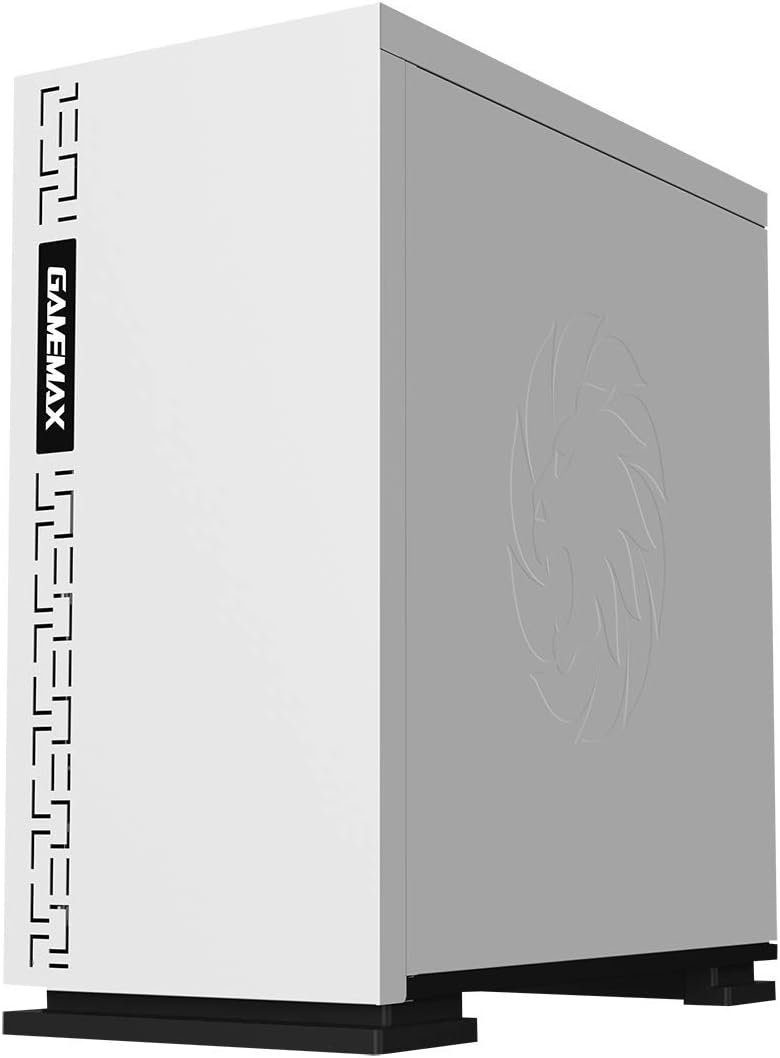
Slika 5.3: Zgornji del view showing the magnetic dust filter for fan ventilation.
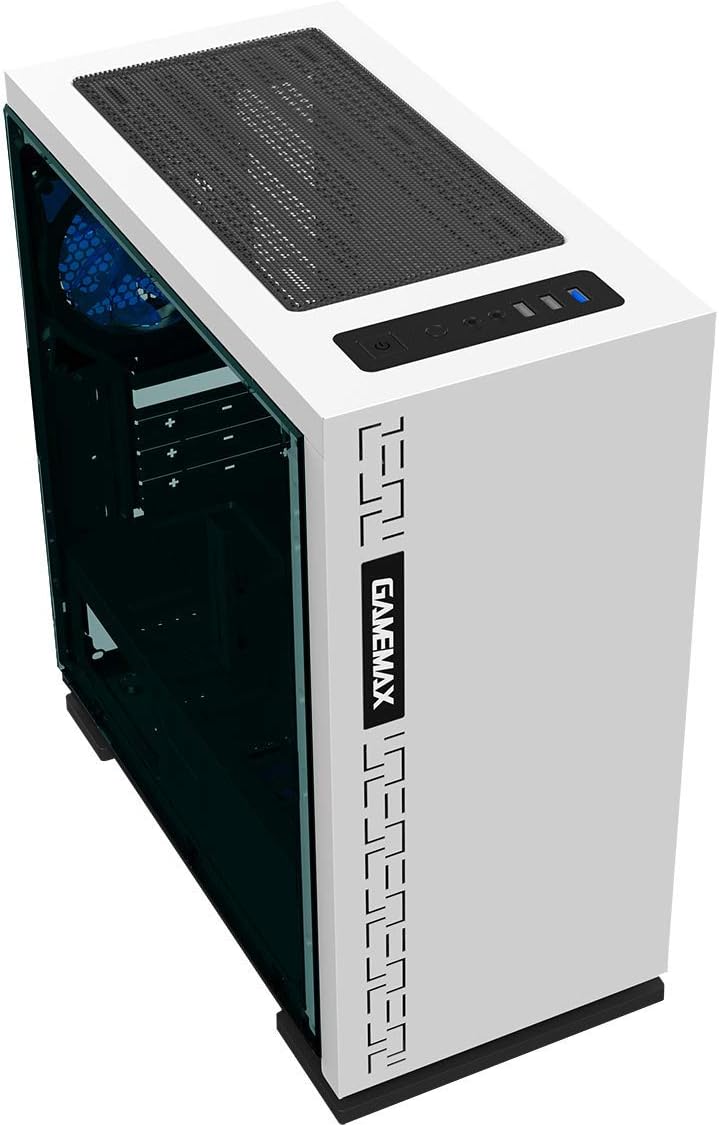
Slika 5.4: Zadaj view displaying expansion slots and the pre-installed 120mm fan.
5.2 Internal Layout

Slika 5.5: Notranji view with the side panel removed, showing the motherboard tray and cable routing options.

Figure 5.6: Illustration of fan and radiator mounting points within the chassis.
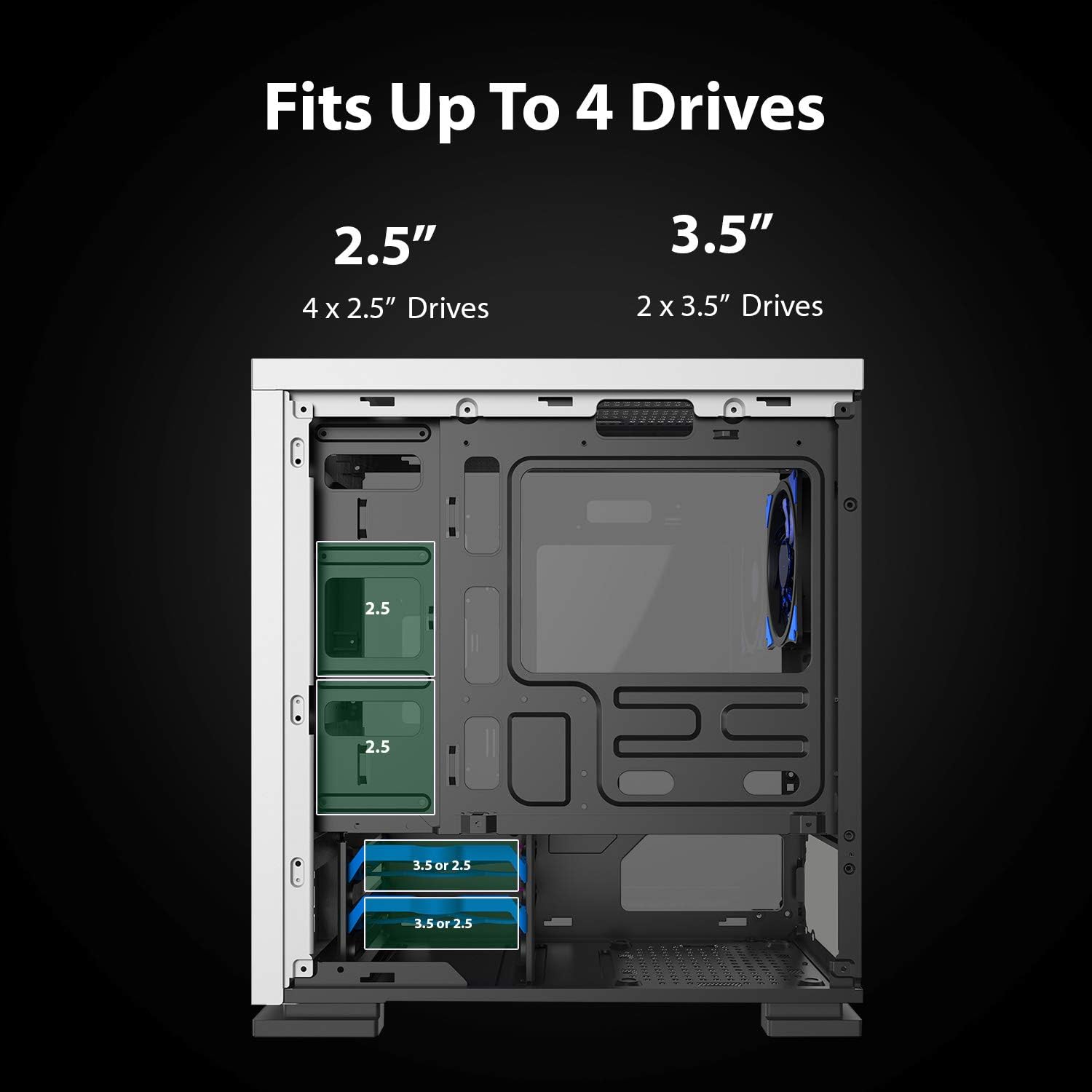
Figure 5.7: Drive bay locations supporting 2.5" and 3.5" storage devices.
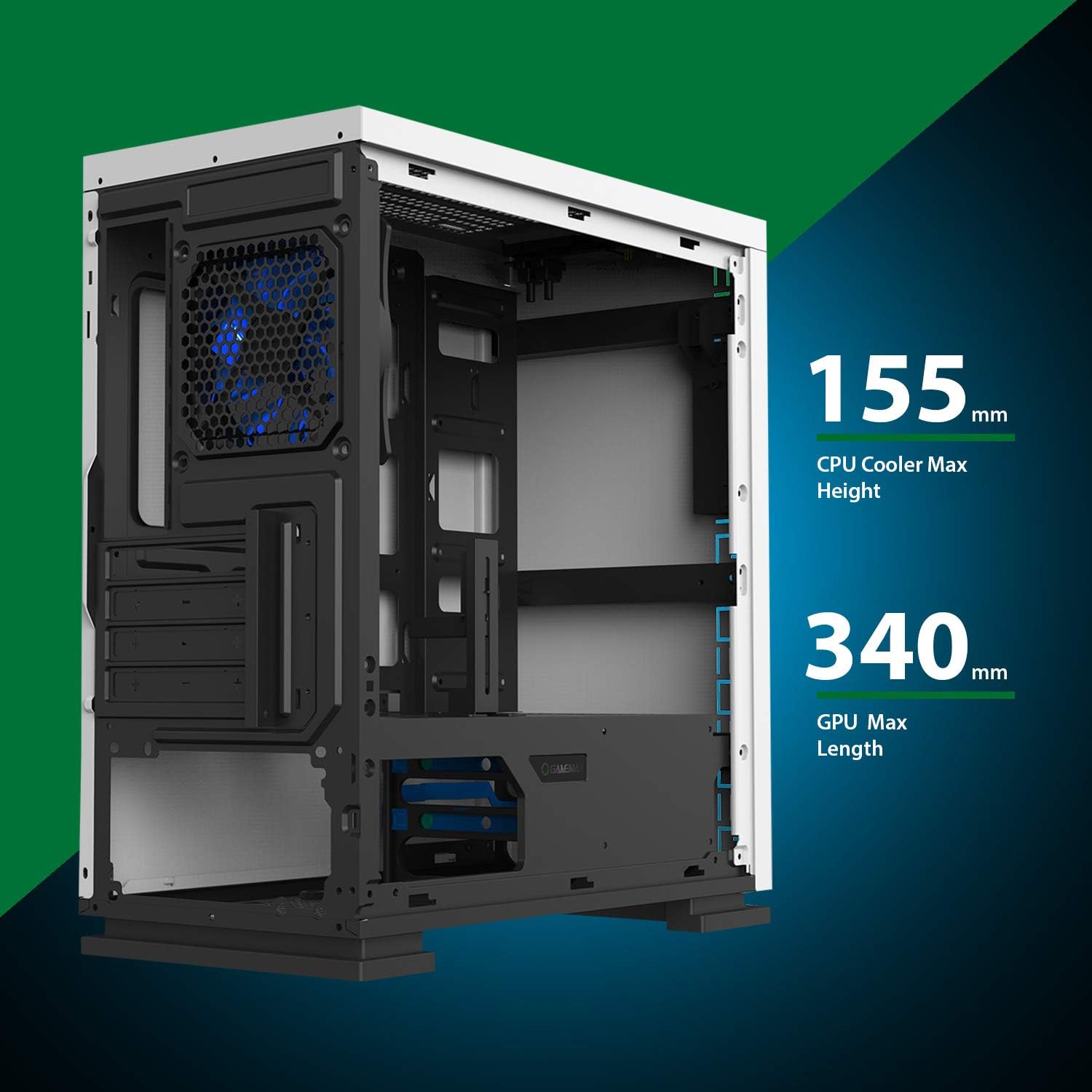
Figure 5.8: Maximum clearance for CPU coolers (155mm) and GPUs (340mm).
6. Nastavitev in namestitev
6.1 Priprava
- Unpack the chassis and remove all packaging materials.
- Remove the side panels by unscrewing the thumbscrews at the rear.
- Gather necessary tools: Phillips head screwdriver, cable ties.
6.2 Namestitev matične plošče
- Install the I/O shield into the rear opening of the chassis.
- Align the motherboard with the pre-installed standoffs. Ensure the standoffs match your Micro ATX motherboard's mounting holes.
- Matično ploščo pritrdite s priloženimi vijaki.
6.3 Namestitev napajalnika
- Place the power supply unit (PSU) into the dedicated compartment at the bottom rear of the case.
- Align the PSU with the screw holes on the rear of the chassis.
- Napajalnik pritrdite s priloženimi vijaki.
6.4 Namestitev pogona za shranjevanje
- 2.5-palčni pogoni: Mount 2.5" SSDs/HDDs to the dedicated mounting points on the motherboard tray or within the drive cage using the provided screws.
- 3.5-palčni pogoni: Install 3.5" HDDs into the drive cage located beneath the PSU shroud. Slide the drive into the tray and secure it.
6.5 Expansion Card (GPU) Installation
- Z zadnje strani ohišja odstranite potrebne pokrove razširitvenih rež.
- Insert your graphics card or other expansion card into the appropriate PCIe slot on the motherboard.
- Secure the card with a screw.
- Utilize the adjustable GPU bracket to provide additional support for heavier graphics cards.
6.6 Fan and Cooling Installation
- The case comes with one 120mm Blue LED fan pre-installed at the rear.
- Additional 120mm fans can be installed at the top and front positions as needed.
- Ensure fans are oriented correctly for optimal airflow (intake or exhaust).
6.7 Front Panel Connector Installation
Connect the front panel cables (USB 3.0, USB 2.0, HD Audio, Power SW, Reset SW, Power LED, HDD LED) to their corresponding headers on your motherboard. Refer to your motherboard manual for exact pin layouts.
7. Delovanje
Once all components are installed and cables are connected, replace the side panels. Connect your monitor, keyboard, mouse, and power cable. Press the power button on the top panel to start your system. The pre-installed LED fan will illuminate upon power-on.
8. Vzdrževanje
- Čiščenje filtra za prah: Regularly remove and clean the magnetic dust filter located on the top panel to maintain optimal airflow and prevent dust buildup inside the case.
- Generalno čiščenje: Uporabite mehko, damp cloth to clean the exterior surfaces of the case. Avoid abrasive cleaners.
- Odstranjevanje prahu iz notranjosti: Periodically use compressed air to clear dust from internal components and fans. Ensure the system is powered off and unplugged before performing internal cleaning.
9. Odpravljanje težav
- Sistem se ne vklopi: Check all power connections, including the PSU to the wall outlet, PSU to motherboard, and front panel power switch cable to the motherboard.
- Ventilatorji se ne vrtijo: Verify fan cables are securely connected to the motherboard or fan controller.
- Vrata USB ne delujejo: Ensure the front panel USB cables are correctly connected to the motherboard's USB headers.
- Brez izhoda za prikaz: Confirm the graphics card is properly seated and connected to power, and the monitor cable is connected to the graphics card, not the motherboard's integrated graphics port (unless using integrated graphics).
10. Specifikacije
| Funkcija | Specifikacija |
|---|---|
| Ime modela | GMX EXPEDITION |
| Znamka | GAMEMAX |
| Vrsta ohišja | Micro Tower (MATX) |
| Združljivost matične plošče | Mikro ATX |
| barva | Expedition White |
| Material | Polikarbonat (PC) |
| Dimenzije izdelka (DxŠxV) | 14.96 x 7.4 x 13.78 palca (380 x 188 x 350 mm) |
| Teža predmeta | 8.58 funtov (3.9 kg) |
| Vrata USB 3.0 | 1 |
| Vrata USB 2.0 | 2 |
| Metoda hlajenja | Zrak, voda |
| Vključen ventilator | 1 x 120mm Blue LED (Rear) |
| Največja višina hladilnika procesorja | 155 mm |
| Največja dolžina GPU | 340 mm |
11. Garancija in podpora
For warranty information and technical support, please visit the official GameMax webspletnega mesta ali se obrnite na lokalnega prodajalca.
Uradno Webspletno mesto: gamemaxpc.com


