1. Izdelek je končanview
The Mercusys MS105 is a 5-port 10/100Mbps desktop switch designed to expand your wired network. It features auto-negotiation RJ-45 ports compatible with MDI/MDIX, allowing for easy and flexible network expansion without complex configuration. Its compact design enables versatile placement in various environments.
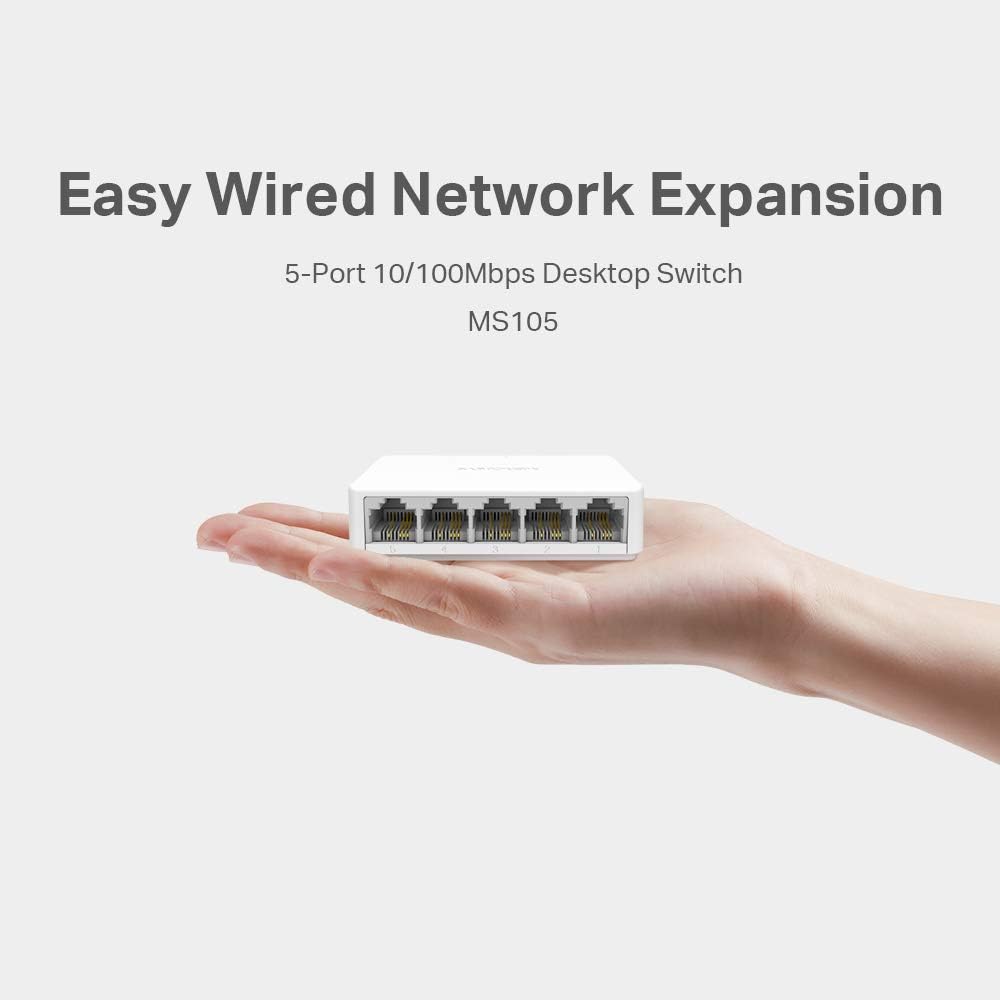
Image: The Mercusys MS105 switch, demonstrating its small form factor and the five 10/100Mbps Ethernet ports.
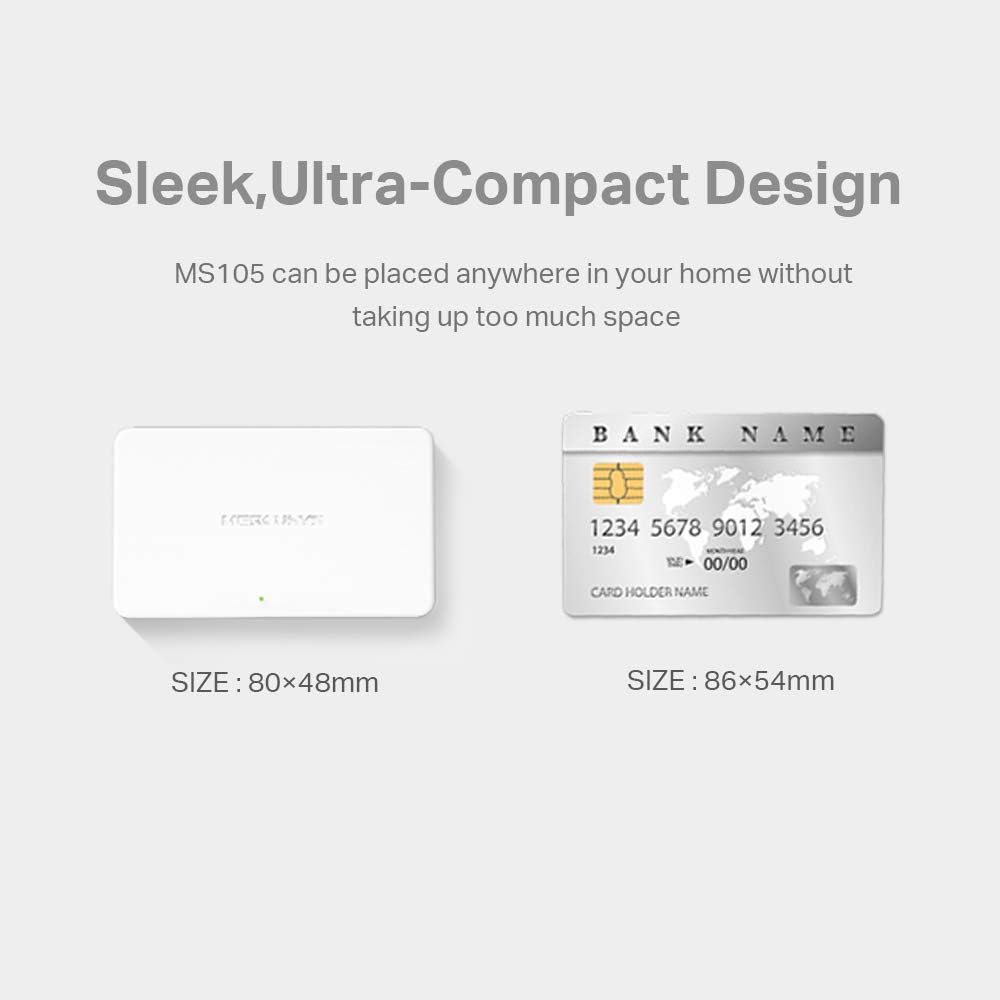
Image: Size comparison of the MS105 switch (80mm x 48mm) with a standard bank card (86mm x 54mm), highlighting its ultra-compact design.
2. Vsebina paketa
Preverite, ali vaš paket vsebuje naslednje elemente:
- Mercusys MS105 10/100Mbps 5-Port Desktop Switch
- Napajalni adapter
- Navodila za hitro namestitev

Image: The Mercusys MS105 retail box and its contents: the MS105 switch, power adapter, and Quick Installation Guide.
3. Navodila za nastavitev
The MS105 switch is designed for plug-and-play operation, requiring no software configuration.
- Napajalni priključek: Connect the provided power adapter to the switch's power port and then plug the adapter into a standard electrical outlet. The Power LED on the switch should illuminate.
- Omrežna povezava: Connect your network devices (e.g., computers, printers, IP cameras, smart TVs, game consoles) to the RJ-45 ports on the MS105 switch using Ethernet cables.
- Router/Modem Connection: Connect one of the switch's RJ-45 ports to your router or modem using an Ethernet cable to provide internet access to the connected devices.
The switch will automatically detect the speed and duplex mode of the connected devices. The Ethernet LEDs for active ports will light up, indicating a successful connection.
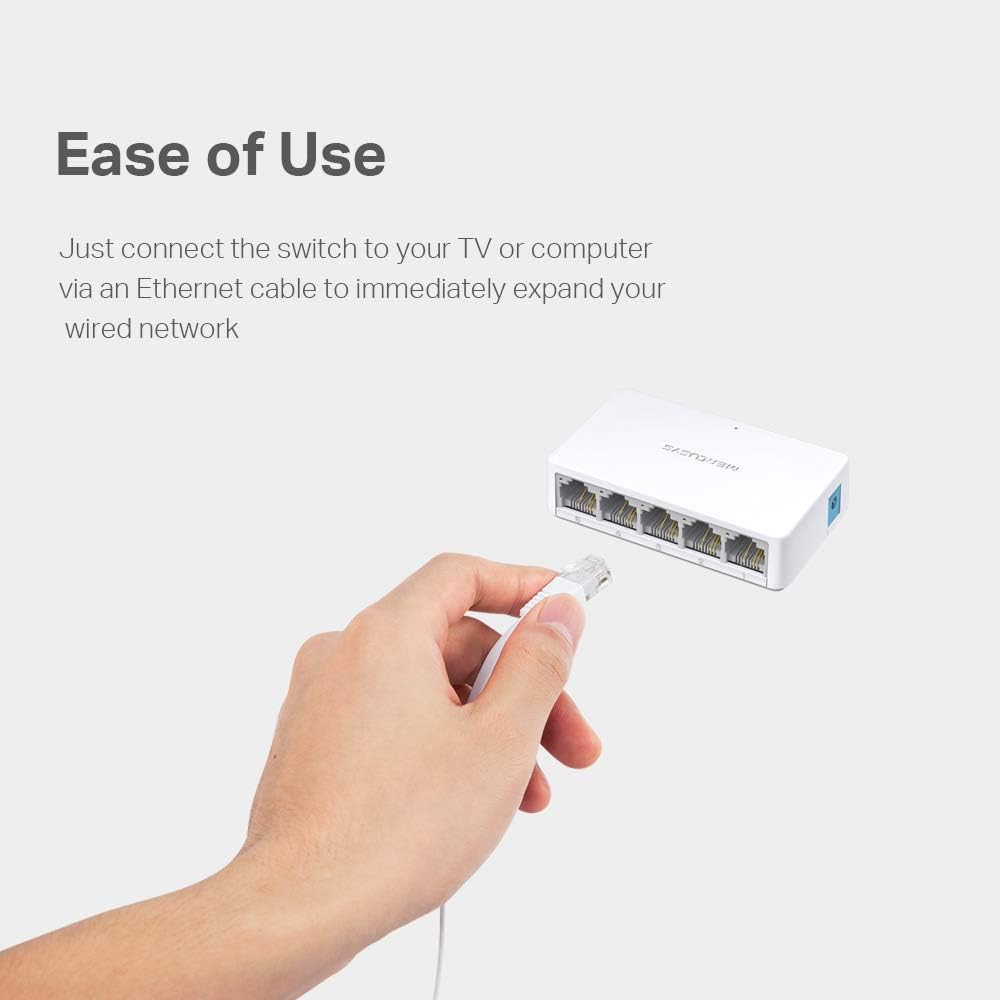
Image: Illustrates the ease of use by showing an Ethernet cable being connected to the MS105 switch.

Image: The MS105 switch integrated into a desktop computer setup, demonstrating its role in expanding an Ethernet network for various devices.
4. Navodila za uporabo
The MS105 is an unmanaged switch, meaning it operates automatically without requiring user configuration. Once connected, it facilitates data transfer between all connected devices.
LED indikatorji:
- LED za napajanje:
- Na: Stikalo je vklopljeno.
- Izklop: Stikalo je izklopljeno.
- Ethernet LEDs (1, 2, 3, 4, 5):
- Na: A device is connected to the corresponding port.
- utripa: Data is being transmitted or received through the corresponding port.
- Izklop: Nobena naprava ni povezana ali pa povezana naprava ni aktivna.
5. Specifikacije
| Funkcija | Podrobnost |
|---|---|
| Model | MS105 |
| Pristanišča | 5 x 10/100Mbps Auto-Negotiation RJ-45 ports (Auto MDI/MDIX) |
| Standardi in protokoli | IEEE 802.3, IEEE 802.3u, IEEE 802.3x CSMA/CD |
| Hitrost prenosa podatkov | 10/100Mbps at Half Duplex; 20/200Mbps at Full Duplex |
| Zunanji napajalnik | Izhod: 5.0VDC / 0.6A |
| Dimenzije (D x Š x V) | 80 mm x 48 mm x 21 mm (3.23" x 1.97" x 0.83") |
| Teža predmeta | 43 gramov (1.52 unč) |
| Material ohišja | Plastika |
| Delovna temperatura | 0°C~40°C (32°F~104°F) |
| Temperatura shranjevanja | -40°C~70°C (-40°F~158°F) |
| Delovna vlažnost | 10%~90% brez kondenzacije |
| Vlažnost pri shranjevanju | 5%~90% brez kondenzacije |
| Certifikati | CE, RoHS |
| Združljive naprave | Desktop, Laptop, Notebook, Printer, IP Cameras, Smart TVs, Game Consoles |
6. Odpravljanje težav
If you encounter issues with your MS105 switch, consider the following common troubleshooting steps:
- Brez napajanja: Ensure the power adapter is securely connected to both the switch and a working electrical outlet. Check if the Power LED is illuminated.
- No Link/Connection:
- Verify that Ethernet cables are properly connected to both the switch and the network device.
- Prepričajte se, da je priključena naprava vklopljena in deluje pravilno.
- Try using a different Ethernet cable or port on the switch.
- Check if the corresponding Ethernet LED on the switch is lit.
- Počasna hitrost omrežja:
- Ensure all cables are Cat5e or higher and are not damaged.
- Confirm that your connected devices are capable of 100Mbps speeds.
- Ponovno zaženite stikalo in priključene naprave.
7. Vzdrževanje
To ensure optimal performance and longevity of your MS105 switch:
- Čiščenje: Gently wipe the exterior of the switch with a soft, dry cloth. Do not use liquid or aerosol cleaners.
- Umestitev: Place the switch in a well-ventilated area, away from direct sunlight, heat sources, and excessive moisture. Ensure it is within the specified operating temperature and humidity ranges.
- Ugasniti: If the switch will not be used for an extended period, it is recommended to disconnect the power adapter.
8. Garancija in podpora
The Mercusys MS105 switch comes with a 2-letna garancija proizvajalca. Please retain your proof of purchase (invoice or tax coupon) for warranty claims.
For technical support, firmware updates, and additional product information, please visit the official Mercusys website or contact Mercusys customer support.
Mercusys is a registered trademark. Other brands and product names are trademarks or registered trademarks of their respective holders.


