Uvod
This manual provides detailed instructions for the installation, operation, and maintenance of your Samsung SDS-P5122 16 Channel DVR Security System. Please read this manual thoroughly before using the product to ensure proper functionality and safety. Keep this manual for future reference.
Konec izdelkaview
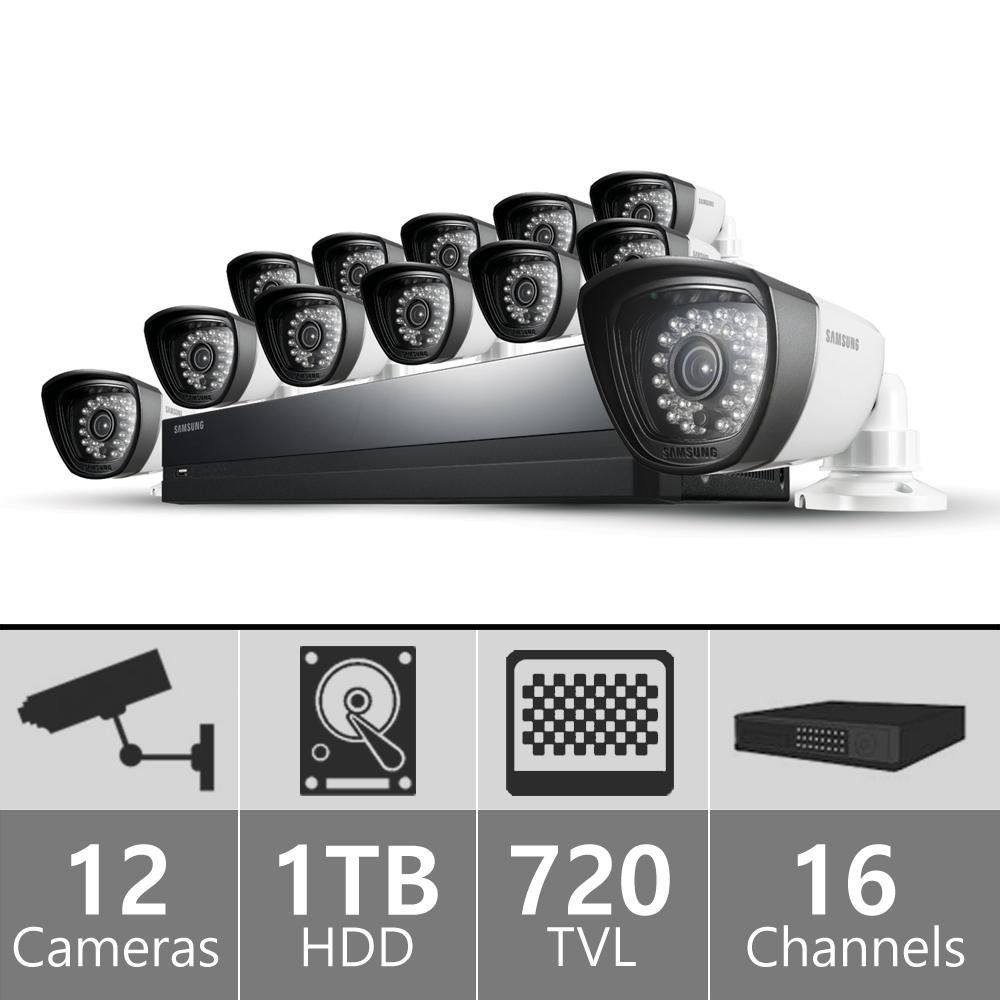
The Samsung SDS-P5122 is a comprehensive 16-channel DVR security system designed for reliable surveillance. It includes a Digital Video Recorder (DVR) unit and multiple weather-resistant cameras.
DVR Unit
The DVR unit is the central component for recording, storing, and managing video footage from the connected cameras. It features a 1 TB surveillance-class hard drive for continuous recording.
Slika: spredaj view of the Samsung SDS-P5122 DVR unit, showing the Samsung logo, status indicators, and a USB port.
Nadzorne kamere
The system includes 720 TVL high-resolution, weather-resistant cameras with night vision capabilities up to 82 feet and a 72-degree wide-angle coverage.
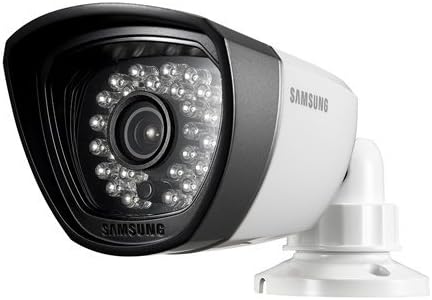
Image: A Samsung surveillance camera, white in color, featuring multiple infrared LEDs around the lens for night vision.
Navodila za namestitev
Razpakiranje in prvi pregled
- Previdno razpakirajte vse komponente iz škatle.
- Preverite, ali so prisotni vsi elementi, navedeni v razdelku »Kaj je v škatli«.
- Preverite vse komponente glede morebitnih znakov poškodb. Če odkrijete kakršno koli poškodbo, se obrnite na podporo strankam.
Priključitev DVR
- Priključite napajalnik na DVR in nato v električno vtičnico.
- Connect a monitor to the DVR's video output port (HDMI or VGA).
- Connect a USB mouse to the DVR's USB port for navigation.
- For network access, connect an Ethernet cable from the DVR to your router.
Installing Cameras
- Select appropriate locations for each camera, ensuring optimal viewing angles and coverage. Consider areas with high traffic or vulnerable entry points.
- Mount each camera securely using the provided screws and mounting hardware.
- Connect the camera's power and video cables to the corresponding ports on the DVR. Ensure connections are secure.
- Adjust the camera's angle and focus as needed after power-up.
Upravljanje sistema
Vklop in začetna konfiguracija
- Power on the DVR. The system will boot up and display the initial setup wizard on the connected monitor.
- Follow the on-screen prompts to set the date, time, language, and create an administrator password.
- Configure network settings if you plan to use remote viewing.
V živo View
Po začetni nastavitvi bo sistem prikazal sliko v živo view iz vseh povezanih kamer. Preklapljate lahko med eno kamero view in mreža z več kamerami view using the on-screen interface.
Možnosti snemanja
The DVR supports continuous recording, scheduled recording, and motion-detection recording.
- Nenehno snemanje: Zapisi 24/7, prepis najstarejših datotektage, ko je trdi disk poln.
- Predvideno snemanje: Records during specified time intervals configured by the user.
- Snemanje zaznavanja gibanja: Records only when motion is detected in the camera's field of view. This feature can be configured per camera to minimize false alerts.
Predvajanje in varnostno kopiranje
Dostop do posnetega footage through the playback menu. You can search by date, time, and event type. To back up footage, connect a USB storage device to the DVR and follow the on-screen instructions to export selected recordings.
Daljinsko Viewing (iPOLiS App)
The Samsung iPOLiS app allows remote viewing of live and recorded footage from your smartphone (Android/iOS). Download the app from your device's app store.
- Prepričajte se, da je DVR povezan z internetom prek ethernetnega kabla.
- Open the iPOLiS app and register your DVR using its unique device ID or QR code.
- Follow the app's instructions to add and configure your device for remote access.
Vzdrževanje
Redno čiščenje
Clean the camera lenses and DVR unit periodically with a soft, dry cloth. Do not use harsh chemicals, abrasive cleaners, or excessive moisture, as these can damage the components.
Posodobitve vdelane programske opreme
Preverite podporo Samsunga website regularly for firmware updates. Keeping your system's firmware updated ensures optimal performance, security, and access to new features.
Upravljanje trdega diska
The DVR's 1 TB hard drive will automatically overwrite the oldest footage when full. Regularly back up important recordings to external storage to prevent loss of critical data.
Odpravljanje težav
Brez video prikaza
- Check all power connections to the DVR and monitor.
- Verify the video cable (HDMI/VGA) is securely connected between the DVR and monitor.
- Prepričajte se, da je monitor nastavljen na pravilen vhodni vir.
Kamera se ne prikazuje
- Check the camera's power and video cable connections at both the camera and DVR ends.
- Ensure the camera's power adapter is functioning correctly.
- Test the camera on a different channel or with a known working cable to isolate the issue.
Daljinsko ViewTežave
- Verify the DVR has an active internet connection.
- Check network settings on the DVR and your router (port forwarding may be required, consult your router's manual or ISP).
- Ensure the iPOLiS app on your smartphone is updated to the latest version.
- Consult the Samsung support website for specific network configuration guides and troubleshooting tips for remote access.
Slaba kakovost slike
- Objektiv fotoaparata previdno očistite z mehko krpo.
- Prepričajte se, da je kamera pravilno izostrena (če je nastavljiva).
- Preverite, ali so v vidnem polju kamere ovire view (e.g., spiderwebs, umazanija).
- Verify cable integrity; damaged or loose cables can cause signal degradation and poor image quality.
Specifikacije
| Funkcija | Podrobnost |
|---|---|
| Znamka | Samsung |
| Številka modela | SDS-P5122 |
| Število kanalov | 16 |
| Ločljivost zajema videa | 720 TVL (Cameras) |
| Zmogljivost pomnilnika | 1 TB (trdi disk) |
| Območje nočnega vida | 82 čevljev |
| Viewkota | 72 stopinj |
| Tehnologija povezljivosti | Wired (Cameras), Wireless (Remote Access) |
| Vir napajanja | Električni na kabel |
| Operating System (for app) | Android (Compatible Devices: Smartphones) |
| Način snemanja | Zaznavanje gibanja |
| Mere izdelka (D x Š x V) | 20 x 12 x 16 palcev |
| Teža predmeta | 0.01 ounces (System weight may vary) |
Garancija in podpora
Informacije o garanciji
Refer to the warranty card included with your product for specific warranty terms and conditions. Keep your proof of purchase for all warranty claims.
Podpora uporabnikom
Za tehnično pomoč, odpravljanje težav ali servisne poizvedbe obiščite uradno podporo Samsung. website or contact their customer service hotline. Contact information can be found on the Samsung webspletnem mestu ali v embalaži vašega izdelka.
Spletna podpora: www.samsung.com/us/support/