Uvod
The Logitech Multimedia Speakers Z150 provide clear stereo sound for various audio devices. Designed for simplicity and compact placement, these speakers offer convenient controls and dual audio input options, making them suitable for use with computers, smartphones, tablets, and MP3 players.

Slika: spredaj view of the Logitech Z150 Multimedia Speakers, showcasing njihovo kompaktno zasnovo.
Vsebina paketa
Preverite, ali so v paketu prisotni vsi elementi:
- Two (2) Logitech Z150 Speakers
- En (1) napajalnik
- Uporabniška dokumentacija

Image: Retail packaging for the Logitech Z150 Multimedia Speakers, indicating contents and features.
Nastavitev
- Postavitev zvočnikov: Place the two speakers on a stable, flat surface, such as a desk or shelf. Ensure they are positioned to provide optimal sound distribution for your listening area.
- Priključitev napajalnika:
- Connect the power adapter cable to the power input port on the back of the right speaker.
- Priključite napajalnik v standardno električno vtičnico.
- Povezovanje avdio naprav:
- Primary Audio Input (3.5mm): Connect your primary audio source (e.g., computer, laptop, smartphone) to the 3.5mm audio input jack located on the back of the right speaker using a 3.5mm audio cable (not included).
- Pomožni vhod (3.5 mm): For a second audio device, connect it to the auxiliary 3.5mm input jack located on the front of the right speaker. This allows for simultaneous connection of two devices.
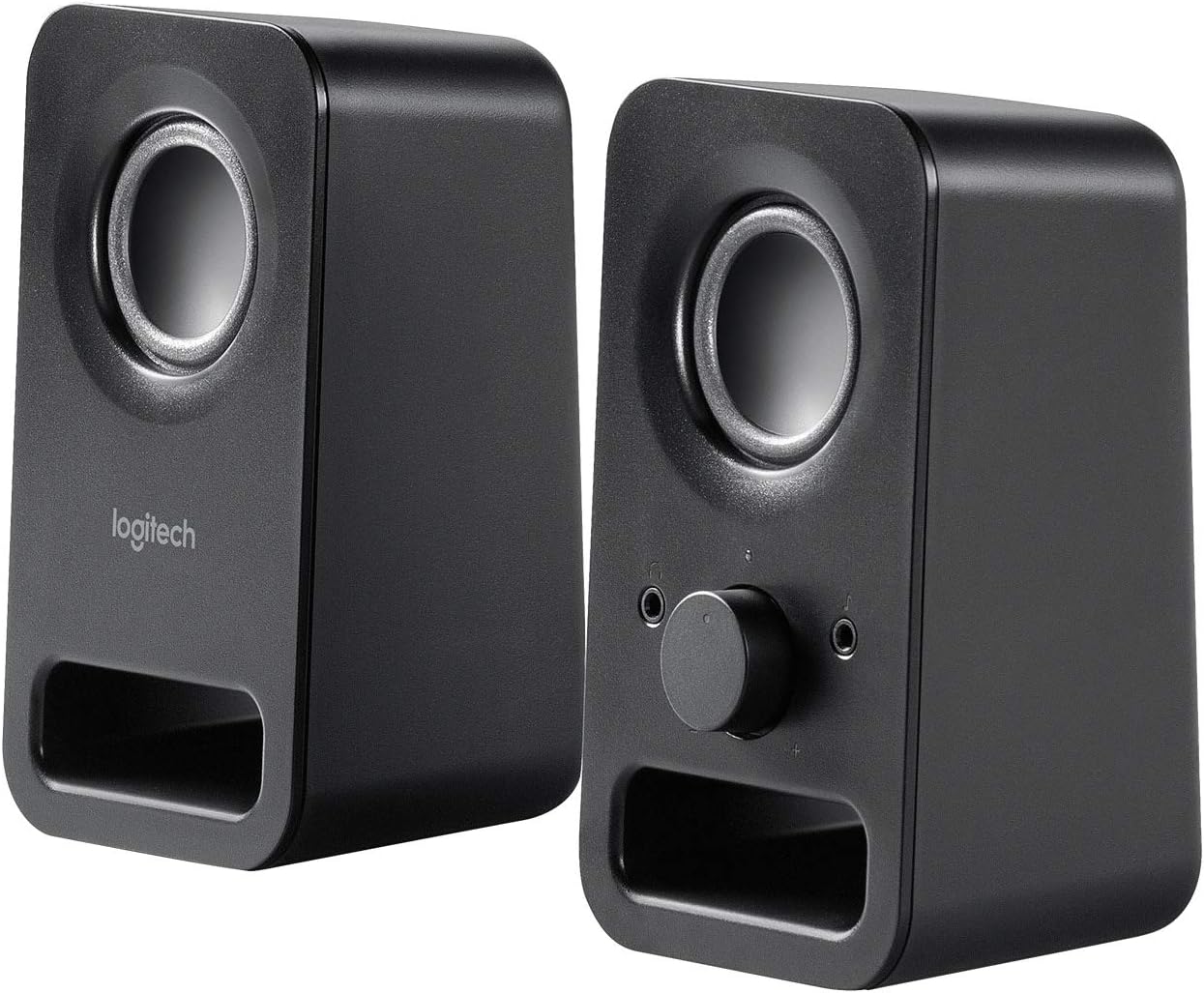
Slika: Pod kotom view of both Logitech Z150 speakers, illustrating their placement and potential connection points.
Navodila za uporabo
Vklop / izklop in nadzor glasnosti
The right speaker features a combined power and volume control knob on its front panel.
- Za vklop: Rotate the knob clockwise until you hear a click and the power indicator light illuminates (typically green).
- Če želite prilagoditi glasnost: Continue rotating the knob clockwise to increase volume or counter-clockwise to decrease volume.
- Za izklop: Rotate the knob counter-clockwise until you hear a click and the power indicator light turns off.
Uporaba priključka za slušalke
A 3.5mm headphone jack is conveniently located on the front of the right speaker.
- Plug your headphones into this jack to listen to audio privately.
- When headphones are connected, audio output from the speakers will automatically mute.
- Unplug your headphones to resume audio playback through the speakers.

Slika: Bližnji posnetek view of the right Logitech Z150 speaker, highlighting the volume/power knob and headphone jack.
Povezljivost
The Logitech Z150 speakers support simultaneous connection of two audio devices.
- Rear 3.5mm Audio Input: Ideal for a primary device like a desktop computer or television.
- Front 3.5mm Auxiliary Input: Convenient for connecting a secondary device such as a smartphone, tablet, or MP3 player.
The speakers will play audio from both connected sources. To switch between sources, simply pause or mute one device to hear the other.
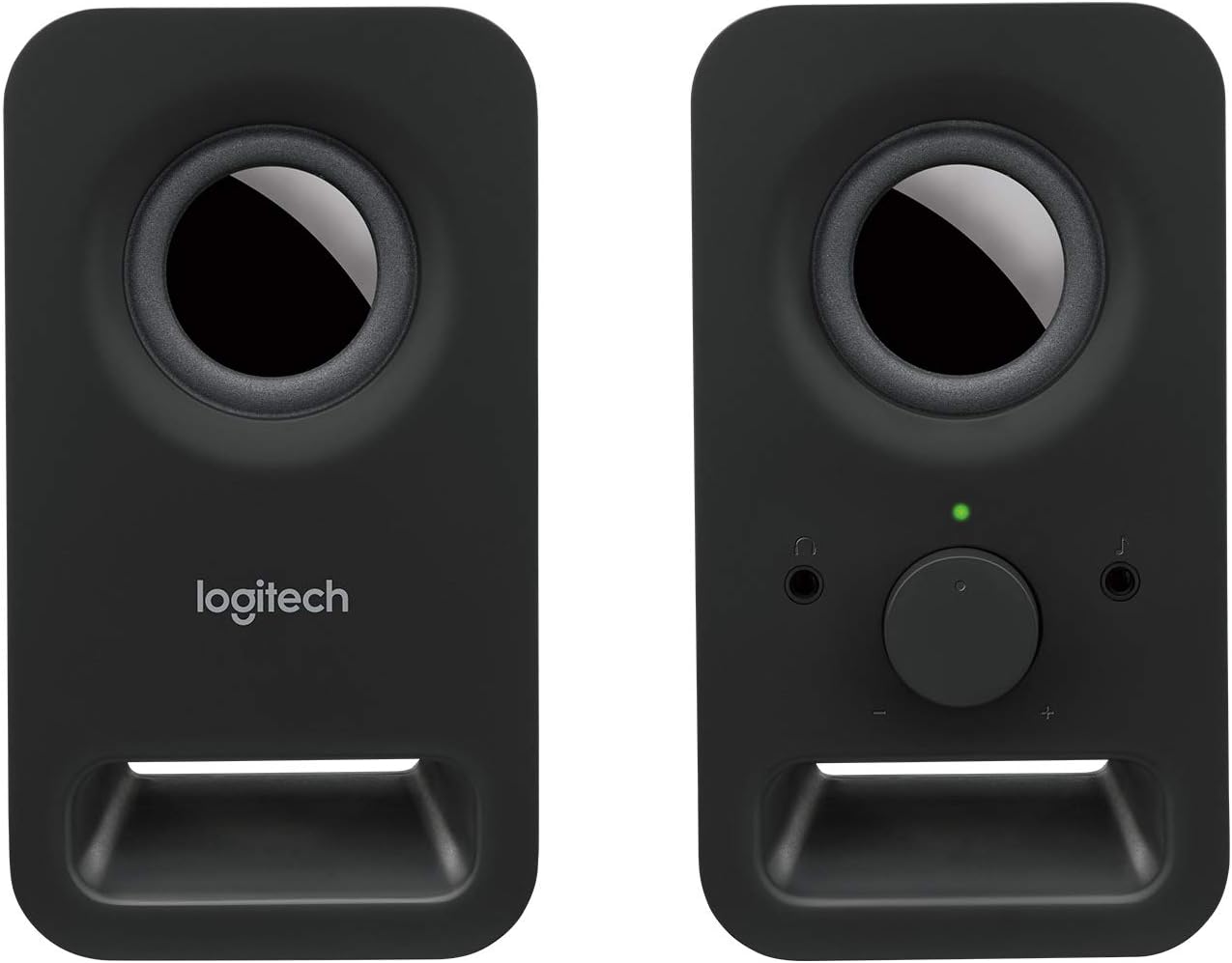
Slika: spredaj view of both Logitech Z150 speakers, showing the illuminated power indicator on the right speaker.
Vzdrževanje
- Čiščenje: Use a soft, dry cloth to clean the speaker surfaces. Avoid using liquid cleaners or abrasive materials.
- Umestitev: Keep speakers away from direct sunlight, heat sources, and excessive moisture.
- Ravnanje: Pazite, da vam zvočniki ne padejo na tla ali da jih ne izpostavljate močnim udarcem.
Odpravljanje težav
| Težava | rešitev |
|---|---|
| Ni zvoka iz zvočnikov. |
|
| Zvok je popačen ali nejasen. |
|
| Only one speaker is producing sound. |
|
Specifikacije
- Ime modela: LOG980000802
- Številka modela artikla: 980-000802
- Znamka: Logitech
- barva: Črna
- Vrsta zvočnika: Računalnik
- Tehnologija povezljivosti: Žično
- Način avdio izhoda: Stereo
- Največja izhodna moč zvočnika: 6 vatov (najvišja)
- Frekvenčni odziv: 20 KHz (Note: This is likely the upper limit, not the full range)
- Velikost gonilnika: Two 2-inch drivers per speaker
- Dimenzije izdelka (DxŠxV): 7.87 x 3.54 x 6.34 inches (per speaker, approximate)
- Teža artikla: 1.28 pounds (approximate total)
- vir energije: Električni na kabel
- Nadzorna metoda: Rotary Knob (Volume/Power)
- Združljive naprave: Smartphones, Tablets, MP3 Players, Desktop Computers, Laptops, Televisions, Projectors
- Vrsta pritrditve: Namizni nosilec
- Material: Metal (likely referring to internal components or grille, main body is plastic)
- UPC: 097855099815, 803982774309, 088021505674, 059595163423, 097855100689, 978551006652, 097855100665
Garancija in podpora
The Logitech Multimedia Speakers Z150 come with a Omejena garancija. For specific warranty terms, conditions, and duration, please refer to the warranty information included with your product documentation or visit the official Logitech support webmesto.
For technical assistance, troubleshooting guides, and frequently asked questions, please visit the Logitech Support webspletno mesto:
When contacting support, please have your product model (Z150) and item model number (980-000802) available.


