1. Uvod
Thank you for choosing the Marathon CL030033WD Atomic Self-Setting Wall Clock. This clock is designed for accuracy and convenience, automatically synchronizing with the atomic time signal to ensure precise timekeeping. It also features a clear digital display, multiple time zones, and temperature readings. This manual provides detailed instructions for setting up, operating, and maintaining your new clock.

Slika 1.1: Spredaj view of the Marathon CL030033WD Atomic Self-Setting Wall Clock, displaying time, date, day, and temperature.
2. Značilnosti izdelka
- Atomska časovna sinhronizacija: Automatically sets and adjusts time via the WWVB radio signal for precise accuracy.
- Velik, lahko berljiv zaslon: Clear digital display for time, date, day of the week, and indoor temperature.
- Več časovnih pasov: Supports 8 selectable time zones.
- Self-Setting: Simply insert batteries for automatic setup.
- Vsestranska montaža: Includes a built-in table stand and wall-mount option.
- Eleganten dizajn: Features a brushed steel effect frame with a wood tone finish.
- Prikaz temperature: Shows indoor temperature in both Celsius and Fahrenheit.

Image 2.1: The Marathon Atomic Wall Clock in a room setting, highlighting its large, easy-to-read display, multiple modes (time, date, temperature), and 8 time zone capability.

Image 2.2: Close-up of the clock face with icons representing its self-setting function, versatile mounting options, and sleek design.

Slika 2.3: Podrobno view of the clock's dynamic display, showing the date, day of the week, and temperature in both Celsius and Fahrenheit.
3. Vsebina paketa
Prosimo, preverite vsebino paketa in se prepričajte, da so prisotni vsi elementi:
- Marathon CL030033WD Atomic Self-Setting Wall Clock
- 2 x AA baterije
- Uporabniški priročnik (ta dokument)
4. Nastavitev
4.1 Namestitev baterije
- Poiščite pokrovček predalčka za baterije na zadnji strani ure.
- Odstranite pokrov.
- Insert the two AA batteries, ensuring the correct polarity (+ and -).
- Ponovno namestite pokrov prostora za baterije.
4.2 Initial Power-Up and Atomic Signal Reception
Upon battery installation, the clock will automatically power on and begin searching for the WWVB atomic time signal. This process may take several minutes to several hours, depending on your location and environmental conditions. During this time, the signal reception indicator (often a wave icon) will flash.
- For optimal signal reception, place the clock near a window, away from electronic devices that may cause interference.
- The clock is designed to receive signals primarily in North America. Signal strength may vary in other regions.
- Once the signal is successfully received, the time and date will automatically set, and the signal indicator will become solid.
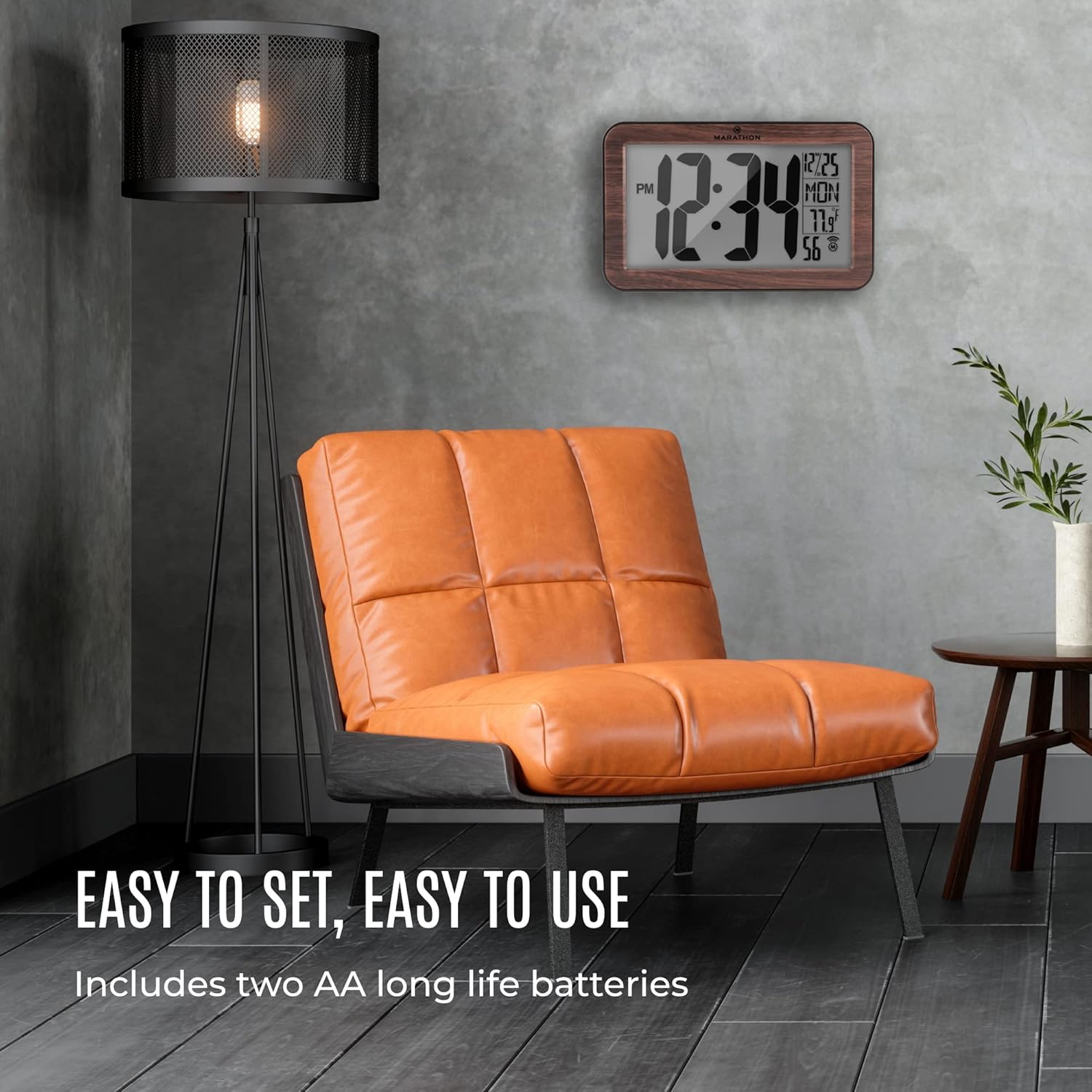
Image 4.1: The Marathon Atomic Wall Clock displayed in a living room, illustrating its ease of setup and use, including battery installation.
5. Navodila za uporabo
The clock's display provides the following information:
- Čas: Large digits indicate the current time (12-hour format with AM/PM indicator).
- Datum: Month and day.
- Dan v tednu: Abbreviated day name.
- Temperatura: Notranja temperatura v stopinjah Celzija ali Fahrenheita.
- Indikator atomskega signala: Shows the status of atomic signal reception.
5.1 Funkcije gumbov
The clock typically has buttons on the back for various settings. Common buttons include:
- NASTAVITEV: Enters or confirms setting modes.
- NAVODILA: Toggles between display modes or setting options.
- WAVE / RCC: Manually initiates atomic signal search.
- ČASOVNI PAS: Selects the desired time zone.
- +/C/F: Adjusts values during setting or switches temperature unit (Celsius/Fahrenheit).
6. Nastavitev časovnega pasu
To set your local time zone:
- Pritisnite ČASOVNI PAS button. The current time zone will begin to flash.
- Pritisnite + or - button (if available, or NAČIN/NASTAVI) to cycle through the available time zones (e.g., PST, MST, CST, EST, AST, NST, HST, AKST).
- Once your desired time zone is displayed, press the NASTAVI button to confirm. The clock will then adjust to the correct time for that zone after receiving the atomic signal.
7. Ročna nastavitev časa
If the atomic signal is consistently unavailable or if you prefer to set the time manually:
- Pritisnite in držite NASTAVI button for approximately 3-5 seconds until the hour digits begin to flash.
- Uporabite + or - gumb za nastavitev ure.
- Pritisnite NASTAVI again to move to the minute digits, then adjust with + or -.
- Nadaljujte s pritiskom NASTAVI za preklapljanje med nastavitvami leta, meseca in dneva ter prilagajanje vsake od njih z + or -.
- Ko nastavite vse želene parametre, pritisnite NASTAVI one last time to exit the manual setting mode.
Opomba: If the atomic signal is enabled, the clock may attempt to override manual settings once a strong signal is received. To prevent this, you may need to disable the atomic synchronization feature if available (refer to specific button functions on your clock).
8. Vzdrževanje
8.1 Zamenjava baterije
When the display dims or the clock stops functioning, it is time to replace the batteries. Follow the battery installation steps in Section 4.1. Always use fresh AA alkaline batteries.
8.2 Čiščenje
To clean the clock, use a soft, dry cloth. Do not use abrasive cleaners or chemical solvents, as these may damage the clock's finish or display.
9. Odpravljanje težav
| Težava | Možen vzrok | rešitev |
|---|---|---|
| Ura se ne nastavi samodejno | Weak or no atomic signal reception. | Relocate the clock near a window, away from electronic interference. Manually initiate signal search using the WAVE/RCC button. Ensure you are within the WWVB signal range (North America). |
| Prikazan napačen čas | Incorrect time zone selected; temporary signal loss. | Verify the time zone setting (Section 6). Allow time for the clock to re-synchronize with the atomic signal. If persistent, try manual time setting (Section 7). |
| Zaslon je zatemnjen ali prazen | Prazne ali izpraznjene baterije. | Replace batteries with fresh AA alkaline batteries (Section 8.1). |
| Odčitek temperature je netočen | Clock exposed to direct sunlight or heat source. | Premaknite uro na mesto s stabilno temperaturo okolice. |
10. Specifikacije
| Funkcija | Podrobnost |
|---|---|
| Številka modela | CL030033WD |
| Znamka | maraton |
| Vrsta zaslona | Digital (Analog style digits) |
| Posebna funkcija | Atomic Time Synchronization, Temperature Display |
| Vir napajanja | 2 x AA baterije (priložene) |
| Material | Wood (Frame) |
| Dimenzije (DxŠxV) | 22.9 x 14 x 2.5 centimetra (približno 9 x 5.7 x 1 palca) |
| Teža predmeta | 531 gramov (približno 1.17 funta) |
| Vrsta namestitve | Stenski nosilec, Namizno stojalo |

Image 10.1: The Marathon Atomic Wall Clock illustrating its physical dimensions, including overall width (9 inches / 23 cm), height (5.7 inches / 14.5 cm), and digit height (4 inches / 10 cm).
11. Garancija in podpora
Marathon products are manufactured to high-quality standards. For specific warranty information, please refer to the warranty card included with your product or visit the official Marathon website. For technical support or inquiries, please contact Marathon customer service through their official channels.


